2 free templates · Project & PMO
Project and PMO dashboard templates for Power BI
Project & PMO templates
Each template downloads as a background image, a theme JSON and a PBIP project; the ones marked with sample data open in Power BI Desktop with bound visuals.
 With sample data
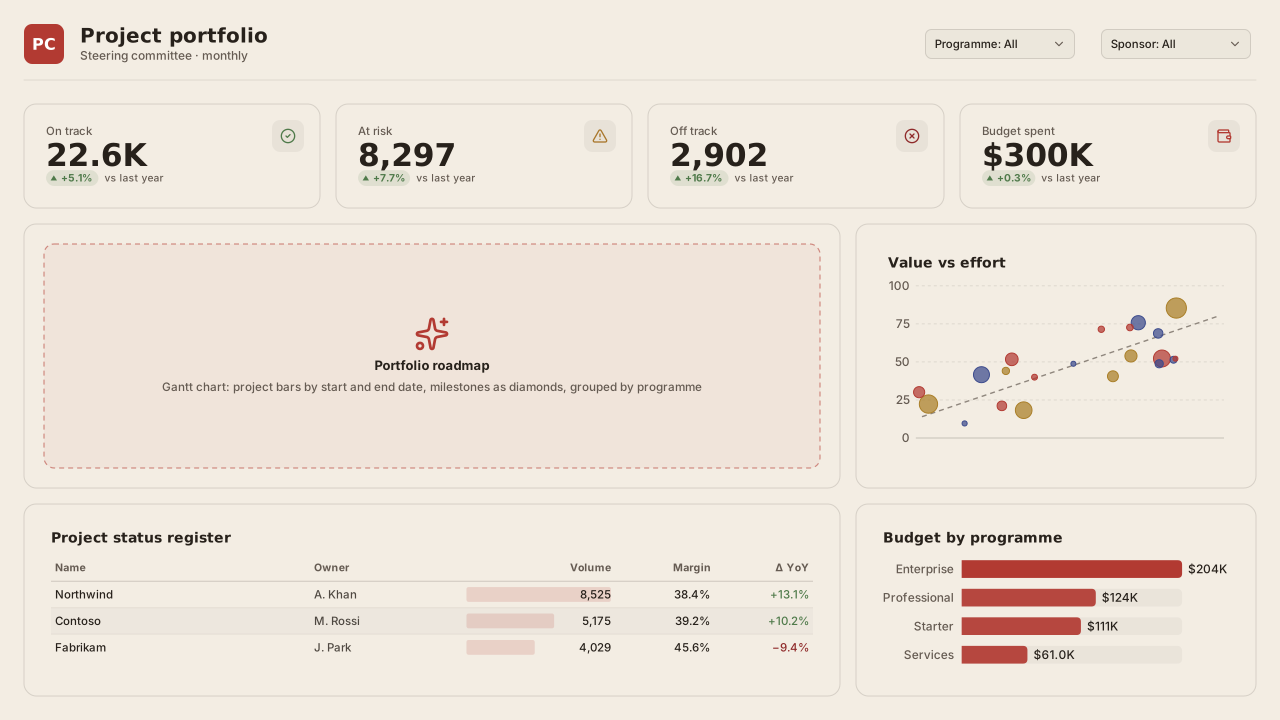
Project Portfolio
Power BI project portfolio (PMO) dashboard template with RAG status KPIs, roadmap Gantt slot, value vs effort matrix, status register and budget by programme.Free for commercial use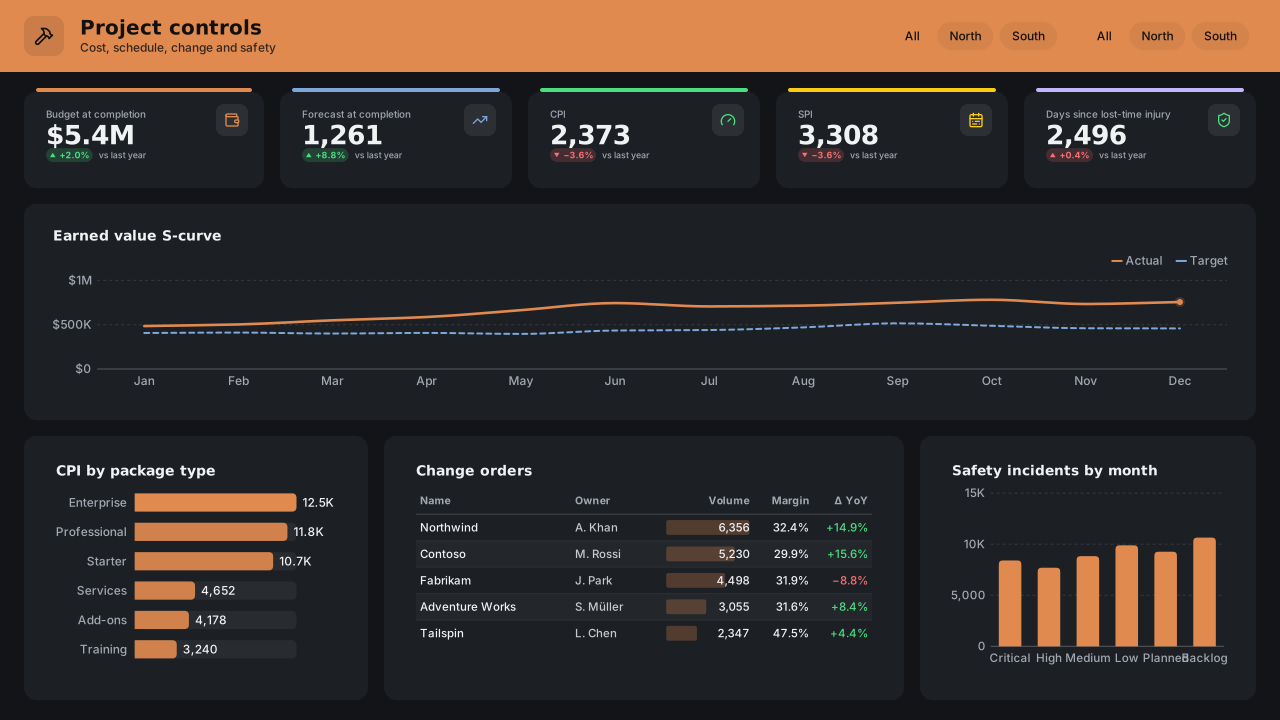 With sample data
Construction Project Controls
Dark Power BI construction project dashboard template: earned value S-curve, CPI and SPI, forecast at completion, change orders and site safety incidents.Free for commercial use
More project & pmo layouts are on the way. Browse all templates or start from a blank page in the Design Studio.
What a project & pmo dashboard should answer
- Which projects are red or amber, and on which dimension?
- Are milestones landing on time?
- How is budget burning against plan?
- Which risks need escalation?
Layout advice
Show RAG with a letter or icon, not colour alone, and sort the project table by risk rather than alphabetically. A timeline needs a today line to be useful.
Check any layout with the Design Check in the Design Studio (contrast, grid, gutters), and pick a contrast-checked theme to match.
Beyond the template
Custom visuals and dashboard recipes for the same team.
Team hub
Power BI visuals for Project ManagementPortfolio timelines, RAG status and budget burn: the views a portfolio review walks through project by project.
Dashboard recipe
Best Power BI Visuals for an Executive ScorecardThe best Power BI visuals for an executive scorecard — KPI cards, bullet grids, sparkline rows, SPC quality…
Templates for other departments
- Executive 1
- Finance 6
- Sales 3
- Marketing 4
- Retail & e-commerce 3
- SaaS 2
- Operations 4
- HR & people 5
- Supply chain 7
- Manufacturing 3
- Healthcare 3
- IT 3
- Aviation 1
- Banking 3
- Insurance 2
- Real estate & workplace 2
- Hospitality 2
- Education 2
- Nonprofit 1
- Public sector 1
- CV & portfolio 1
Keep exploring
61 hand-designed Power BI page layouts by department.
80 contrast-checked theme JSON files, light and dark.
Page backgrounds at 1280×720 and 1920×1080 with visual positions.
3,034 icons in 40 categories as SVG, PNG, DAX or theme icon JSON.
Make a project & pmo page your own
Open a template in the Design Studio to change colours, fonts, logo and layout, then export the background, theme JSON and PBIP project.
The design studio for Power BI. Free, in your browser, no sign-up.