5 free templates · HR & people
HR dashboard templates for Power BI
HR & people templates
Each template downloads as a background image, a theme JSON and a PBIP project; the ones marked with sample data open in Power BI Desktop with bound visuals.
 With sample data
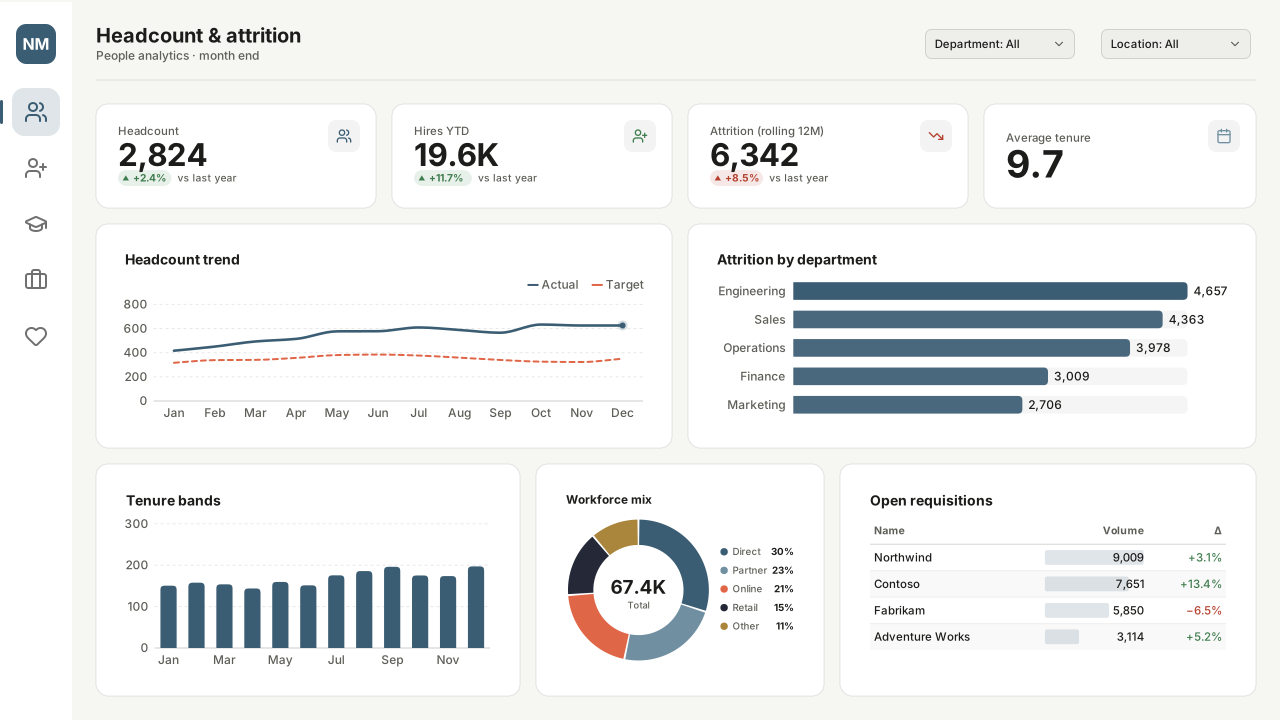
HR Headcount & Attrition
Power BI HR dashboard template: headcount, hires, attrition and tenure KPIs, headcount trend, attrition by department, workforce mix and open requisitions.Free for commercial use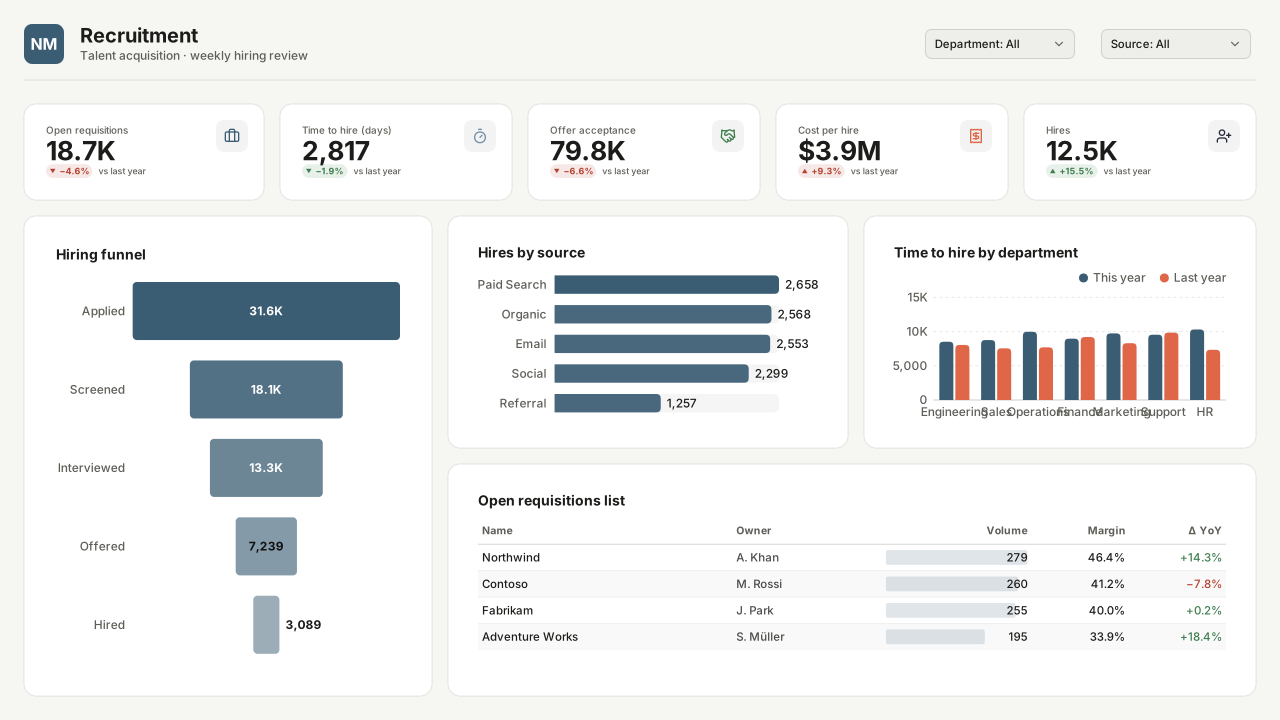 With sample data
Recruitment & Hiring Funnel
Power BI recruitment dashboard template: hiring funnel from application to hire, hires by source, time to hire by department, cost per hire and open roles.Free for commercial use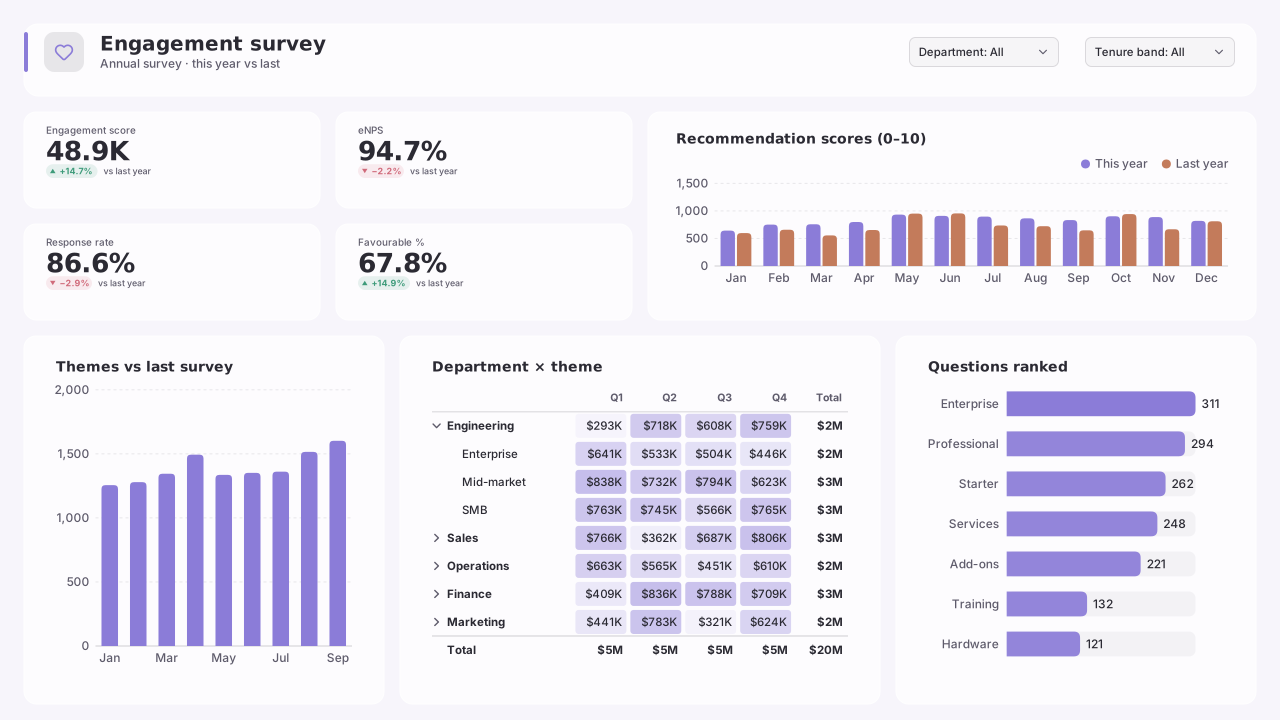 With sample data
Employee Engagement Survey
Power BI employee engagement survey template: engagement score, eNPS, response rate, themes vs last survey, a department × theme heatmap and question ranking.Free for commercial use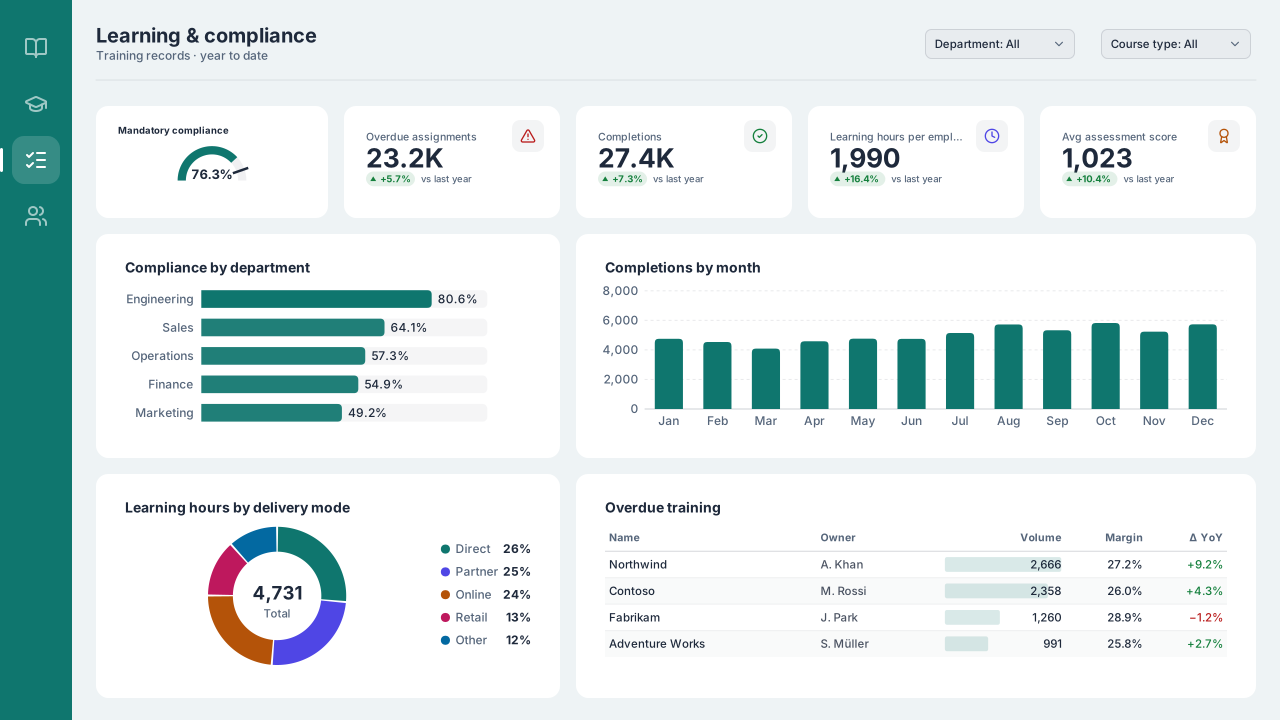 With sample data
Learning & Training Compliance
Power BI training compliance template: mandatory training vs a 95% target, overdue assignments, completions by month, learning hours and scores.Free for commercial use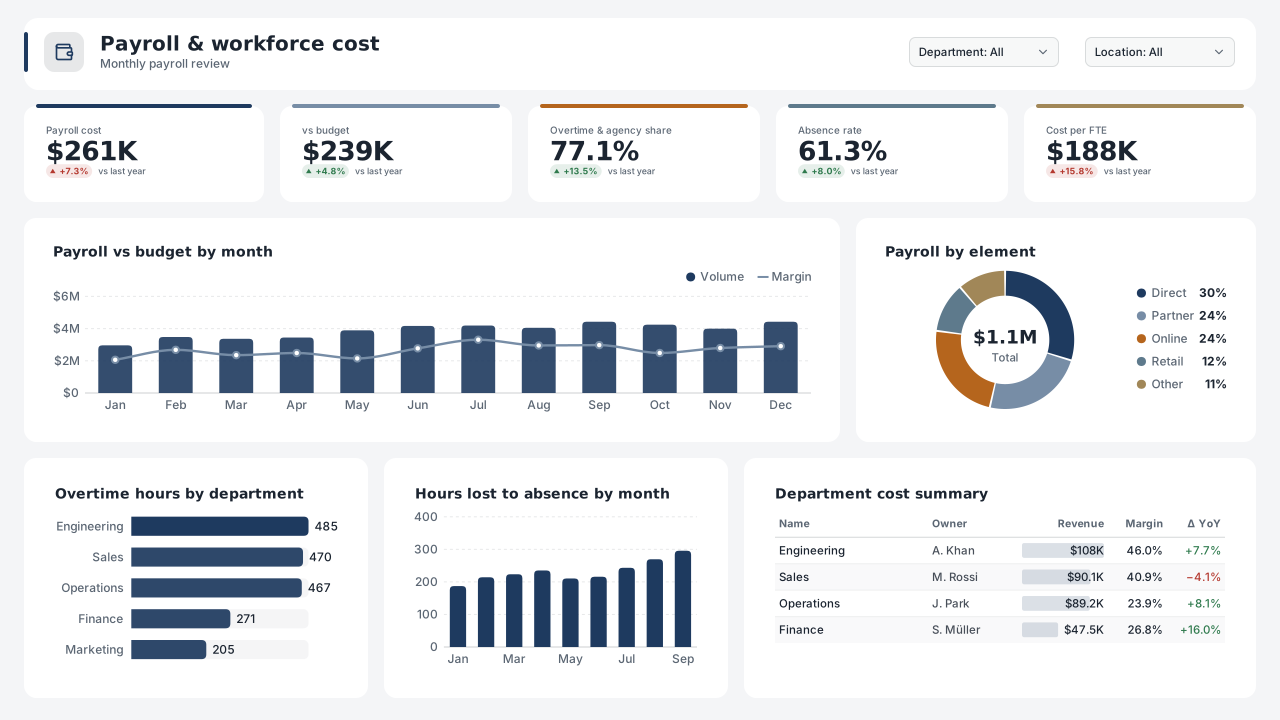 With sample data
Payroll, Overtime & Absence
Power BI payroll dashboard template: payroll cost vs budget, overtime and agency share, absence rate by type, cost per FTE and a department cost summary.Free for commercial use
More hr & people layouts are on the way. Browse all templates or start from a blank page in the Design Studio.
What a hr & people dashboard should answer
- How did headcount move this month (hires, leavers, transfers)?
- Where is attrition concentrated by team and tenure?
- How long does hiring take, stage by stage?
- How is the workforce composed by level and location?
Layout advice
Avoid visuals that can identify individuals: aggregate to groups of a minimum size and keep names out of tooltips. Pair every rate (attrition %) with the headcount it is based on.
Check any layout with the Design Check in the Design Studio (contrast, grid, gutters), and pick a contrast-checked theme to match.
Beyond the template
Custom visuals and dashboard recipes for the same team.
Team hub
Power BI visuals for HRHeadcount movement, attrition by tenure and the hiring funnel: people views that answer the questions leadership asks every month.
Dashboard recipe
Best Power BI Visuals for HR AnalyticsThe best Power BI visuals for HR analytics — headcount flow, tenure distributions, DEI heatmaps, hiring…
Templates for other departments
- Executive 1
- Finance 6
- Sales 3
- Marketing 4
- Retail & e-commerce 3
- SaaS 2
- Operations 4
- Supply chain 7
- Manufacturing 3
- Healthcare 3
- IT 3
- Project & PMO 2
- Aviation 1
- Banking 3
- Insurance 2
- Real estate & workplace 2
- Hospitality 2
- Education 2
- Nonprofit 1
- Public sector 1
- CV & portfolio 1
Keep exploring
61 hand-designed Power BI page layouts by department.
80 contrast-checked theme JSON files, light and dark.
Page backgrounds at 1280×720 and 1920×1080 with visual positions.
3,034 icons in 40 categories as SVG, PNG, DAX or theme icon JSON.
Make a hr & people page your own
Open a template in the Design Studio to change colours, fonts, logo and layout, then export the background, theme JSON and PBIP project.
The design studio for Power BI. Free, in your browser, no sign-up.