Free theme JSON
Power BI themes
Short answer
Where can I download a free Power BI theme JSON?
This gallery has 80 free Power BI theme JSON files, light and dark, with text colours checked for WCAG AA contrast against page and card colours. Download one and load it in Power BI Desktop with Design ribbon → Import theme. To change colours or fonts first, open it in Theme Lab.
80 themes
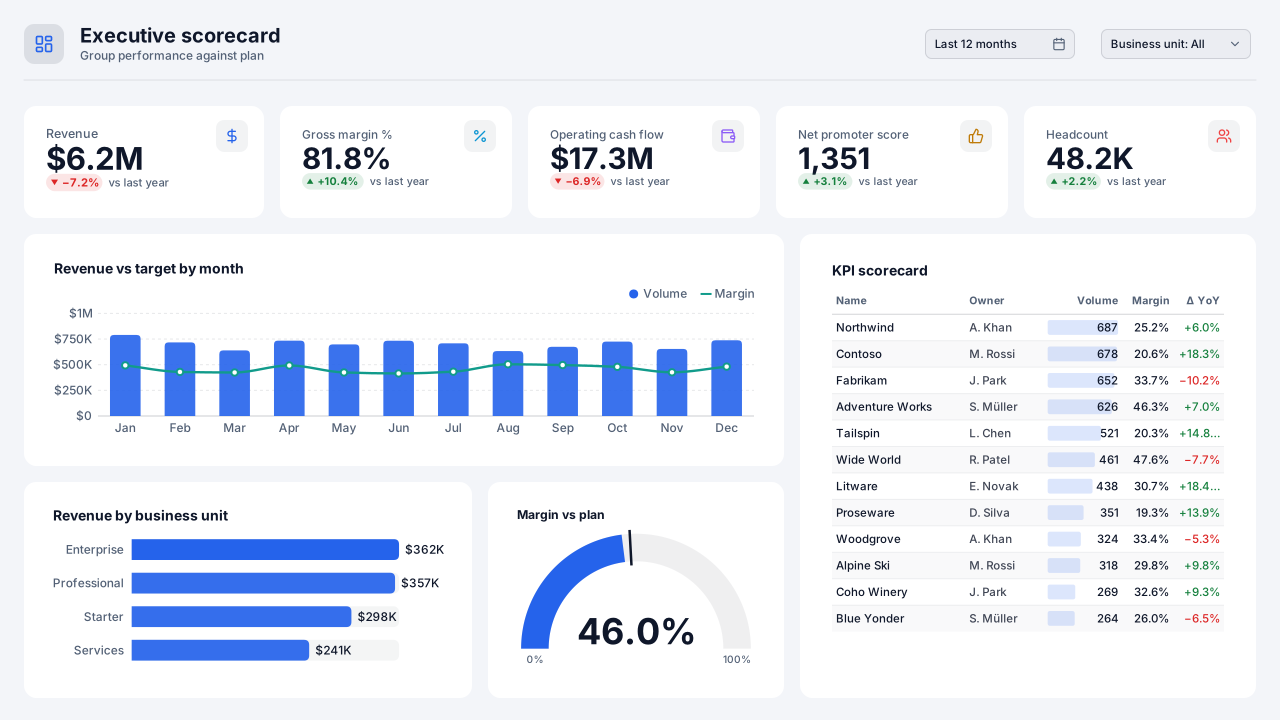
Boardroom Blue
A light corporate Power BI theme: white cards on cool grey with a confident royal-blue lead colour and eight distinct data colours. Download the theme JSON.Free for commercial use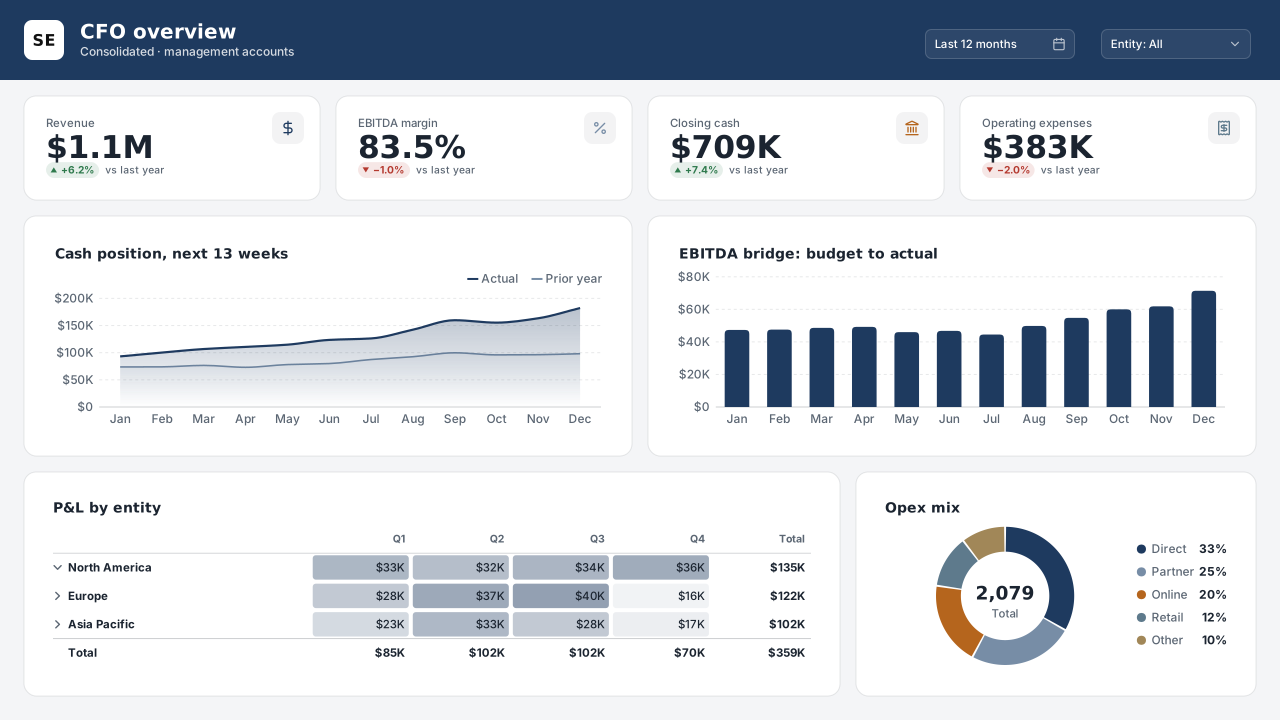
Slate Executive
CVD-friendlyQuiet grey-and-navy Power BI theme for board packs and executive scorecards: low-saturation data colours, one navy accent, strong text contrast.Free for commercial use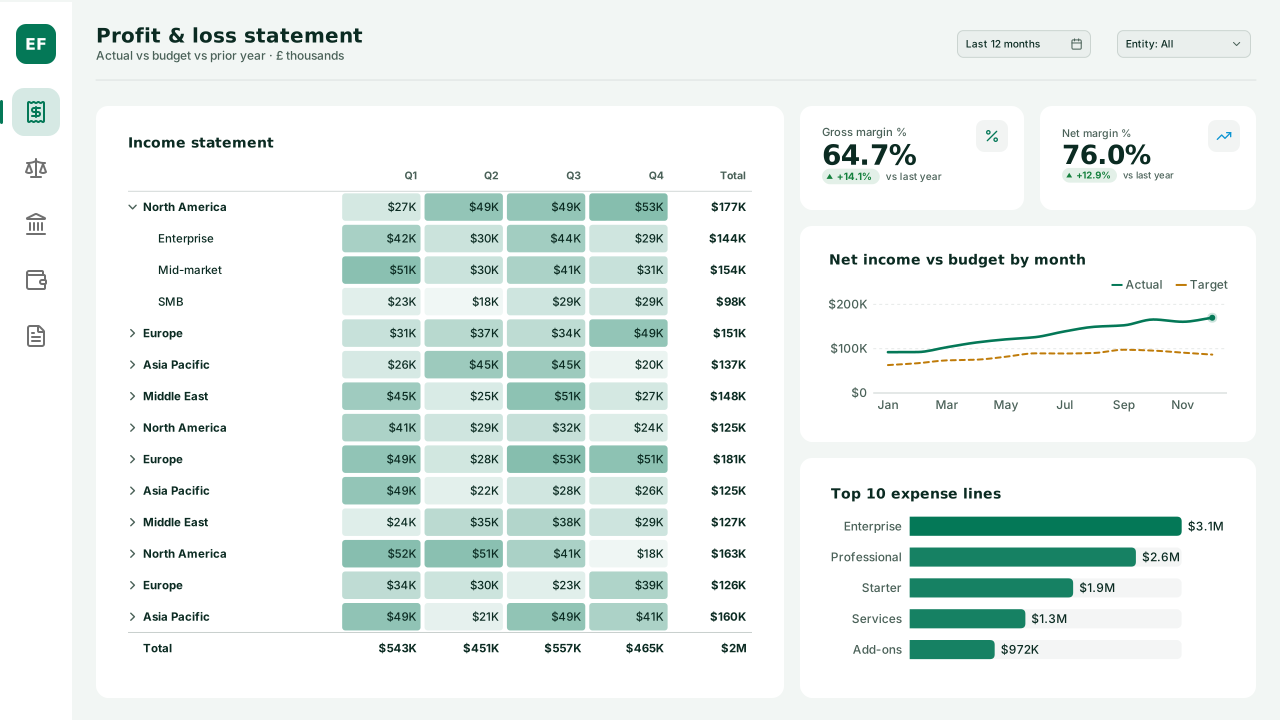
Emerald Finance
Finance-ready Power BI theme in calm greens with DIN headings: variance-friendly good/bad colours, white cards, and a mint page for P&L and treasury reports.Free for commercial use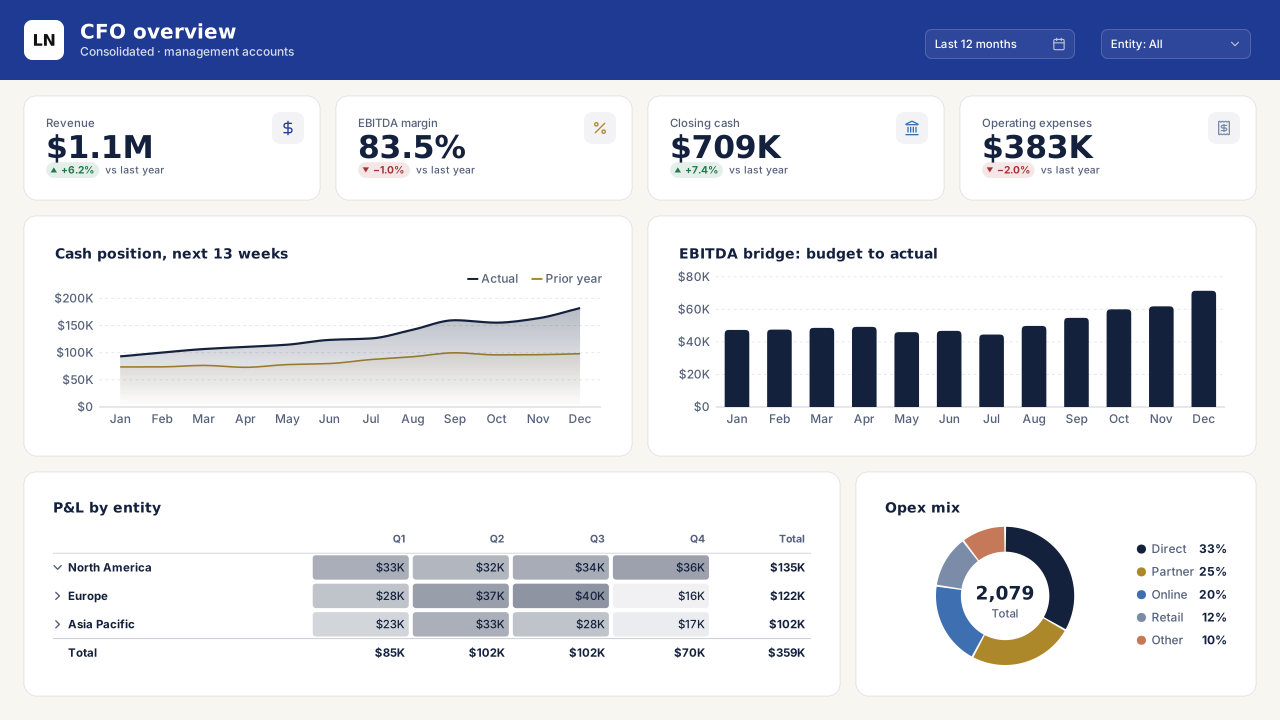
Ledger Navy
Classic finance navy and gold Power BI theme for annual reports and investor dashboards: serif-free, print-safe, with a cream page and ink-dark text.Free for commercial use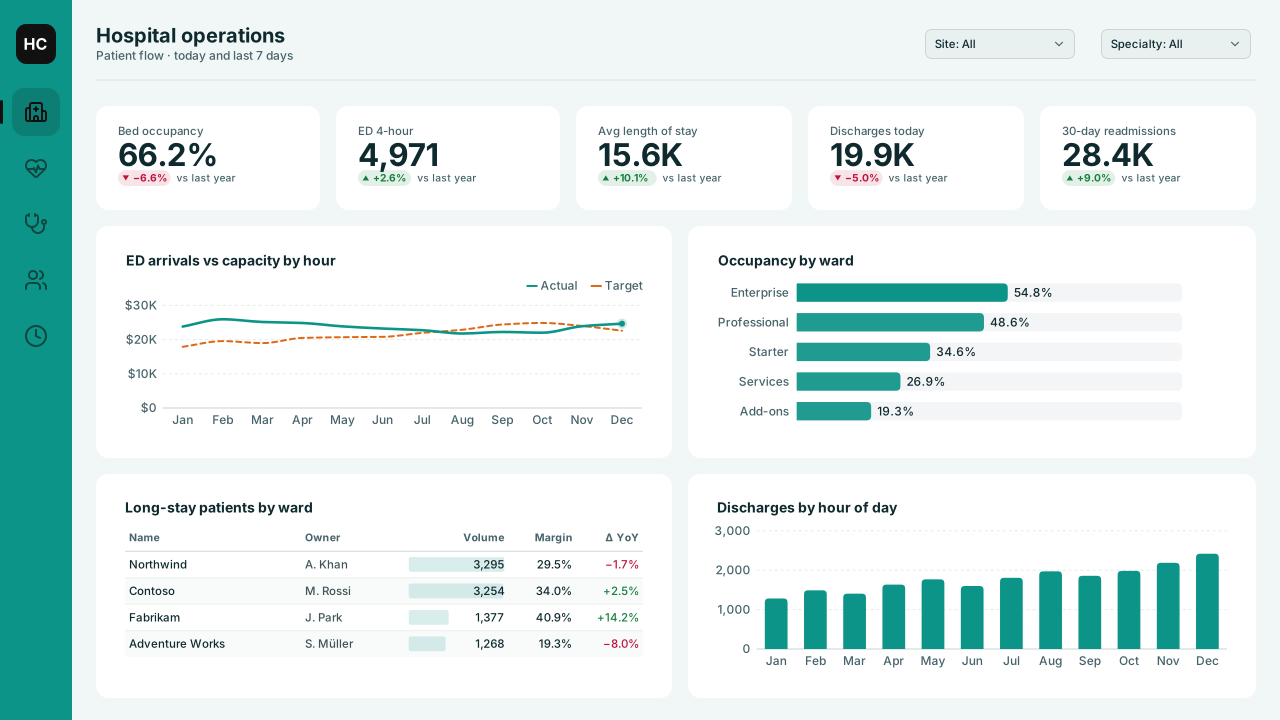
Healthcare Calm
Clinical teal Power BI theme on soft mint for patient-flow, quality and HR dashboards; high text contrast and distinct data colours for ward comparisons.Free for commercial use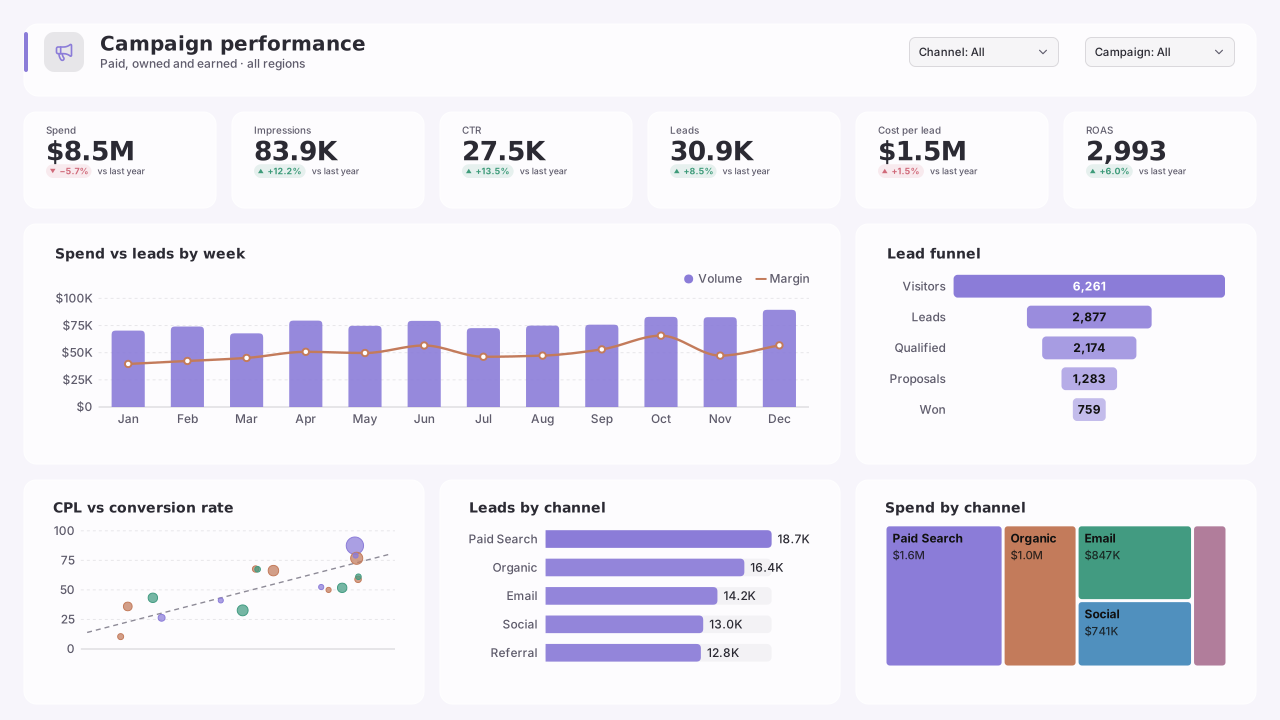
Pastel Studio
Soft pastel Power BI theme that still passes contrast: lilac, peach, mint and sky mid-tones on white, with charcoal text for marketing reports.Free for commercial use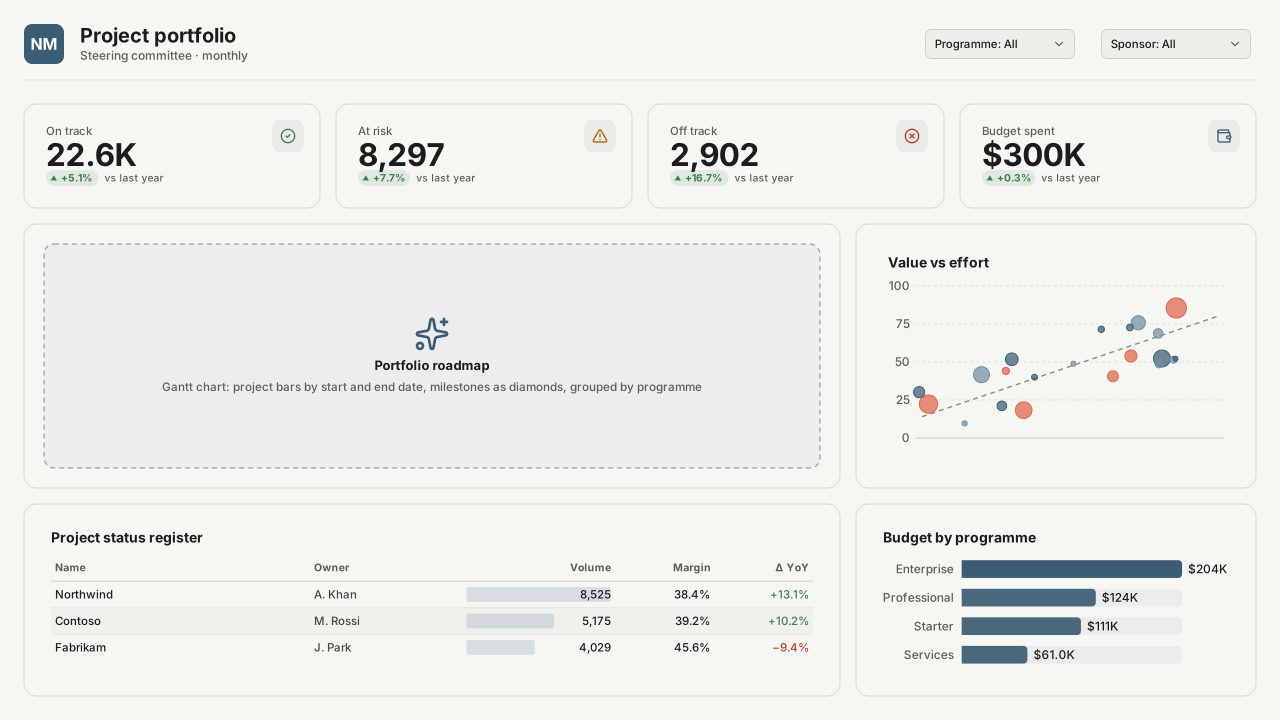
Nordic Minimal
Scandinavian-neutral Power BI theme: off-white page, warm grey text, a muted steel-blue lead colour and earthy comparison colours for calm operational reports.Free for commercial use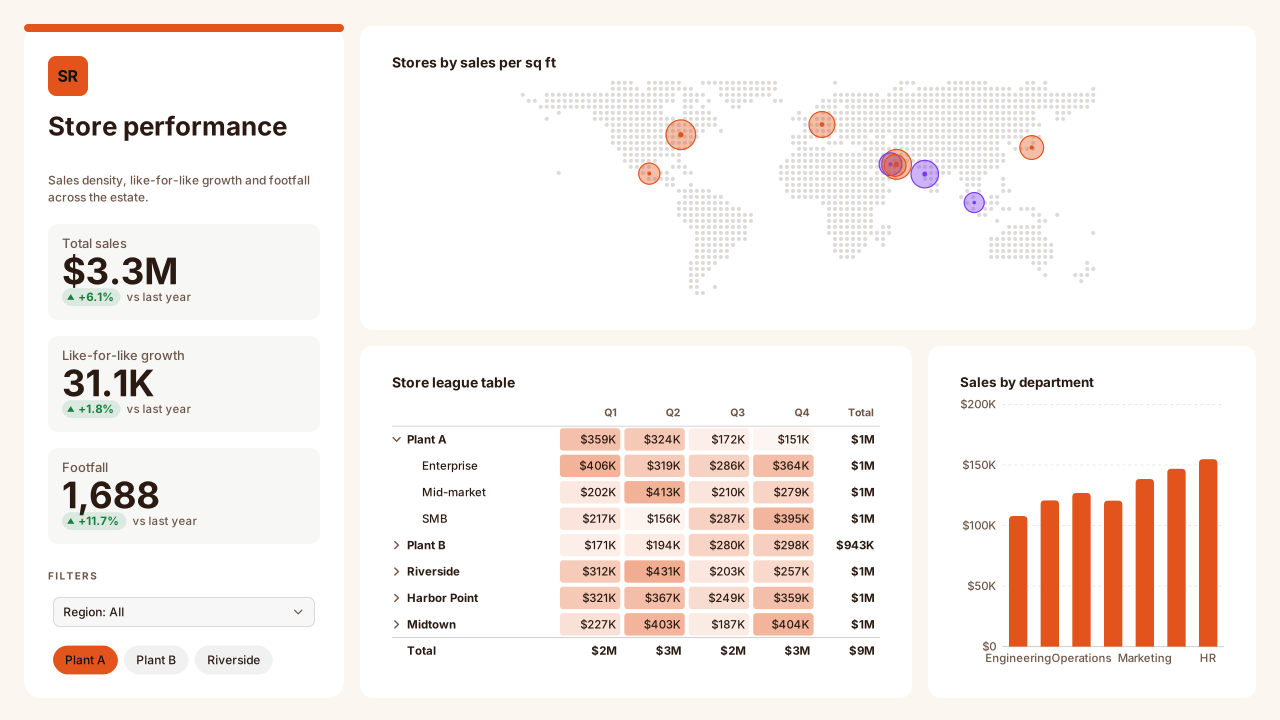
Sunset Retail
Warm cream Power BI theme with coral and amber data colours for retail, e-commerce and marketing dashboards; white cards, espresso text, AA contrast.Free for commercial use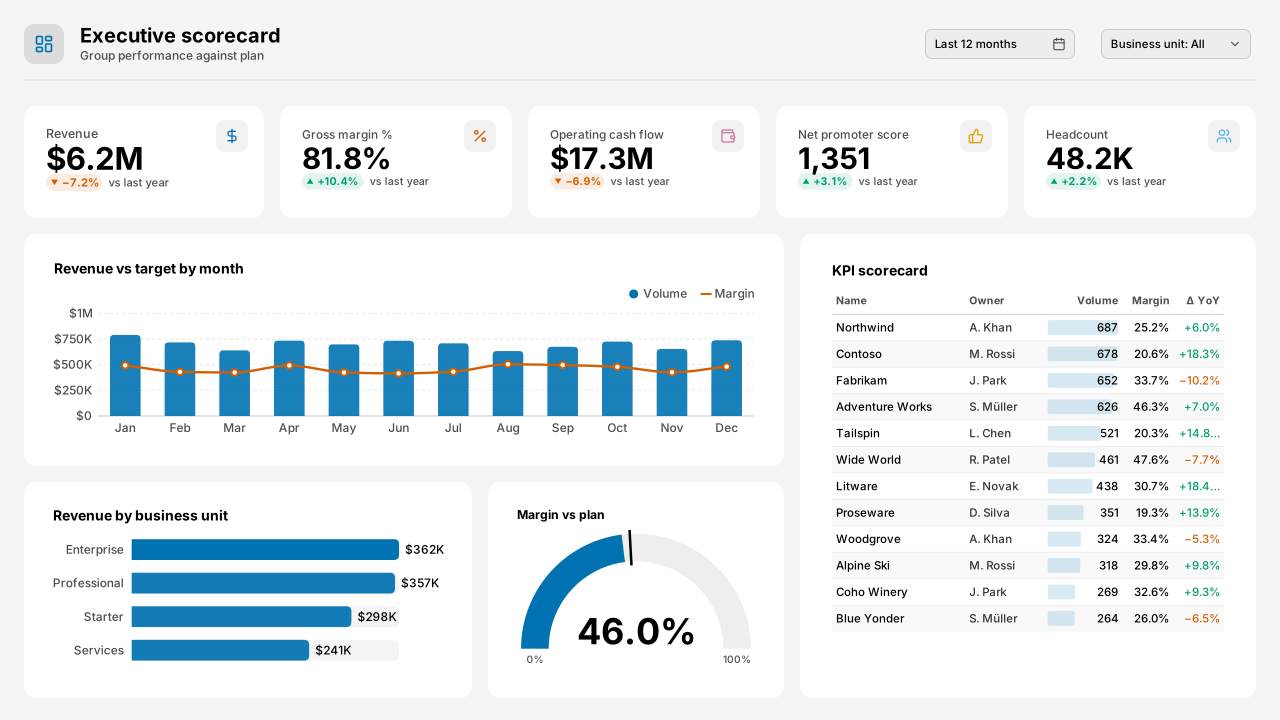
Okabe-Ito Accessible
CVD-friendlyColour-blind-safe Power BI theme using the Okabe-Ito palette: eight data colours distinguishable under deuteranopia, protanopia and tritanopia.Free for commercial use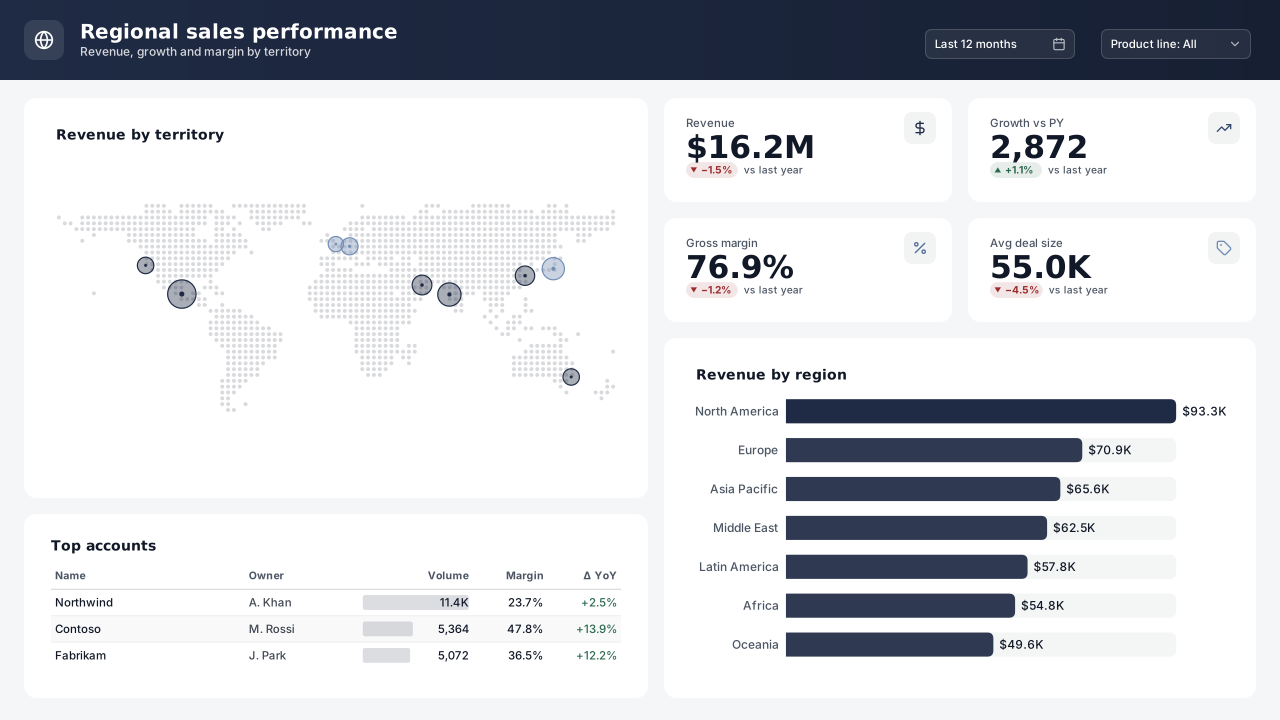
Monochrome Ink
CVD-friendlySingle-hue Power BI theme: six steps of ink blue from near-black to pale, plus one amber highlight. Prints cleanly and keeps ranked bars in order.Free for commercial use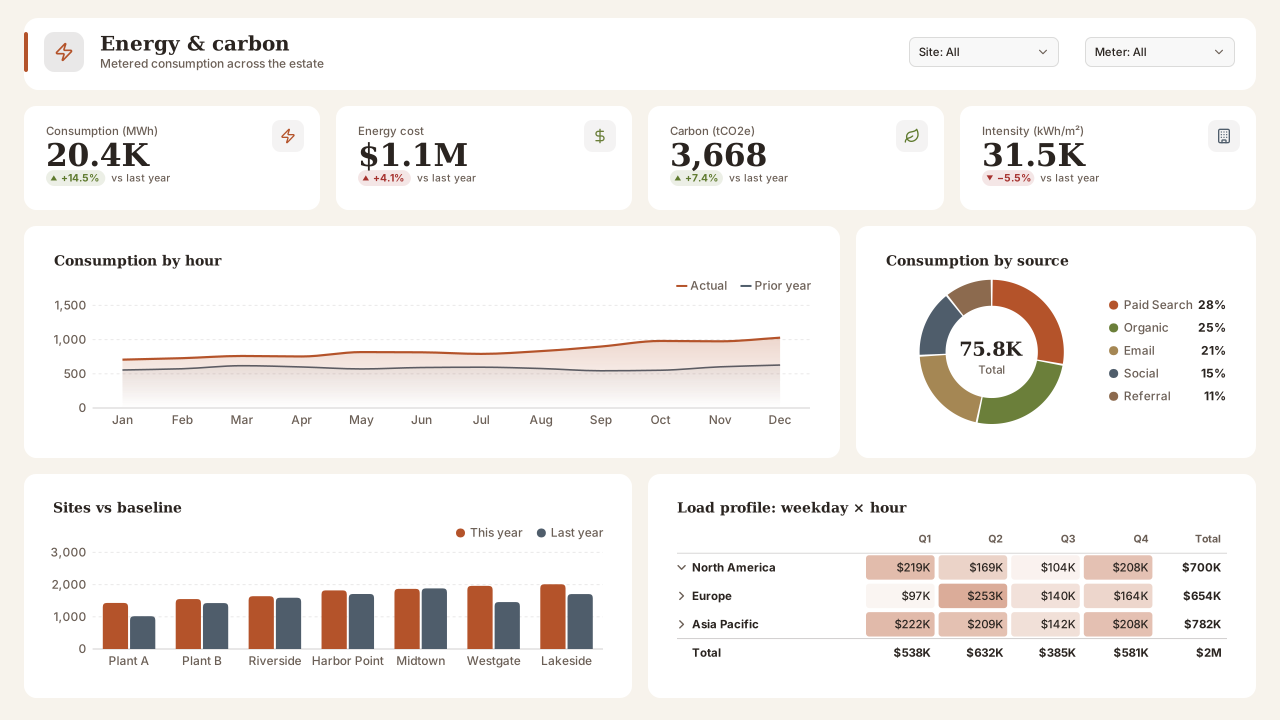
Earth Tones
Terracotta, olive, sand and slate Power BI theme on a warm paper page; grounded, low-glare colours for sustainability, agriculture and facilities reports.Free for commercial use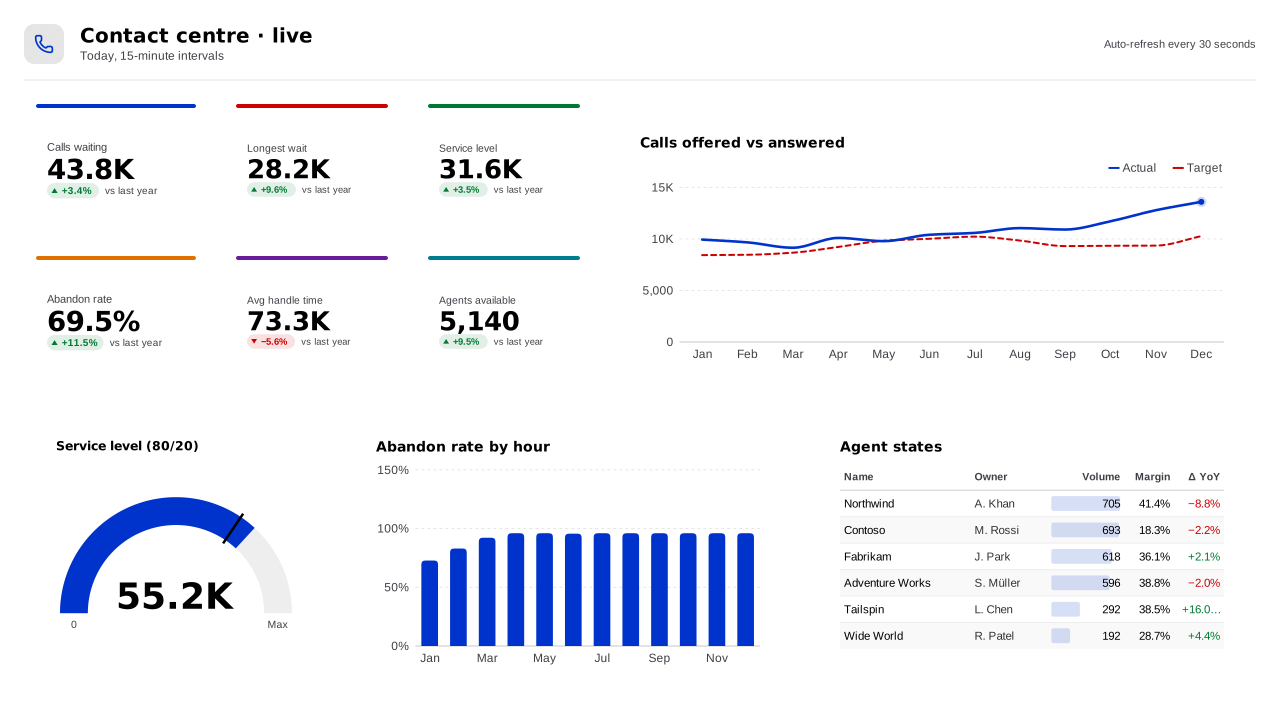
High Contrast Light
Maximum-legibility Power BI theme: black text on white, saturated primary data colours and strong good/bad signals for accessibility requirements.Free for commercial use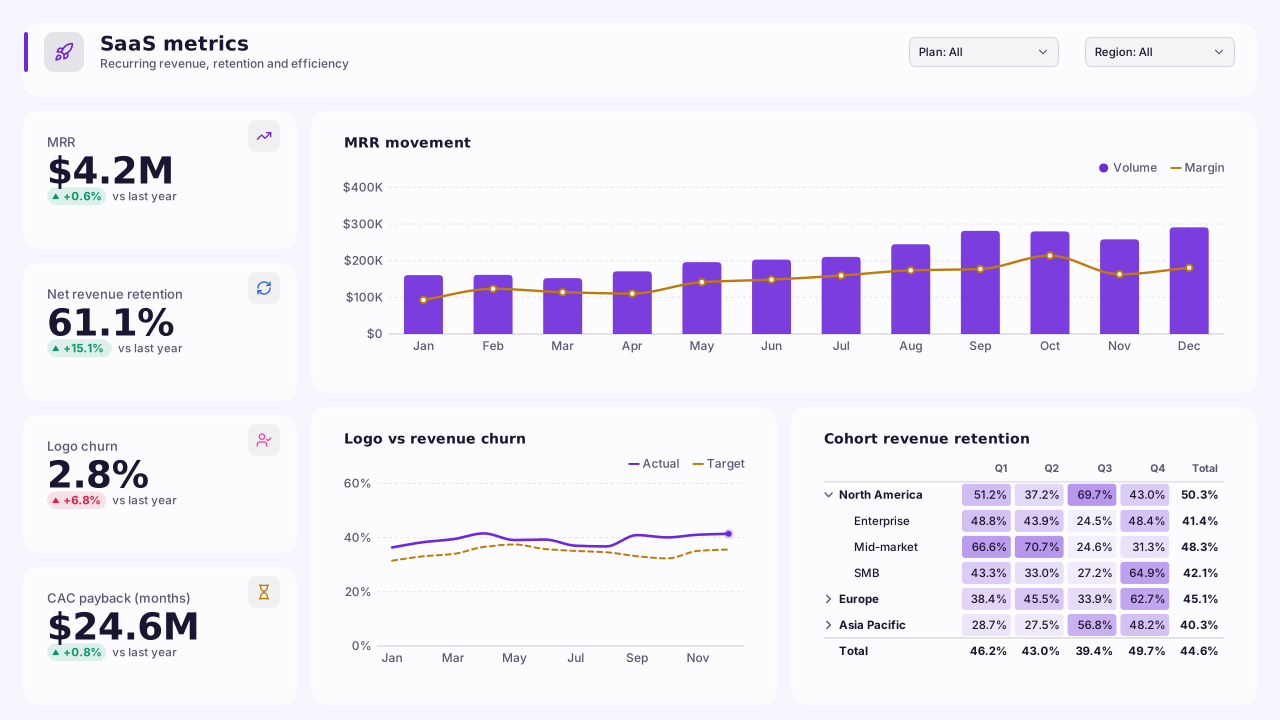
Lavender SaaS
Product-analytics Power BI theme in violet and electric blue on a lavender-tinted page; crisp white cards and clear churn/growth colours for SaaS metrics.Free for commercial use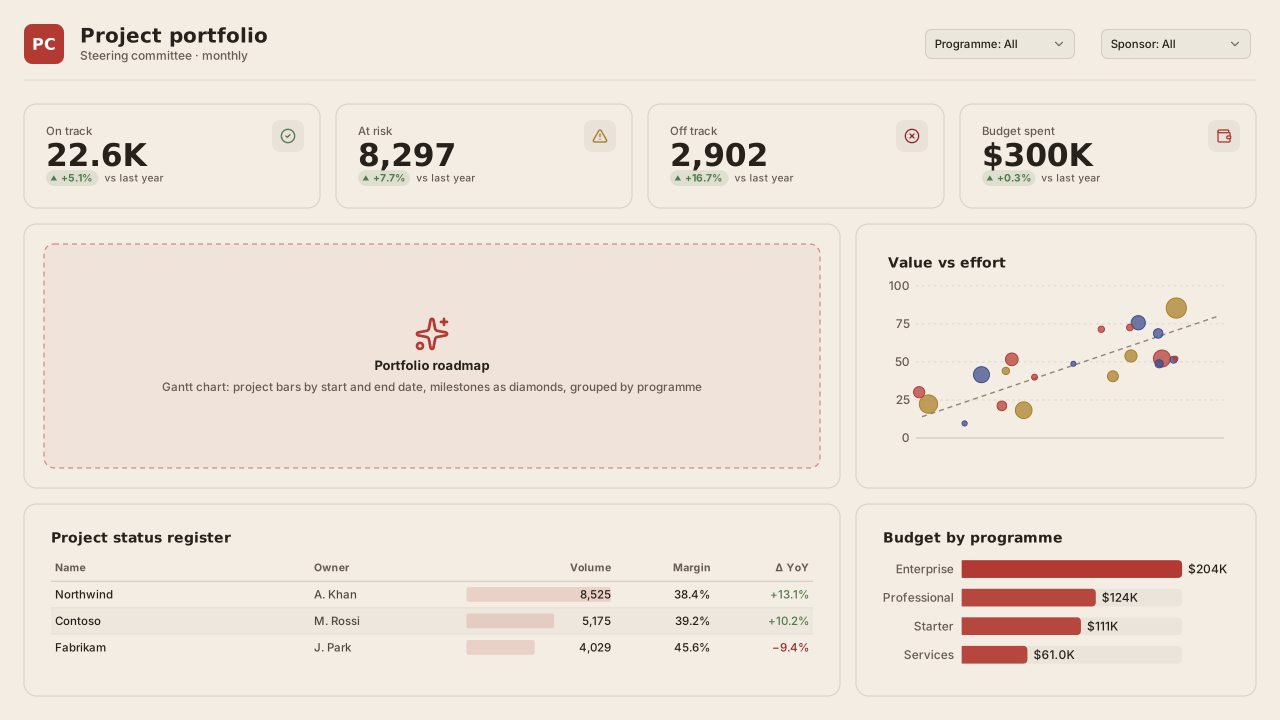
Paper & Clay
Warm beige Power BI theme with clay red, indigo and ochre data colours; a softer alternative to grey corporate themes for consulting decks and client reports.Free for commercial use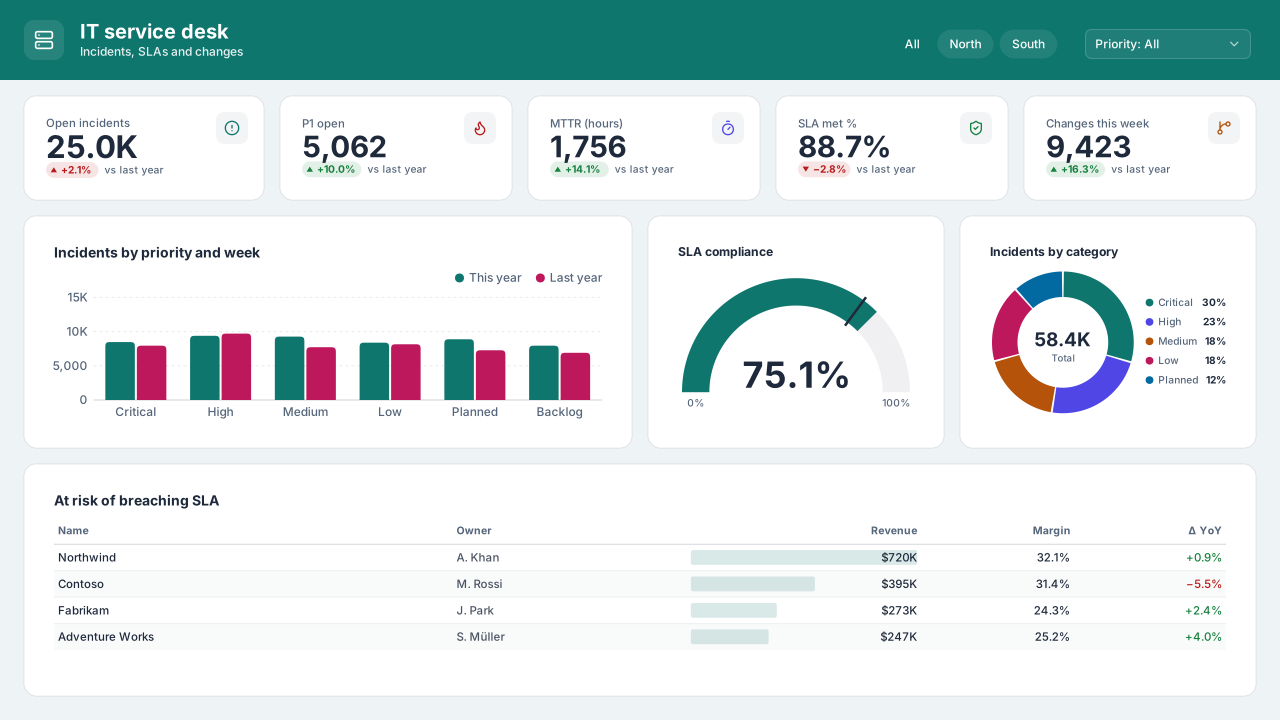
Arctic Teal
Cool light Power BI theme with a deep teal lead, slate text and ice-grey page; AA-checked data colours for IT, healthcare and service reports.Free for commercial use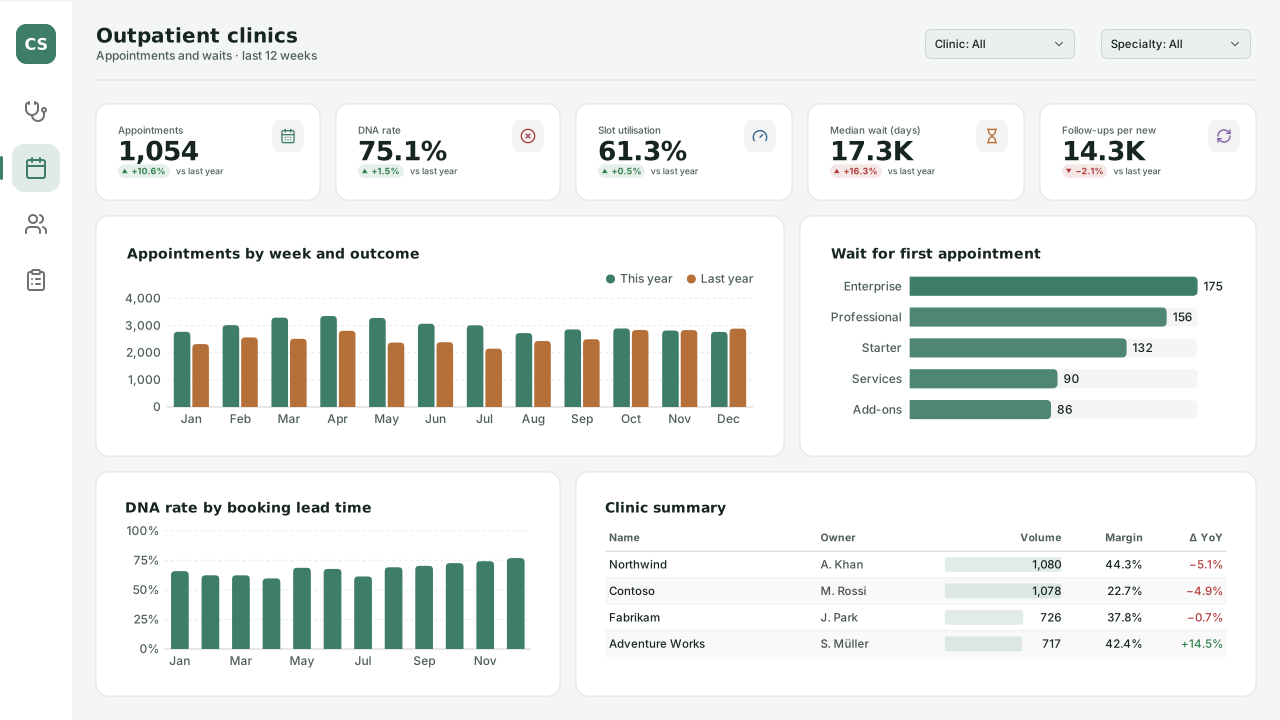
Clinic Sage
Calm light Power BI theme for clinics and outpatient reports: sage-teal lead colour, soft blue and apricot series, readable text on white cards.Free for commercial use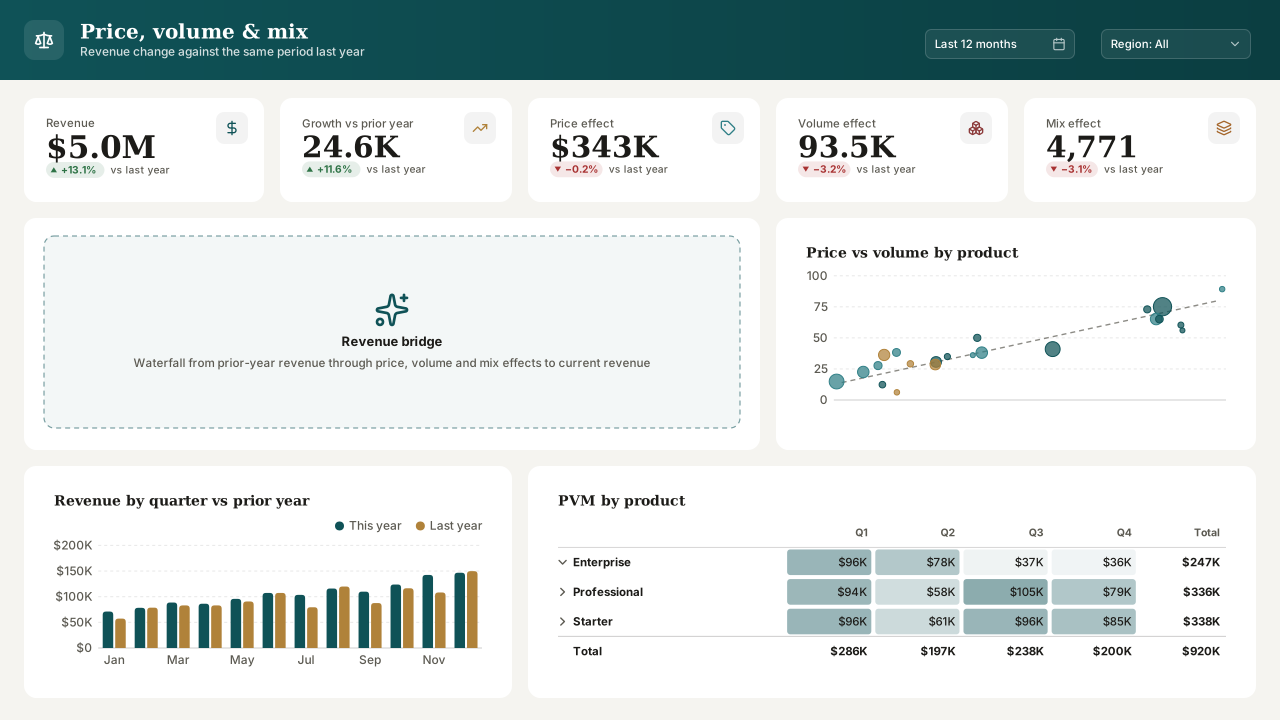
Treasury Ink
Editorial light Power BI theme for treasury and finance packs: deep teal and brass on warm paper, Georgia headings, restrained oxblood for negatives.Free for commercial use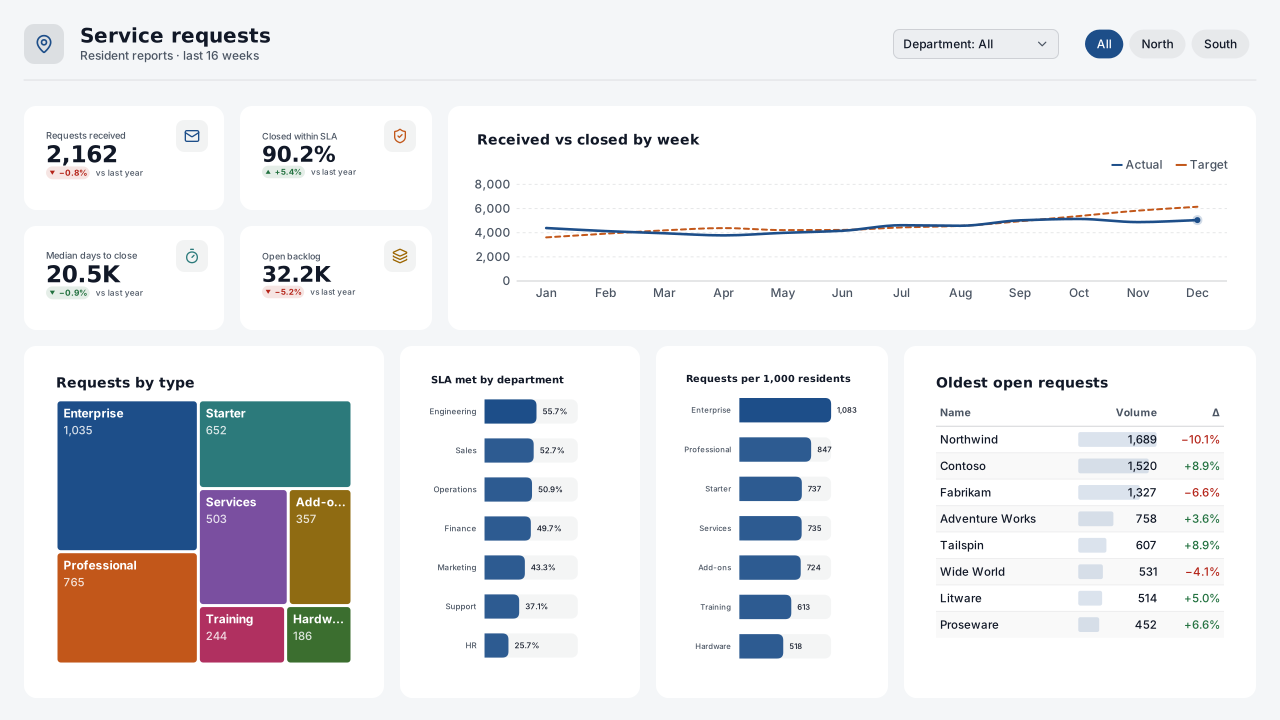
Civic Slate
Accessible light Power BI theme for government and public-sector reports: navy lead, burnt orange and teal series, dark text and plain Segoe UI.Free for commercial use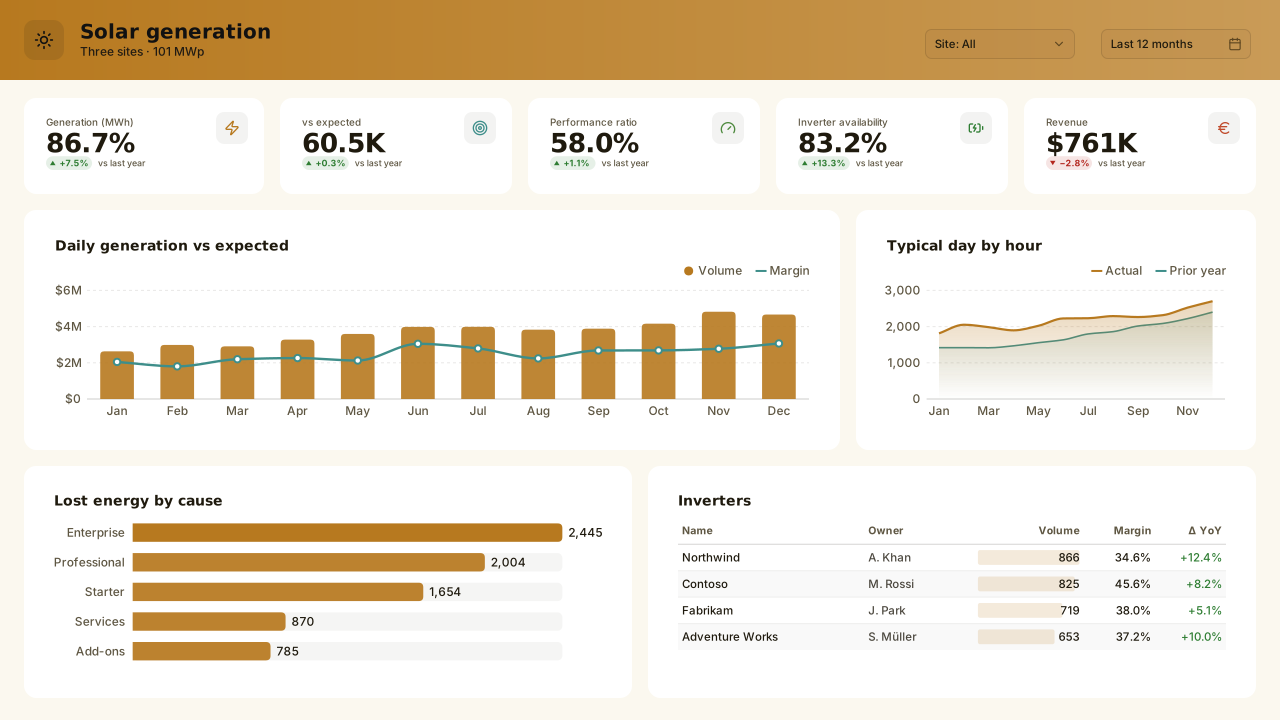
Solar Field
Light energy Power BI theme for solar and renewables: amber lead on a warm white page, teal and leaf-green series, rust for losses, Bahnschrift headings.Free for commercial use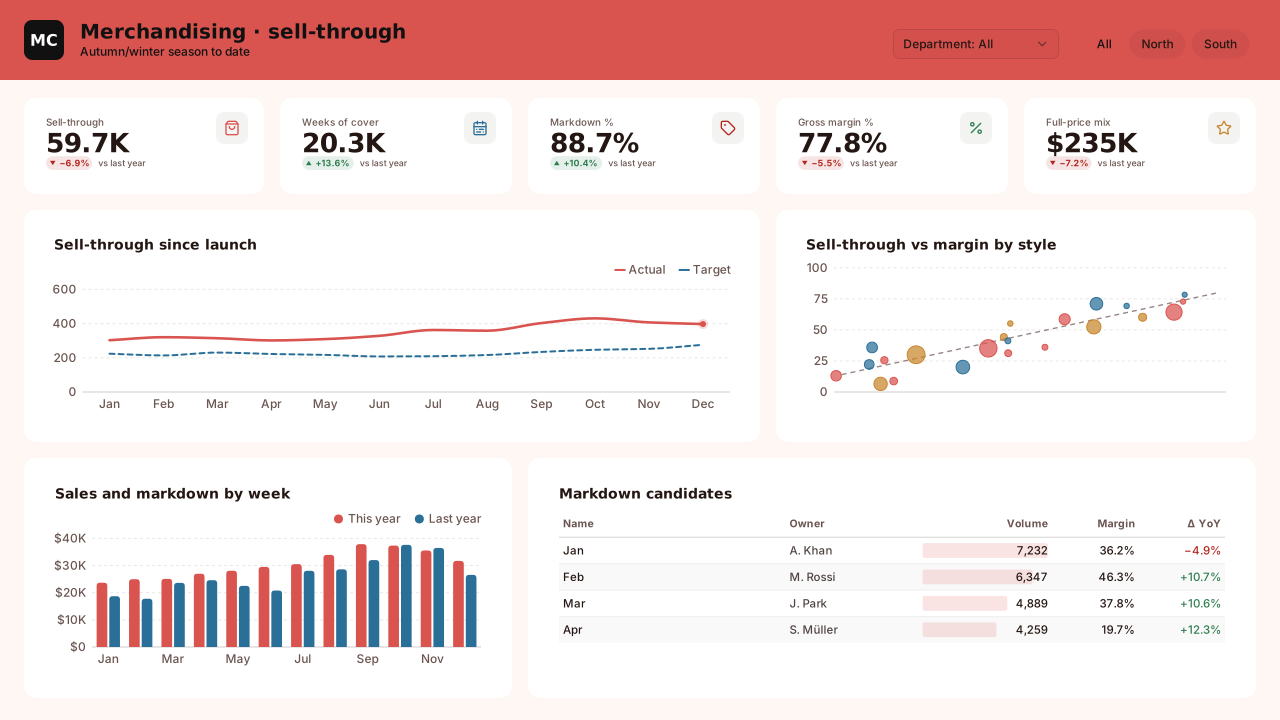
Market Coral
Warm light retail Power BI theme: coral lead on a blush page, ocean blue and ochre series, Trebuchet headings for merchandising and e-commerce pages.Free for commercial use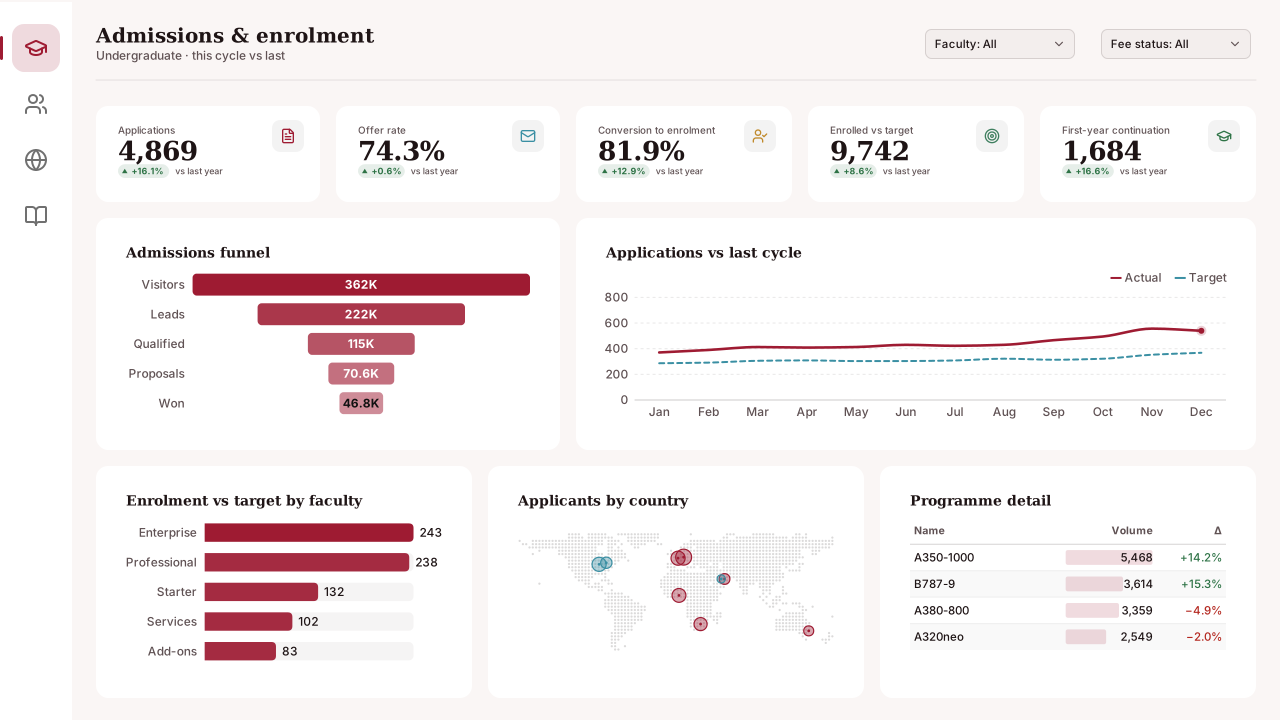
Campus Crimson
CVD-friendlyLight education Power BI theme: crimson lead with lagoon blue and gold series, Georgia headings and a soft rose page for admissions and enrolment.Free for commercial use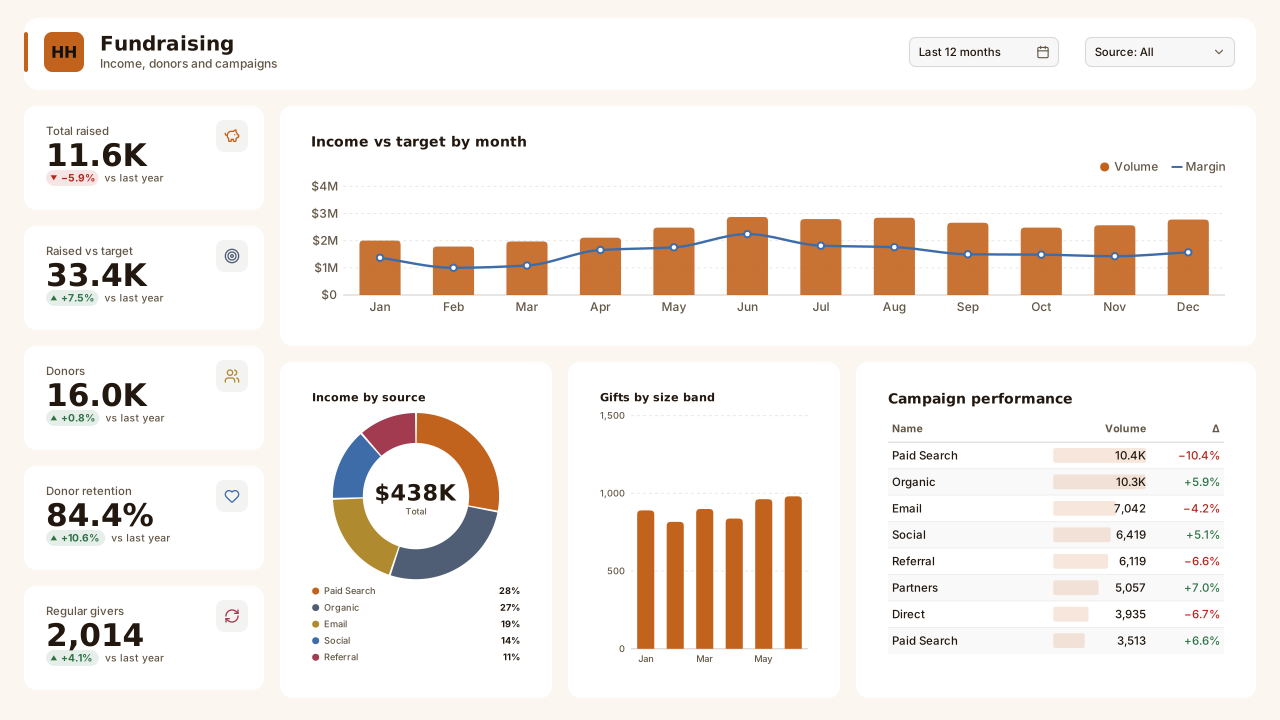
Harvest Hope
Warm light nonprofit Power BI theme: harvest orange lead, slate and gold series, Candara headings for fundraising, donors and impact reporting.Free for commercial use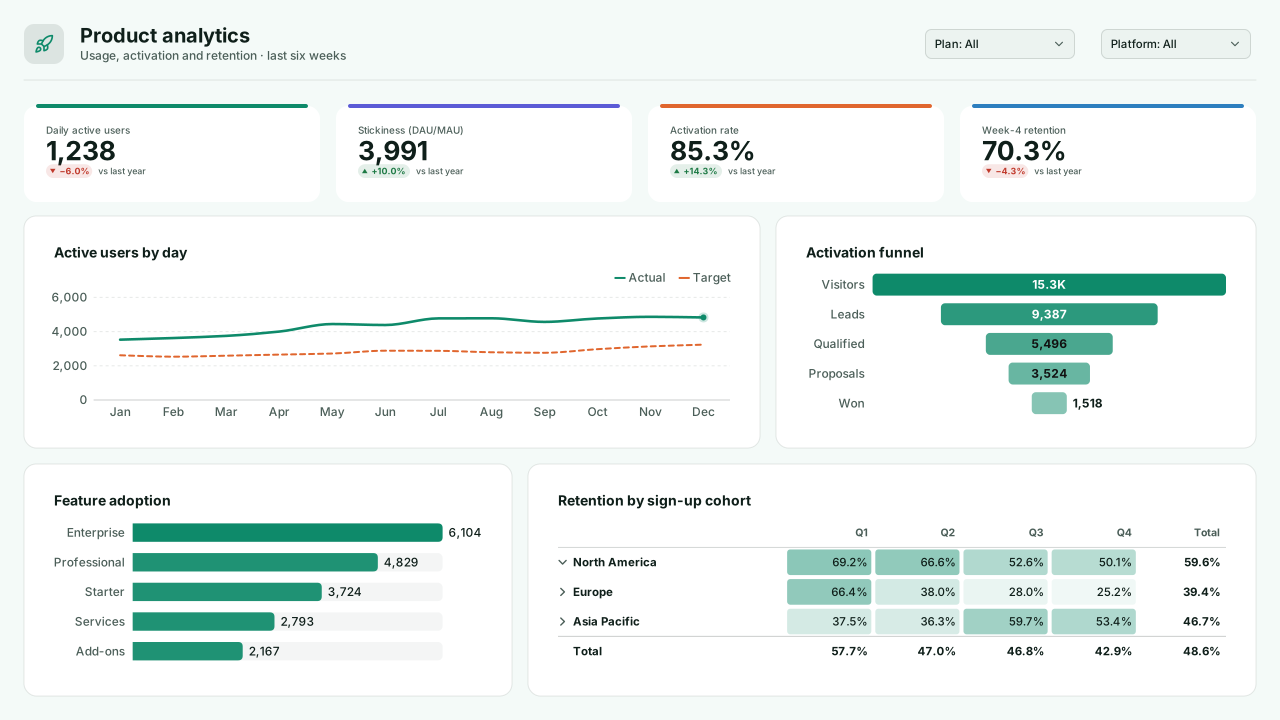
Product Mint
Light SaaS Power BI theme for product analytics: mint-teal lead, iris and tangerine series, crisp white cards for feature adoption and MRR pages.Free for commercial use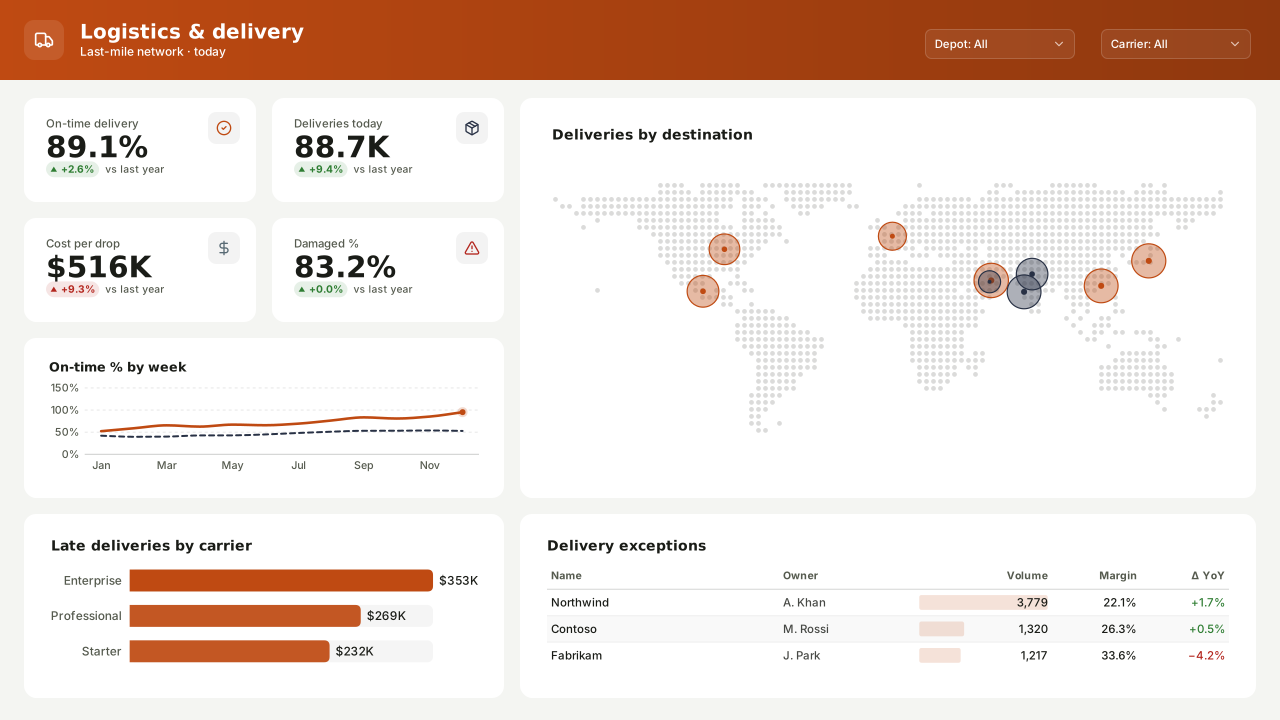
Freight Lane
Light logistics Power BI theme: safety-orange lead, dark slate and steel series, Bahnschrift headings for warehouse, fleet and delivery operations.Free for commercial use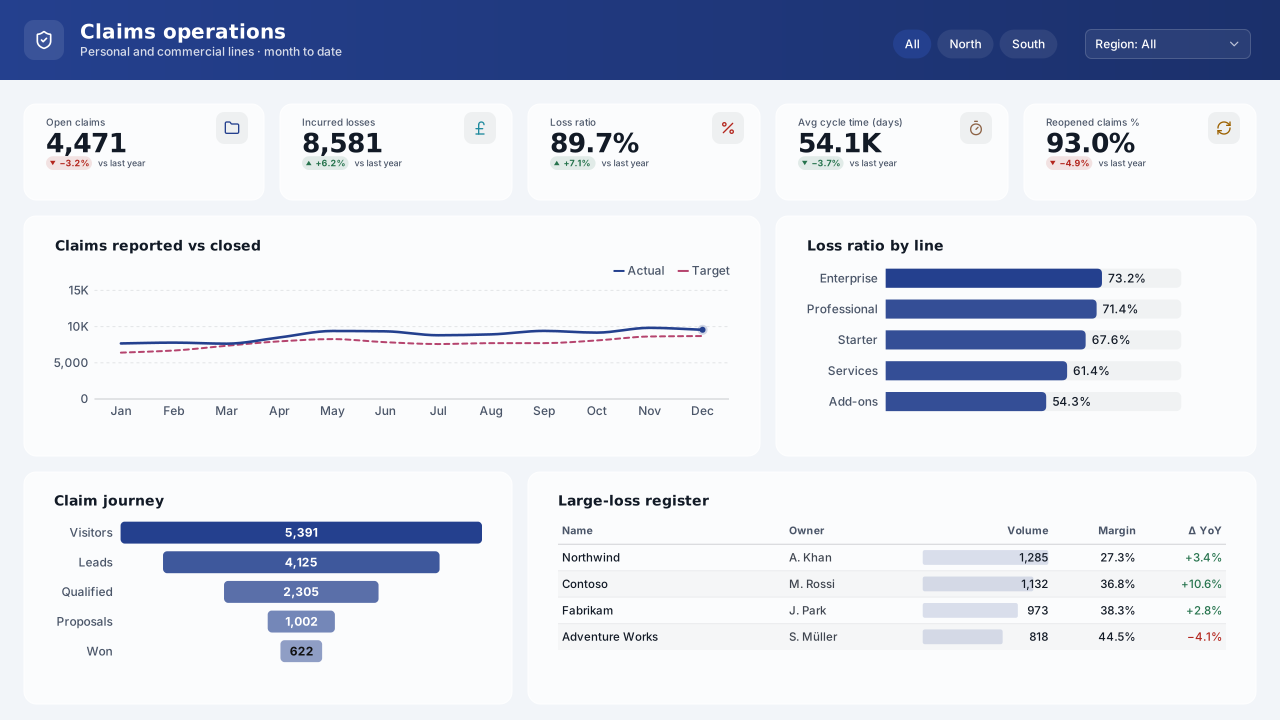
Claims Harbor
Light insurance Power BI theme: harbour navy lead, ocean teal and walnut series, clean white cards for claims handling and underwriting portfolios.Free for commercial use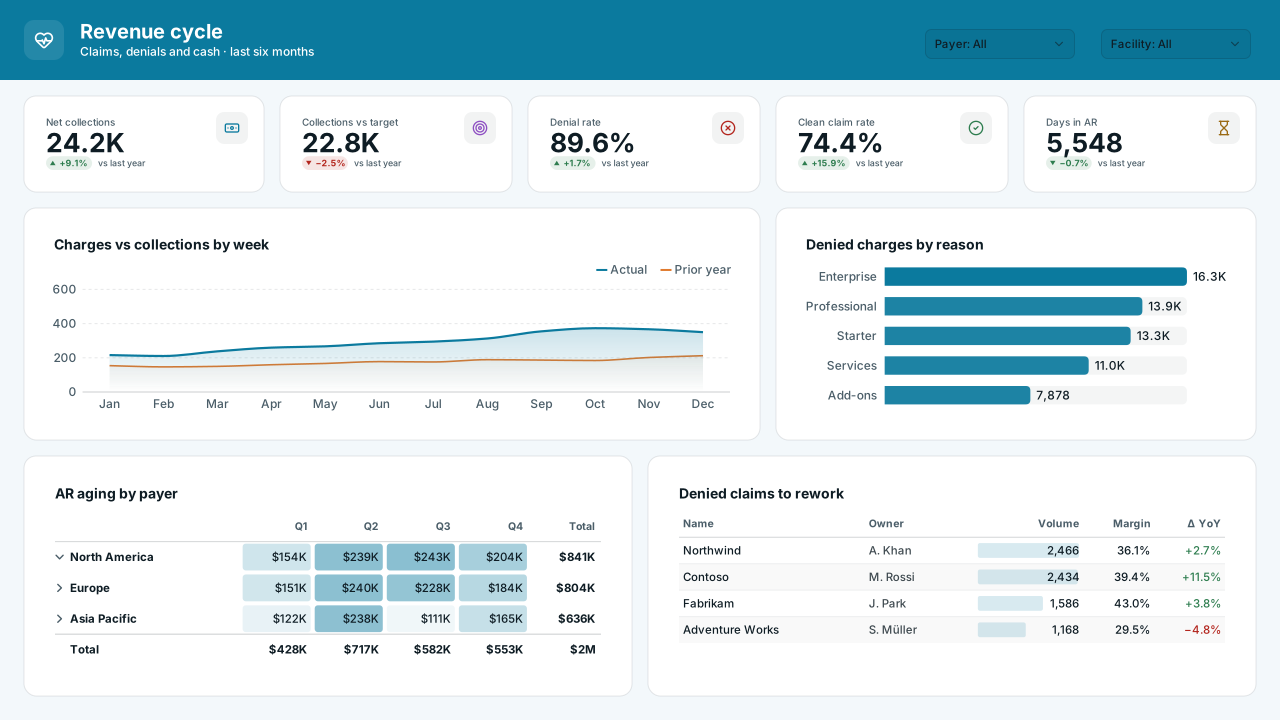
Lab Bench
Light life-sciences Power BI theme: lab cyan lead, violet and orange series on a cool white page for research, pharma quality and trial reports.Free for commercial use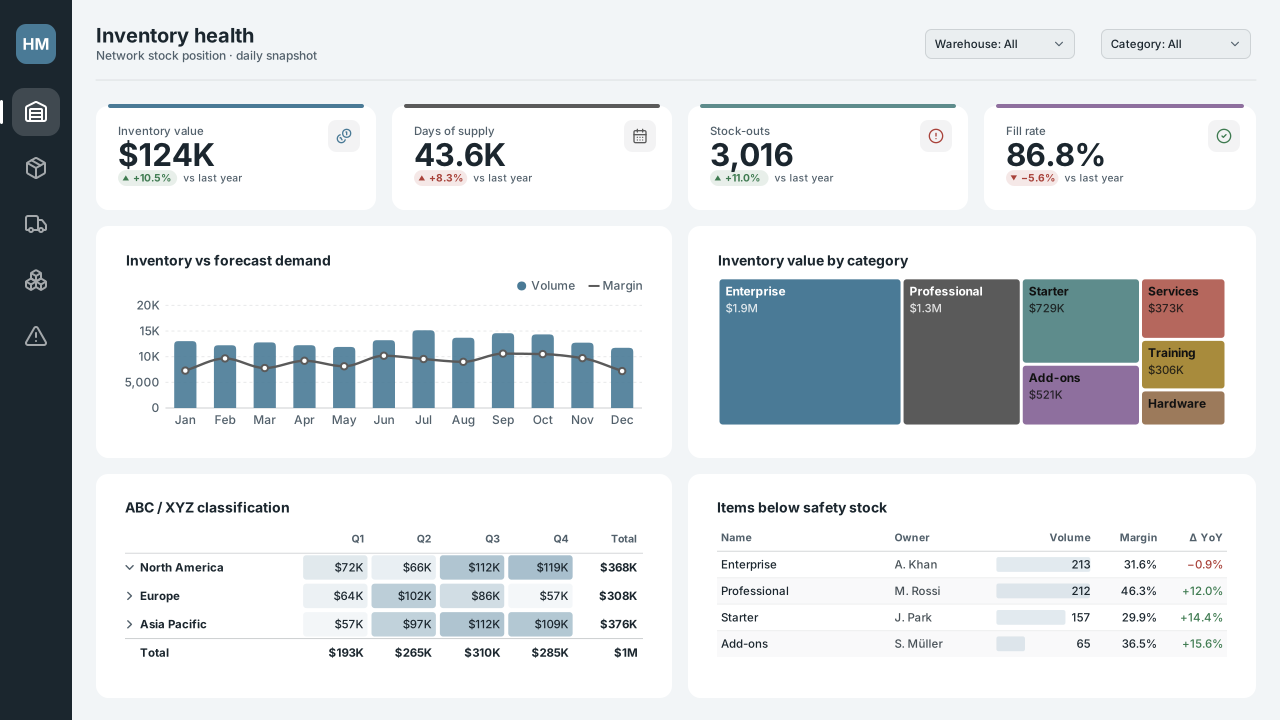
Harbour Mist
Calm light Power BI theme in misty blue-grey: muted harbour blue lead, graphite, sea-green and heather series for procurement and supply chain.Free for commercial use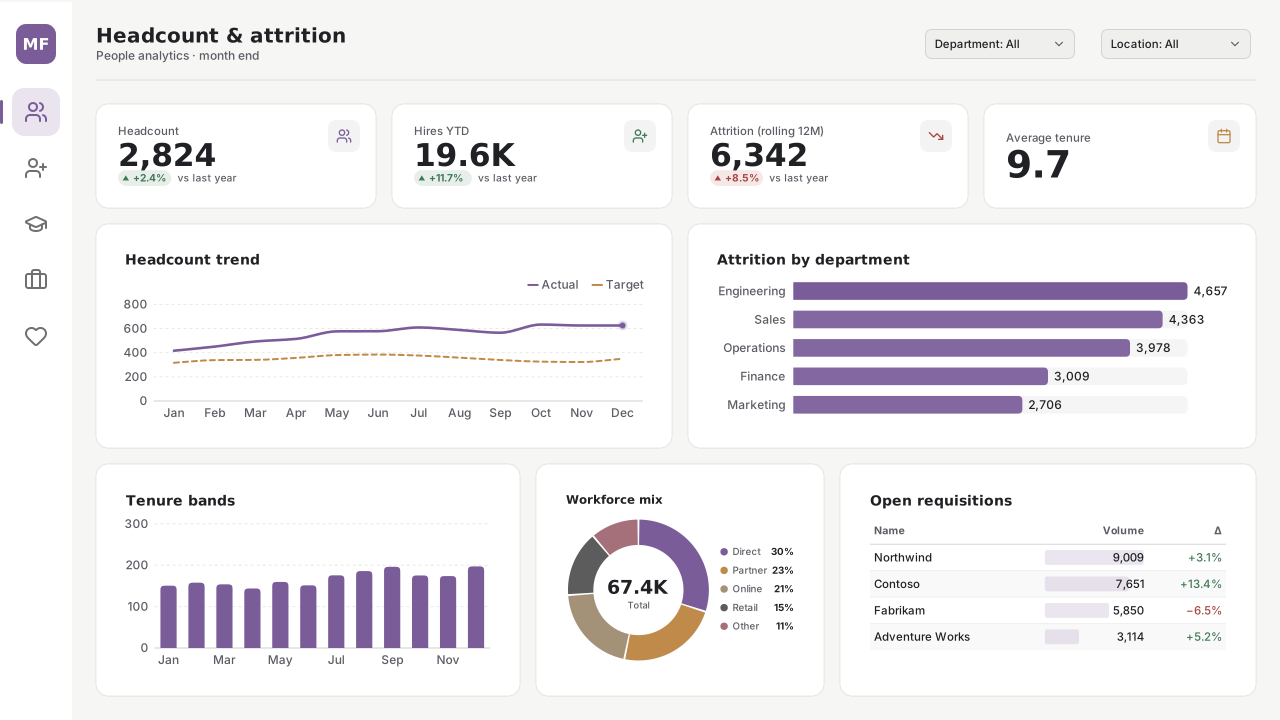
Morning Fog
Neutral light Power BI theme: muted violet lead over warm greys and sand, Segoe UI Light headings, for HR, payroll and people reports that should feel calm.Free for commercial use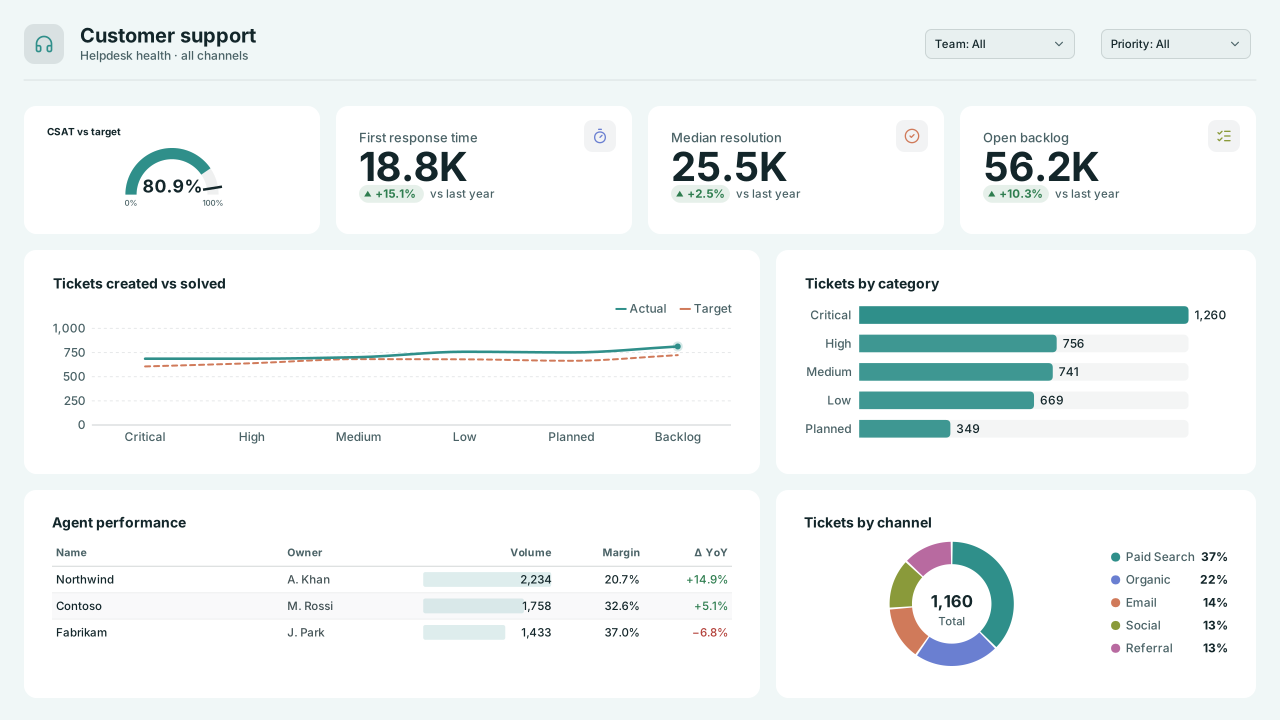
Sea Glass
Fresh light Power BI theme: sea-glass teal lead, periwinkle and clay series on a pale aqua page for customer support and workplace reports.Free for commercial use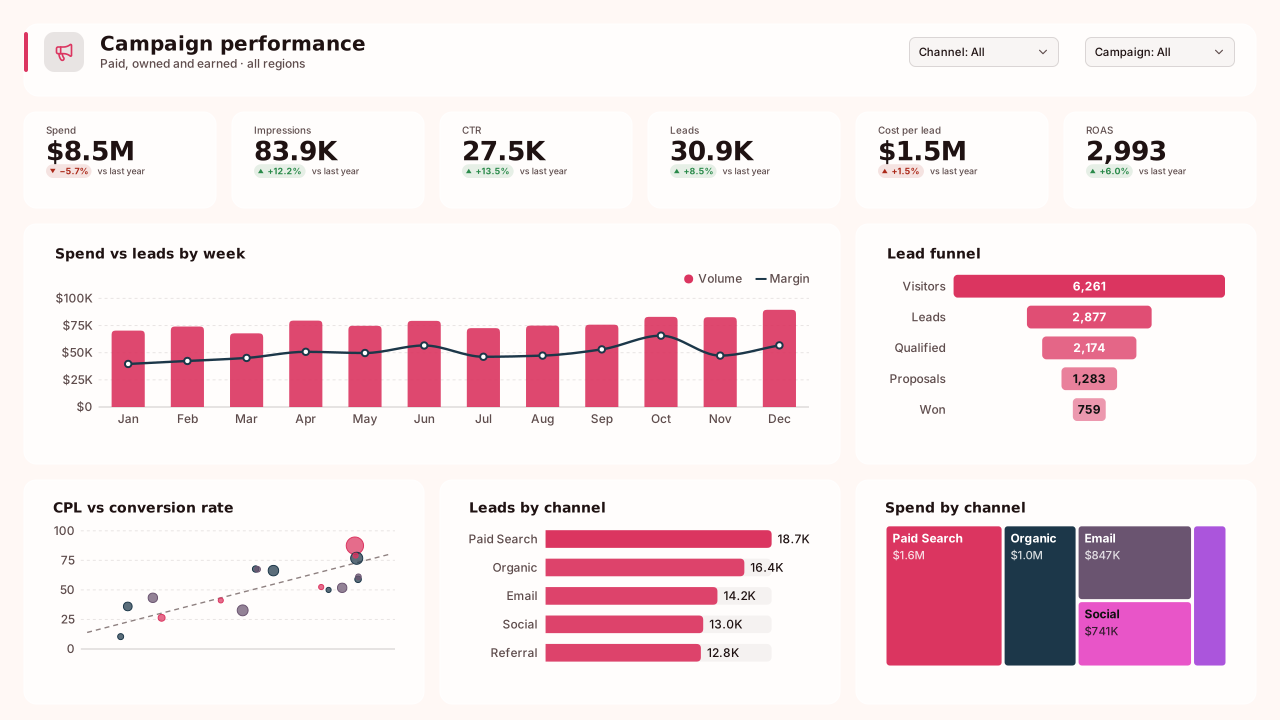
Electric Poppy
Bold light Power BI theme: poppy red lead with deep navy and plum, Franklin Gothic headings, for marketing campaigns and social media pages.Free for commercial use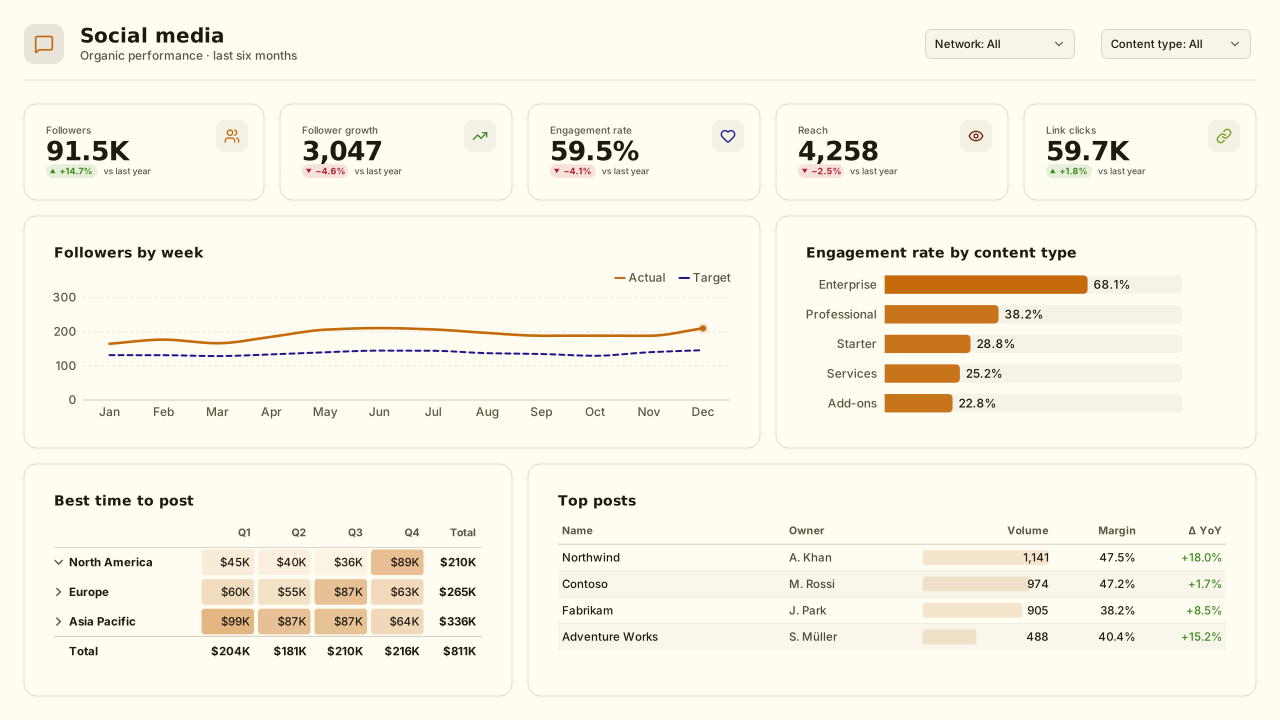
Citrus Pop
Playful light Power BI theme: tangerine lead with deep indigo and lime, magenta and teal accents, Trebuchet headings for social and email marketing.Free for commercial use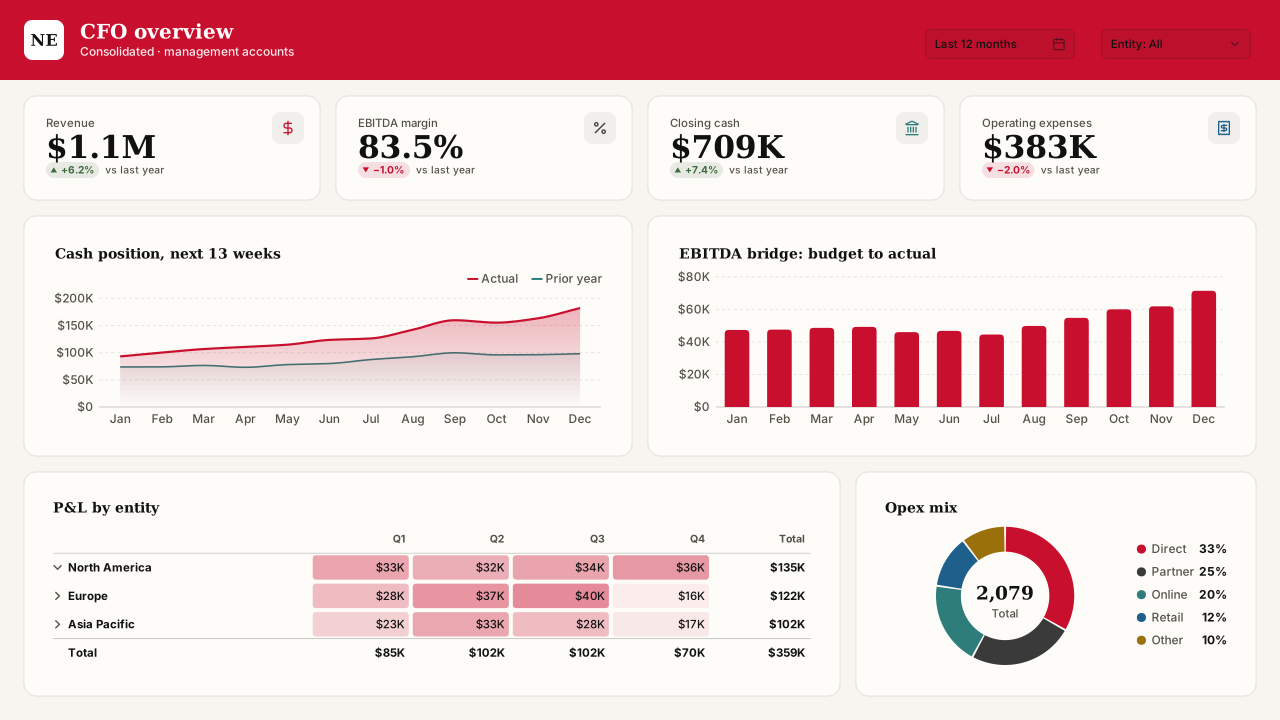
Newsprint
Editorial light Power BI theme: newspaper red and ink black on off-white, Georgia headings, warm greys, for executive briefings and data stories.Free for commercial use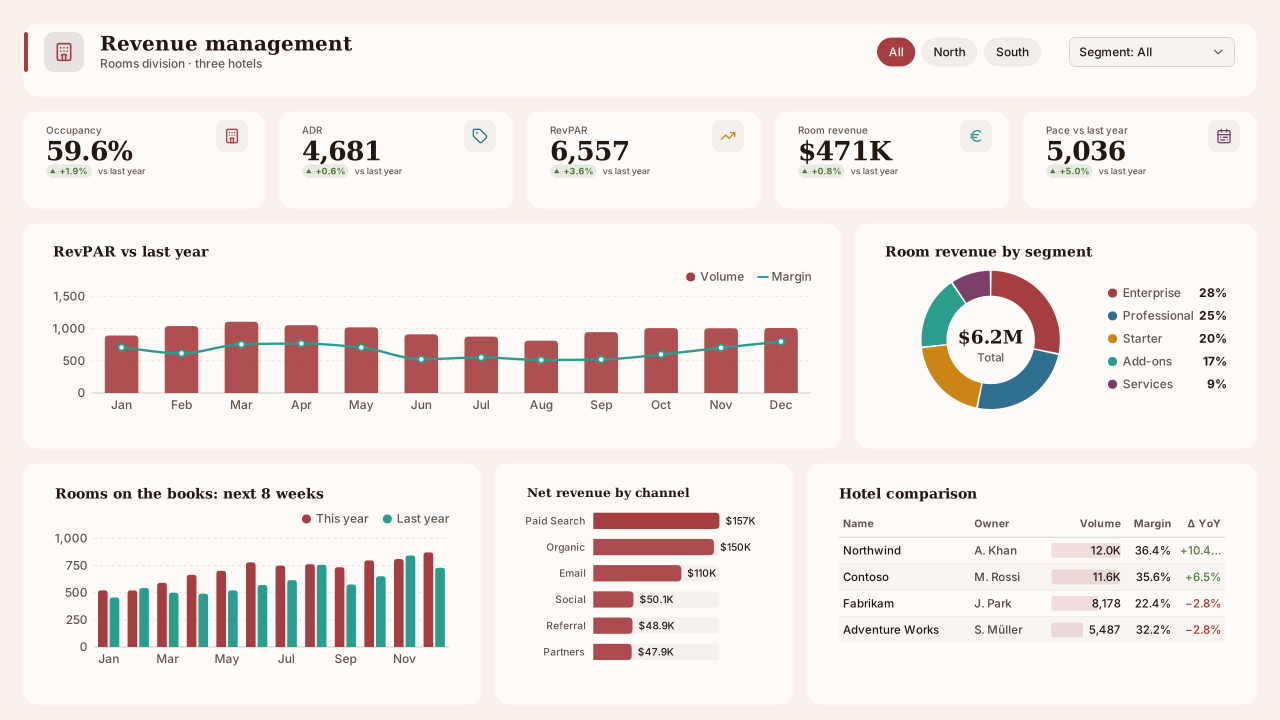
Terracotta Sun
Warm light Mediterranean Power BI theme: brick terracotta lead on a sunlit blush page, sea blue, saffron and teal series, Constantia headings.Free for commercial use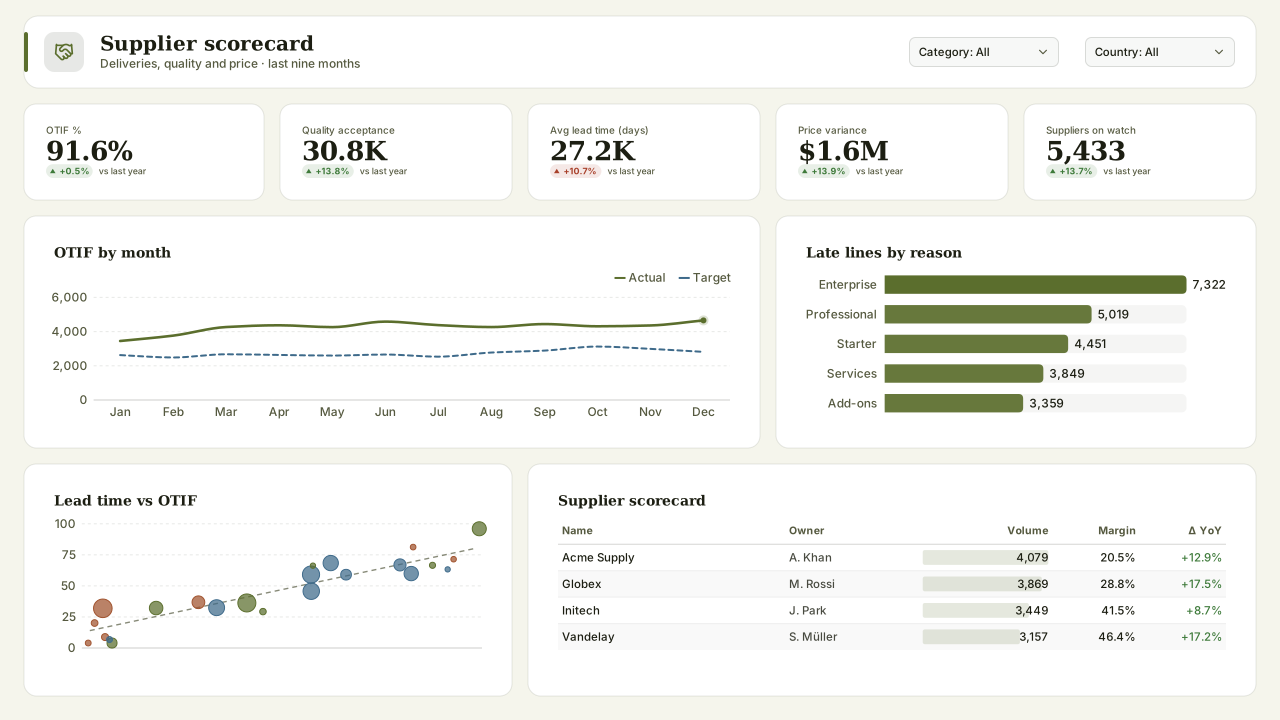
Olive Grove
Earthy light Power BI theme: olive lead, rust and slate-blue series on a linen page, Constantia headings, for supplier scorecards and sustainability.Free for commercial use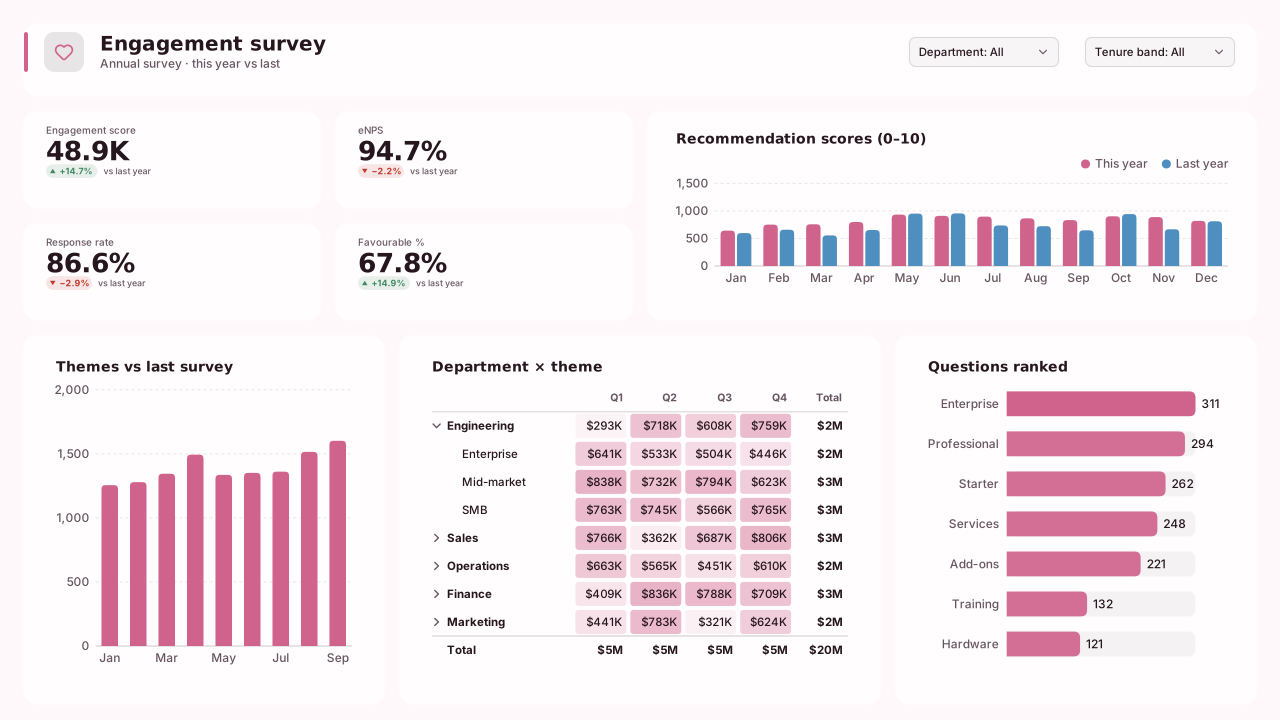
Sorbet
Pastel-feel light Power BI theme: raspberry sorbet lead, cornflower and caramel series on a blush page, Trebuchet headings for engagement surveys.Free for commercial use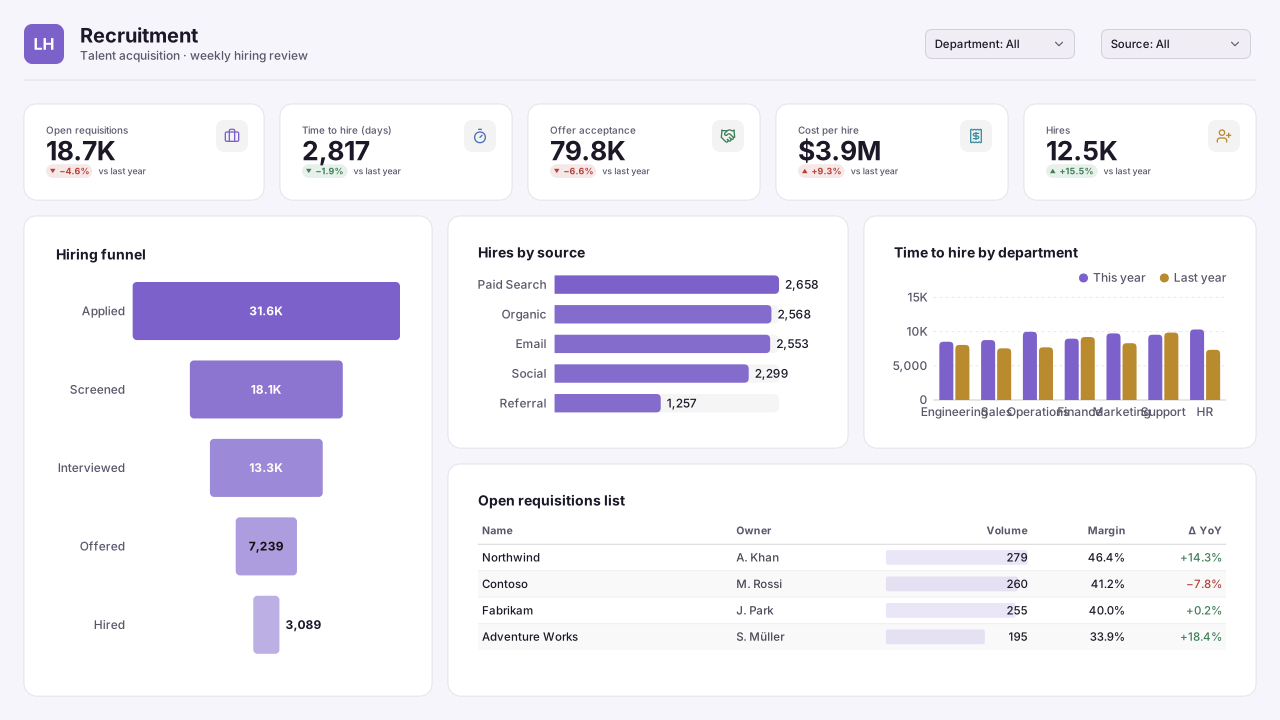
Lilac Haze
Soft light Power BI theme: lilac lead on a lavender-white page, denim and lagoon series, for recruitment funnels and admissions reports.Free for commercial use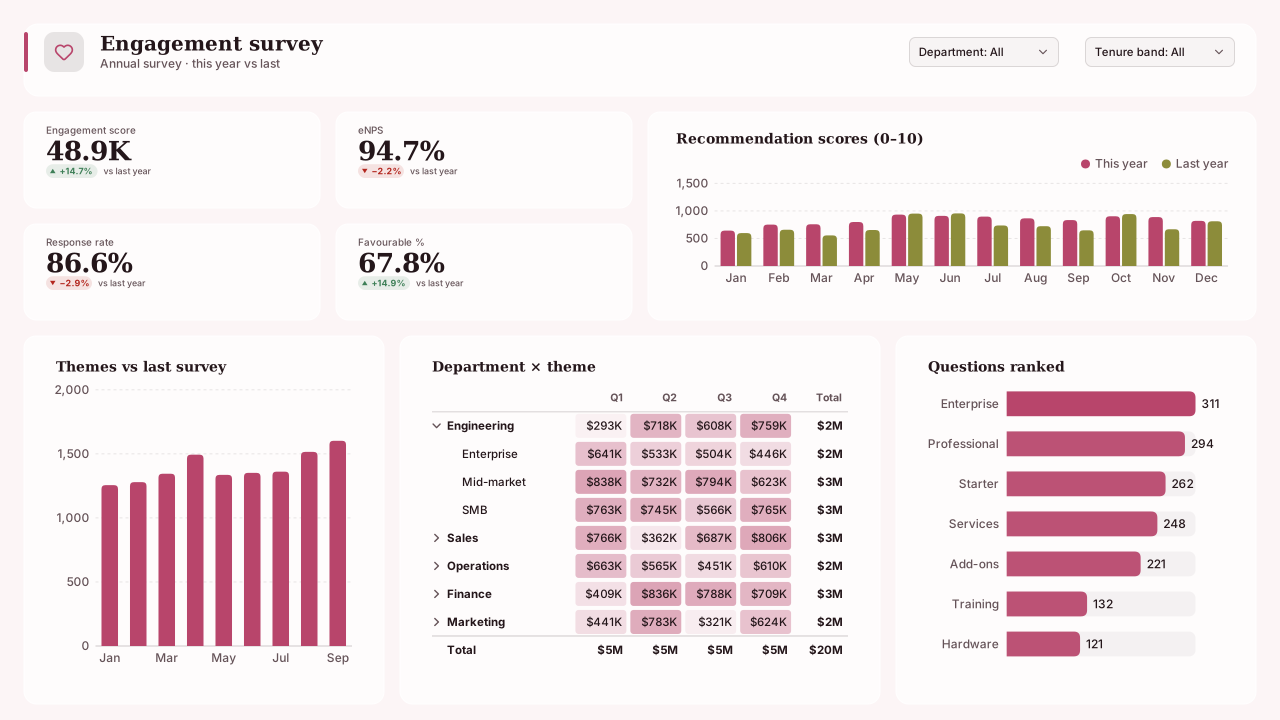
Rose Quartz
Elegant light Power BI theme: rose quartz lead with moss, iris and amber series on a blush page, Georgia headings for HR and engagement reports.Free for commercial use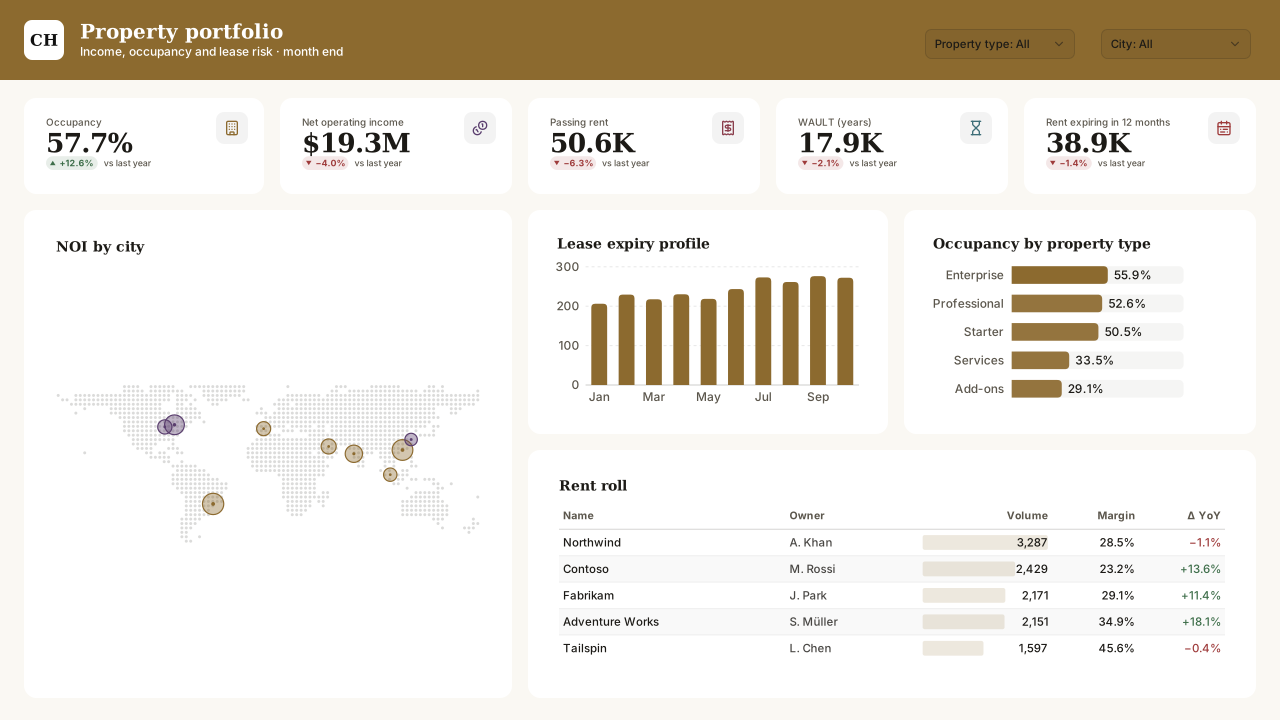
Champagne
Premium light Power BI theme: champagne-gold lead with aubergine and claret series on a cream page, Georgia headings for wealth and property.Free for commercial use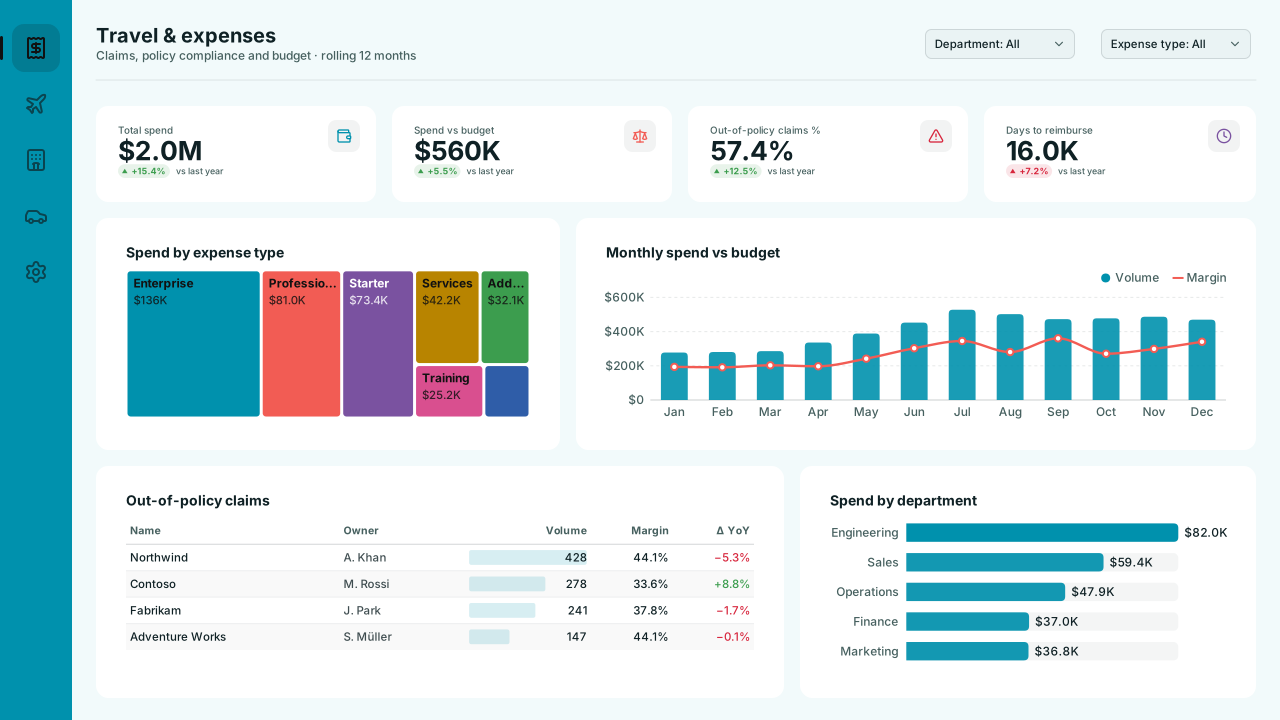
Lagoon
Bright light Power BI theme: lagoon cyan lead with coral and violet series on a pale aqua page, for travel, tourism and hotel bookings.Free for commercial use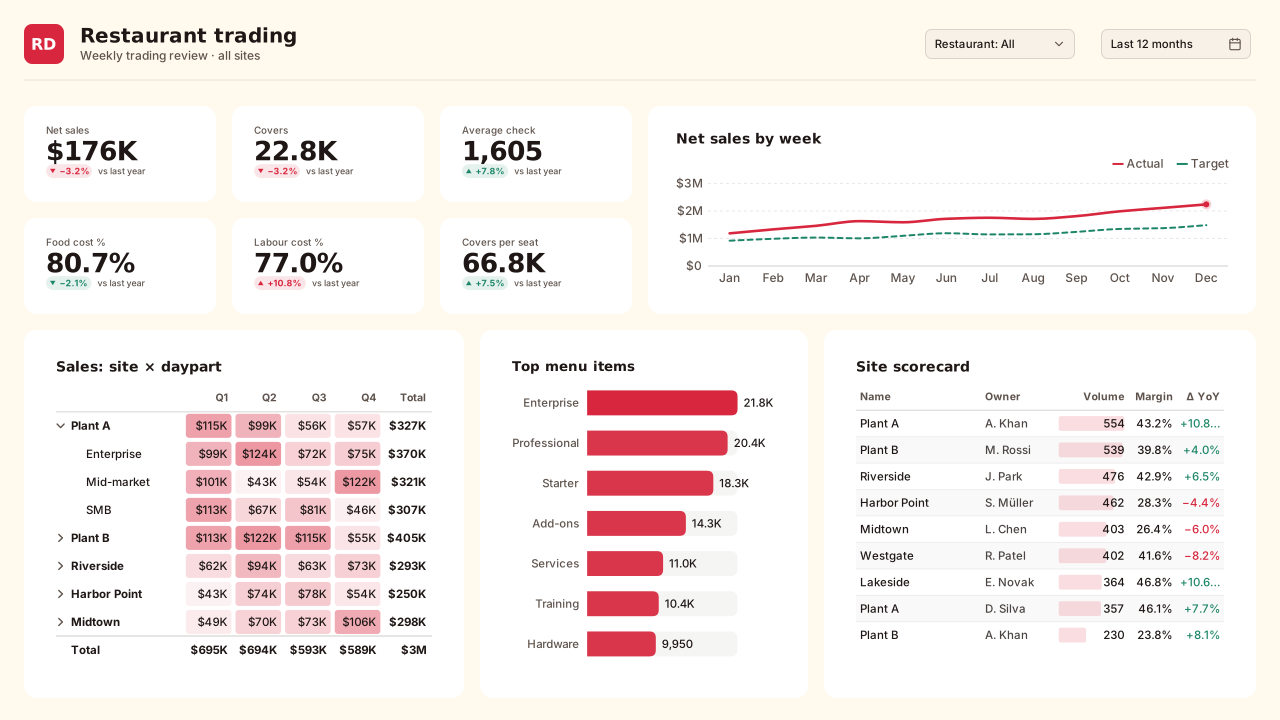
Retro Diner
Playful light Power BI theme: diner red and teal on a cream page, orange, midnight and mustard series, Trebuchet headings for restaurant pages.Free for commercial use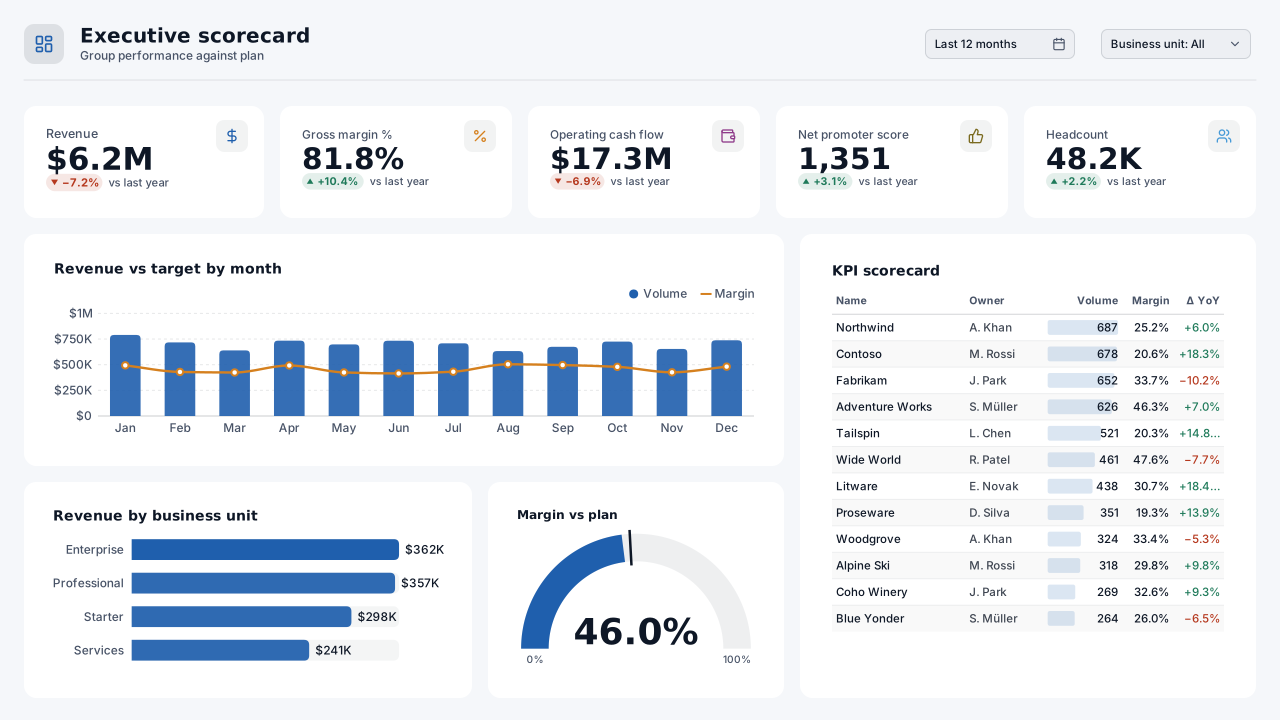
Clear Sight
CVD-friendlyColour-blind-friendly light Power BI theme: blue and orange lead pair, teal, plum and olive series that passed a CVD simulation, for executive pages.Free for commercial use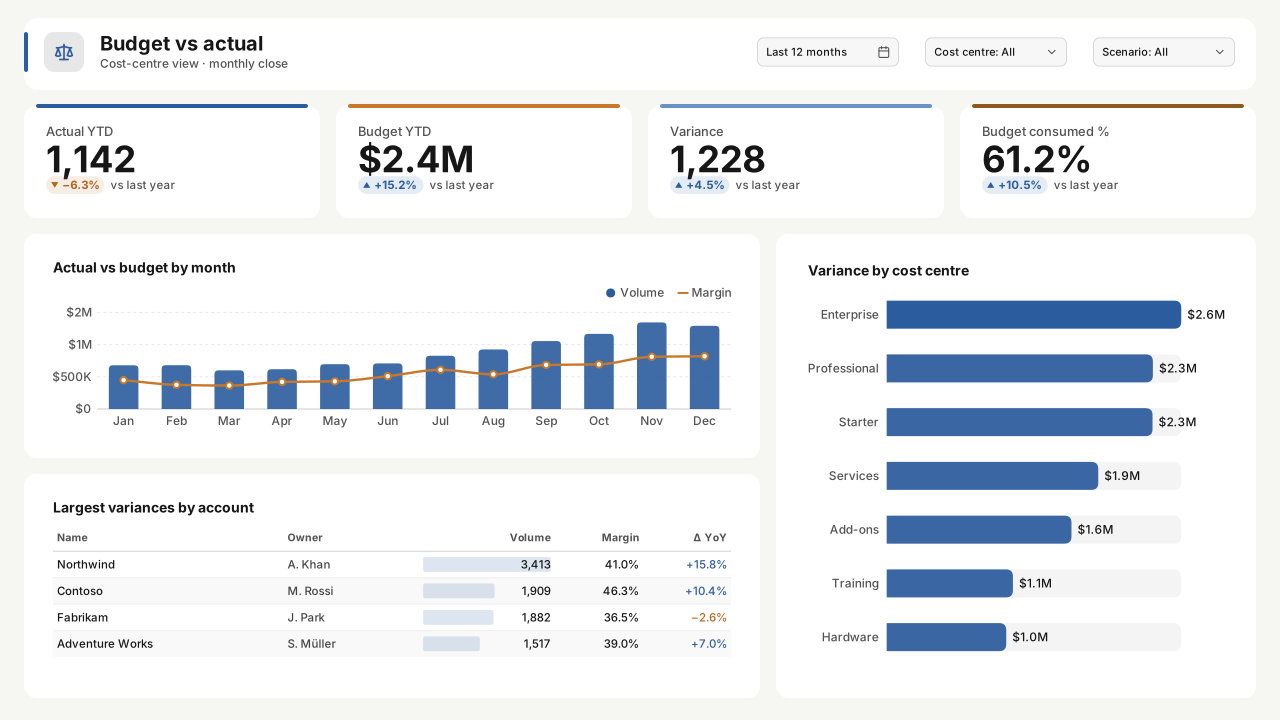
Blue Amber Balance
CVD-friendlyDiverging, colour-blind-friendly light Power BI theme: blue for favourable, amber for unfavourable, grey in between, for variance and forecast.Free for commercial use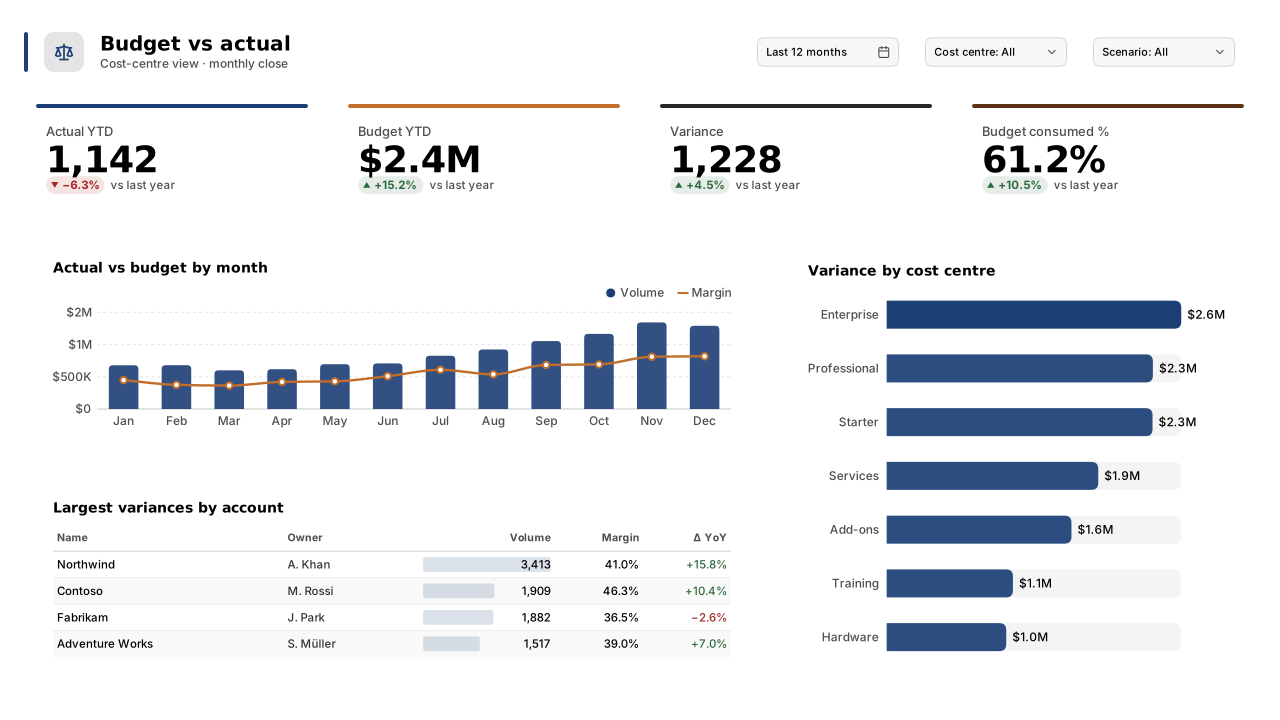
Print Grey Steps
CVD-friendlyPrint-friendly light Power BI theme: navy, copper and charcoal series with wide lightness steps that survive greyscale printing and CVD.Free for commercial use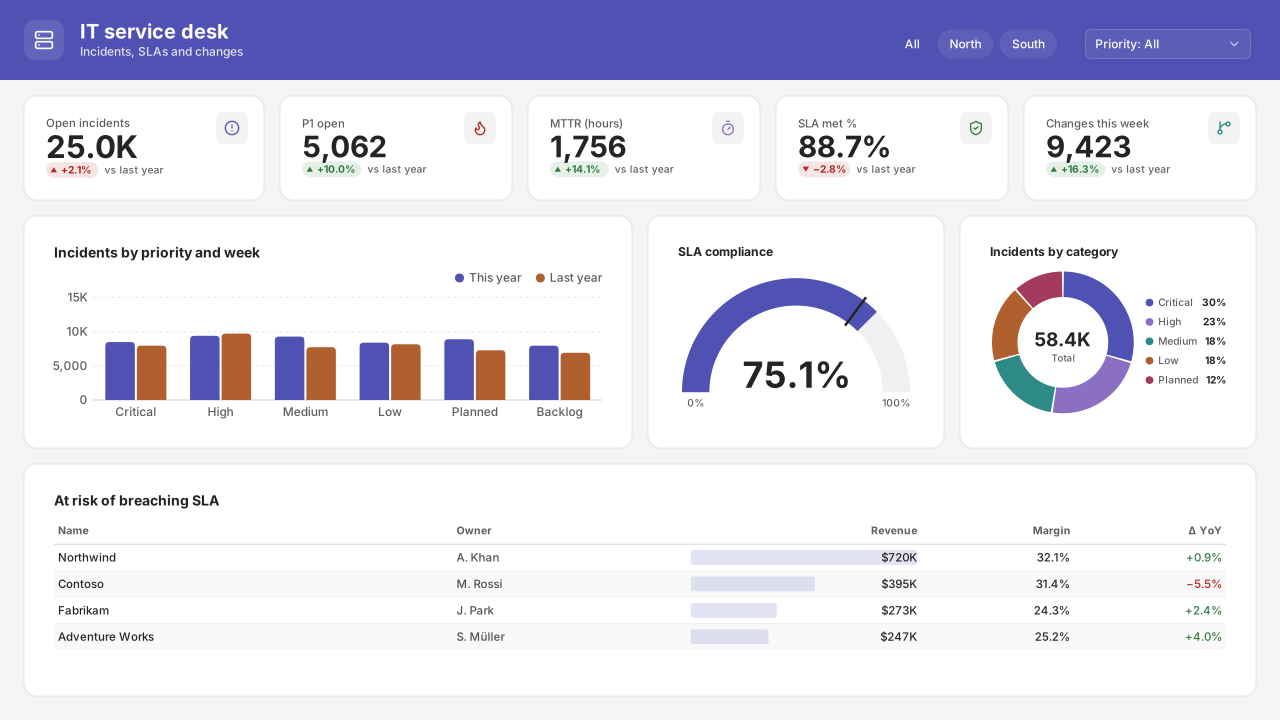
Quiet Neutral
CVD-friendlyNeutral light Power BI theme in soft greys with one indigo accent, plain Segoe UI and white cards: a modern, Office-like default for any report.Free for commercial use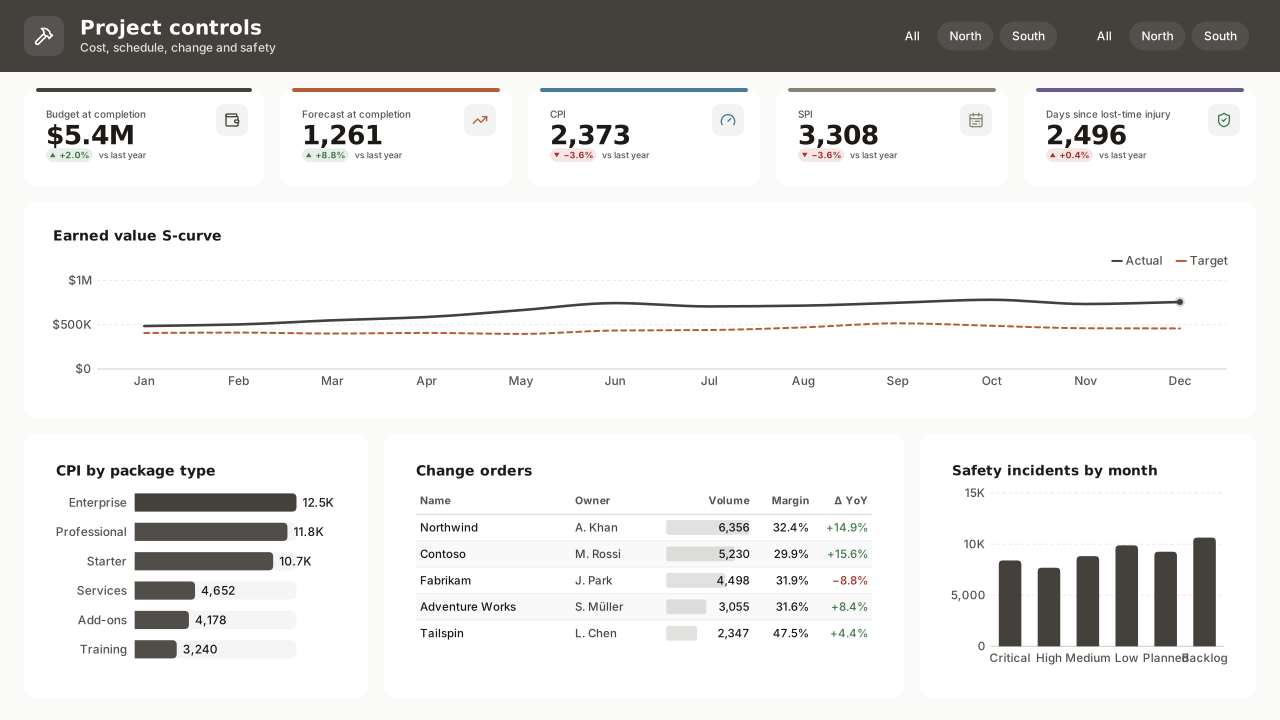
Paper White
Warm neutral light Power BI theme: stone-grey lead, copper and dusty-blue series on paper white, for consulting decks and project controls.Free for commercial use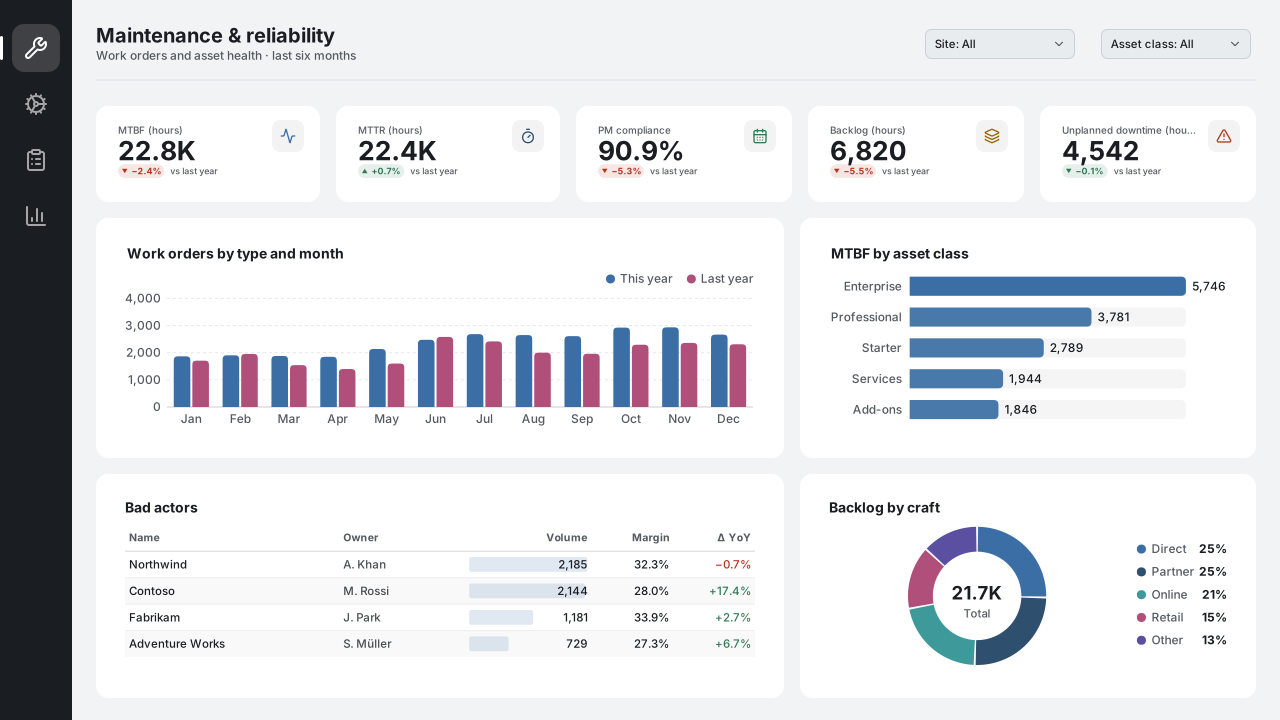
Cool Workspace
Cool neutral light Power BI theme: steel-blue lead, deep navy and teal series on a cool grey page, for maintenance, FinOps and operations.Free for commercial use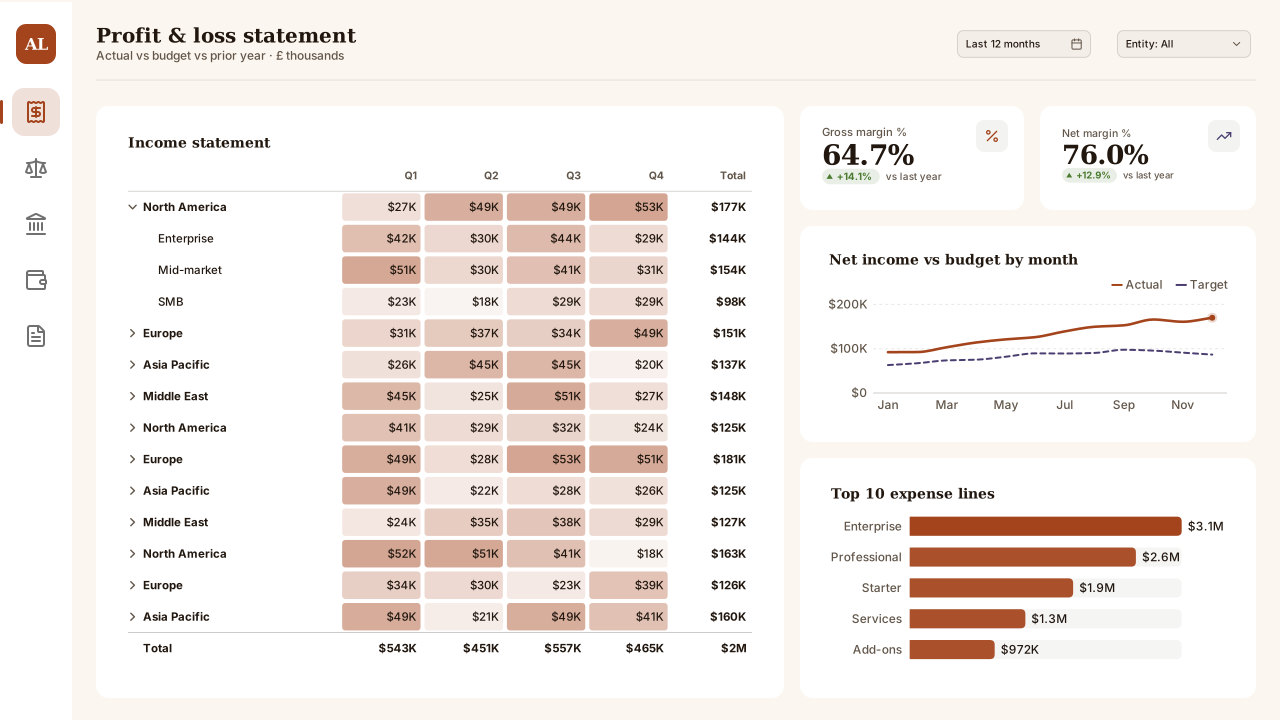
Autumn Ledger
Seasonal autumn light Power BI theme: rust lead with aubergine, pine and maroon series on a cream page, Georgia headings for quarter-close packs.Free for commercial use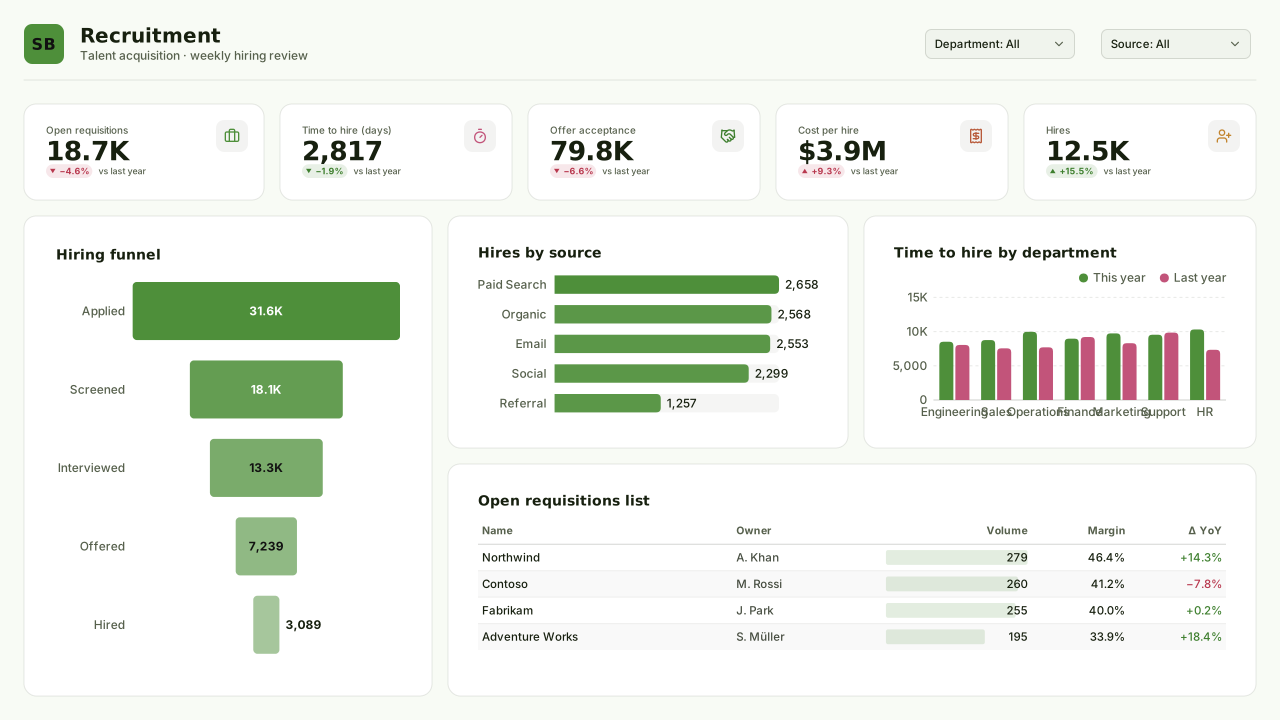
Spring Bloom
Seasonal spring light Power BI theme: fresh leaf-green lead with peony, brick and honey series on a pale green page, for hiring and campaigns.Free for commercial use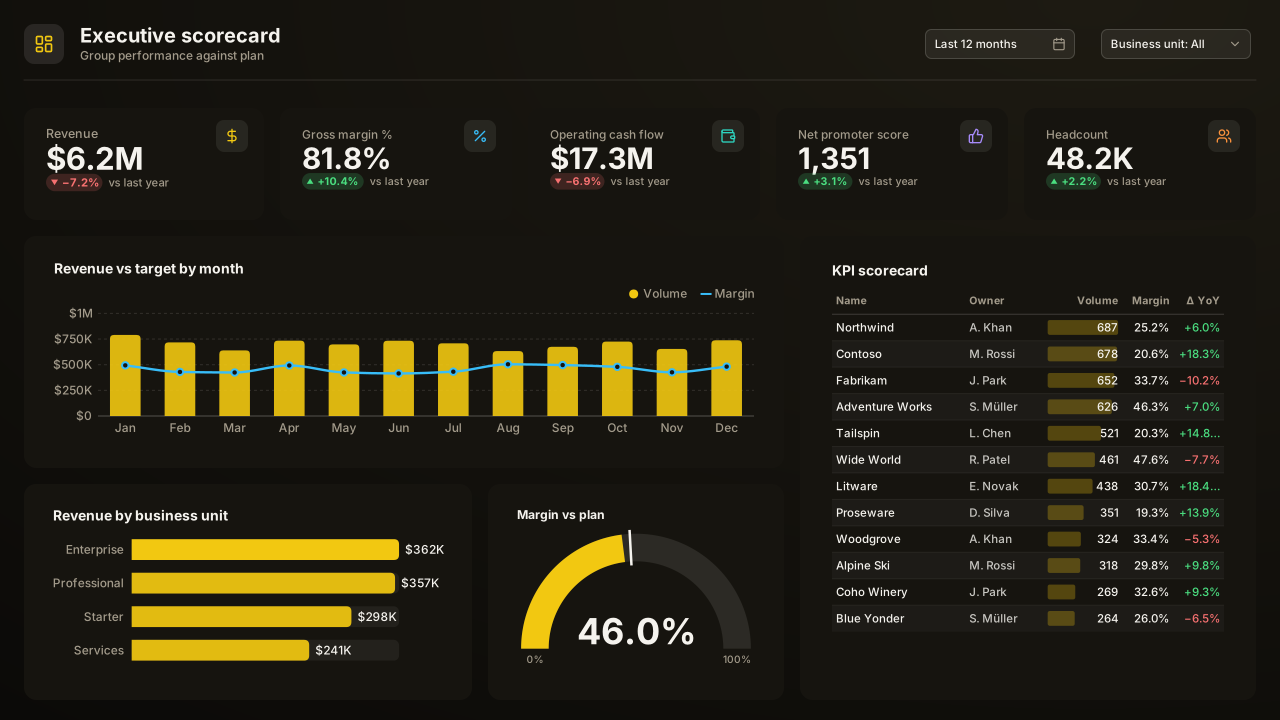
VizForge Ink
The VizForge house theme for Power BI: ink-black page, charcoal cards, the signature yellow lead colour and bright, well-separated data colours.Free for commercial use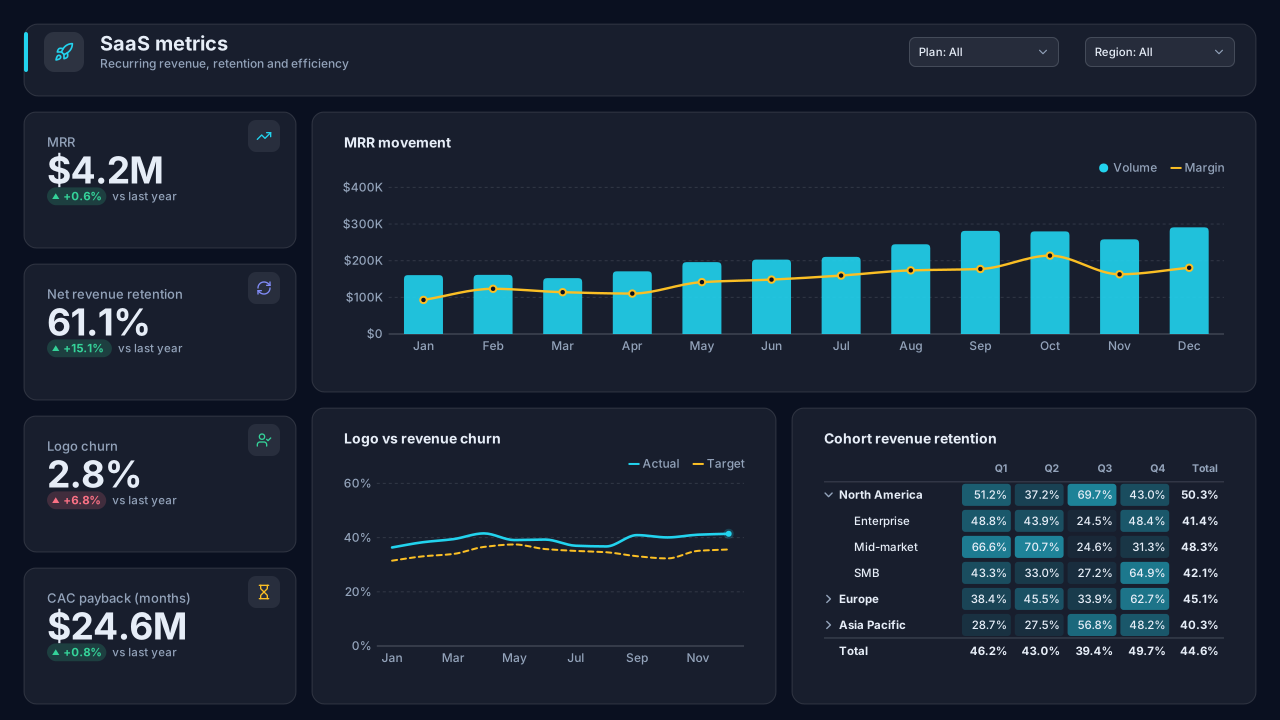
Midnight Analytics
Deep navy dark Power BI theme with luminous cyan, indigo and mint data colours; built for SaaS metrics, NOC screens and operations dashboards that run all day.Free for commercial use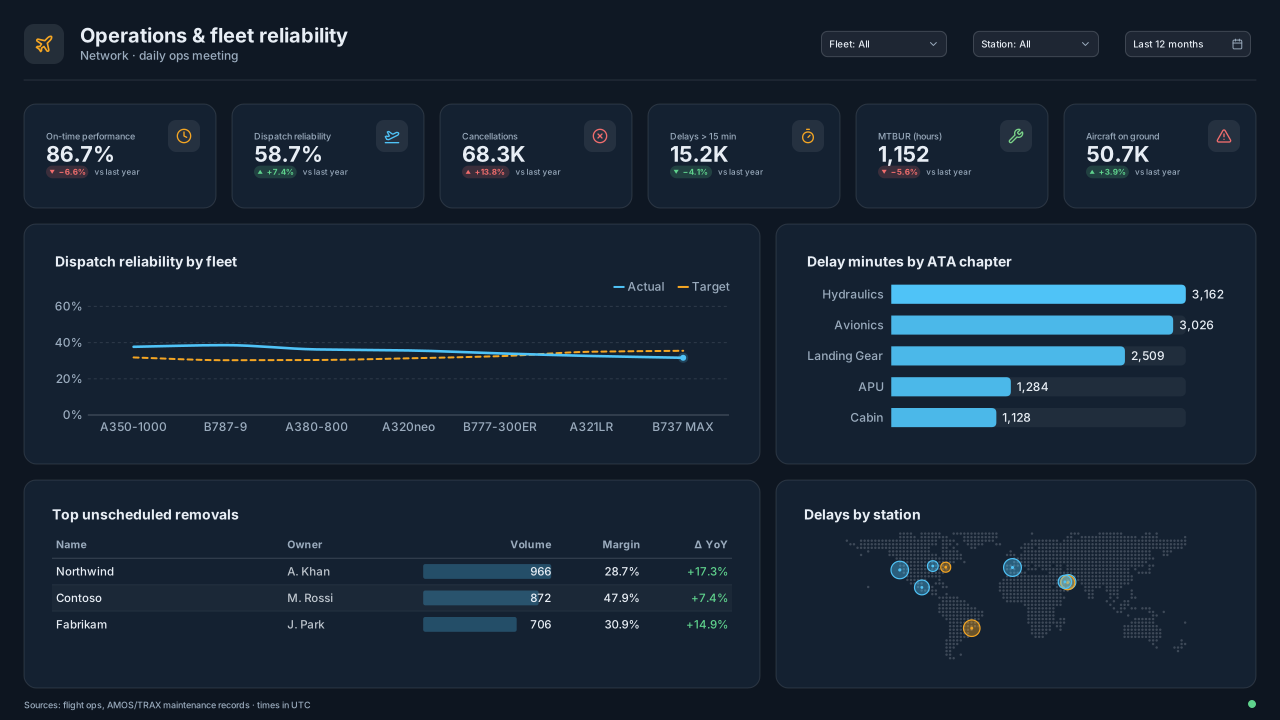
Aviation Ops
Cockpit-slate dark Power BI theme with amber and cyan signals for airline operations, MRO, fleet reliability and logistics control-room dashboards.Free for commercial use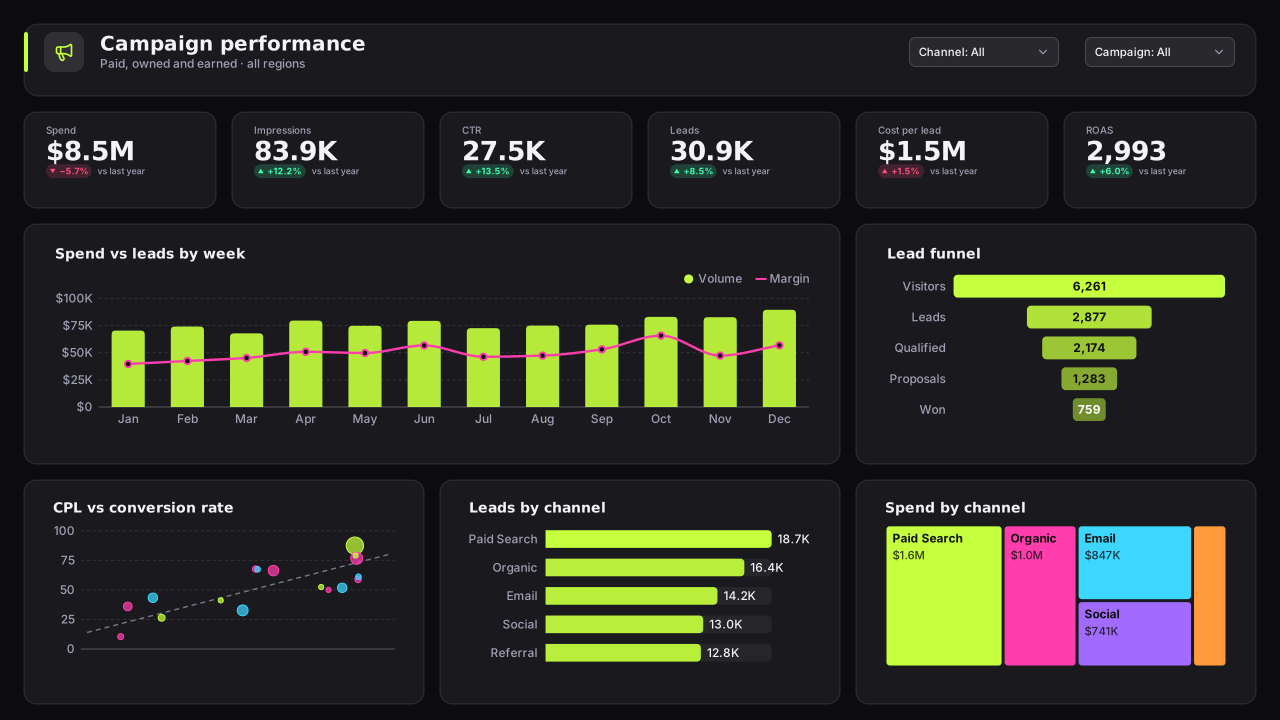
Carbon Neon
CVD-friendlyNeon-on-carbon dark Power BI theme: electric lime, magenta, cyan and violet data colours on near-black for gaming, esports, tech-startup and launch dashboards.Free for commercial use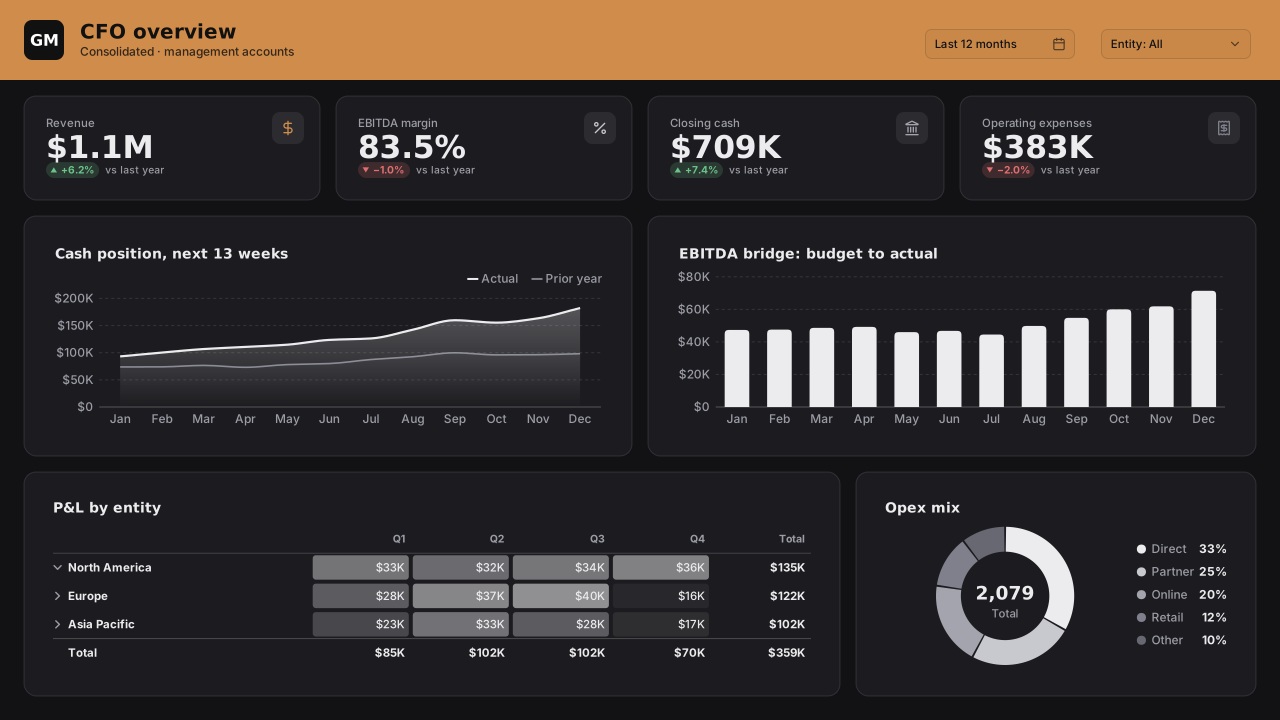
Graphite Mono
CVD-friendlyDark monochrome Power BI theme: grey-scale data steps with one copper highlight on graphite, for ranked bars, cohort tables and quiet executive dashboards.Free for commercial use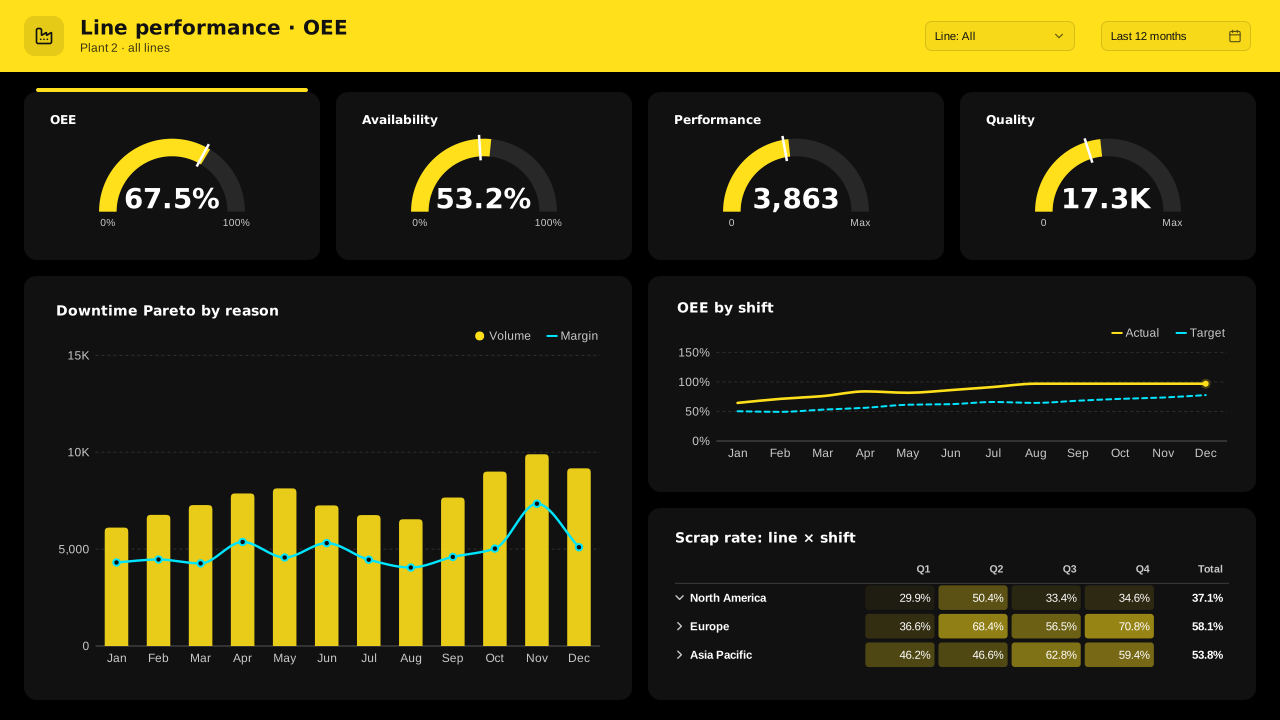
High Contrast Dark
Black Power BI theme with white text and saturated yellow, cyan, magenta and green data colours; AAA text contrast for wall displays and low vision.Free for commercial use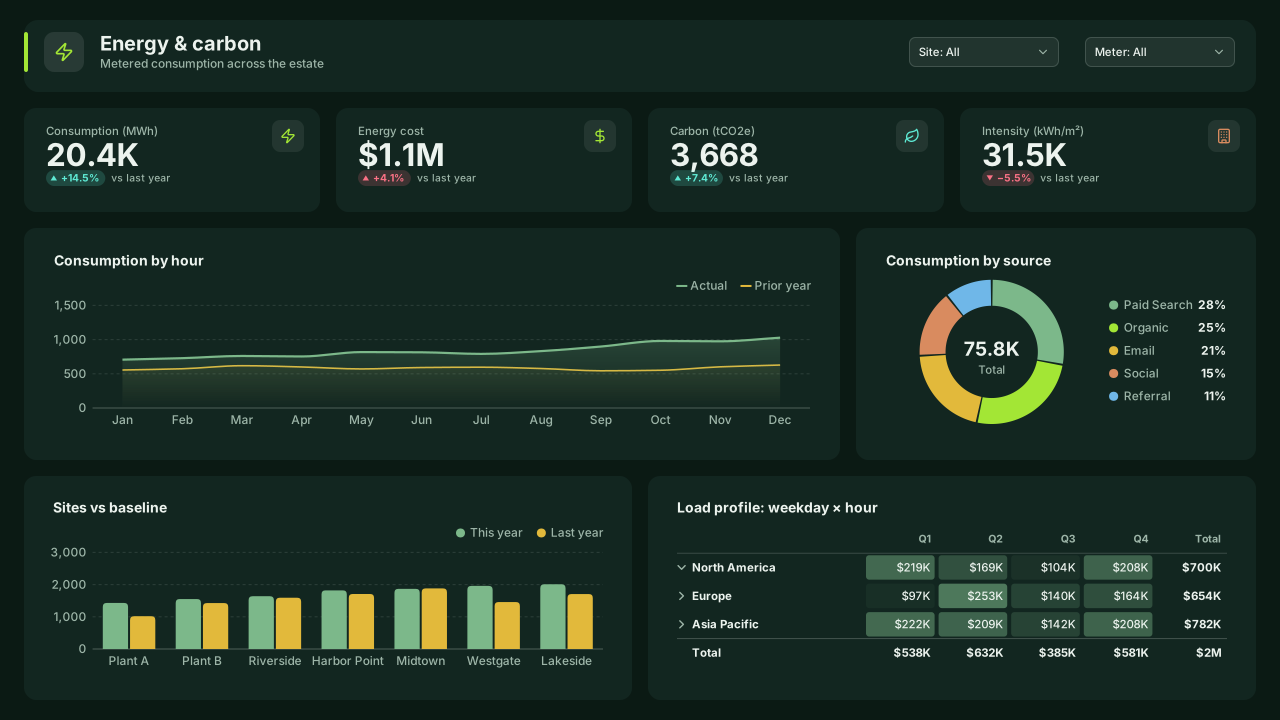
Forest Night
Dark green Power BI theme: deep evergreen page, moss cards and sage, lime, gold and copper data colours for sustainability, ESG and energy dashboards.Free for commercial use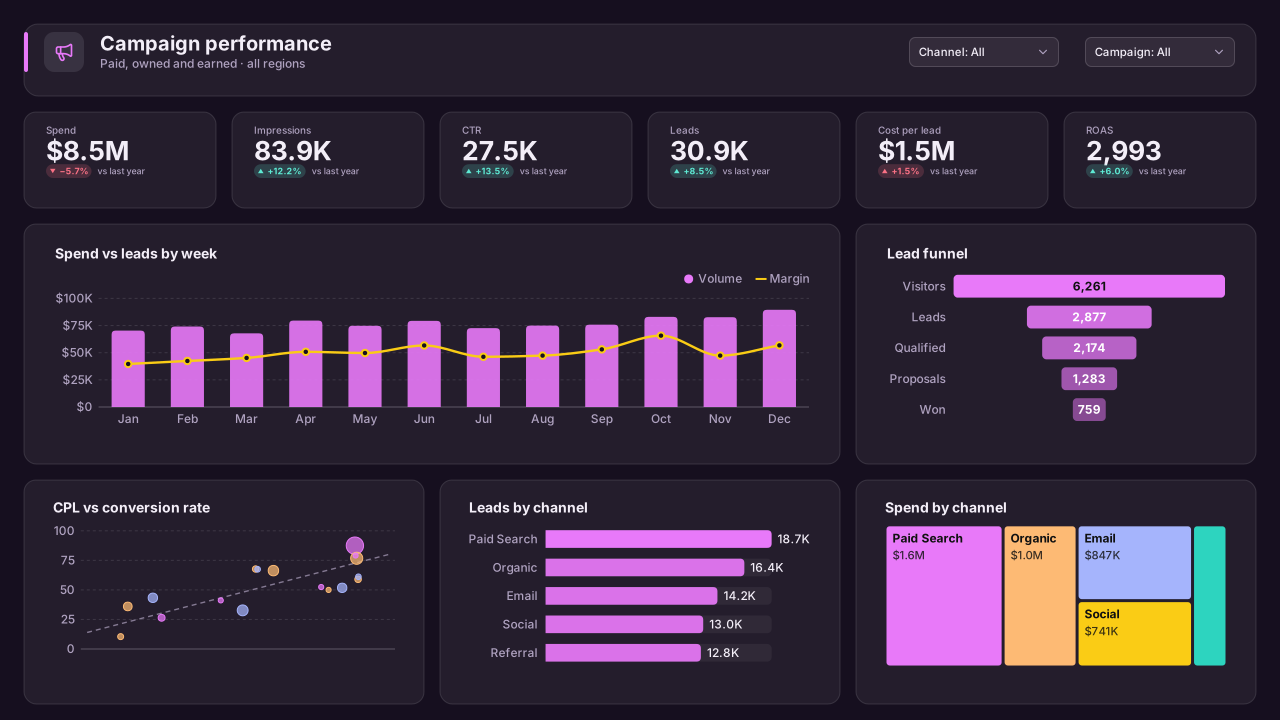
Plum Dusk
Dark plum Power BI theme with magenta, apricot and lavender data colours; a warm alternative to navy for marketing, media and audience dashboards.Free for commercial use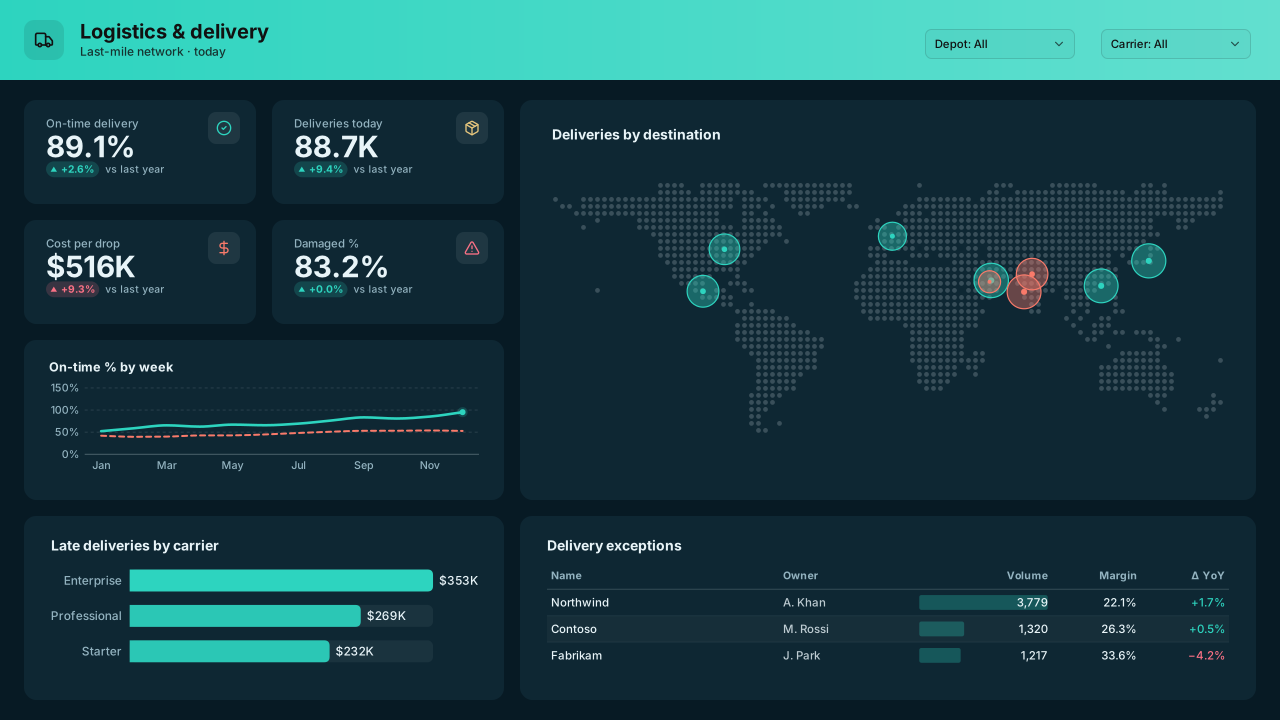
Ocean Deep
Dark teal-blue Power BI theme with aqua, sand and coral data colours for logistics, maritime, utilities and environmental monitoring dashboards.Free for commercial use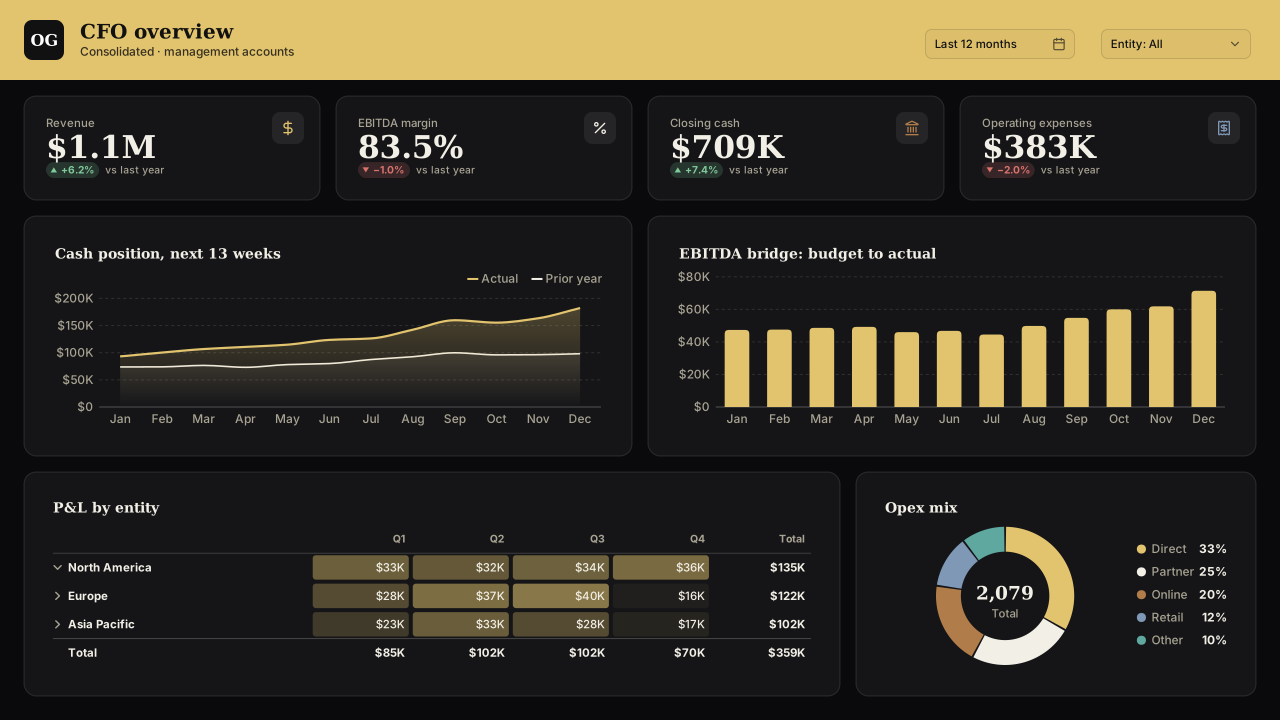
Obsidian Gold
Luxury dark Power BI theme: obsidian page, champagne gold lead colour and ivory, bronze and steel data colours for wealth and premium brand reports.Free for commercial use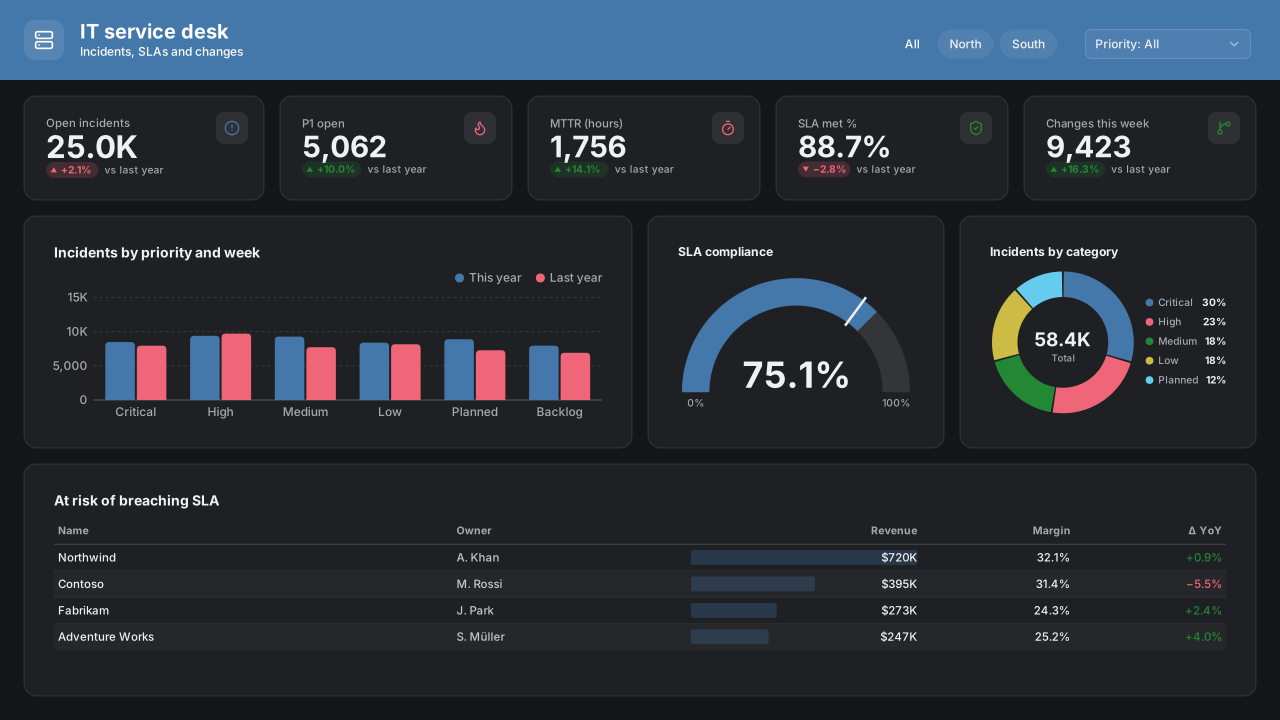
Tol Bright (Dark)
CVD-friendlyColour-blind-safe dark Power BI theme using Paul Tol's bright qualitative scheme on charcoal: seven distinguishable data colours plus grey, tested for CVD.Free for commercial use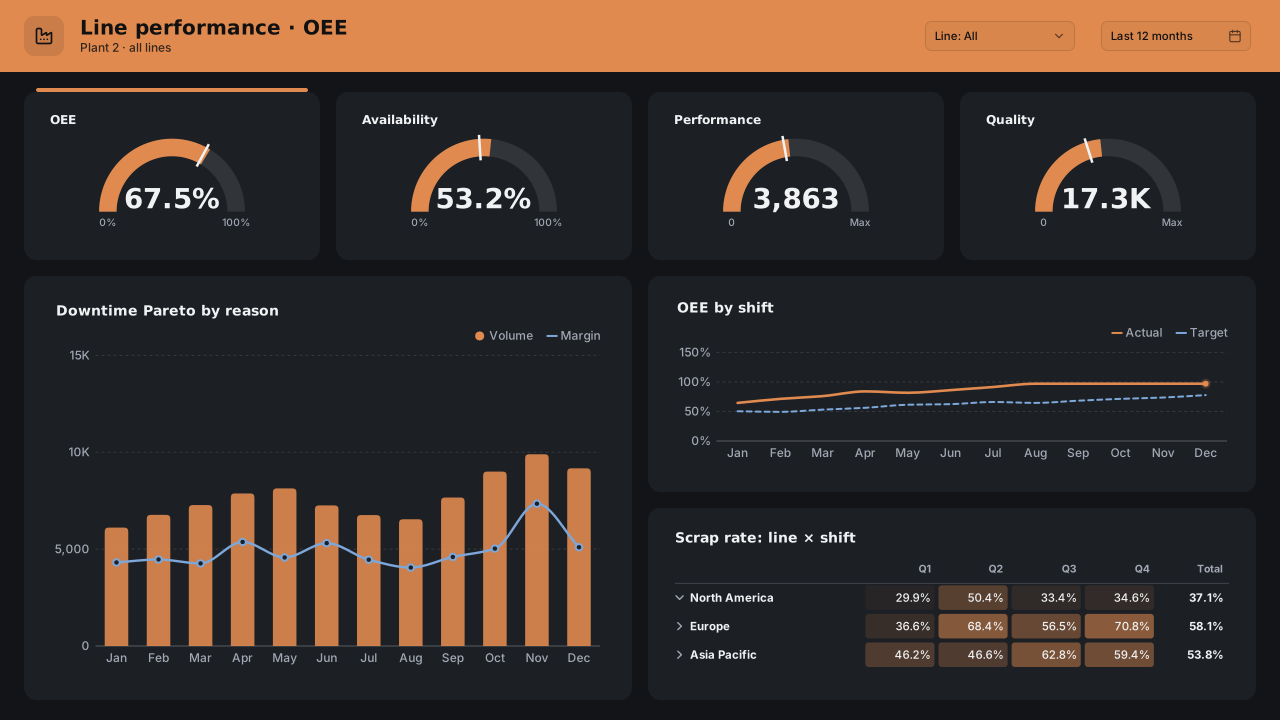
Copper Industrial
Dark steel Power BI theme with a copper accent and high-visibility data colours for manufacturing, energy and plant-floor dashboards.Free for commercial use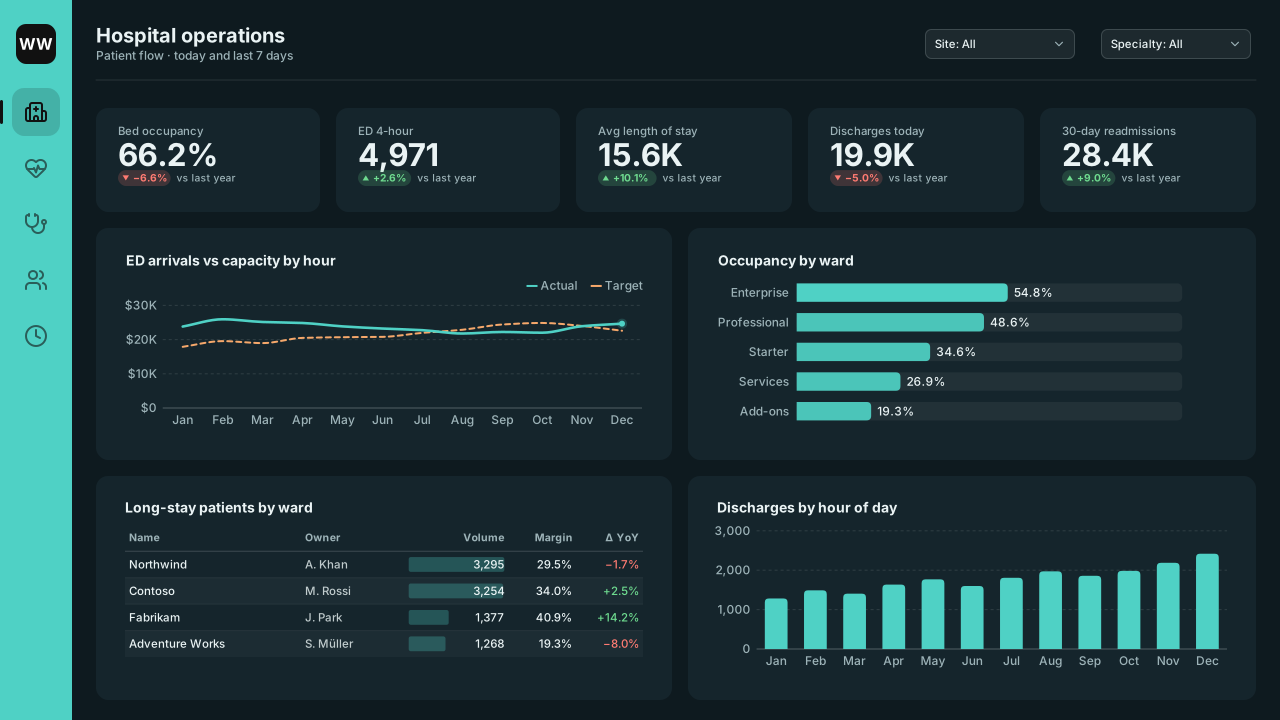
Ward Wallboard
Dark Power BI theme for hospital wallboards and night-shift screens: teal lead, warm apricot and soft blue series, high text contrast on a deep blue-green.Free for commercial use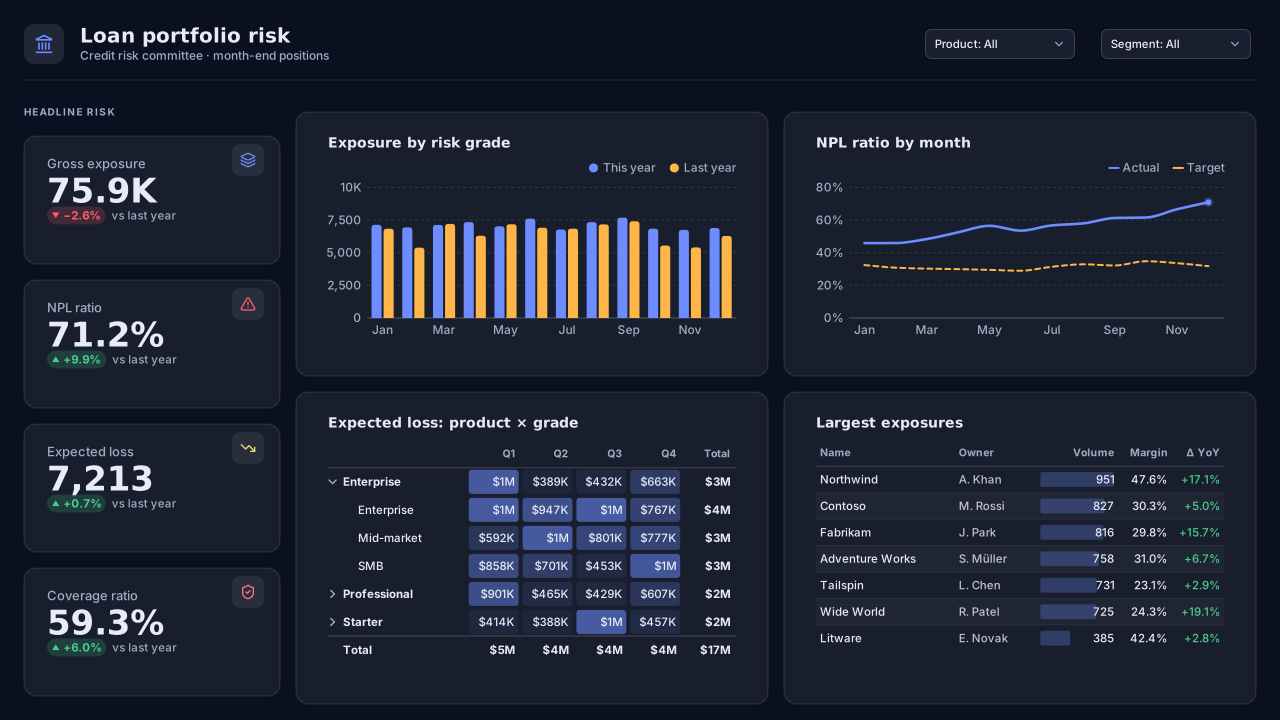
Risk Desk
Dark Power BI theme for banking risk and fraud monitoring: indigo lead on deep navy, amber and lemon alerts, mint and pink series that stay apart.Free for commercial use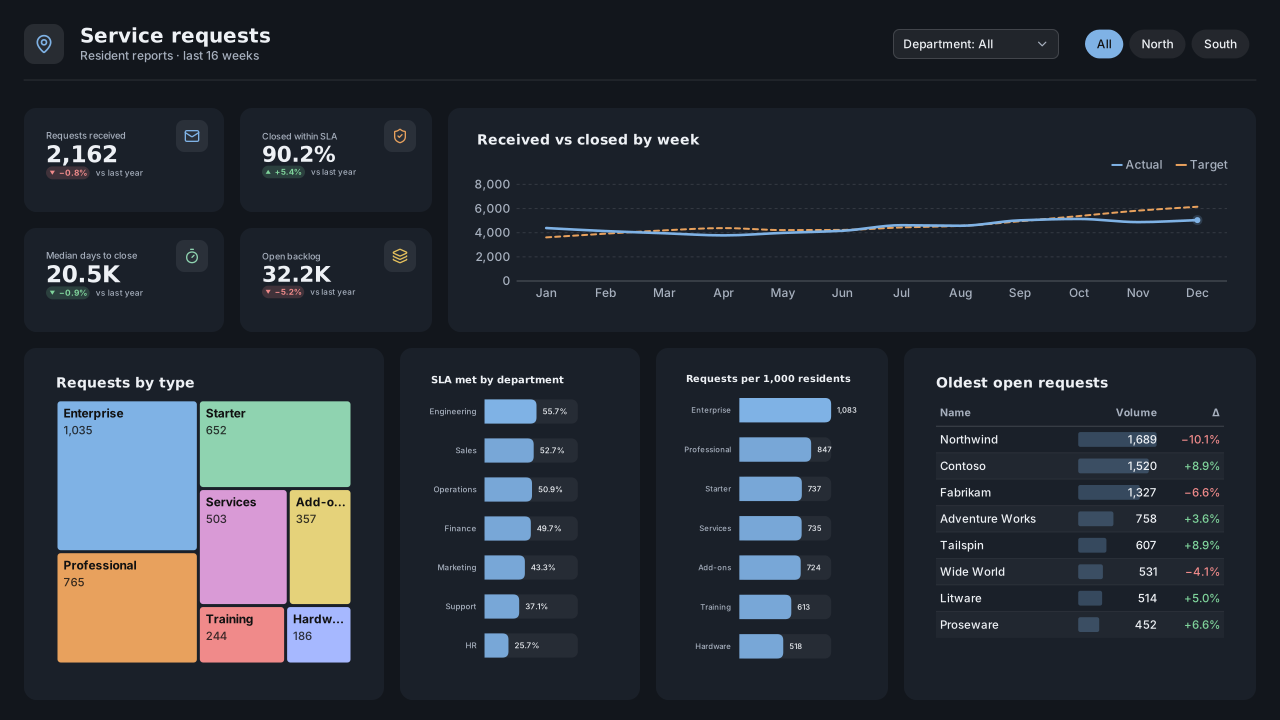
Council Chamber
Dark public-sector Power BI theme with a steel-blue lead, warm apricot and mint series and soft charcoal cards for chamber screens and briefings.Free for commercial use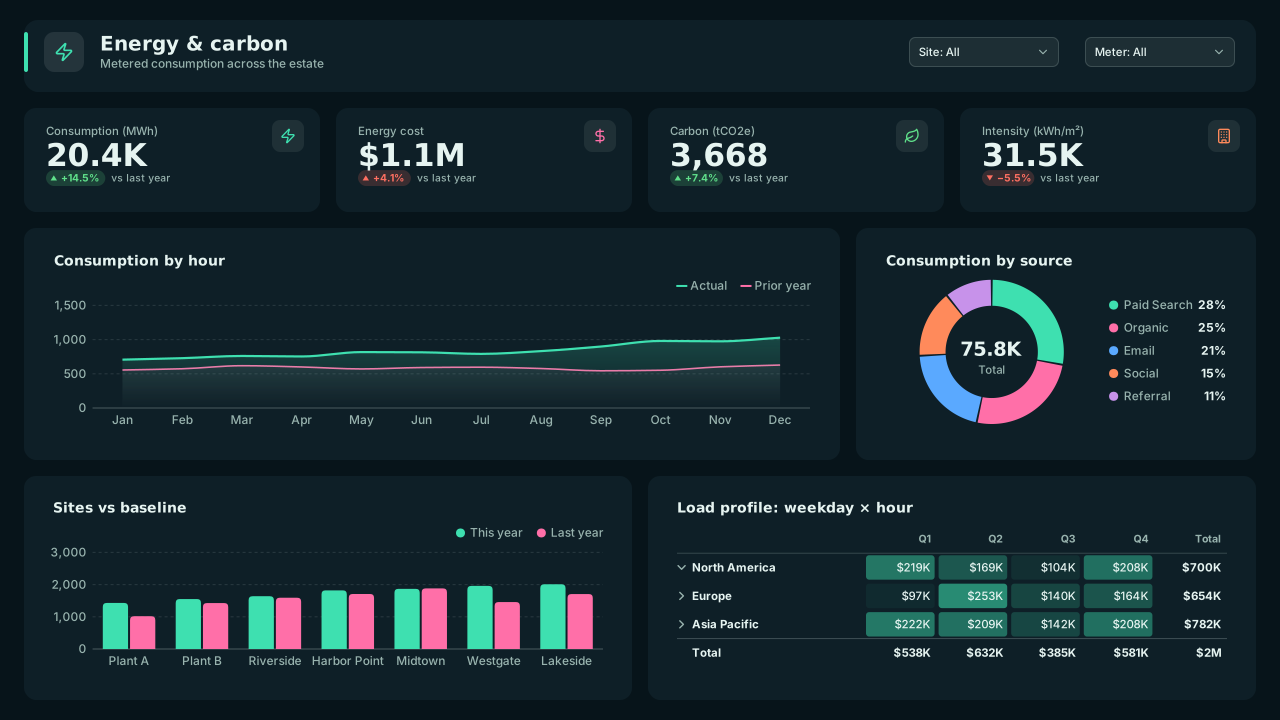
Grid Current
Dark utilities Power BI theme for grid and network operations: electric mint lead on a blue-black page, pink, blue and orange series, high contrast.Free for commercial use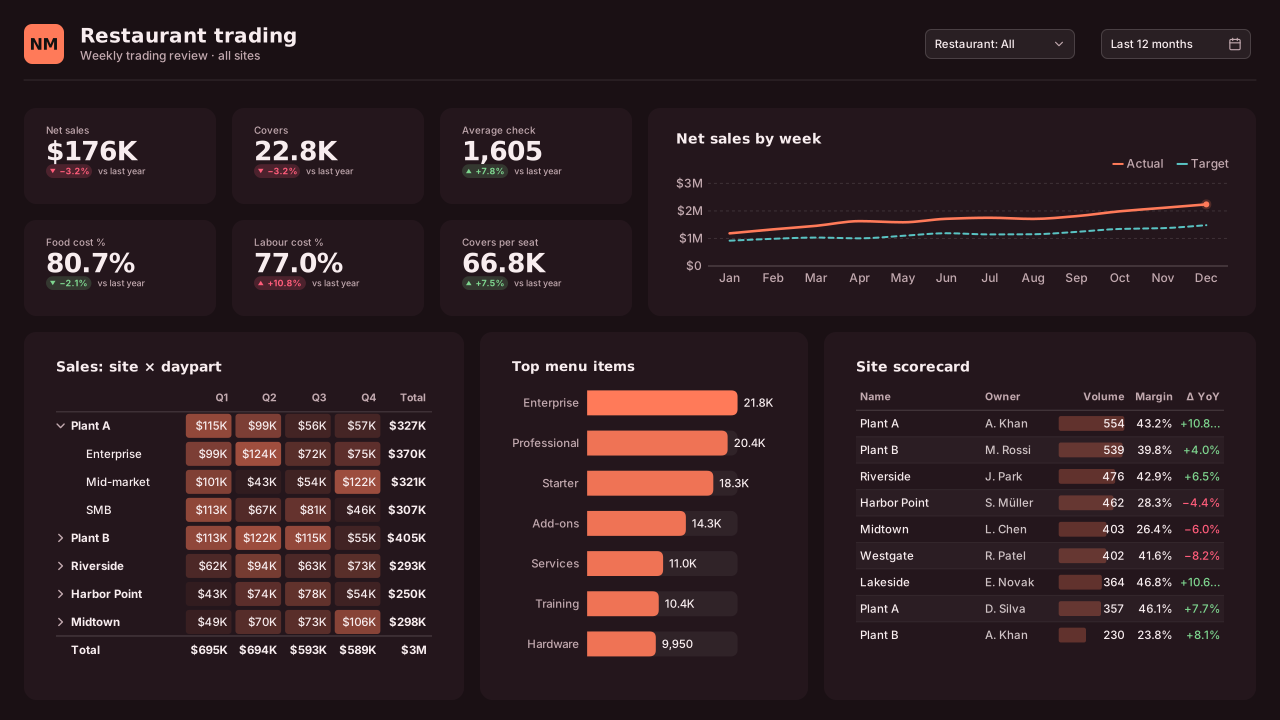
Night Market
Dark retail and hospitality Power BI theme: tangerine lead on aubergine, teal, butter and lavender series for evening trading and restaurant reports.Free for commercial use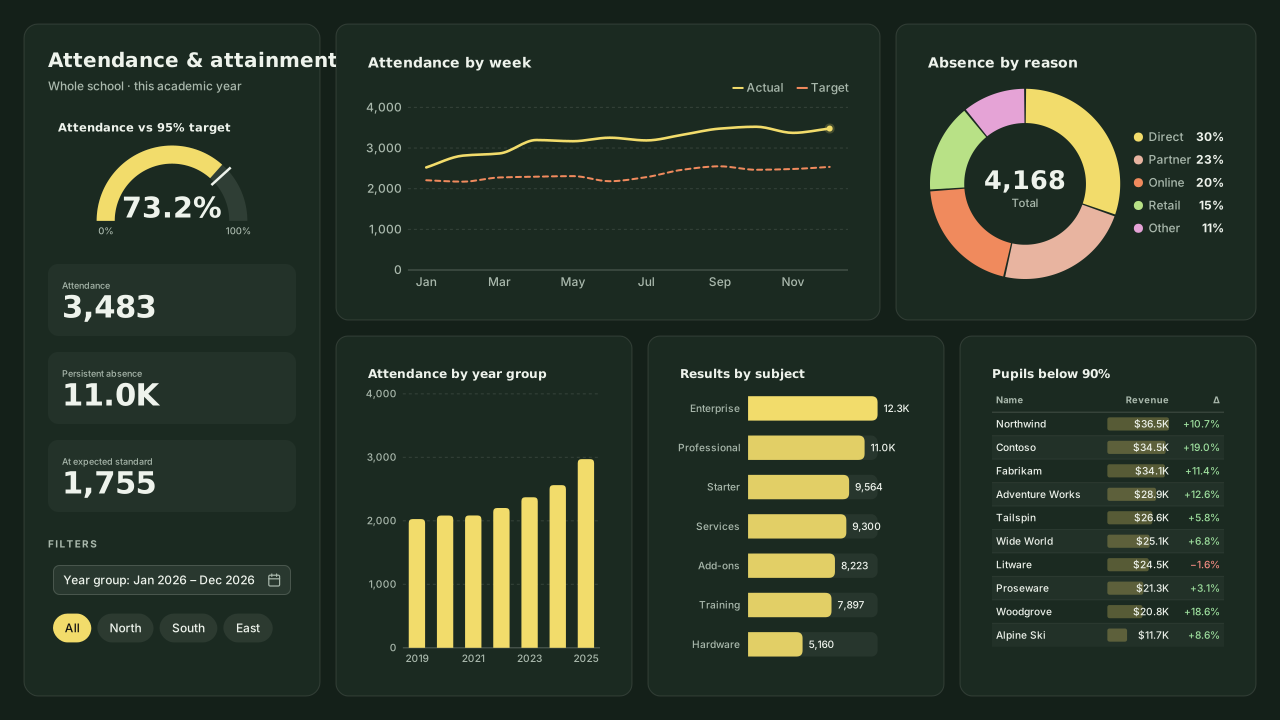
Chalkboard
Dark education Power BI theme: chalk yellow lead on slate green, peach, coral and pale-sky series, Candara headings for school attendance and training.Free for commercial use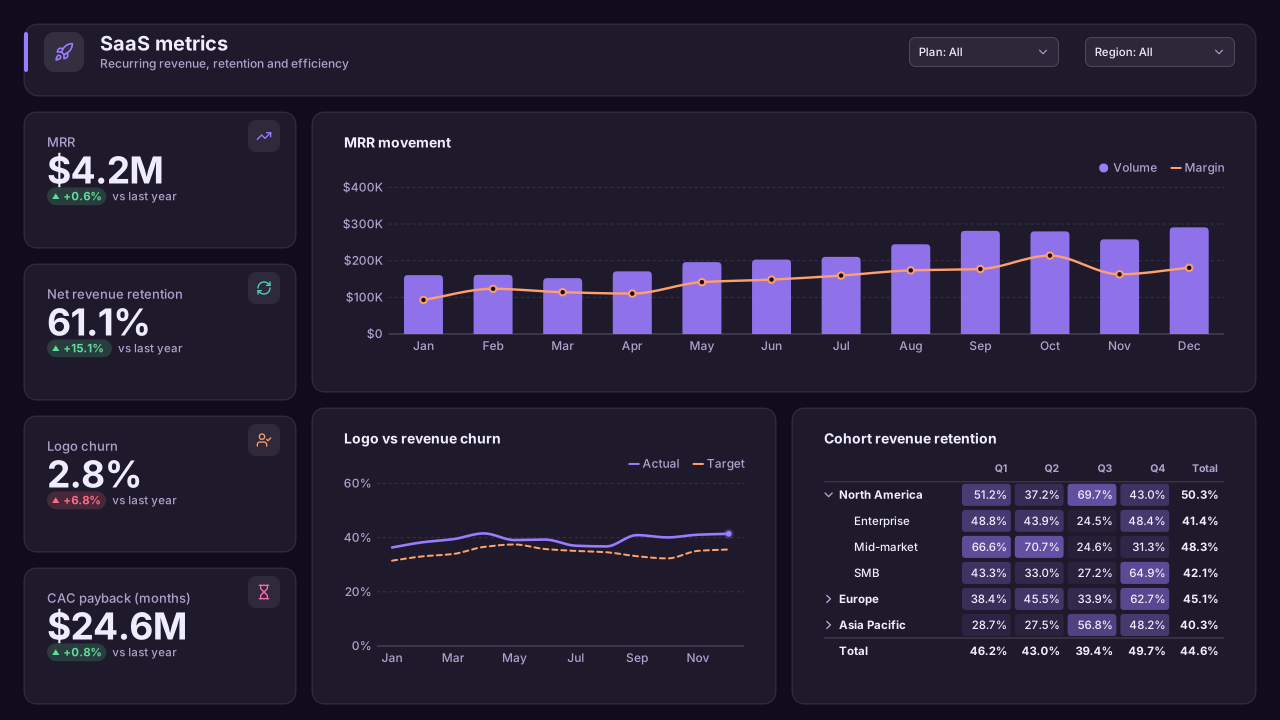
Signal Violet
Dark SaaS Power BI theme: violet lead on deep ink, aqua and peach series, pink and sky accents for web analytics, MRR and growth dashboards.Free for commercial use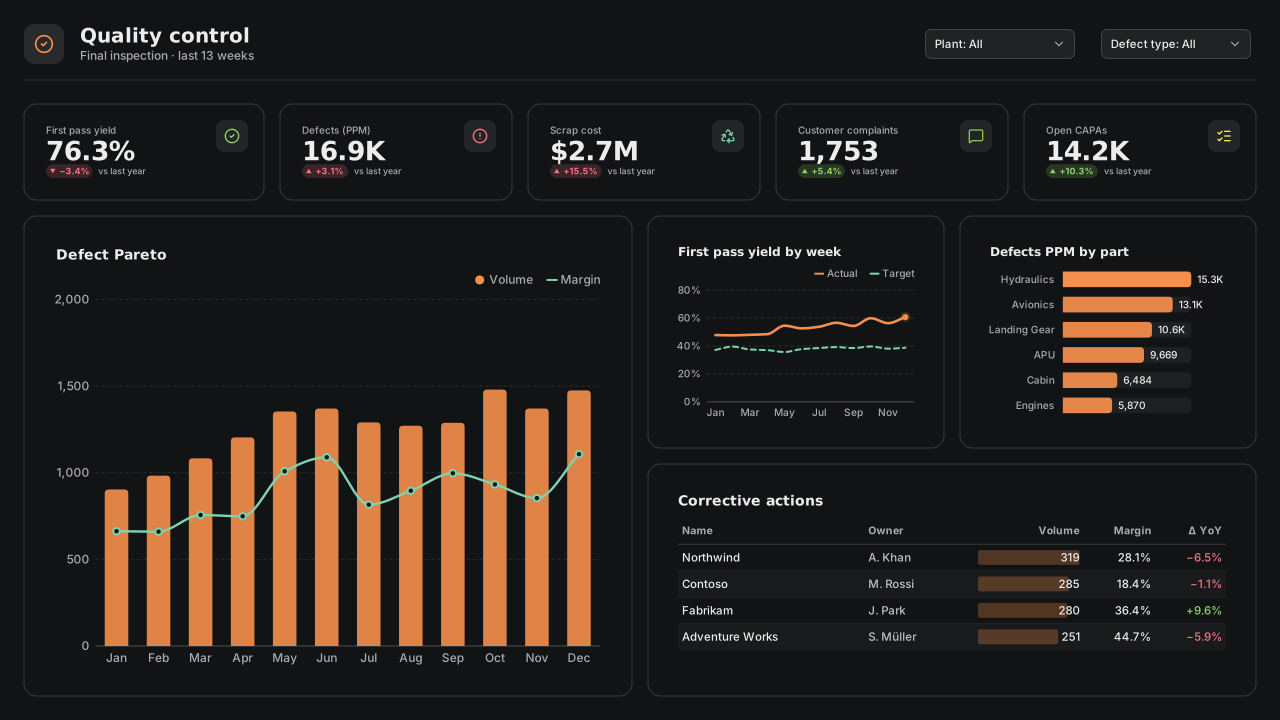
Foundry Steel
Dark manufacturing Power BI theme: molten orange lead on steel grey, mint, lime and coral series for quality control and maintenance screens.Free for commercial use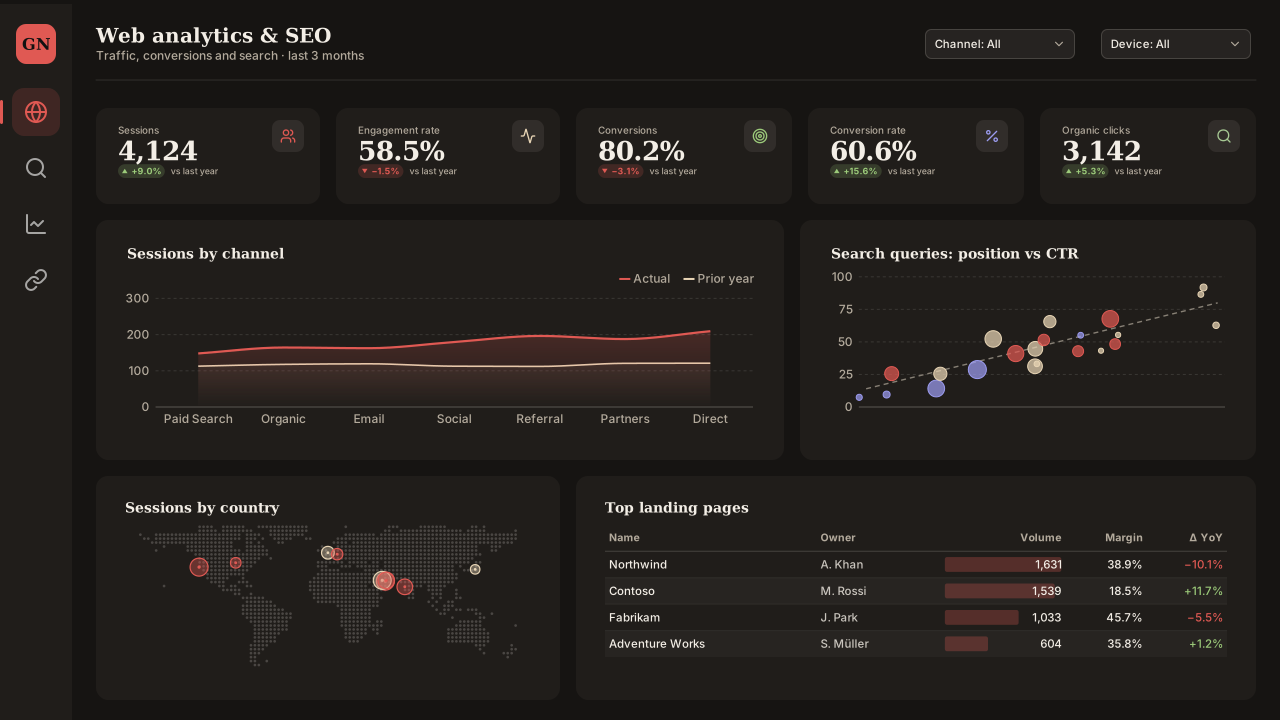
Gazette Night
Dark editorial Power BI theme: vermilion lead with cream and periwinkle on a warm charcoal page, Georgia headings, for long-form data stories.Free for commercial use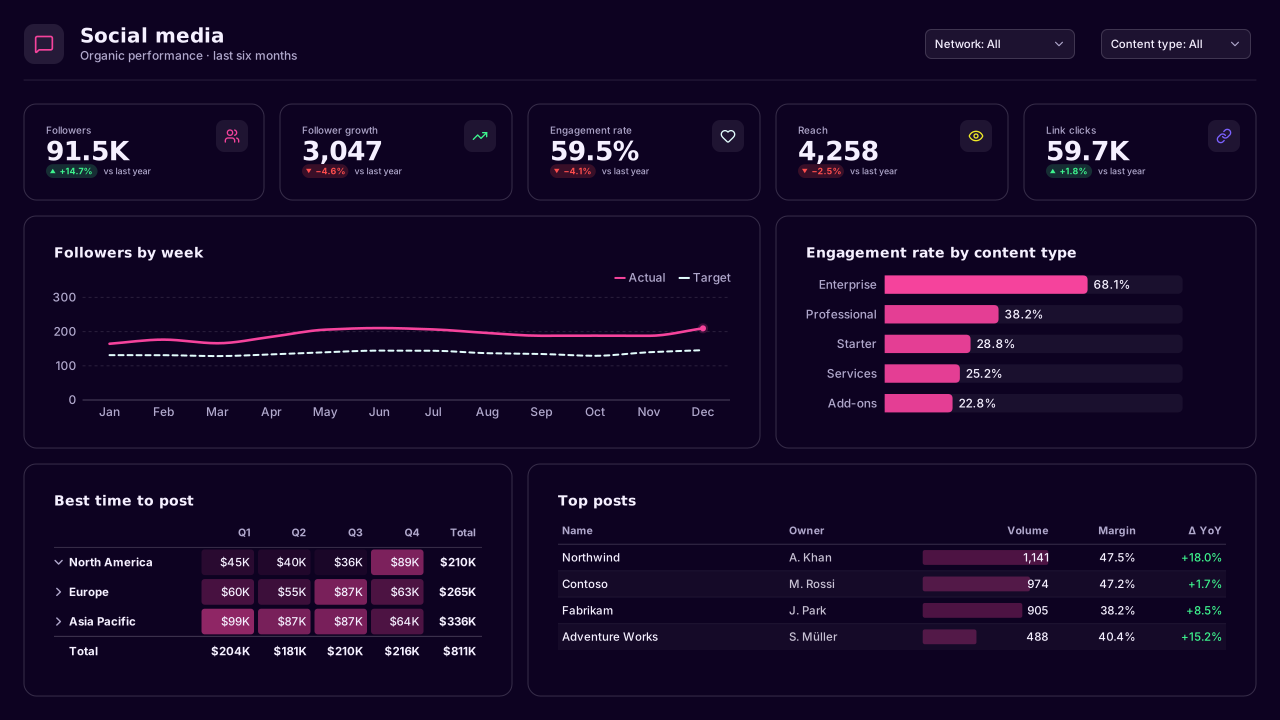
Synthwave
CVD-friendlyNeon dark Power BI theme: hot magenta lead on violet-black, ice white, laser yellow and electric violet series, Bahnschrift headings, for showcase screens.Free for commercial use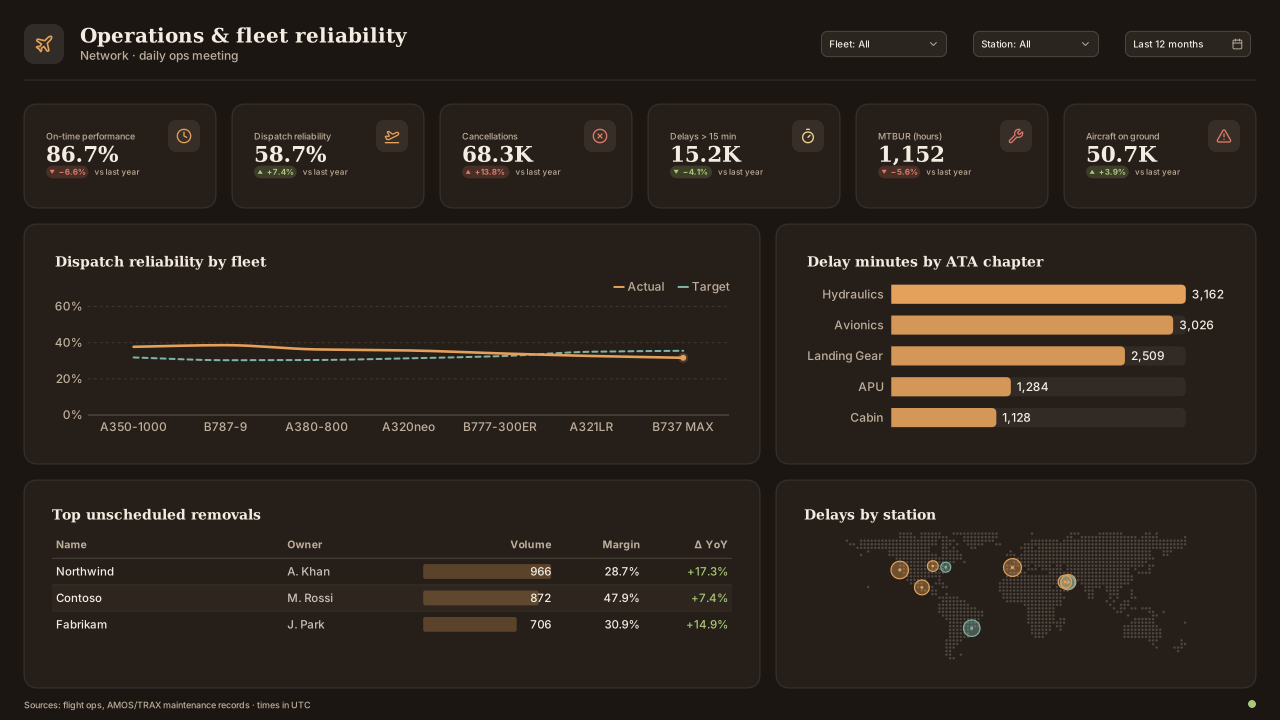
Desert Dusk
Warm dark Power BI theme: sand-gold lead on a dusk brown page, sage, clay and lilac series, Constantia headings for travel and airline reports.Free for commercial use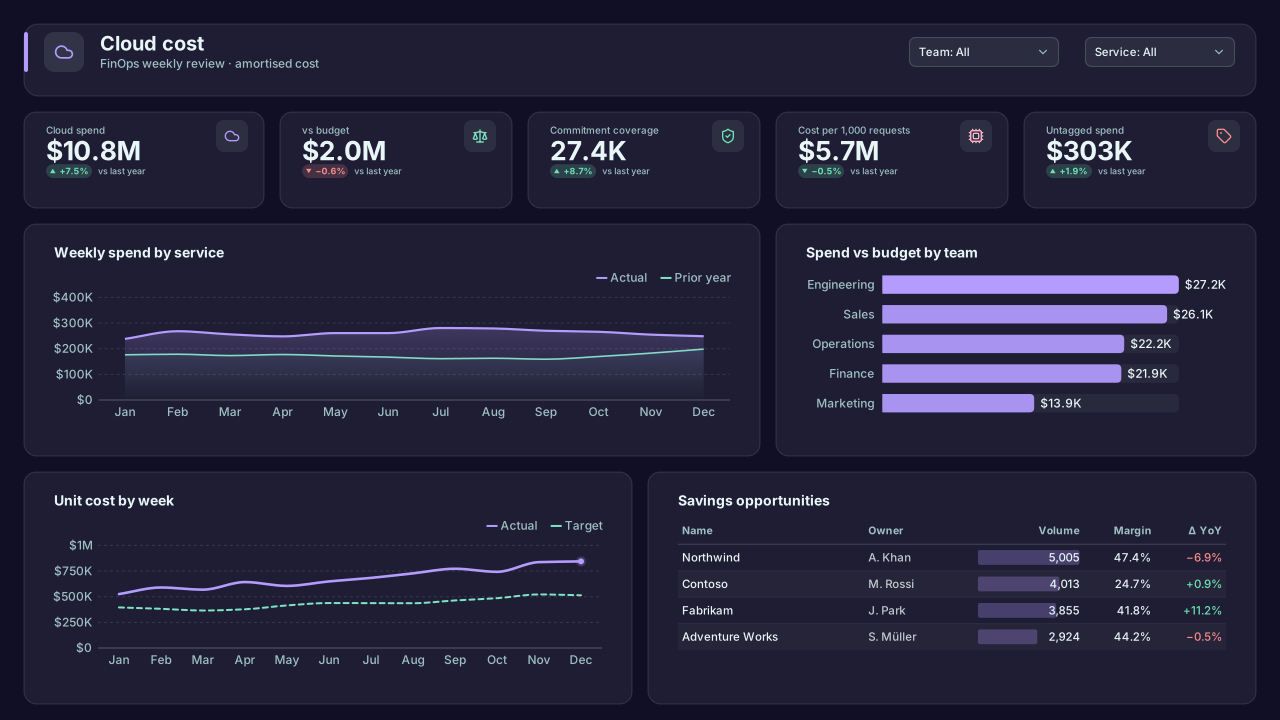
Aurora Night
Calm dark Power BI theme: aurora lilac lead on midnight violet, mint, blush and ice-blue series for cloud cost and forecast pages at night.Free for commercial use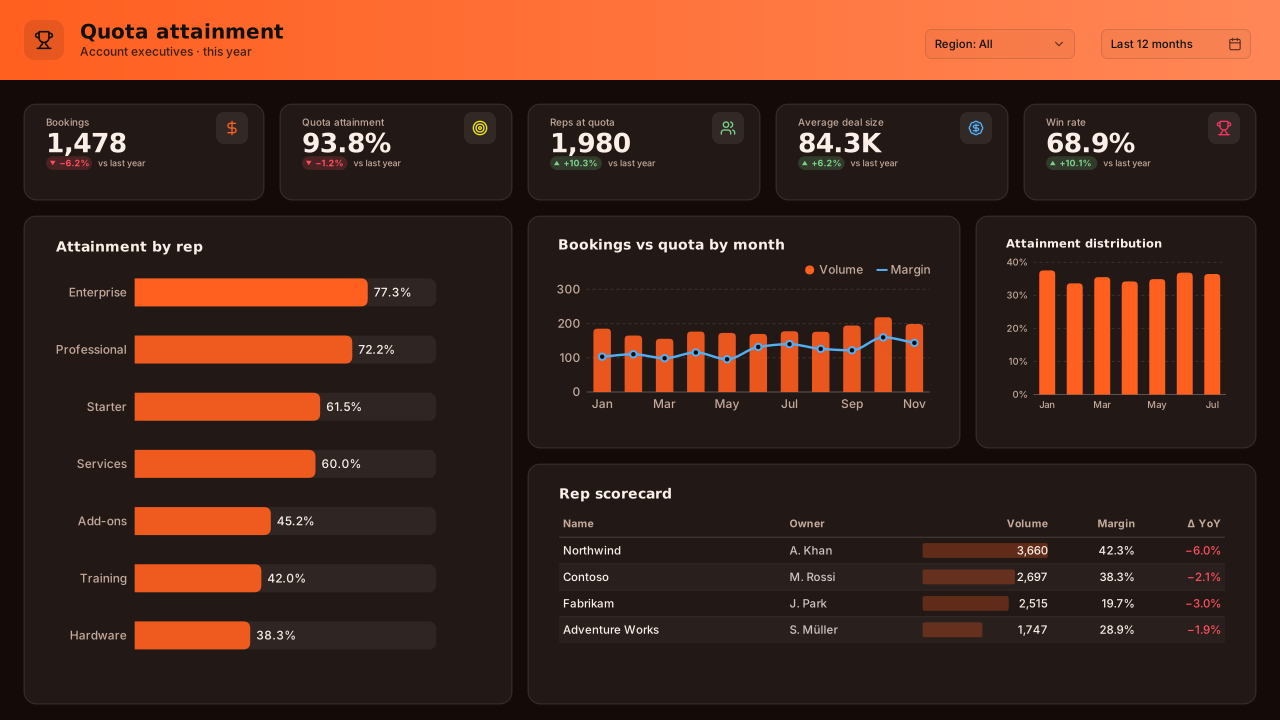
Ember
Bold dark Power BI theme: ember orange lead on charred brown, lemon, azure and raspberry series, Franklin Gothic headings for sales leaderboards.Free for commercial use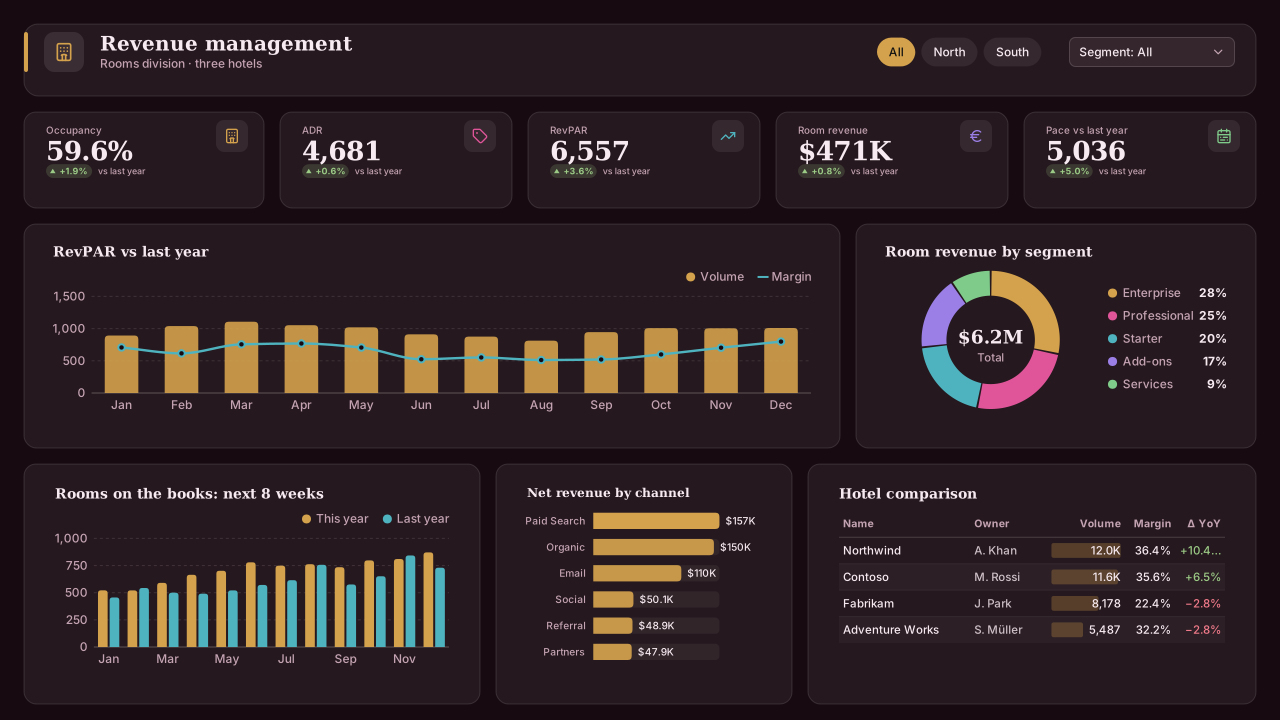
Velvet Wine
CVD-friendlyPremium dark Power BI theme: antique gold lead on velvet wine, rose, lagoon and iris series, Georgia headings for hospitality and property.Free for commercial use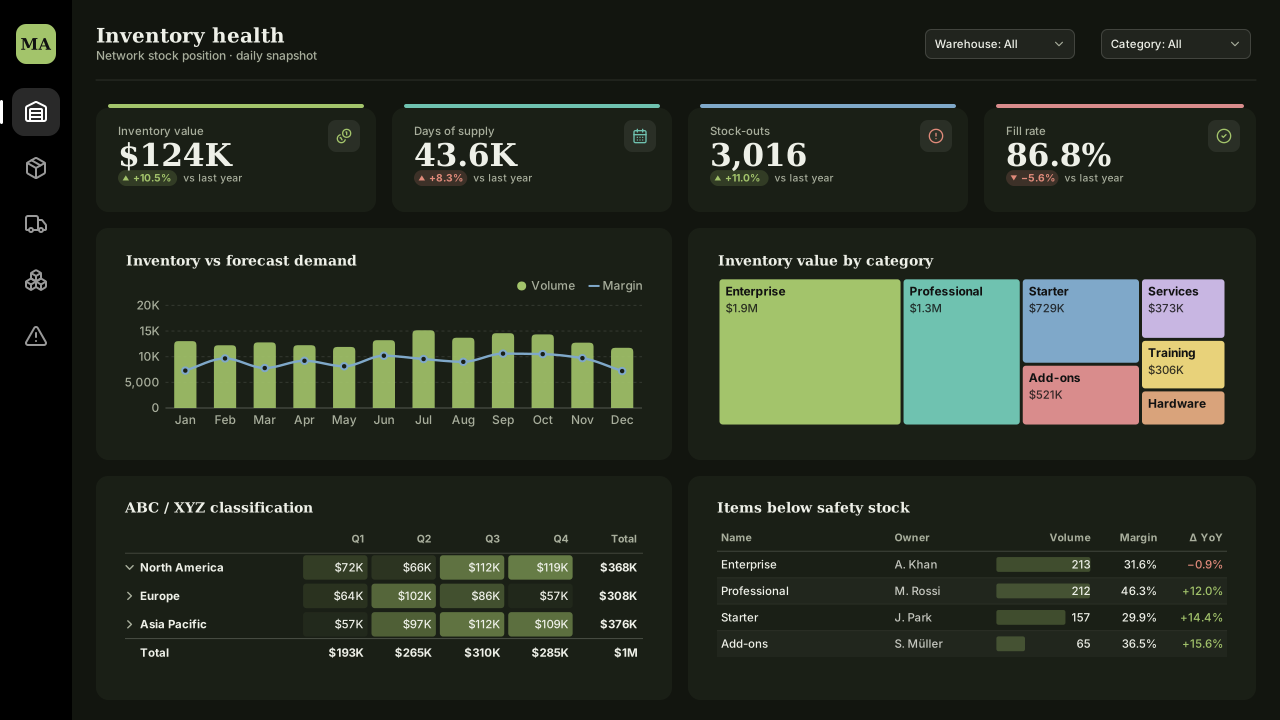
Moss and Stone
Earthy dark Power BI theme: moss green lead on stone black, aqua, slate-blue and clay series, Constantia headings for supply and construction.Free for commercial use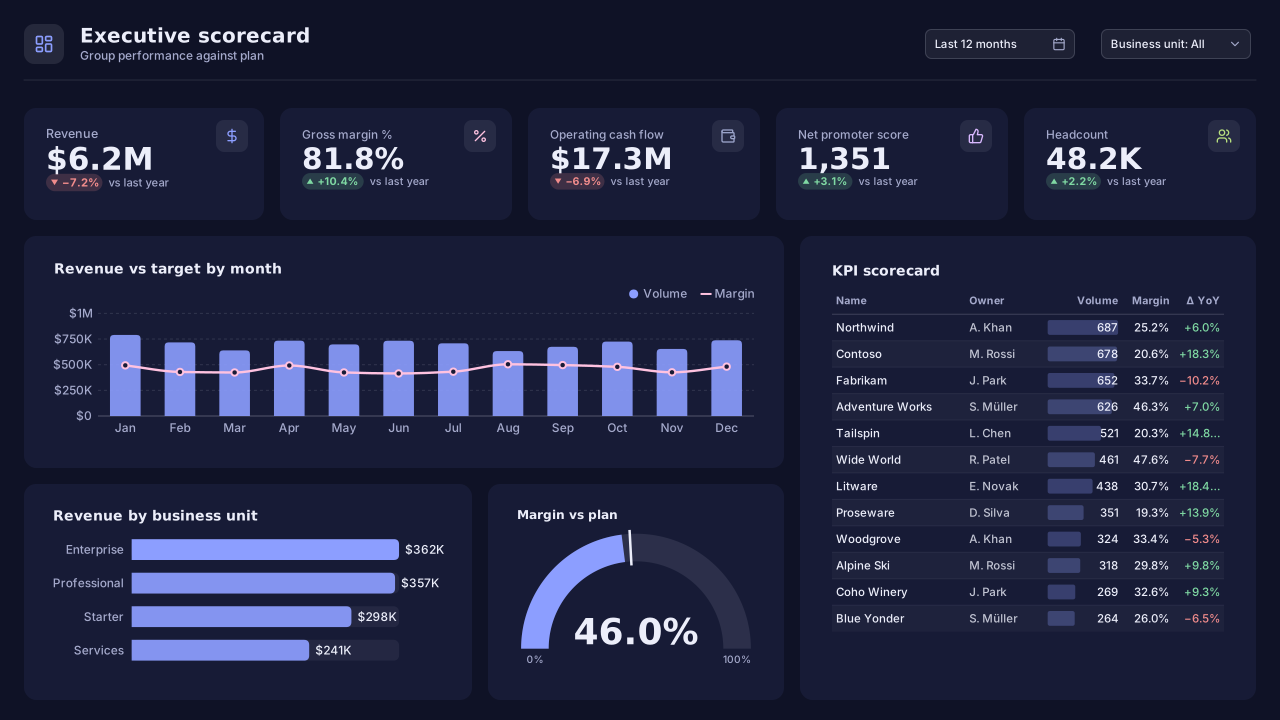
Indigo Dusk
Calm dark executive Power BI theme: periwinkle lead on indigo, blush, coral and lavender series, Segoe UI Semibold headings for KPI scorecards.Free for commercial use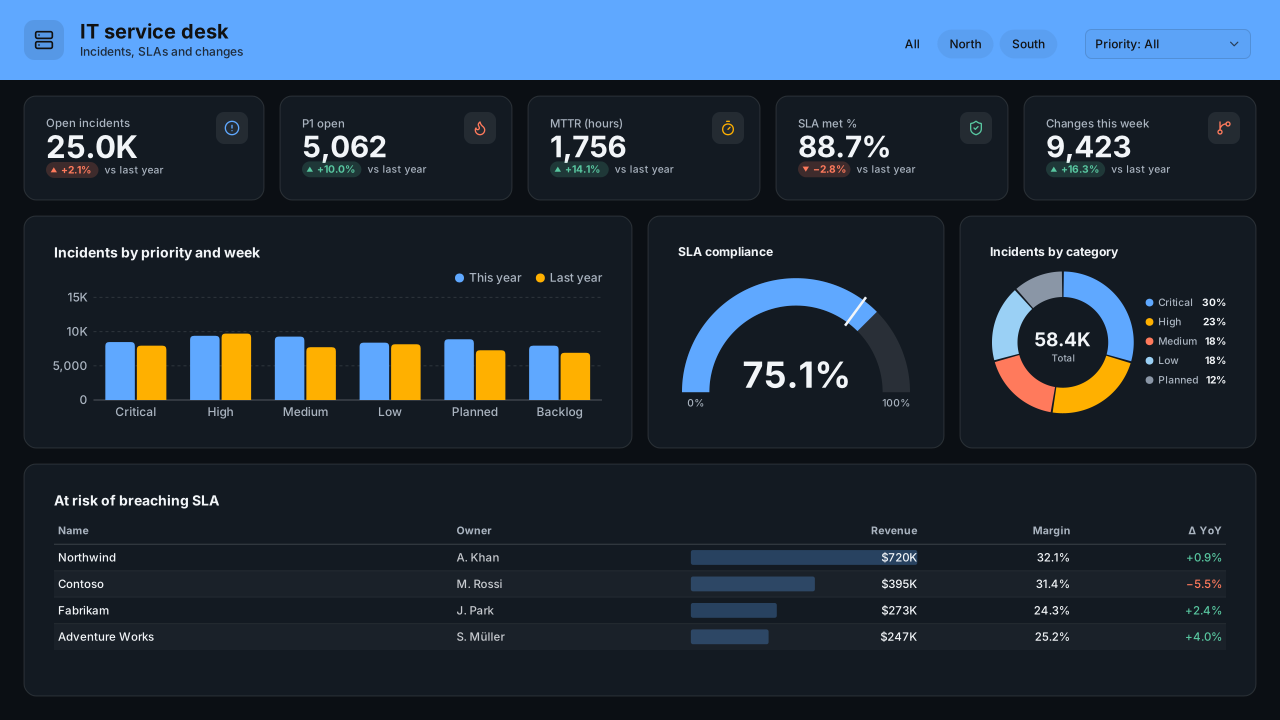
Clear Sight Night
CVD-friendlyColour-blind-friendly dark Power BI theme: sky blue and amber lead pair on near-black, coral and ice series, for IT and security operations.Free for commercial use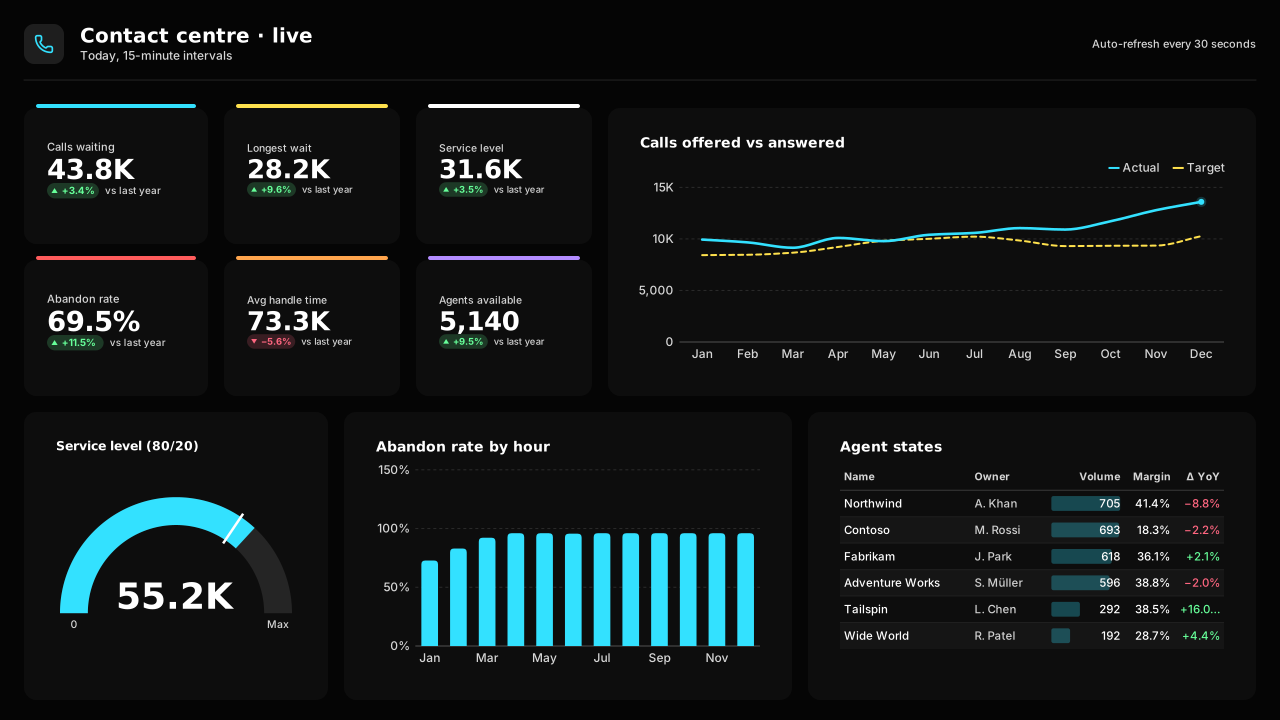
Signal High Contrast
CVD-friendlyHigh-contrast dark Power BI theme: cyan, yellow and white on true black, bold Segoe headings, for wall displays and low-vision viewing.Free for commercial use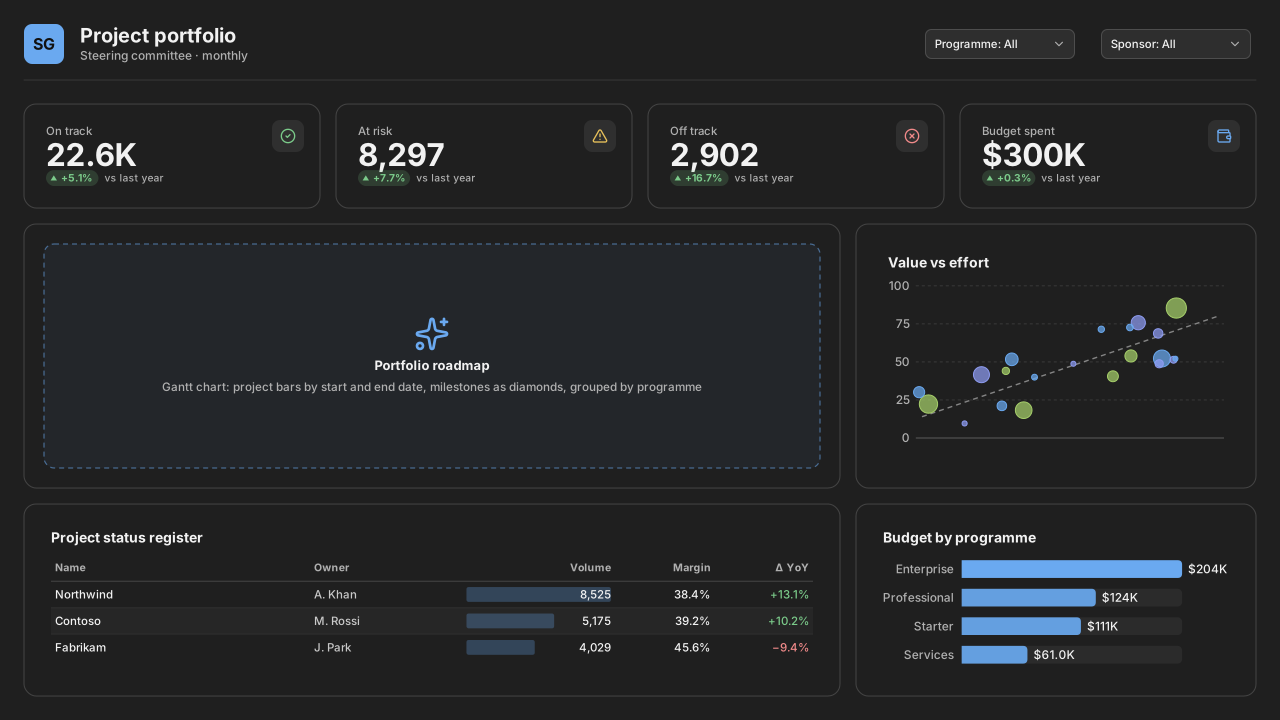
Soft Graphite
Neutral dark Power BI theme: graphite page with sky-blue lead, periwinkle, lime and aqua series, plain Segoe UI, for dark-mode project and IT pages.Free for commercial use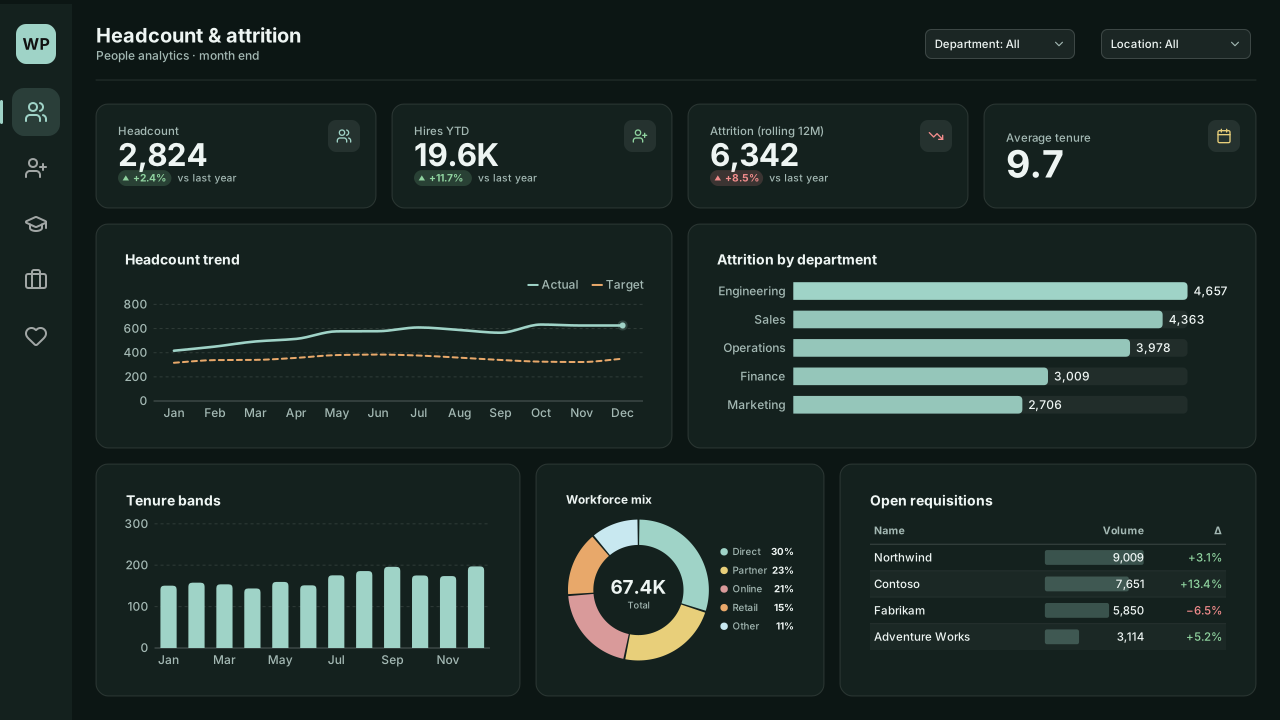
Winter Pine
Seasonal winter dark Power BI theme: frost-teal lead on pine black, candle gold and rosehip series, for year-end people and logistics reports.Free for commercial use
Light or dark?
Light themes (48): white or tinted pages with dark text. The safe choice for reports that are printed, exported to PDF or shared in PowerPoint.
Dark themes (32): dark pages for always-on screens, control rooms and SaaS-style dashboards. Data colours are lifted so thin lines stay visible.
How to import a Power BI theme
- 1
Download the JSON
Pick a theme below and download its .json file, or copy the JSON to your clipboard.
- 2
Import the theme
In Power BI Desktop go to the Design ribbon and choose Import theme; in the Power BI service open View → Theme pane. Older Desktop builds: View → Themes → Browse for themes.
- 3
Select the file
Pick the downloaded JSON. Data colours, text classes and visual defaults update across every page.
- 4
Match the page
For the full look, pair the theme with a matching page background from the backgrounds gallery or the design studio.
How the colours are checked
Each theme defines a page colour, a card colour, text, muted text, an accent, good/neutral/bad status colours and eight data colours. Text and muted text must reach 4.5:1 against both the page and the cards (WCAG AA). Data and status colours must reach 3:1 against the cards, the WCAG threshold for graphical objects, so a two-pixel line or a thin bar stays visible.
The two colour-blind-safe themes keep the published Okabe-Ito and Tol hex values exactly, because changing them would break the colour-vision testing they are known for. Their theme pages list which colours fall below 3:1 so you can add data labels where it matters.
Frequently asked questions
How do I import a theme JSON into Power BI?
In Power BI Desktop go to the Design ribbon → Import theme and select the downloaded .json file; in the Power BI service use View → Theme pane (older Desktop builds: View → Themes → Browse for themes). The data colours, text classes and visual defaults apply to every page of the report.
Do these Power BI themes meet accessibility contrast?
Every theme's text colours meet WCAG AA (4.5:1) against both the page and card colours. All data and status colours clear 3:1 against the card colour, except in the two published colour-blind-safe palettes (Okabe-Ito and Tol Bright), whose exact values are kept; those pages list which colours need data labels.
Which theme JSON schema do these themes use?
They are compiled against the current report theme schema (reportThemeSchema-2.159) and include name, dataColors, background, foreground, tableAccent, good/neutral/bad, textClasses and visualStyles.
Can I embed a background image in the theme?
Yes. When you export a theme from the design studio together with a page design, the background PNG can be embedded in the theme as a data URI so one file restyles the whole report.
Need a chart Power BI doesn’t ship?
Describe it in plain English and VizForge generates a custom visual as a .pbiviz file, with its TypeScript source. In the design studio, hand any visual slot to the AI and the brief carries the slot size and your brand colours. Sankey, Gantt, bullet, waterfall and more: see the visual catalog.
Generate a custom visual with AI · starts free →Keep exploring
Build a theme JSON from your own brand colours.
61 hand-designed Power BI page layouts by department.
Page backgrounds at 1280×720 and 1920×1080 with visual positions.
3,034 icons in 40 categories as SVG, PNG, DAX or theme icon JSON.
See a theme on your own layout
Open the design studio, choose a theme and design the page around it. Export the background and the theme JSON together so they always match.
The design studio for Power BI. Free, in your browser, no sign-up.