4 free templates · Marketing
Marketing dashboard templates for Power BI
Marketing templates
Each template downloads as a background image, a theme JSON and a PBIP project; the ones marked with sample data open in Power BI Desktop with bound visuals.
 With sample data
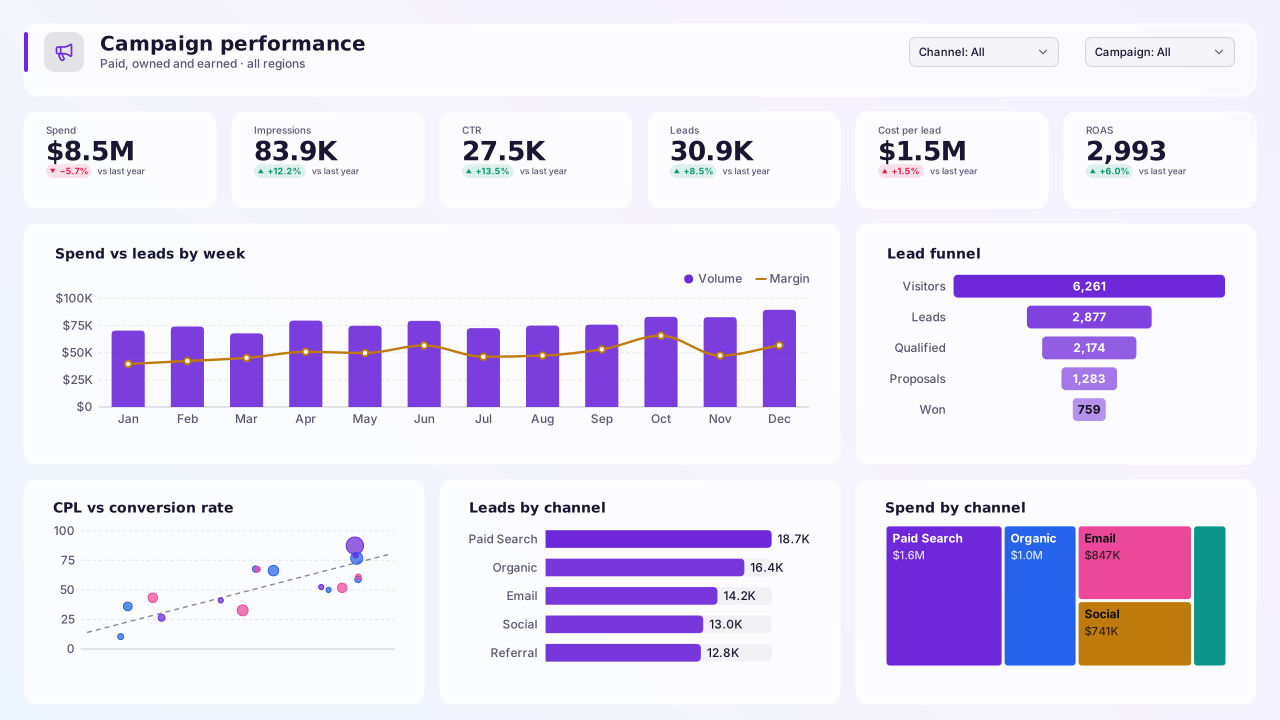
Marketing Campaign Performance
Power BI marketing dashboard template: spend, CTR, leads, CPL and ROAS KPIs, spend vs leads trend, lead funnel and channel efficiency charts.Free for commercial use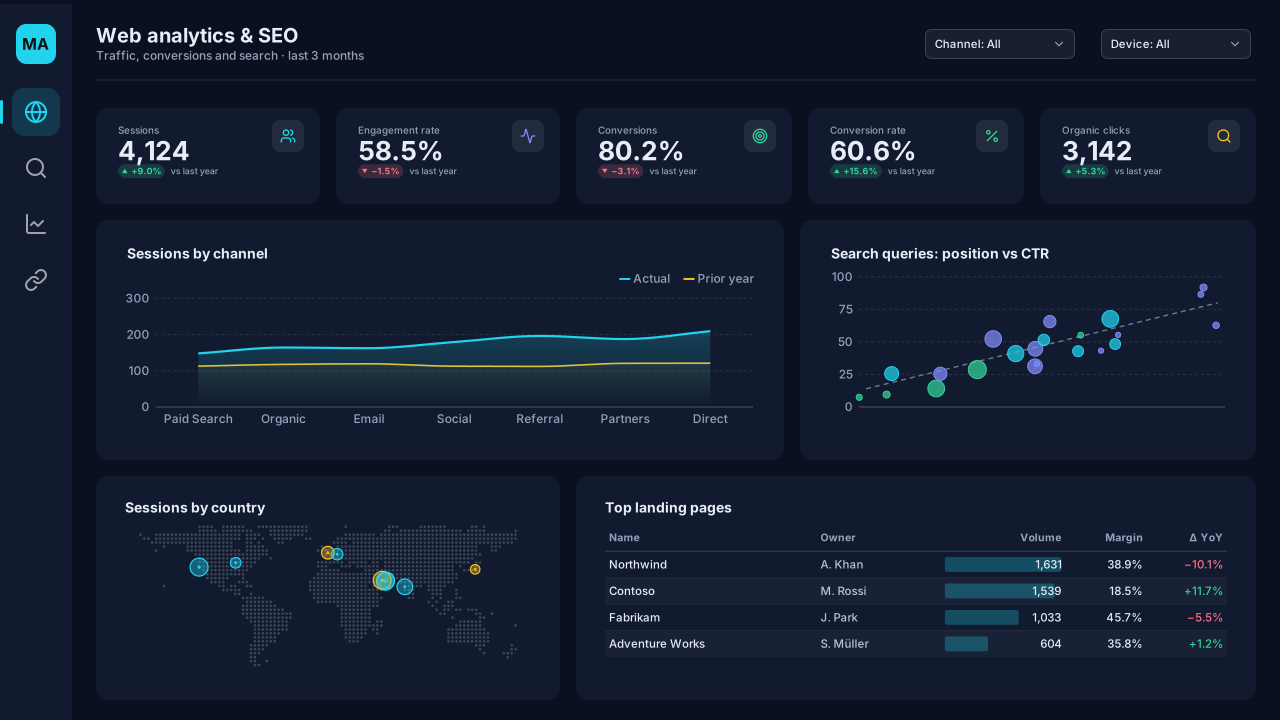 With sample data
Web Analytics & SEO
Dark Power BI web analytics and SEO template: sessions by channel, engagement and conversions, top landing pages, query position vs CTR and visitor countries.Free for commercial use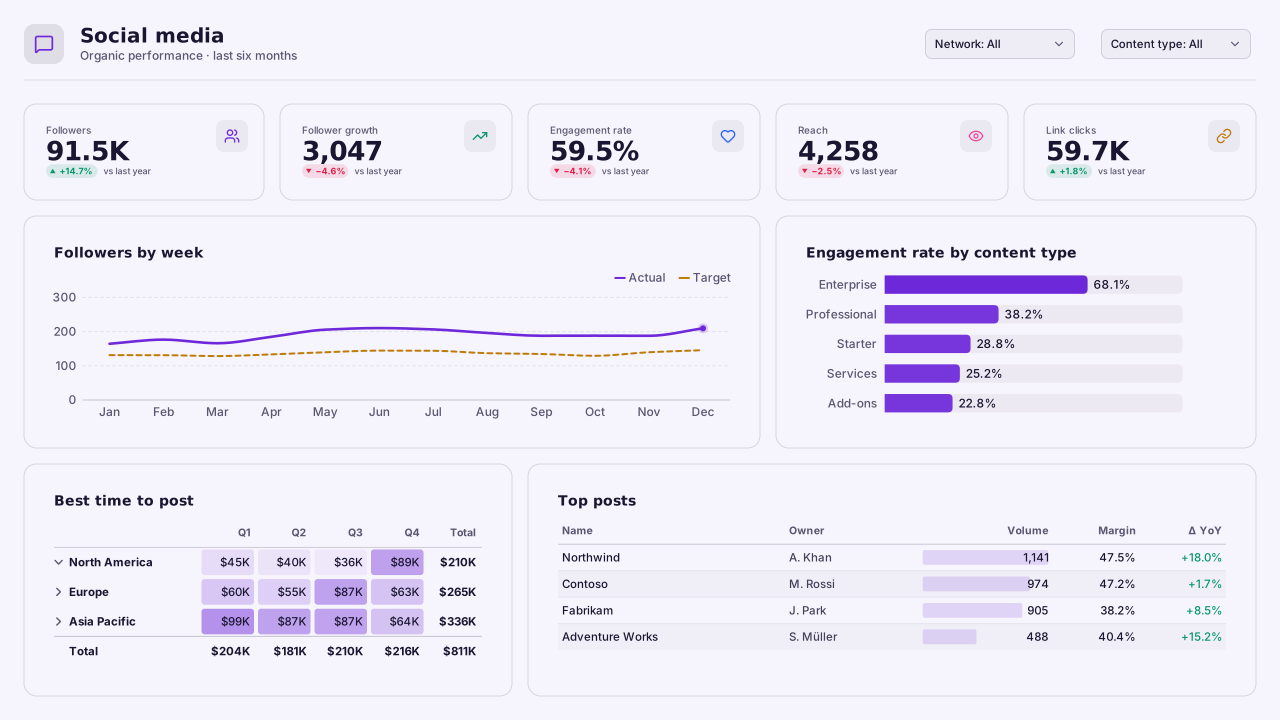 With sample data
Social Media Performance
Power BI social media dashboard template: followers and growth by network, engagement rate by content type, best day and time to post, and top posts.Free for commercial use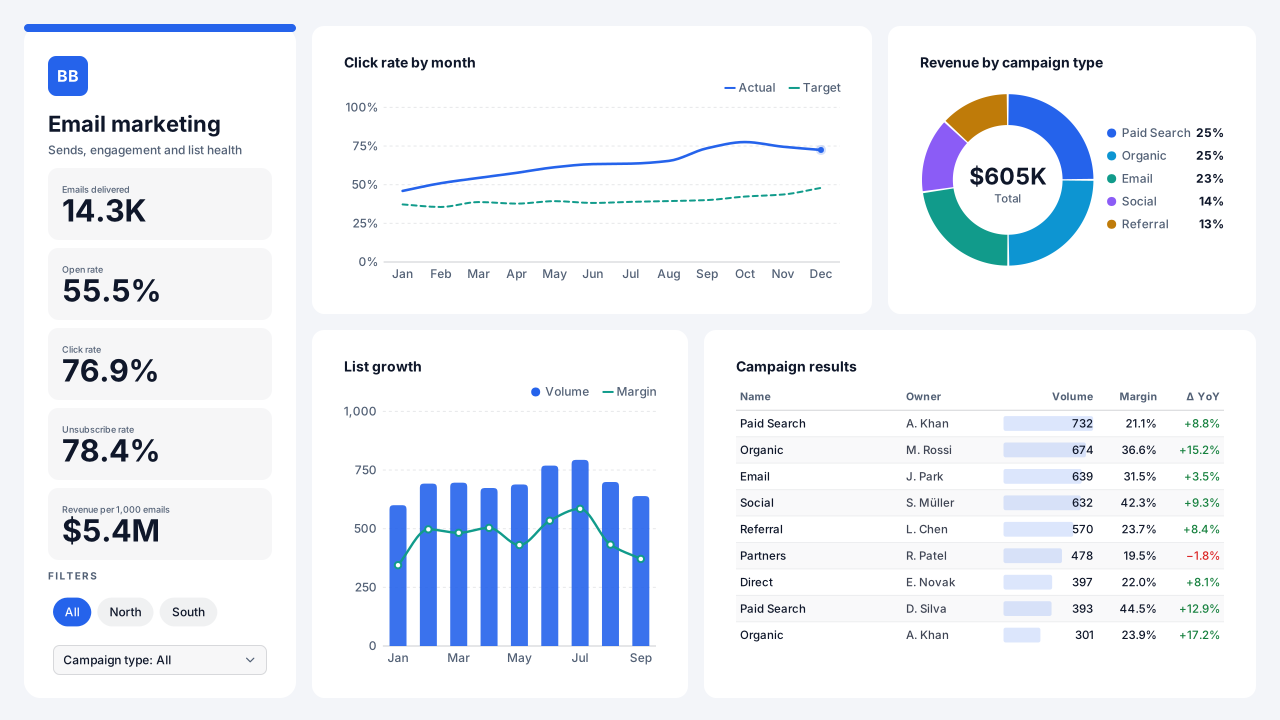 With sample data
Email Marketing
Power BI email marketing template: open, click and unsubscribe rates, revenue per 1,000 emails, list growth, revenue by campaign type and sends.Free for commercial use
More marketing layouts are on the way. Browse all templates or start from a blank page in the Design Studio.
What a marketing dashboard should answer
- What did each channel cost and what did it return?
- Which campaigns produce leads that convert to pipeline?
- Where does the funnel leak?
- How is spend pacing against the monthly budget?
Layout advice
Use one colour per channel across every visual on the page, and keep cost metrics (spend, CPL) visually separate from volume metrics (leads, MQLs) so readers don't compare unlike numbers.
Check any layout with the Design Check in the Design Studio (contrast, grid, gutters), and pick a contrast-checked theme to match.
Beyond the template
Custom visuals and dashboard recipes for the same team.
Team hub
Power BI visuals for MarketingFunnels with conversion arrows, attribution Sankeys, cohort retention curves — the marketing visuals Power BI's native funnel and charts don't cover.
Dashboard recipe
Best Power BI Visuals for Marketing AttributionThe best Power BI visuals for marketing attribution — multi-touch Sankeys, channel mix heatmaps, funnel…
Dashboard recipe
Best Power BI Visuals for Product AnalyticsThe best Power BI visuals for product analytics — feature adoption funnels, retention cohorts, user flow…
Templates for other departments
- Executive 1
- Finance 6
- Sales 3
- Retail & e-commerce 3
- SaaS 2
- Operations 4
- HR & people 5
- Supply chain 7
- Manufacturing 3
- Healthcare 3
- IT 3
- Project & PMO 2
- Aviation 1
- Banking 3
- Insurance 2
- Real estate & workplace 2
- Hospitality 2
- Education 2
- Nonprofit 1
- Public sector 1
- CV & portfolio 1
Keep exploring
61 hand-designed Power BI page layouts by department.
80 contrast-checked theme JSON files, light and dark.
Page backgrounds at 1280×720 and 1920×1080 with visual positions.
3,034 icons in 40 categories as SVG, PNG, DAX or theme icon JSON.
Make a marketing page your own
Open a template in the Design Studio to change colours, fonts, logo and layout, then export the background, theme JSON and PBIP project.
The design studio for Power BI. Free, in your browser, no sign-up.