Community gallery
Power BI report designs to remix
From the community
Published by members and approved by a moderator. Newest first.
Publishing to the community gallery isn't open yet. The VizForge team's designs below can be remixed now; your own designs stay in My designs and can be shared with a link.
VizForge team designs
Staff picks from the VizForge team: each is a different layout and theme, scores 85 or more in Design Check and is drawn for a fictional company.
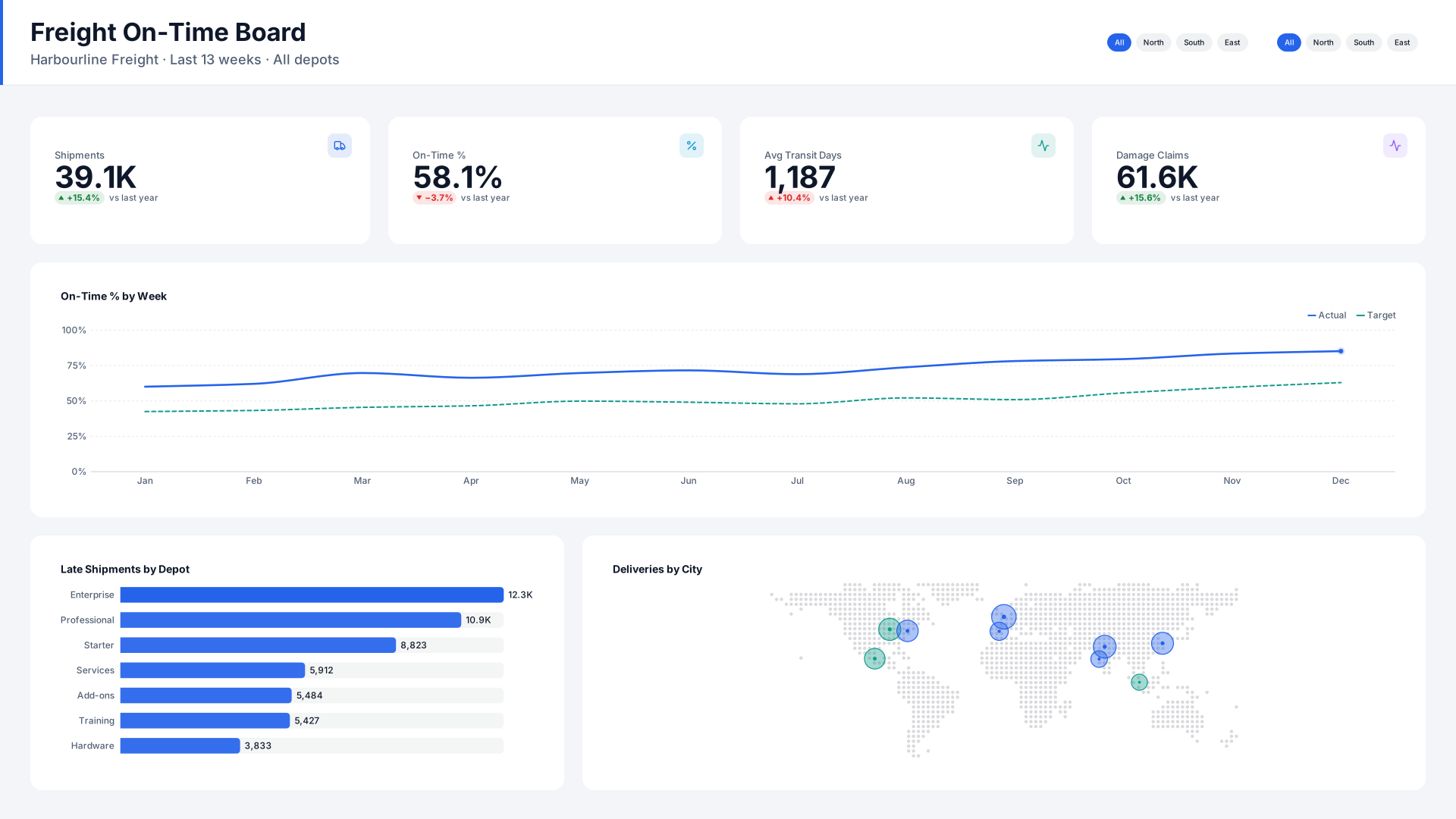 VizForge team · Staff pick
Freight On-Time Board — Header bar
by VizForge team · 1920×1080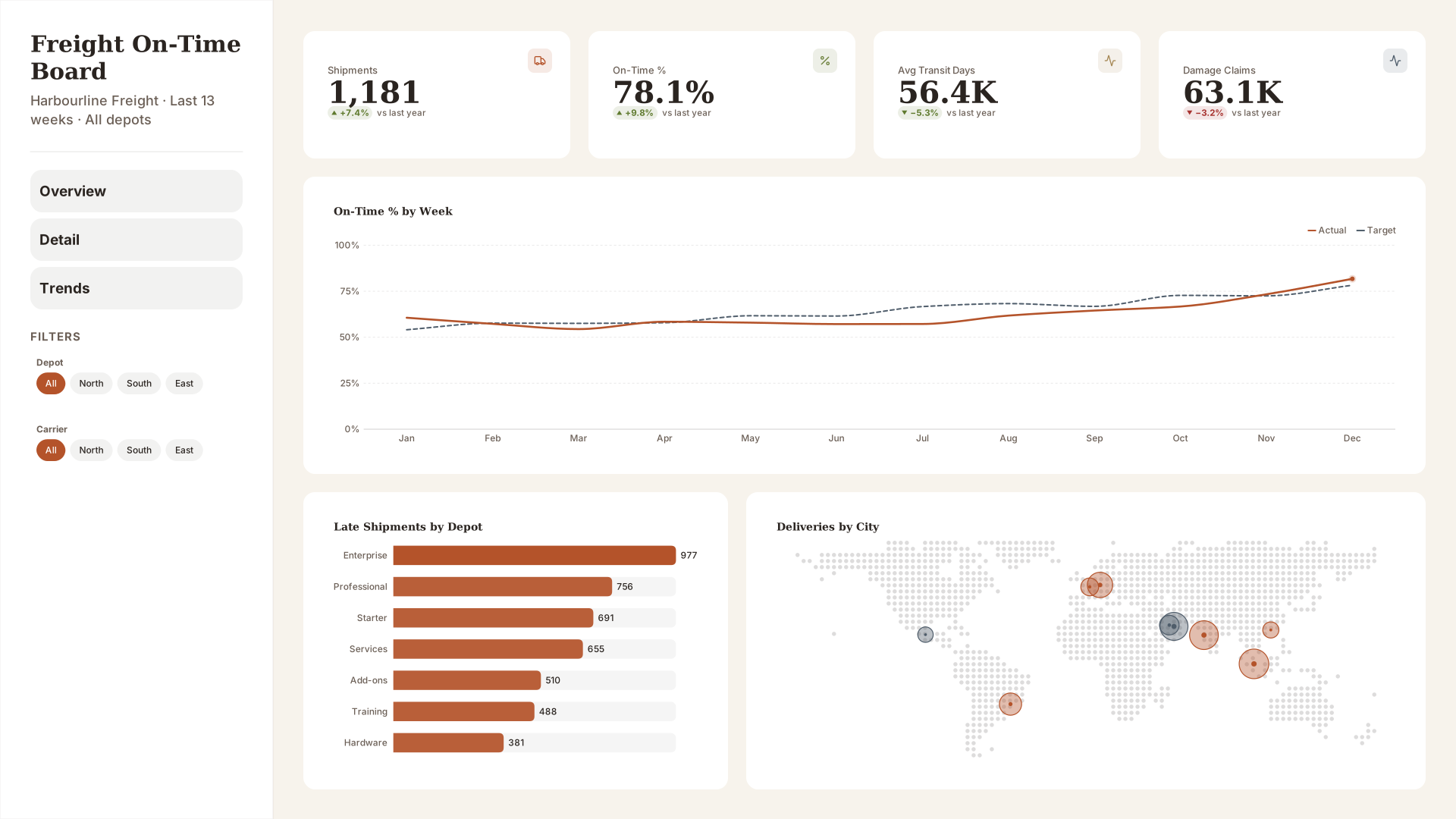 VizForge team · Staff pick
Freight On-Time Board — Wide sidebar
by VizForge team · 1920×1080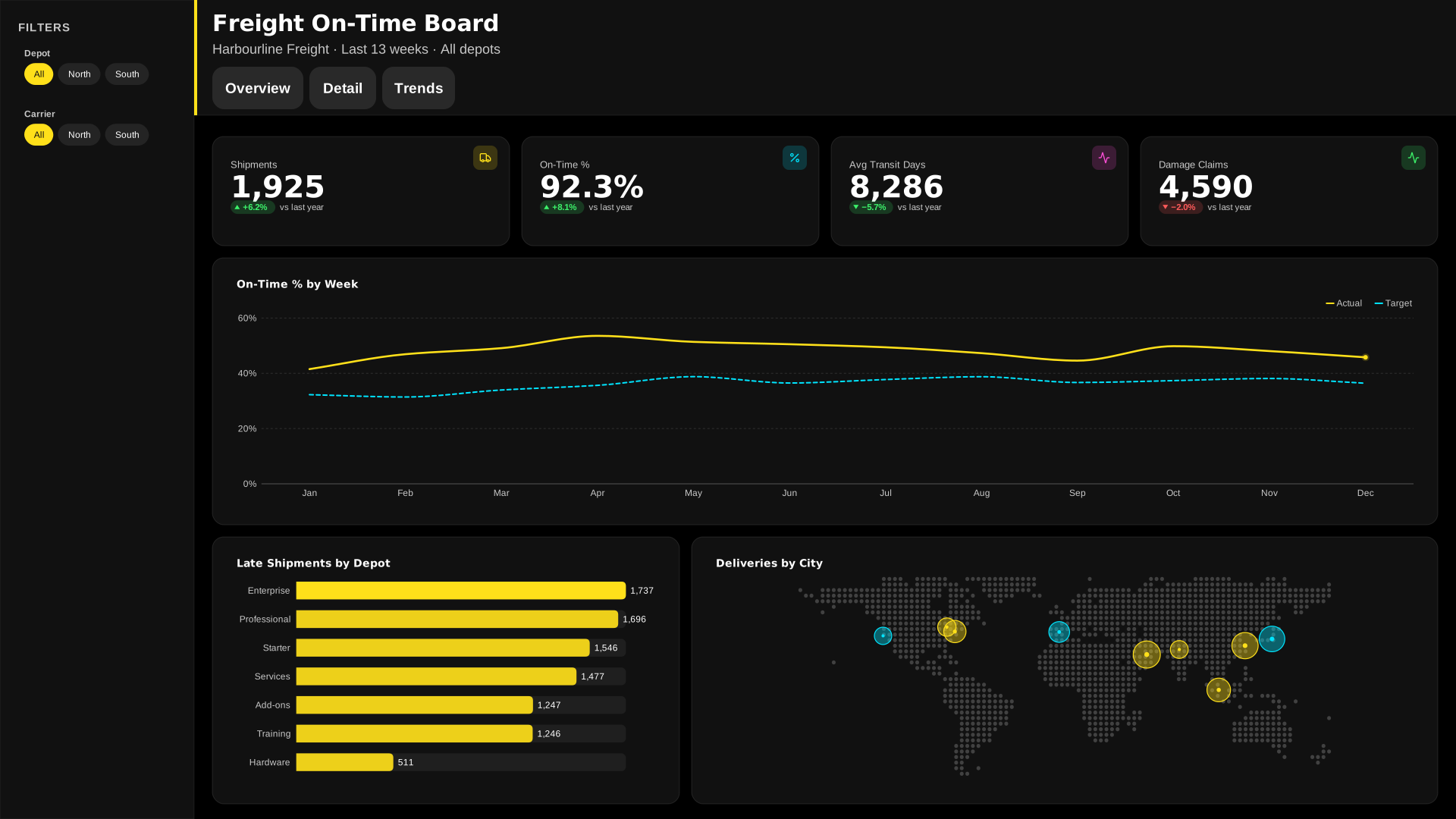 VizForge team · Staff pick
Freight On-Time Board — Compact nav
by VizForge team · 1920×1080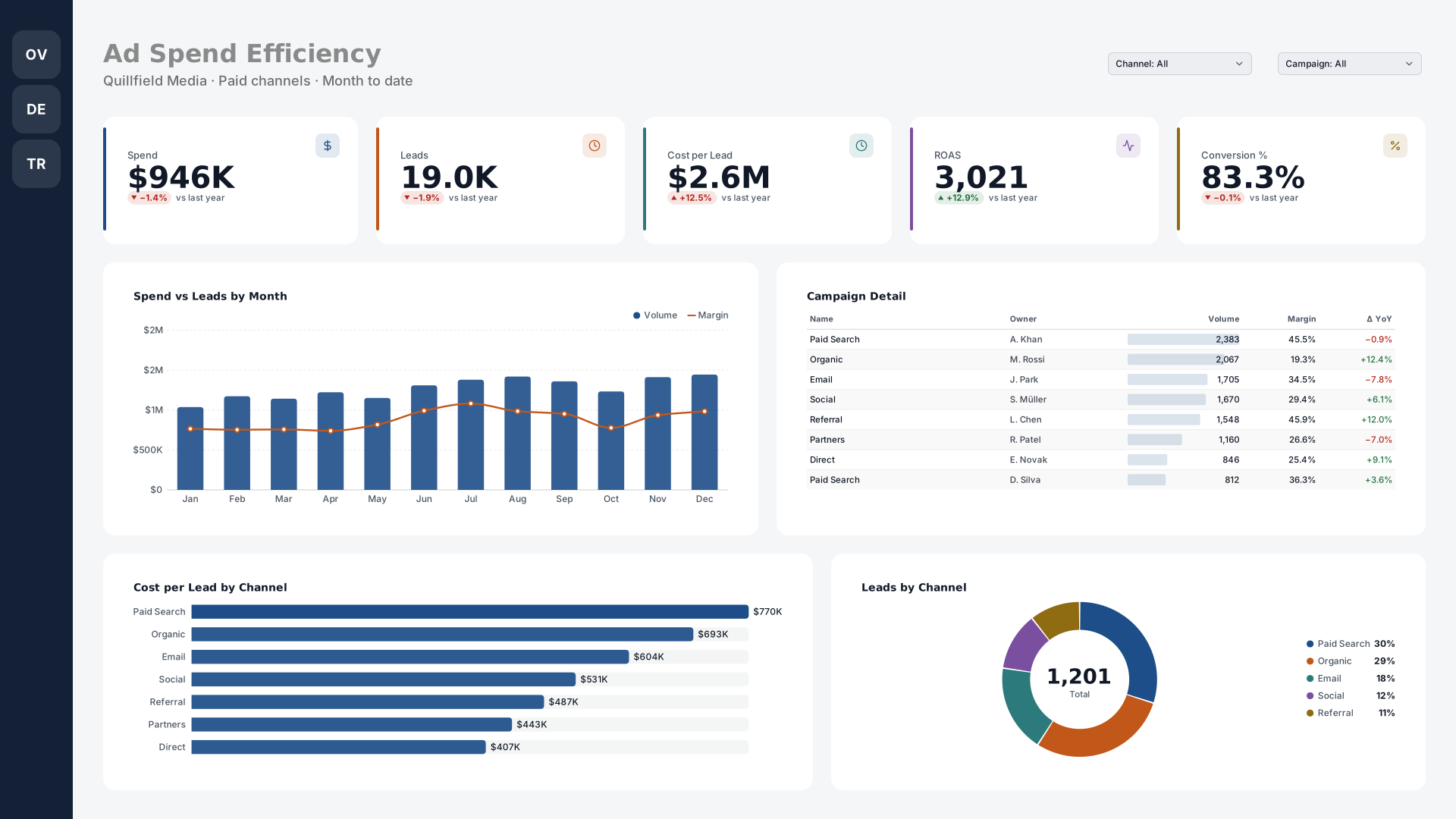 VizForge team · Staff pick
Ad Spend Efficiency — Icon rail
by VizForge team · 1920×1080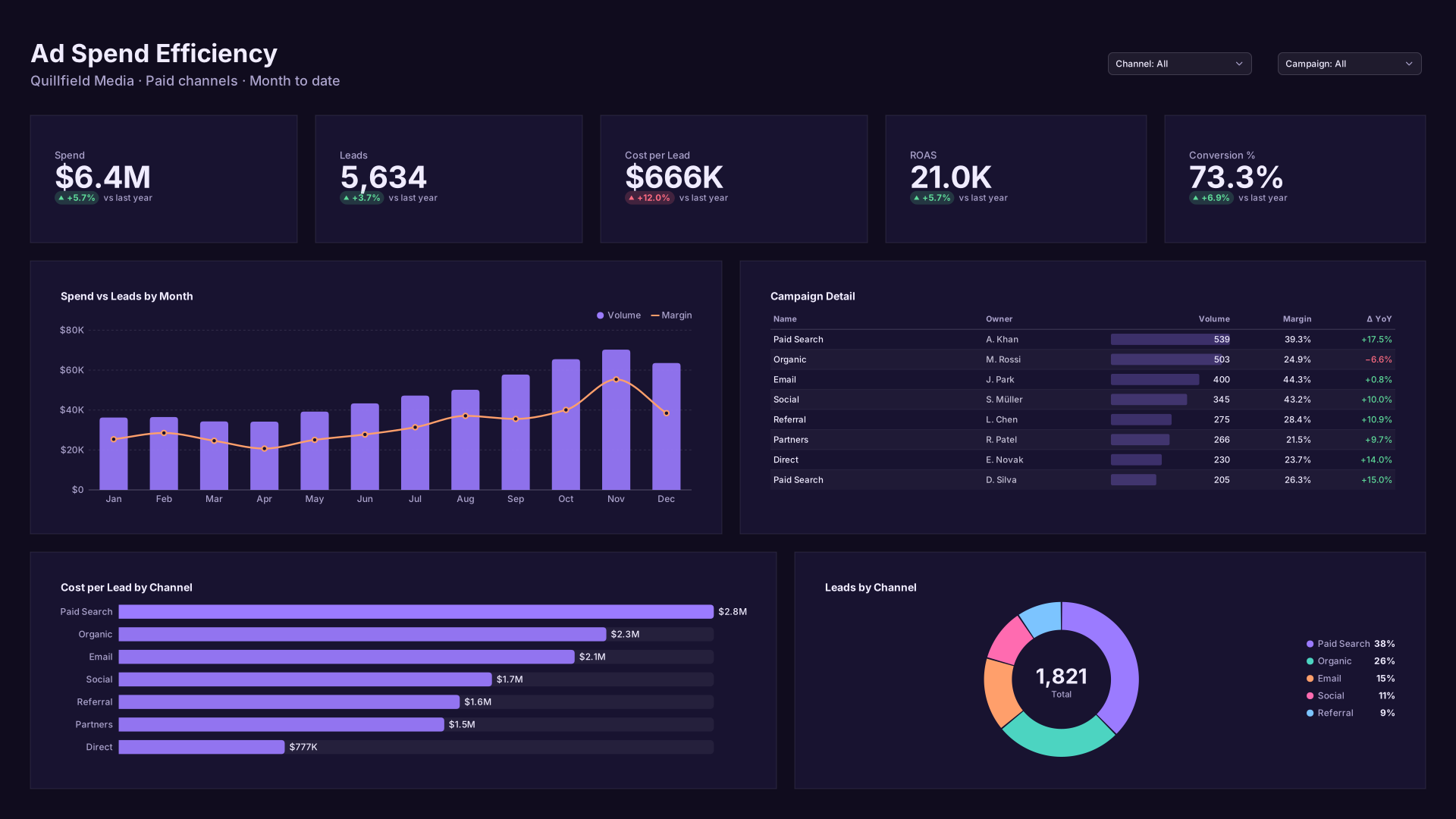 VizForge team · Staff pick
Ad Spend Efficiency — Flat minimal
by VizForge team · 1920×1080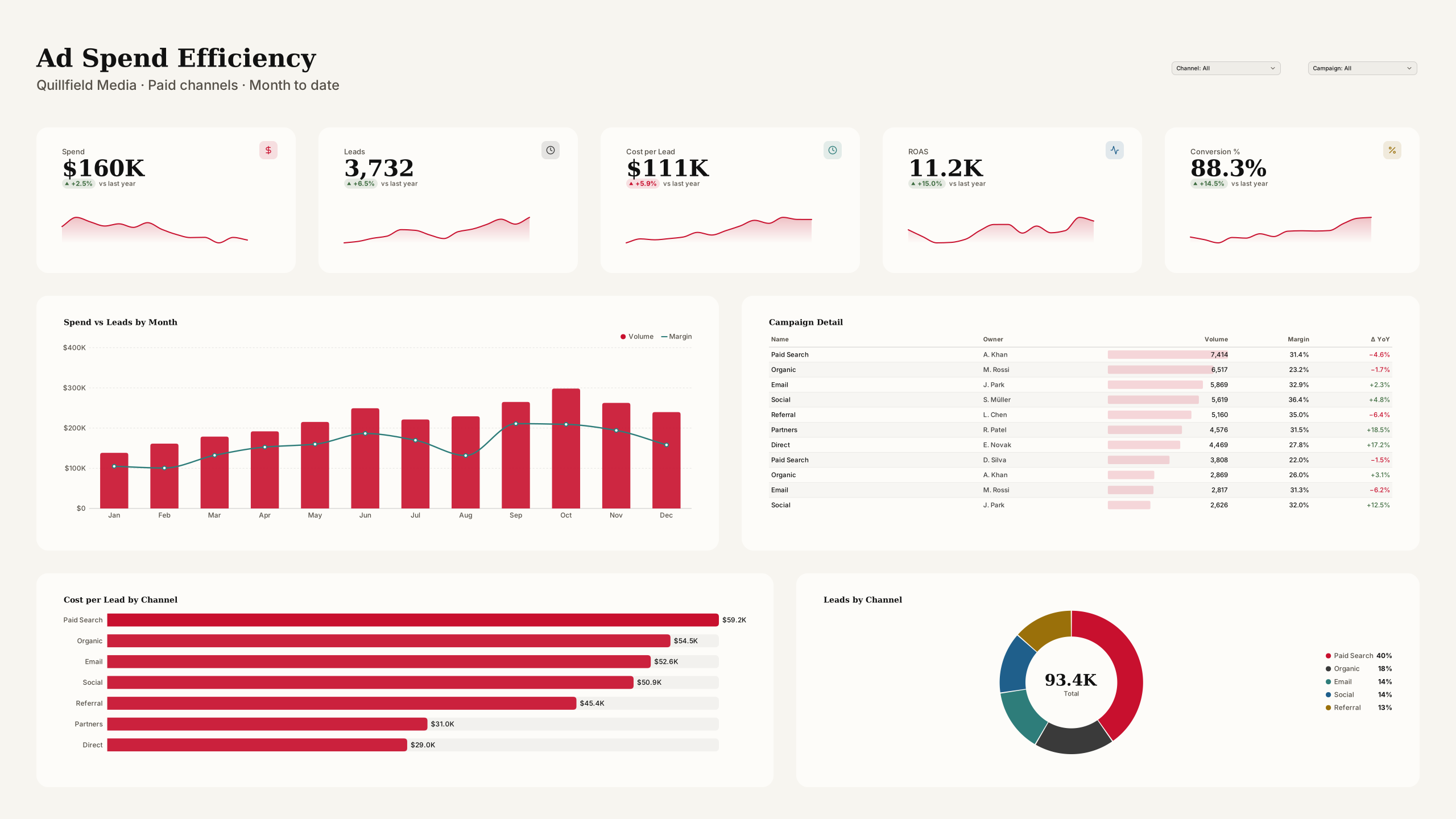 VizForge team · Staff pick
Ad Spend Efficiency — Wall screen
by VizForge team · 2560×1440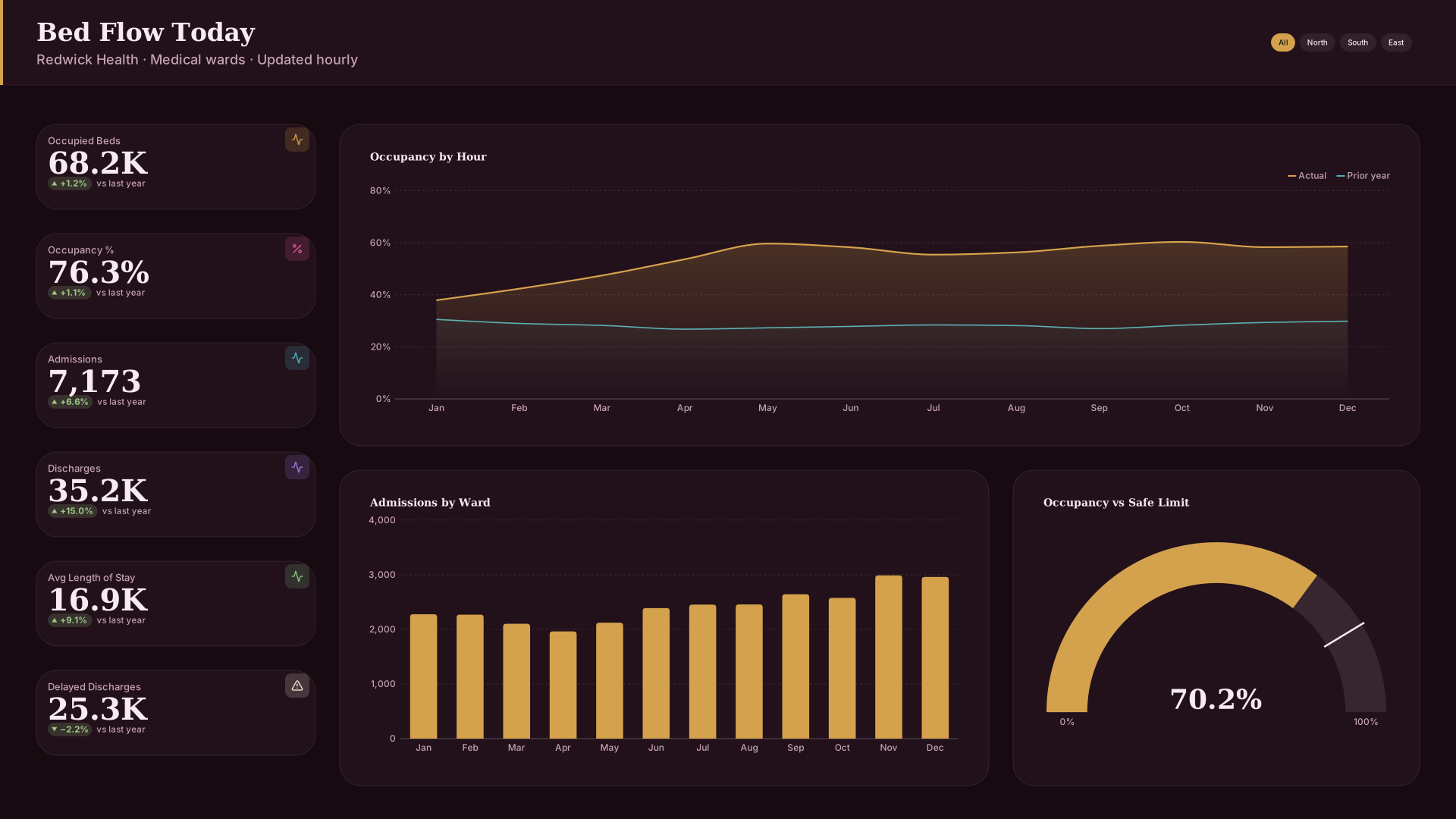 VizForge team · Staff pick
Bed Flow Today — KPI column
by VizForge team · 1920×1080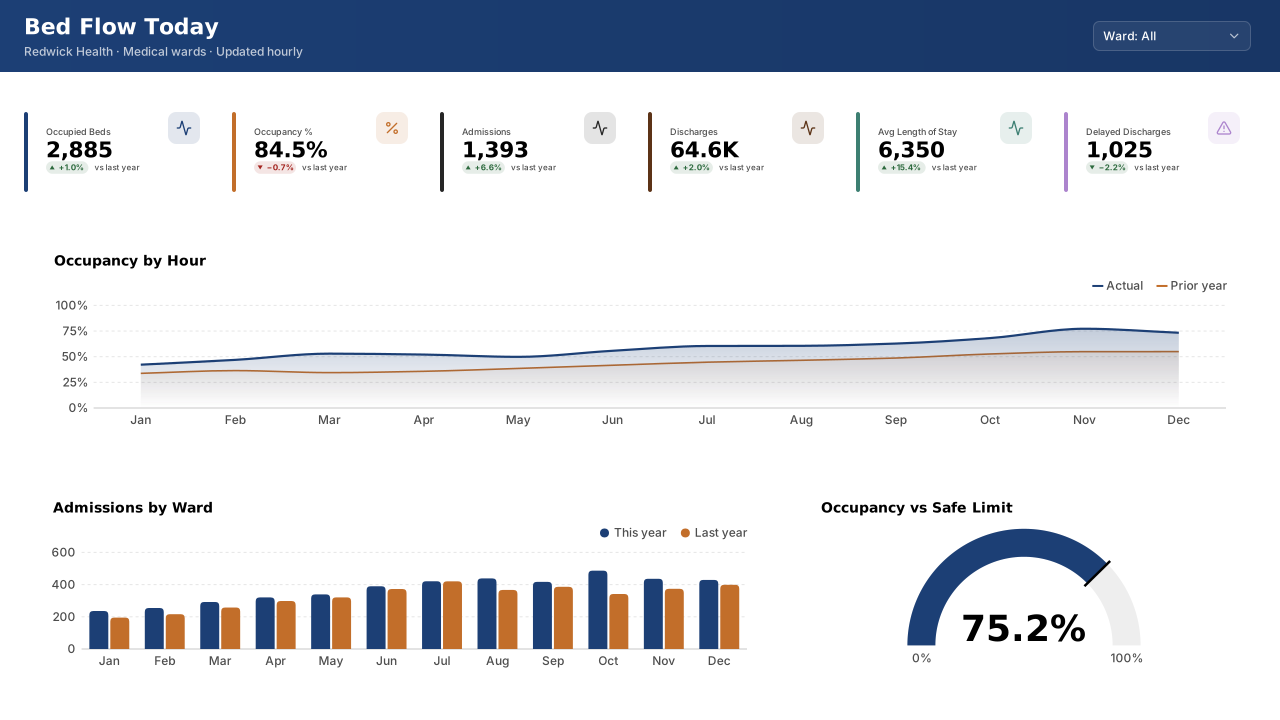 VizForge team · Staff pick
Bed Flow Today — Classic 1280
by VizForge team · 1280×720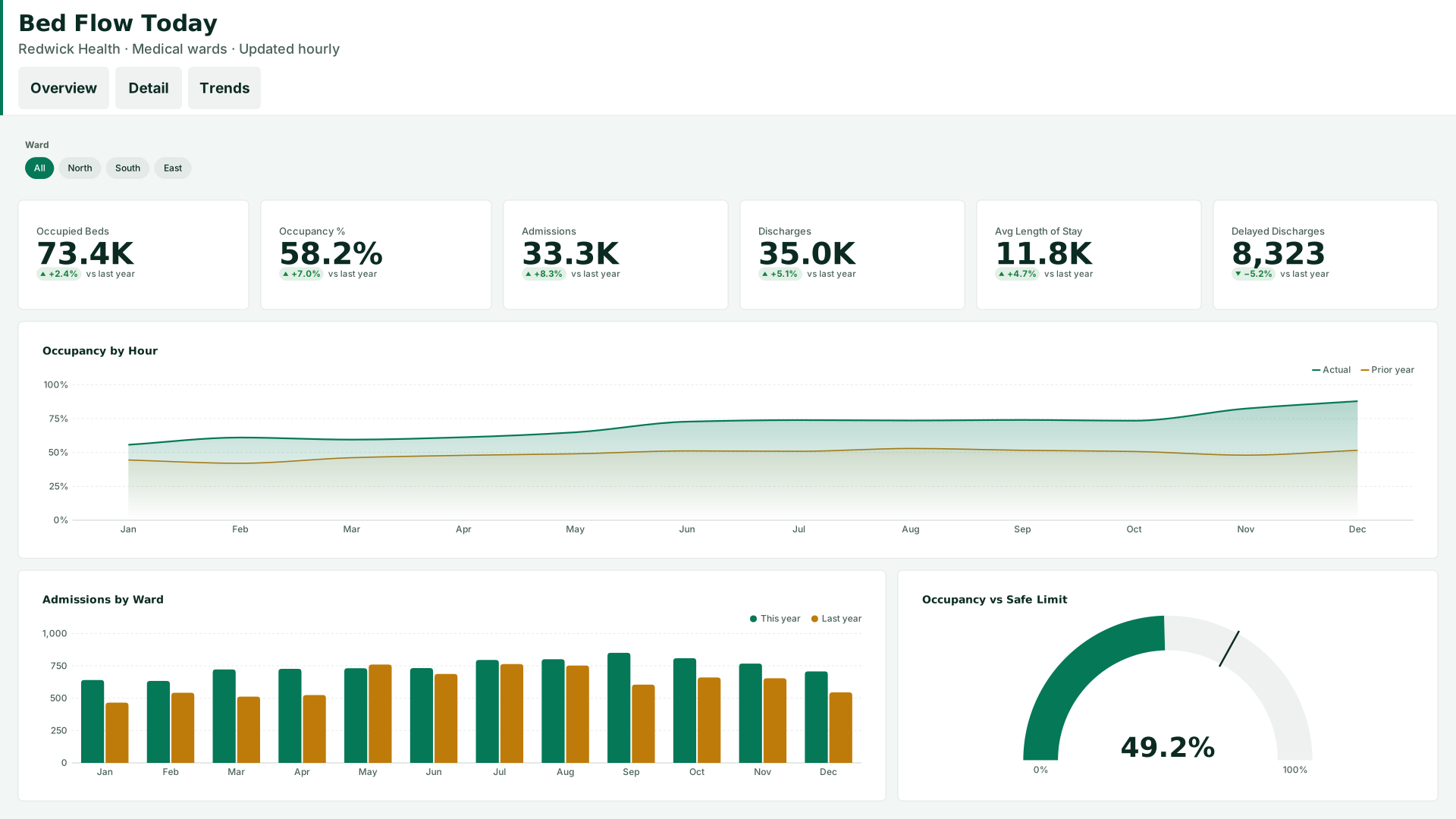 VizForge team · Staff pick
Bed Flow Today — Tabbed header
by VizForge team · 1920×1080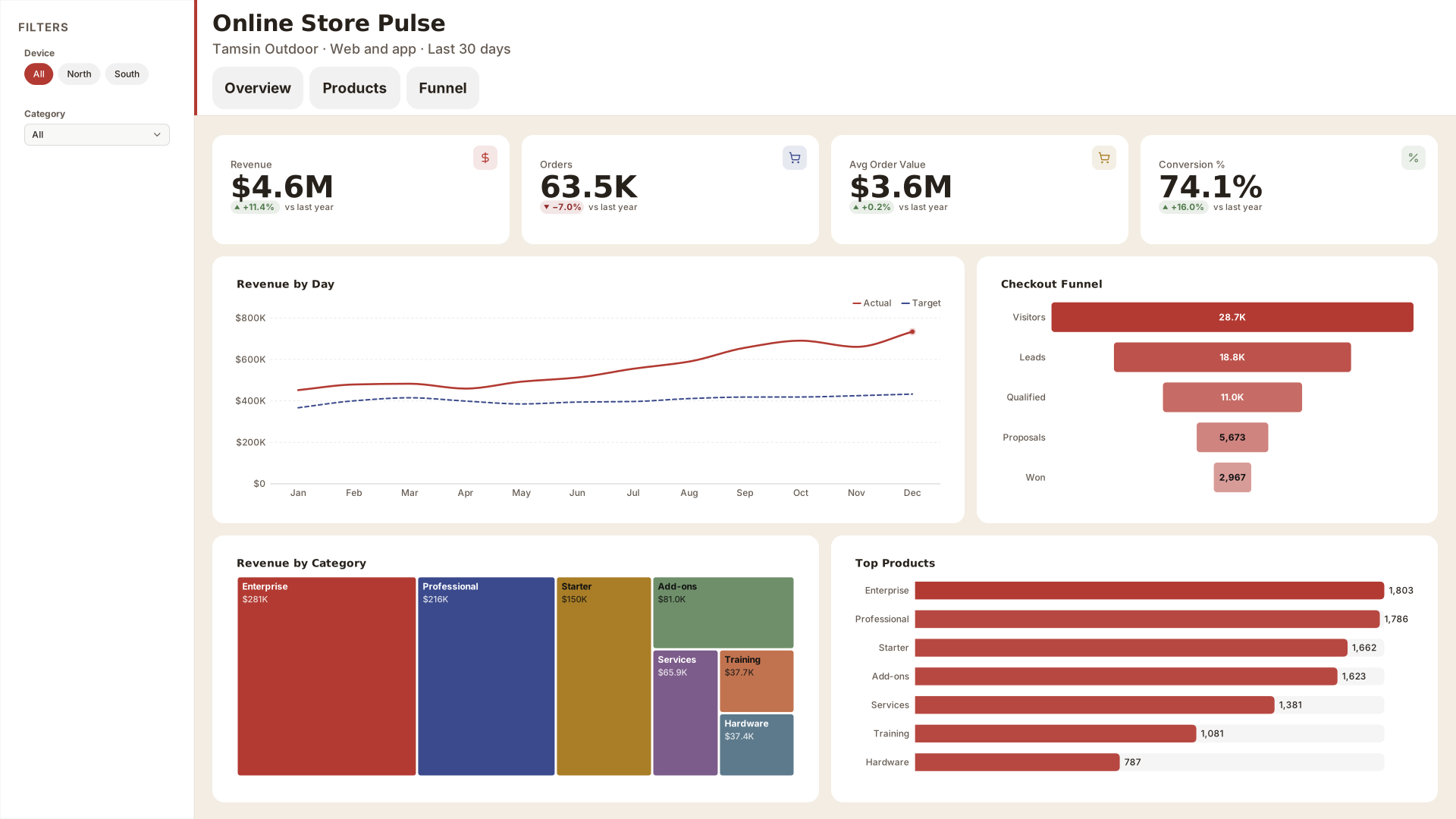 VizForge team · Staff pick
Online Store Pulse — Compact nav
by VizForge team · 1920×1080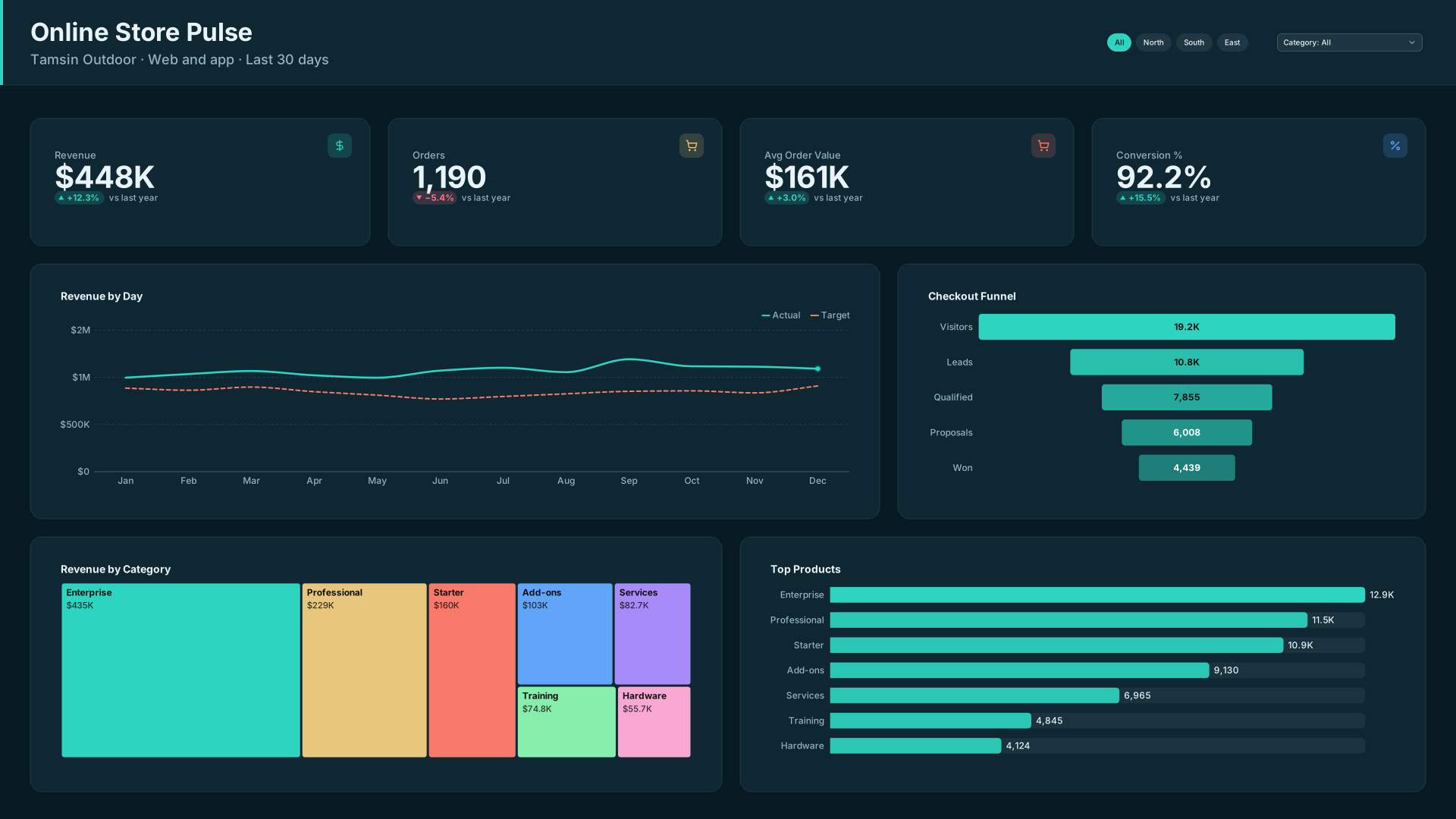 VizForge team · Staff pick
Online Store Pulse — Header bar
by VizForge team · 1920×1080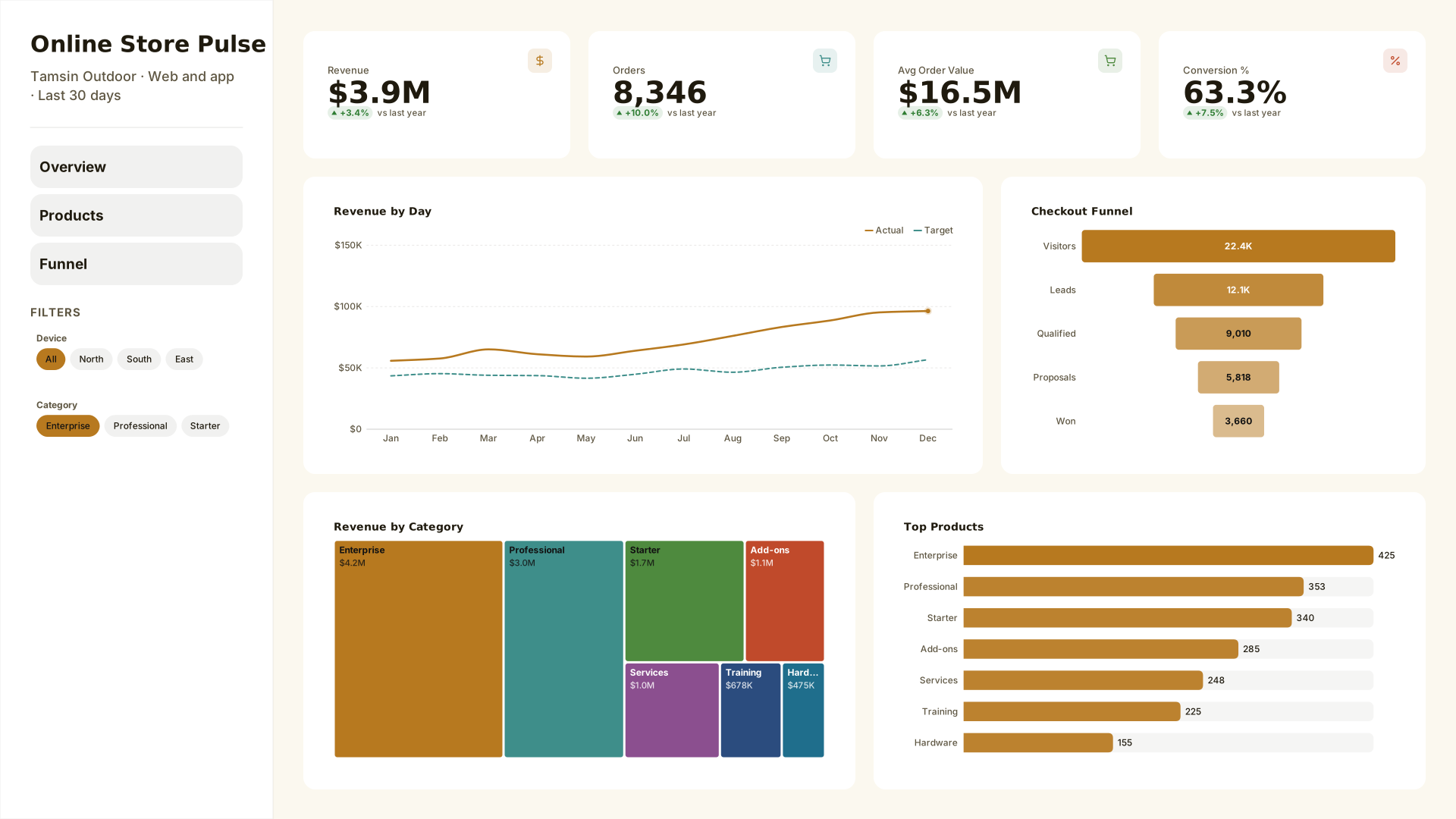 VizForge team · Staff pick
Online Store Pulse — Wide sidebar
by VizForge team · 1920×1080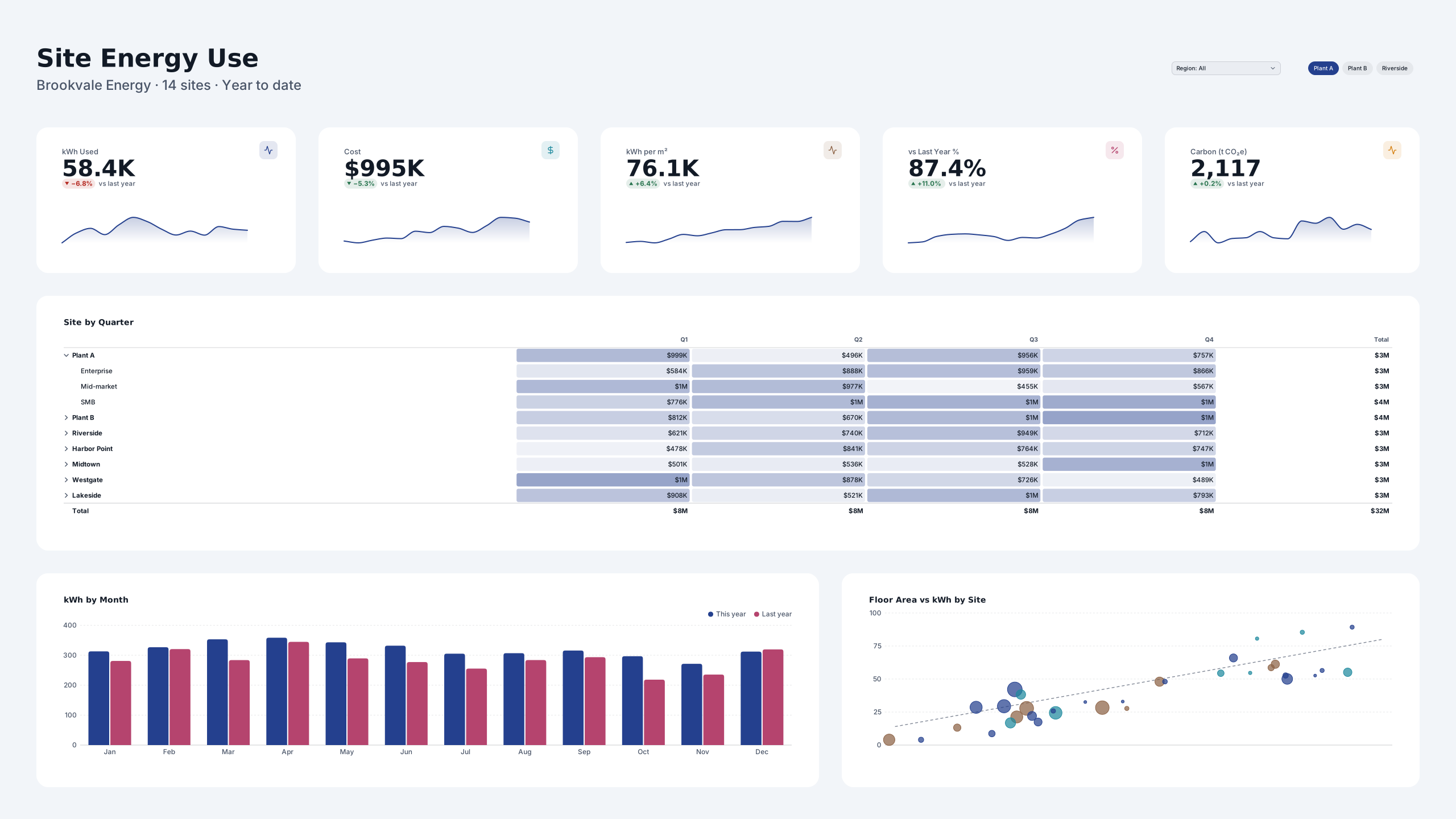 VizForge team · Staff pick
Site Energy Use — Wall screen
by VizForge team · 2560×1440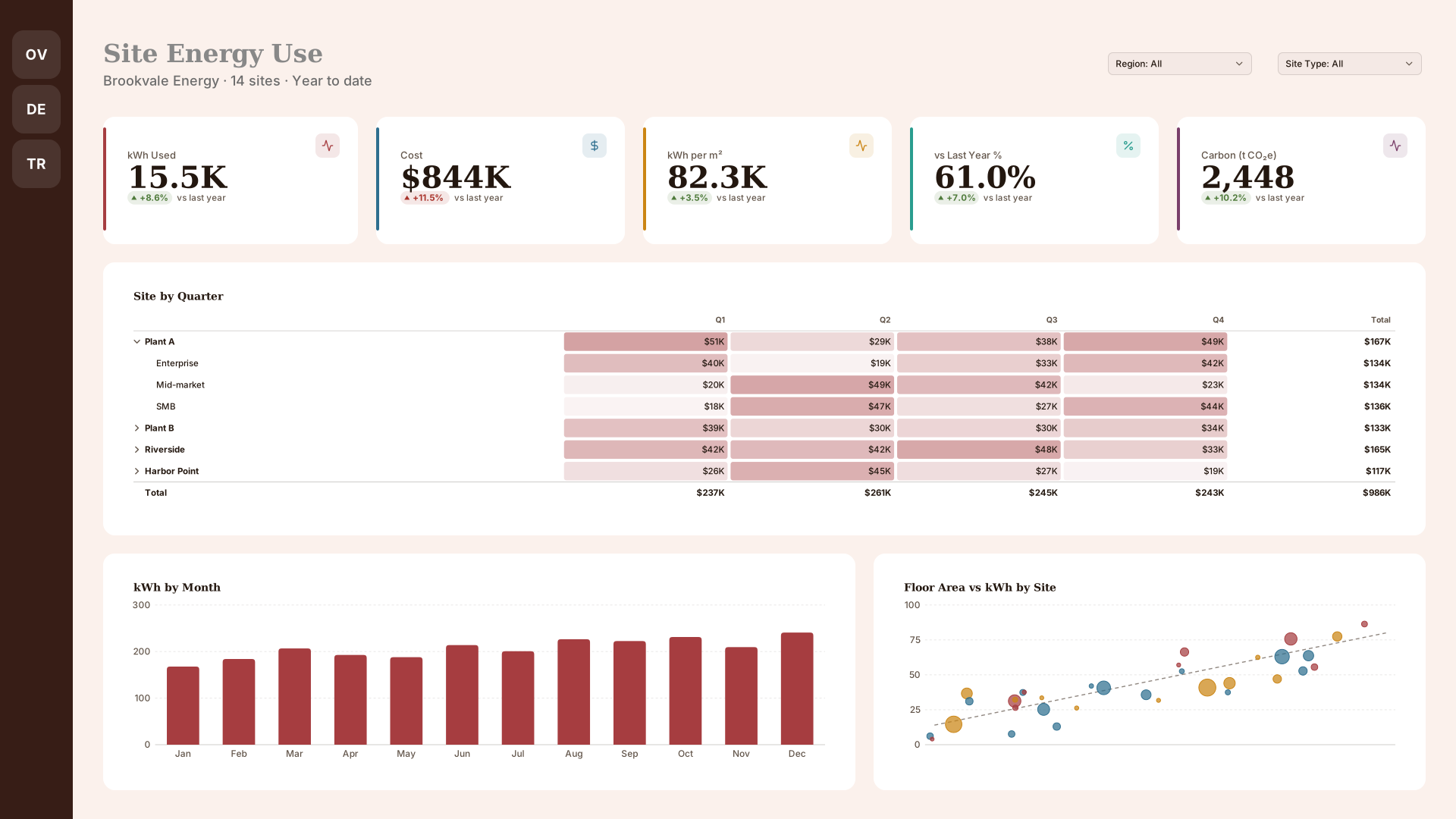 VizForge team · Staff pick
Site Energy Use — Icon rail
by VizForge team · 1920×1080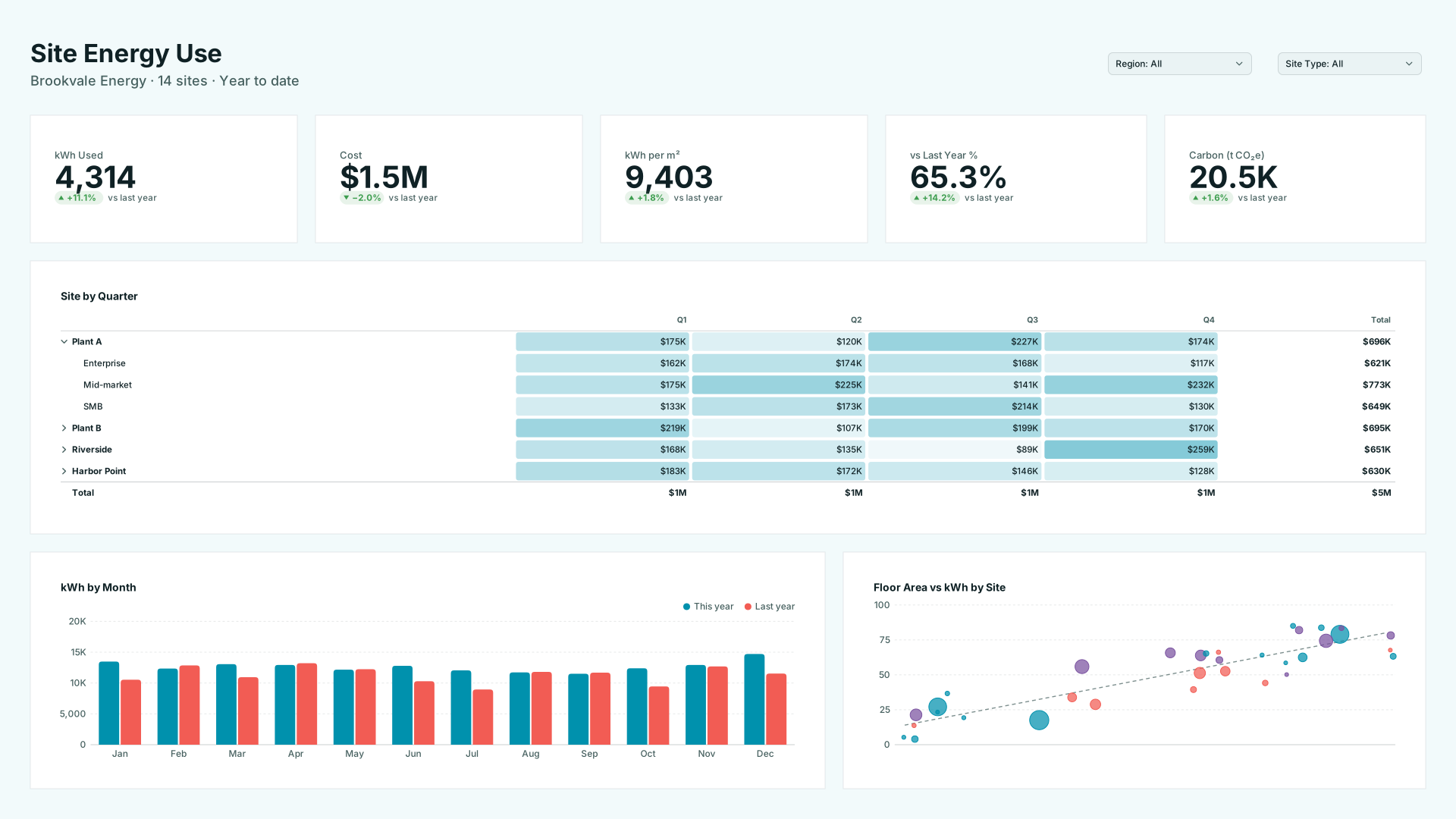 VizForge team · Staff pick
Site Energy Use — Flat minimal
by VizForge team · 1920×1080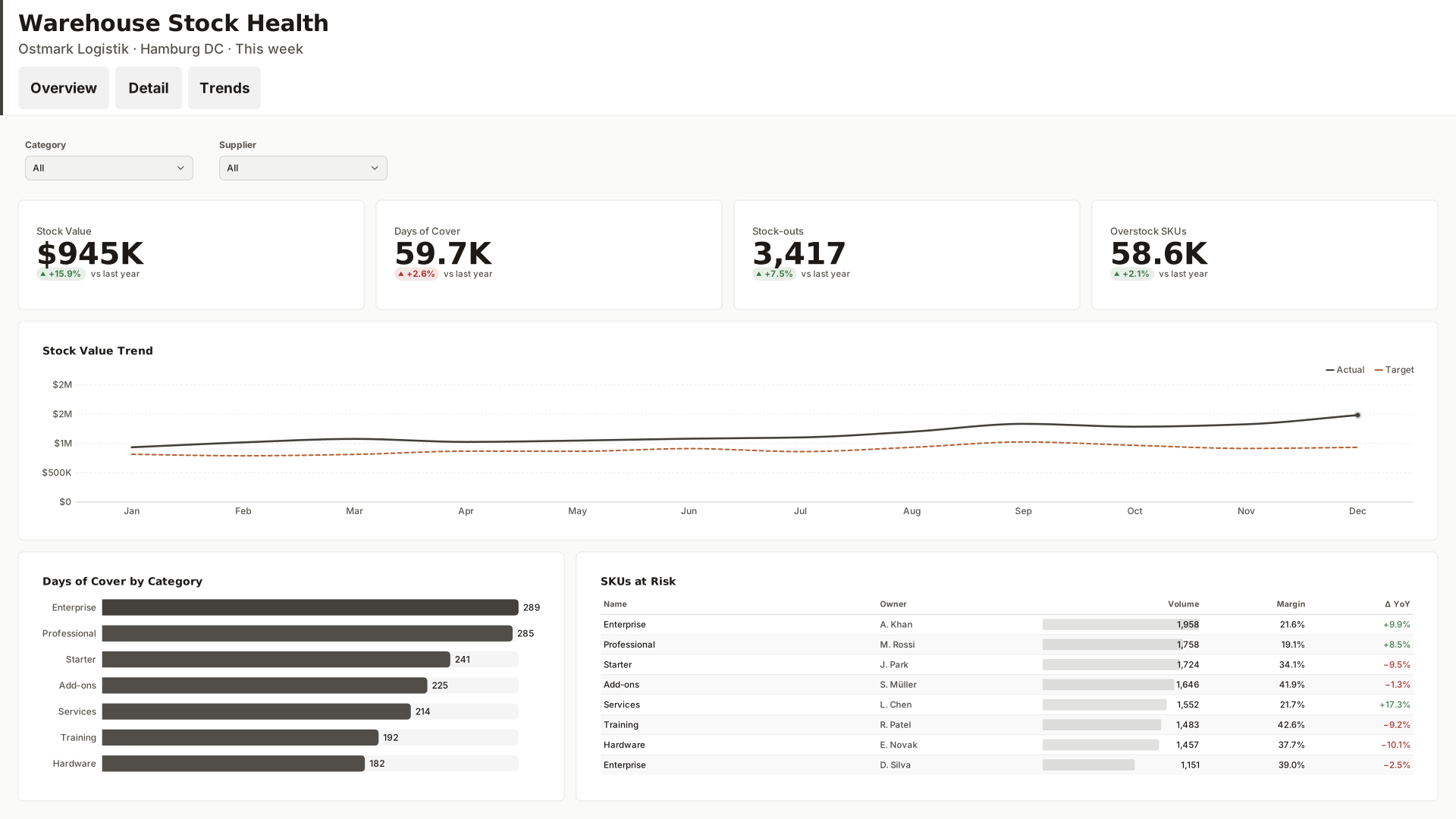 VizForge team · Staff pick
Warehouse Stock Health — Tabbed header
by VizForge team · 1920×1080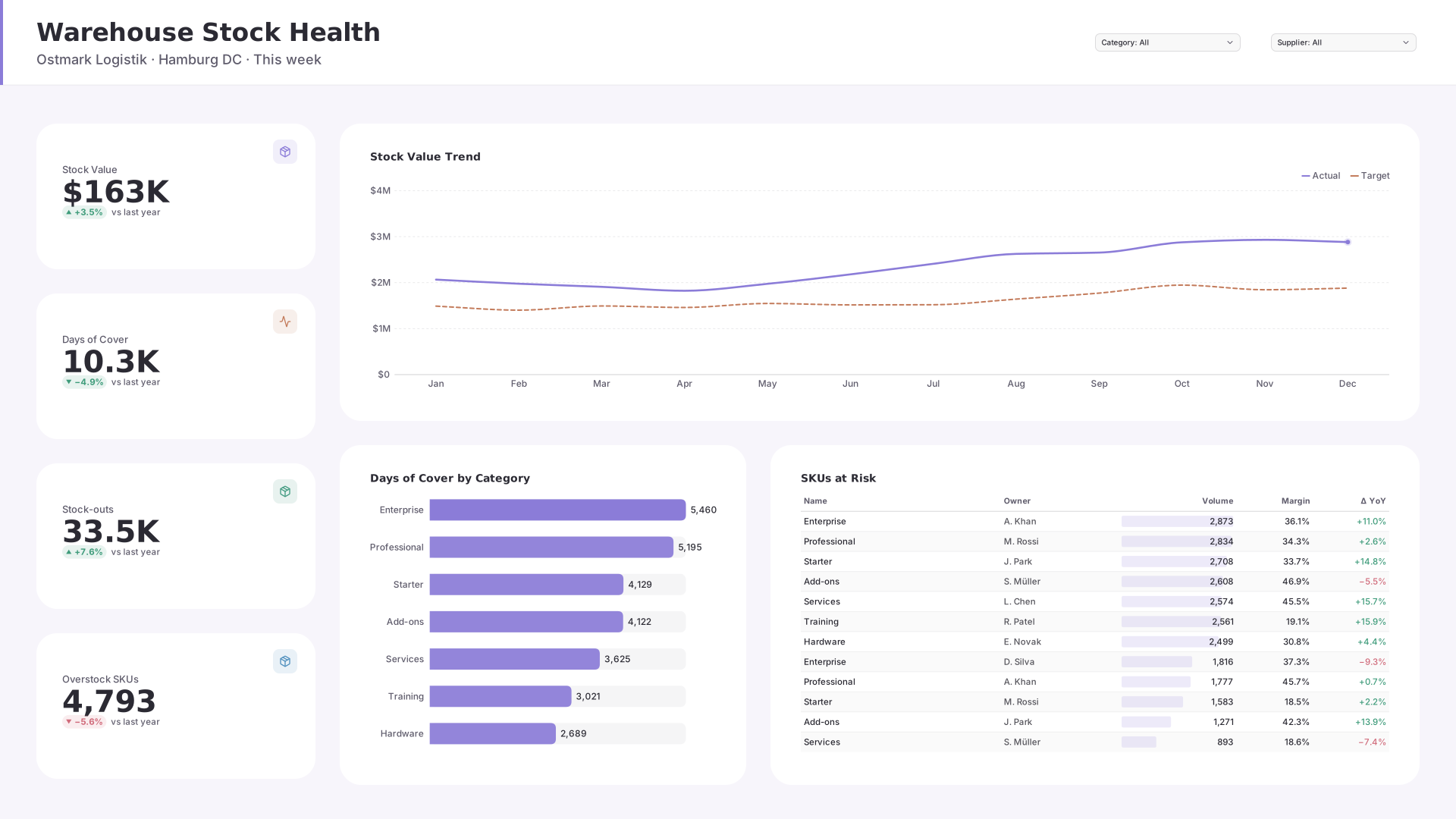 VizForge team · Staff pick
Warehouse Stock Health — KPI column
by VizForge team · 1920×1080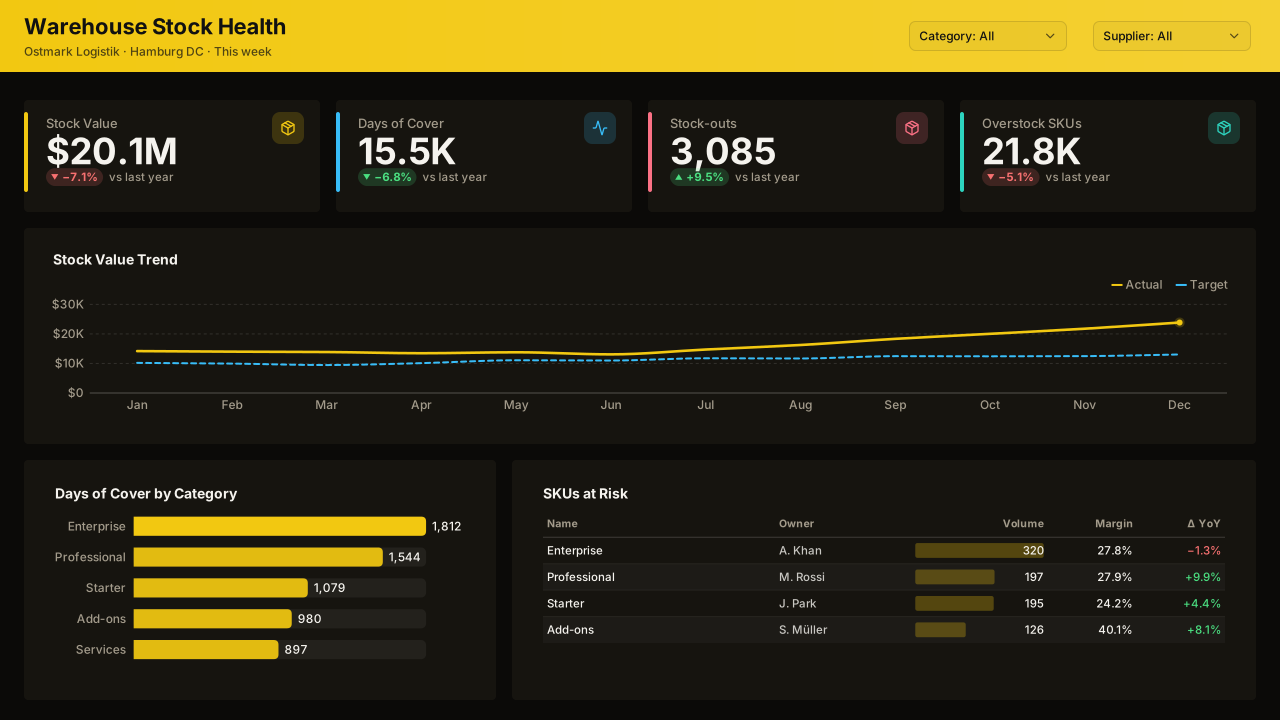 VizForge team · Staff pick
Warehouse Stock Health — Classic 1280
by VizForge team · 1280×720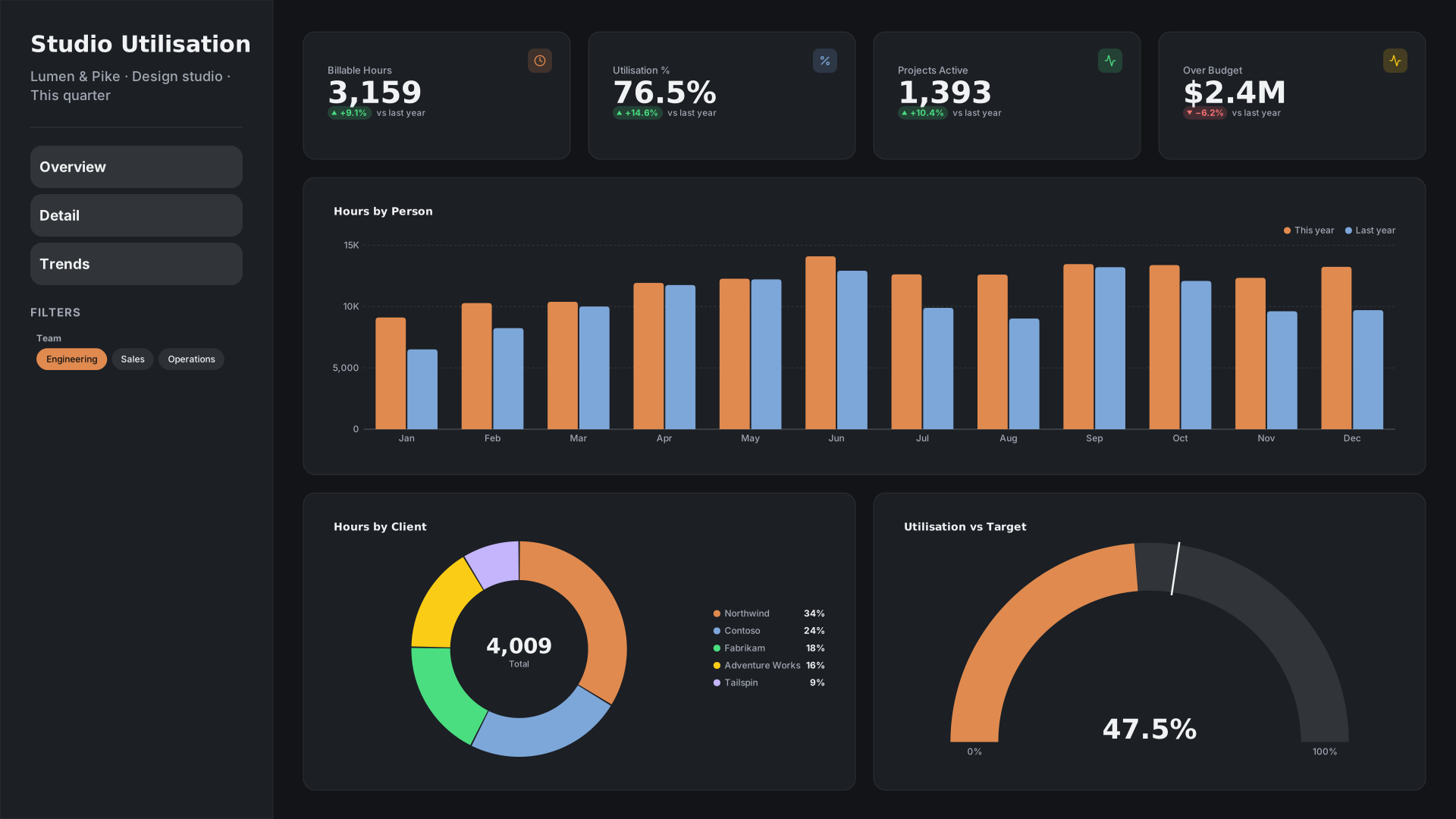 VizForge team · Staff pick
Studio Utilisation — Wide sidebar
by VizForge team · 1920×1080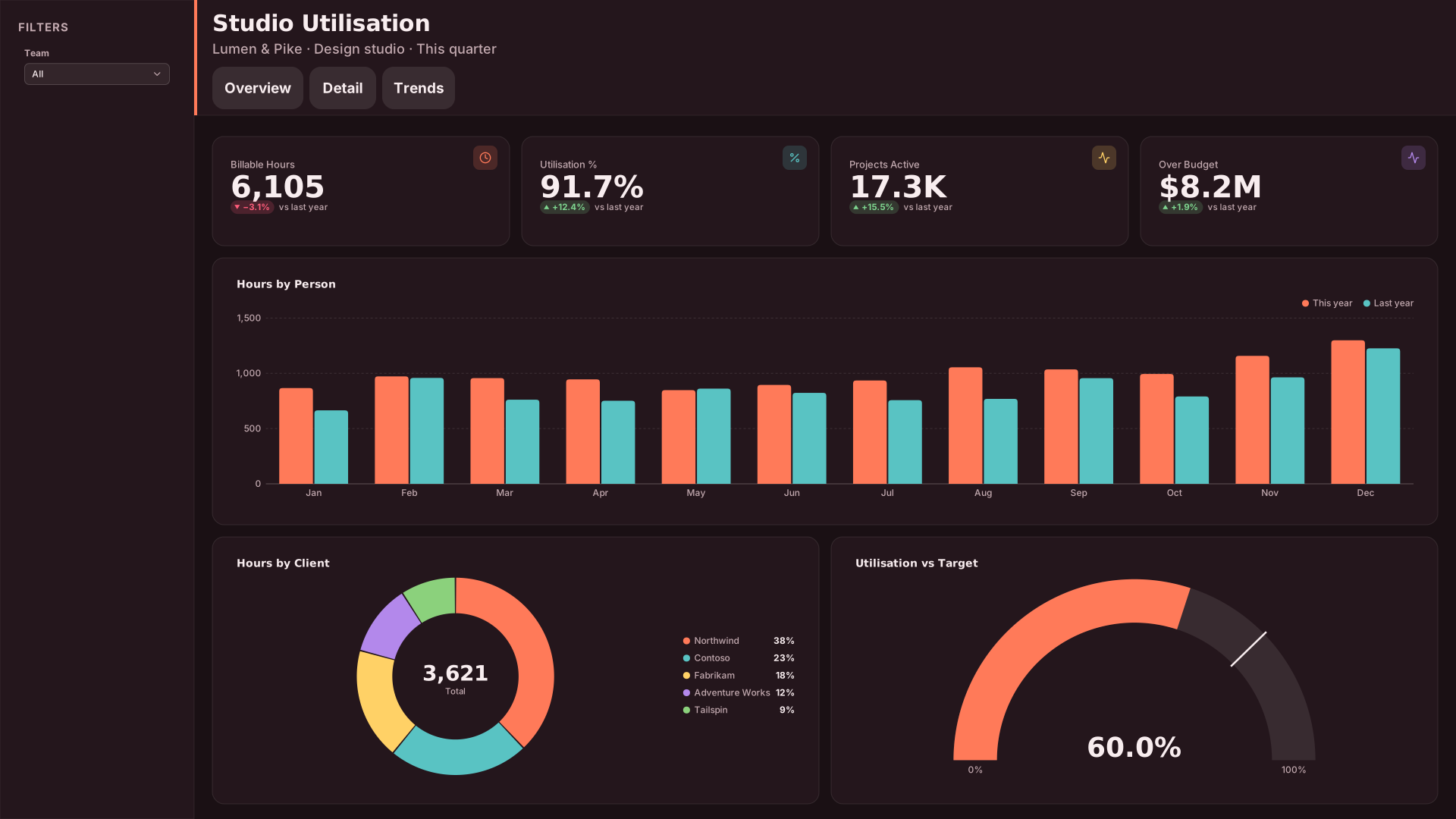 VizForge team · Staff pick
Studio Utilisation — Compact nav
by VizForge team · 1920×1080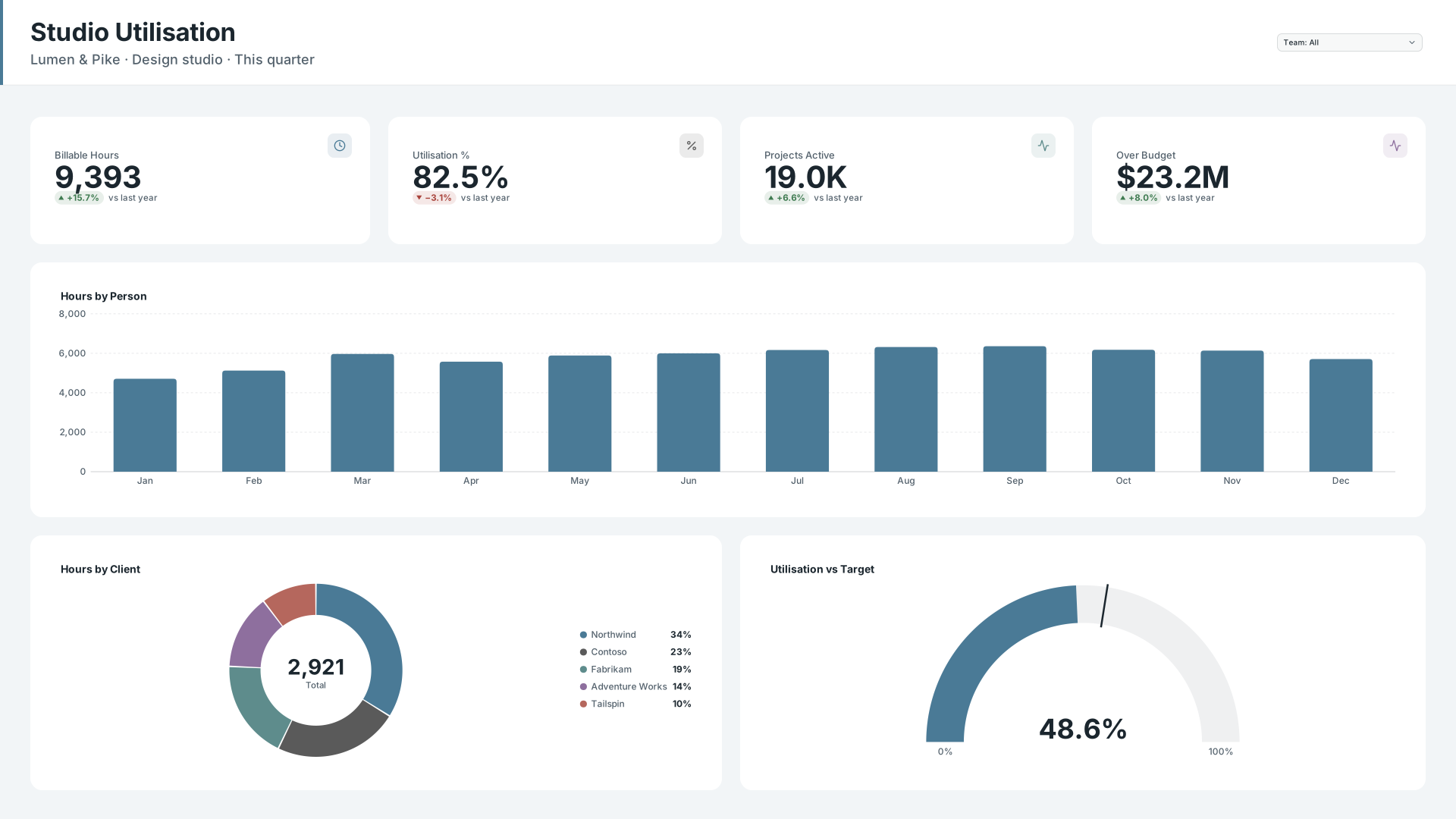 VizForge team · Staff pick
Studio Utilisation — Header bar
by VizForge team · 1920×1080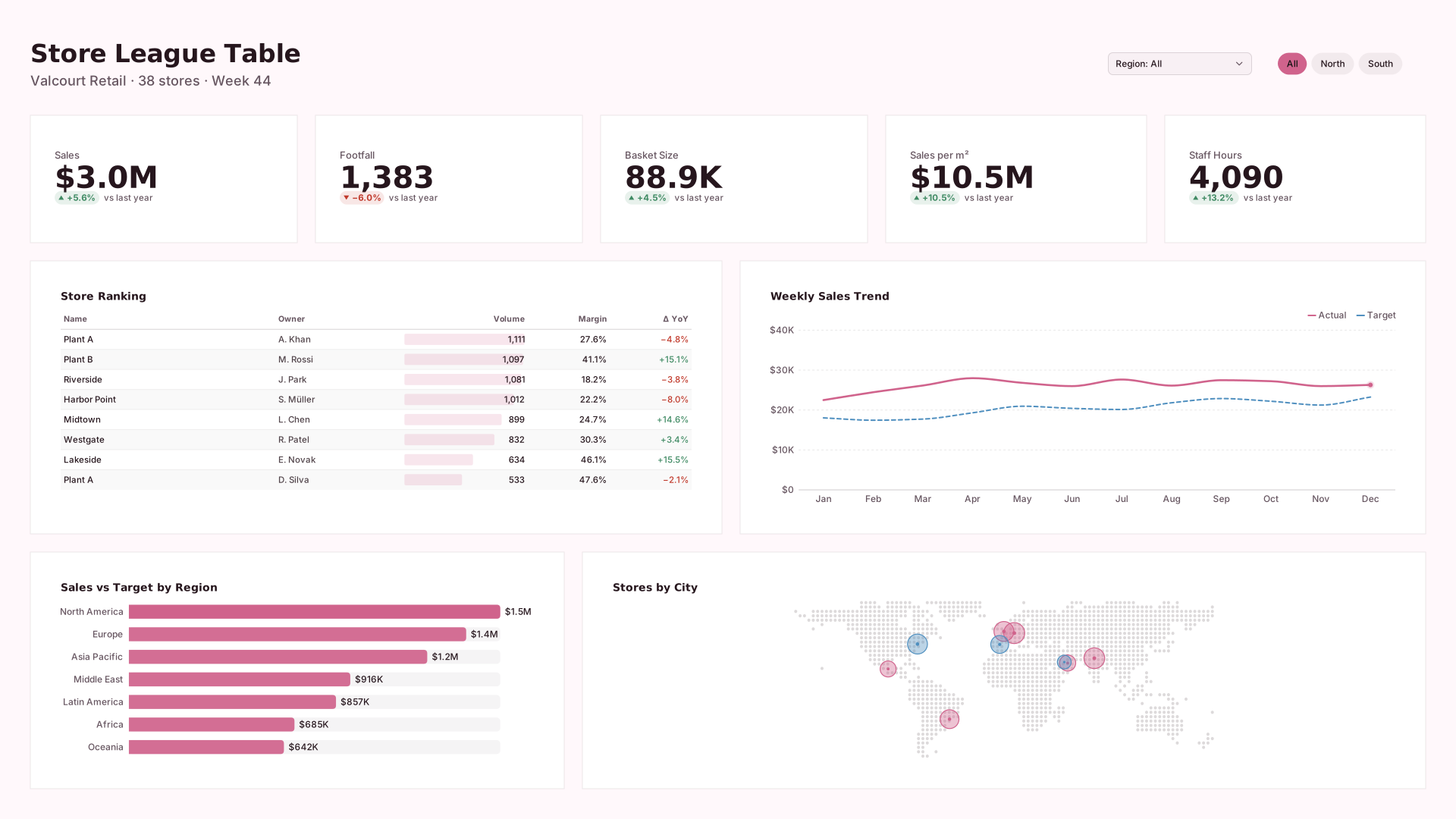 VizForge team · Staff pick
Store League Table — Flat minimal
by VizForge team · 1920×1080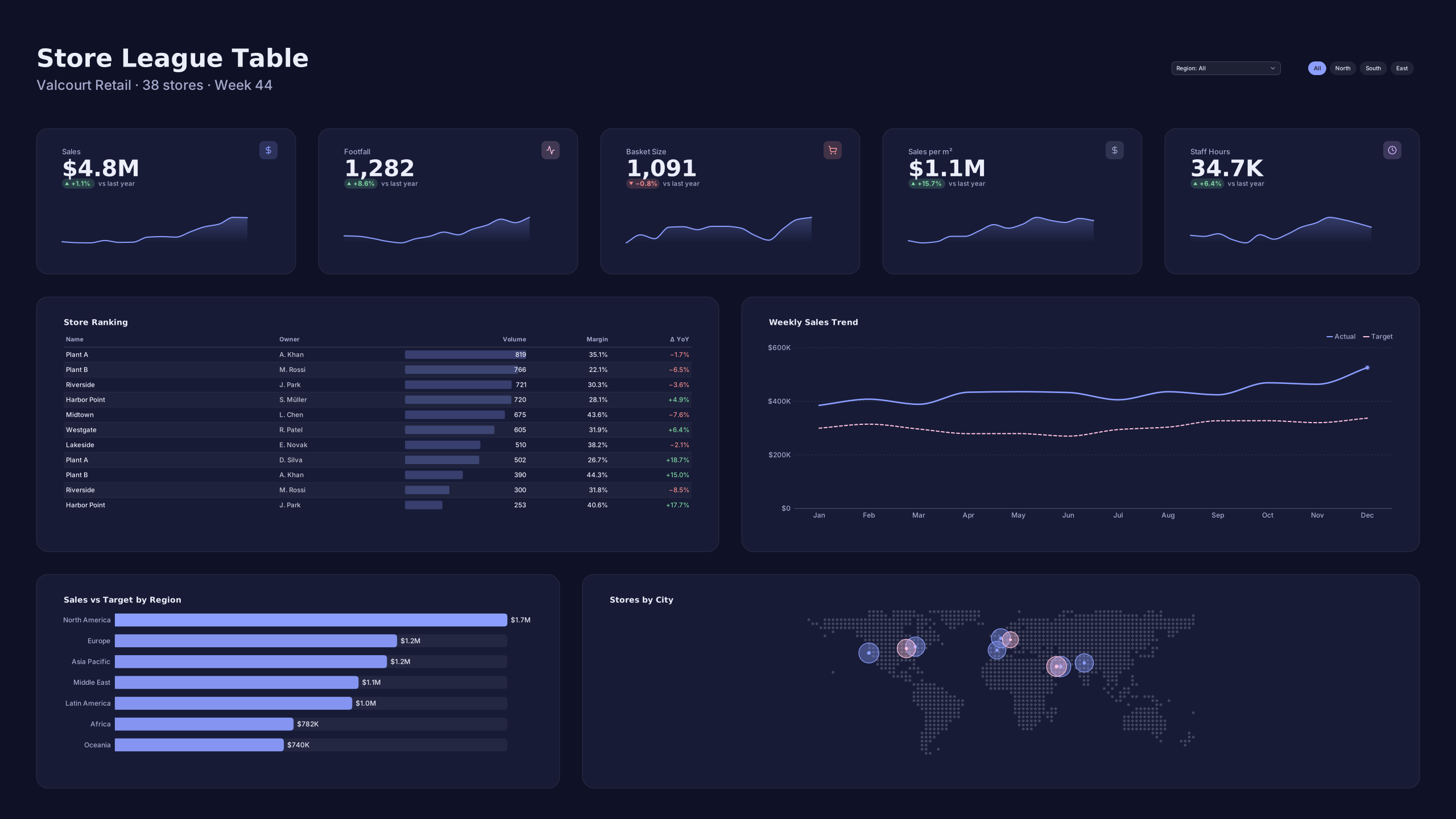 VizForge team · Staff pick
Store League Table — Wall screen
by VizForge team · 2560×1440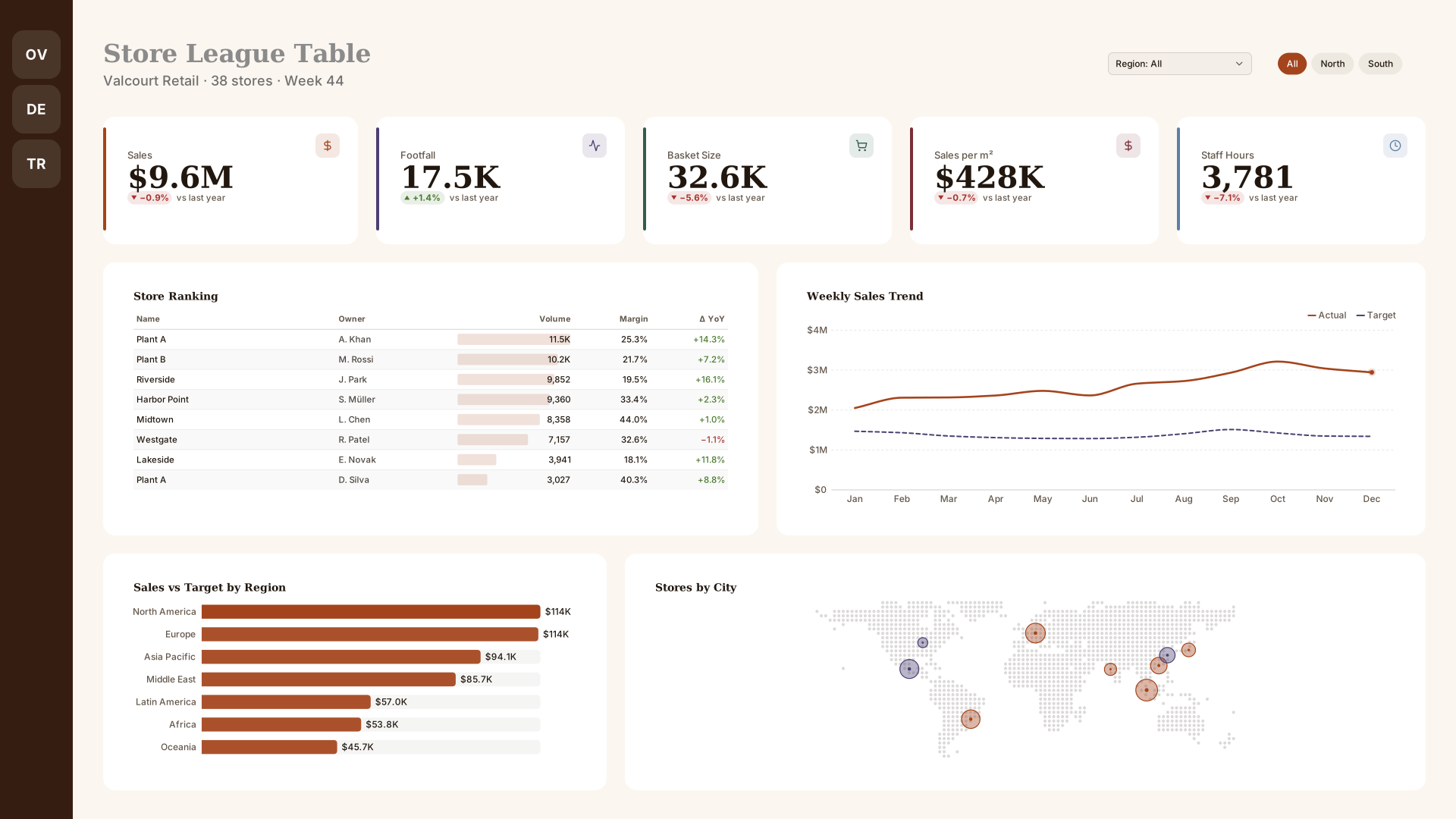 VizForge team · Staff pick
Store League Table — Icon rail
by VizForge team · 1920×1080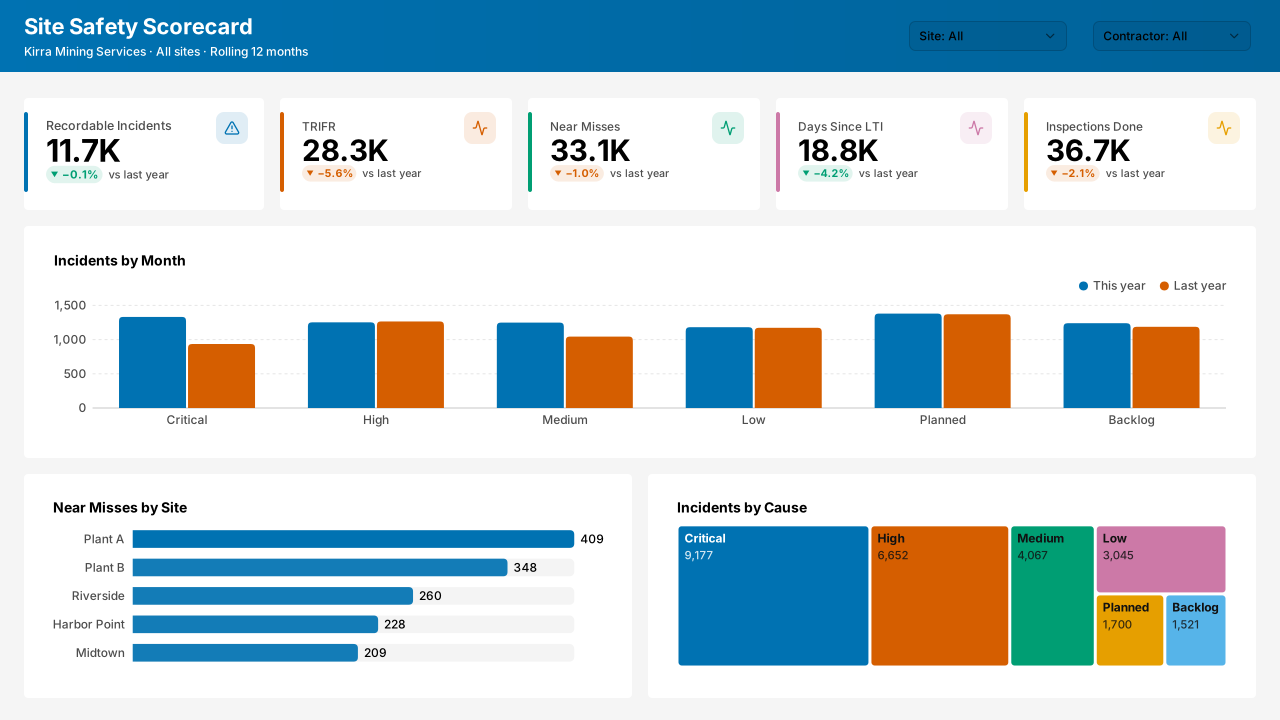 VizForge team · Staff pick
Site Safety Scorecard — Classic 1280
by VizForge team · 1280×720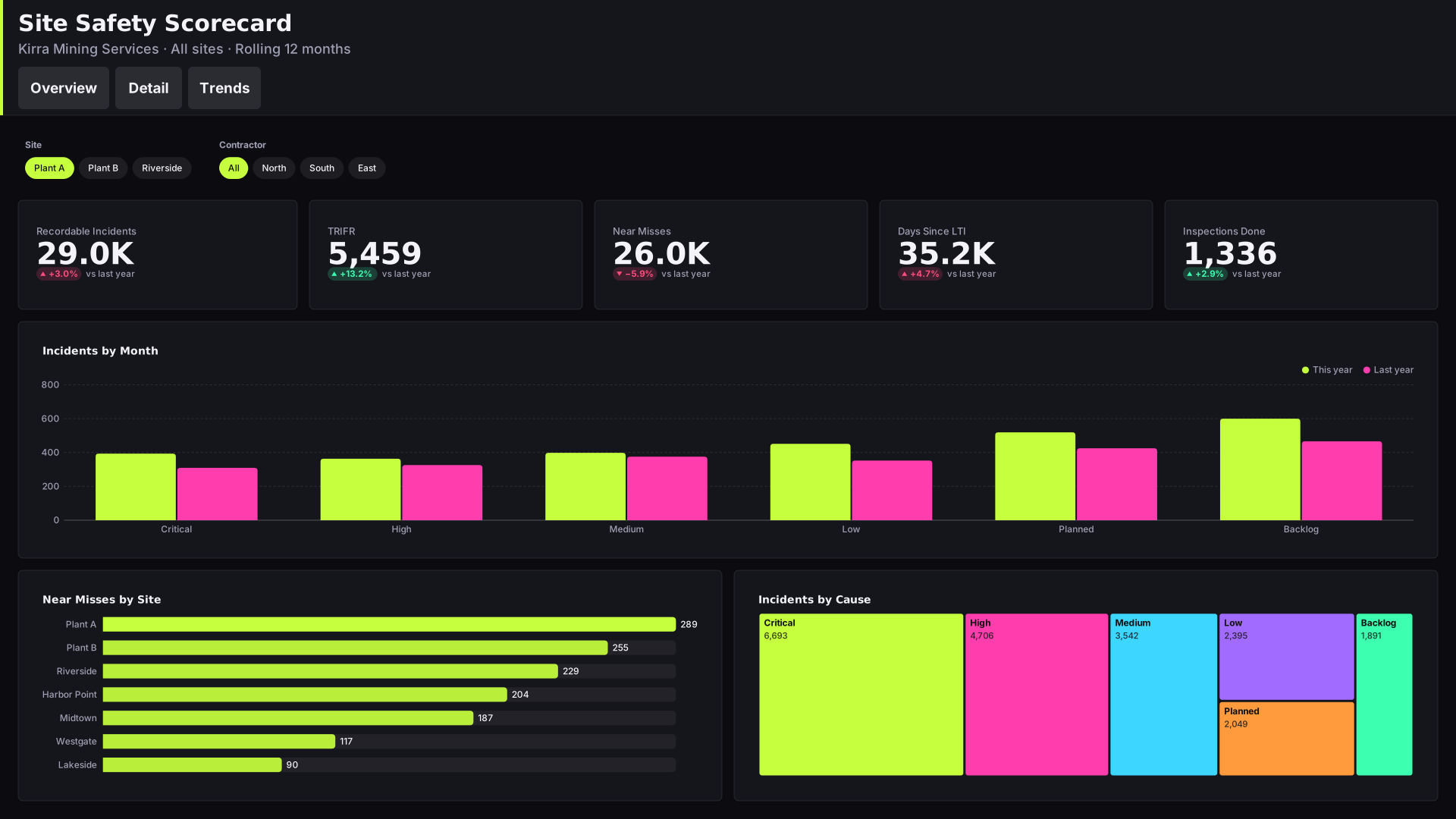 VizForge team · Staff pick
Site Safety Scorecard — Tabbed header
by VizForge team · 1920×1080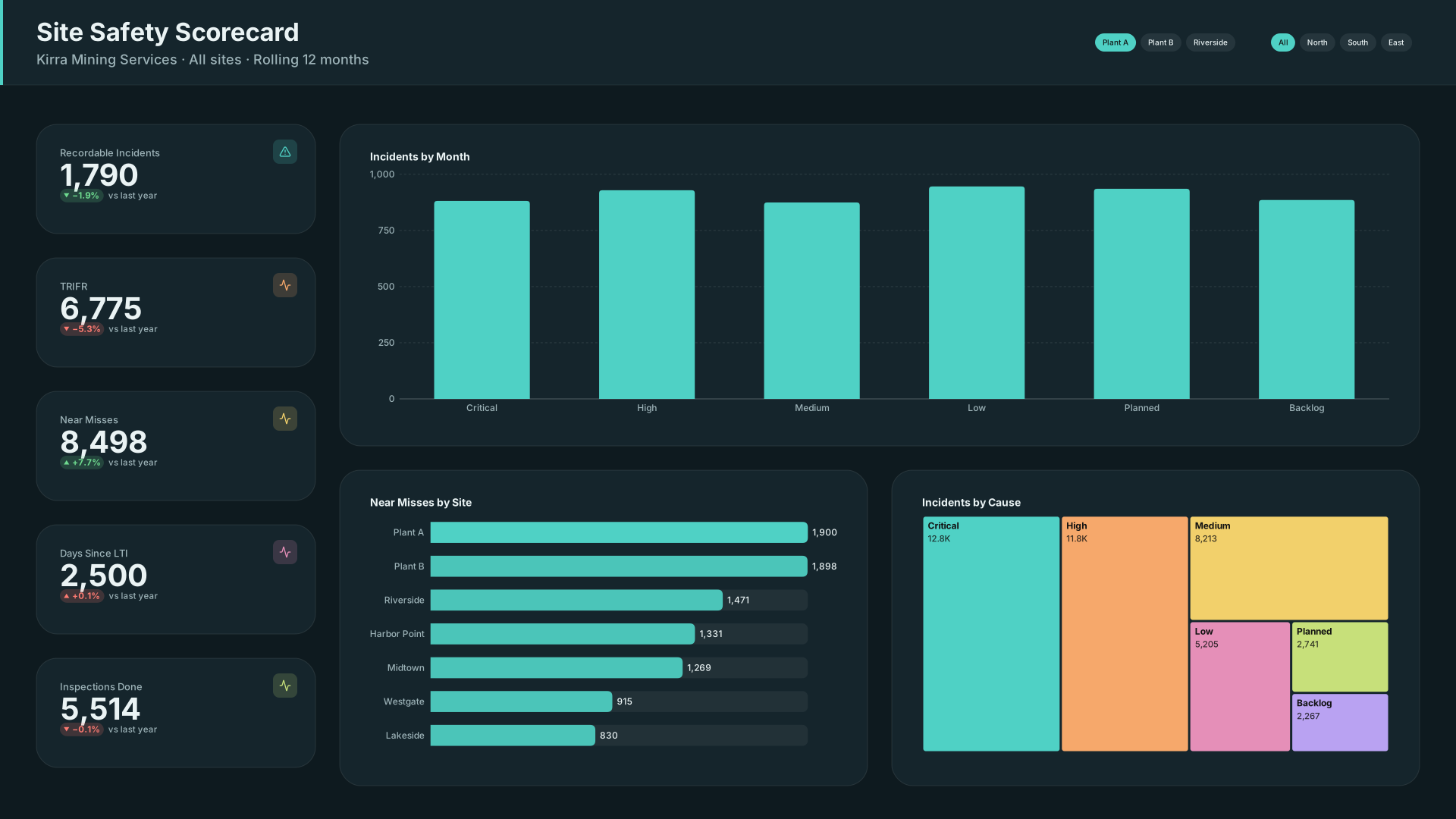 VizForge team · Staff pick
Site Safety Scorecard — KPI column
by VizForge team · 1920×1080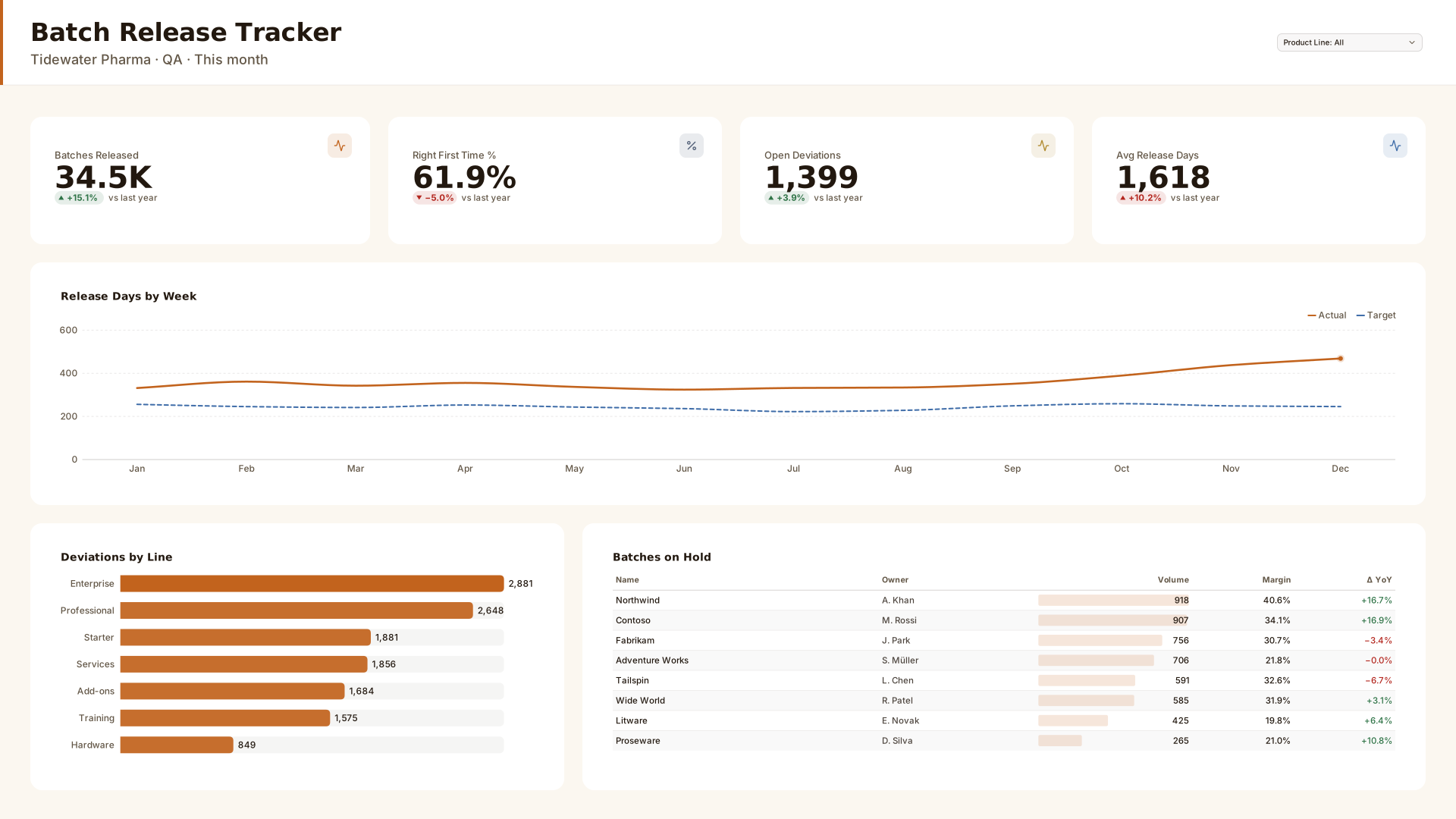 VizForge team · Staff pick
Batch Release Tracker — Header bar
by VizForge team · 1920×1080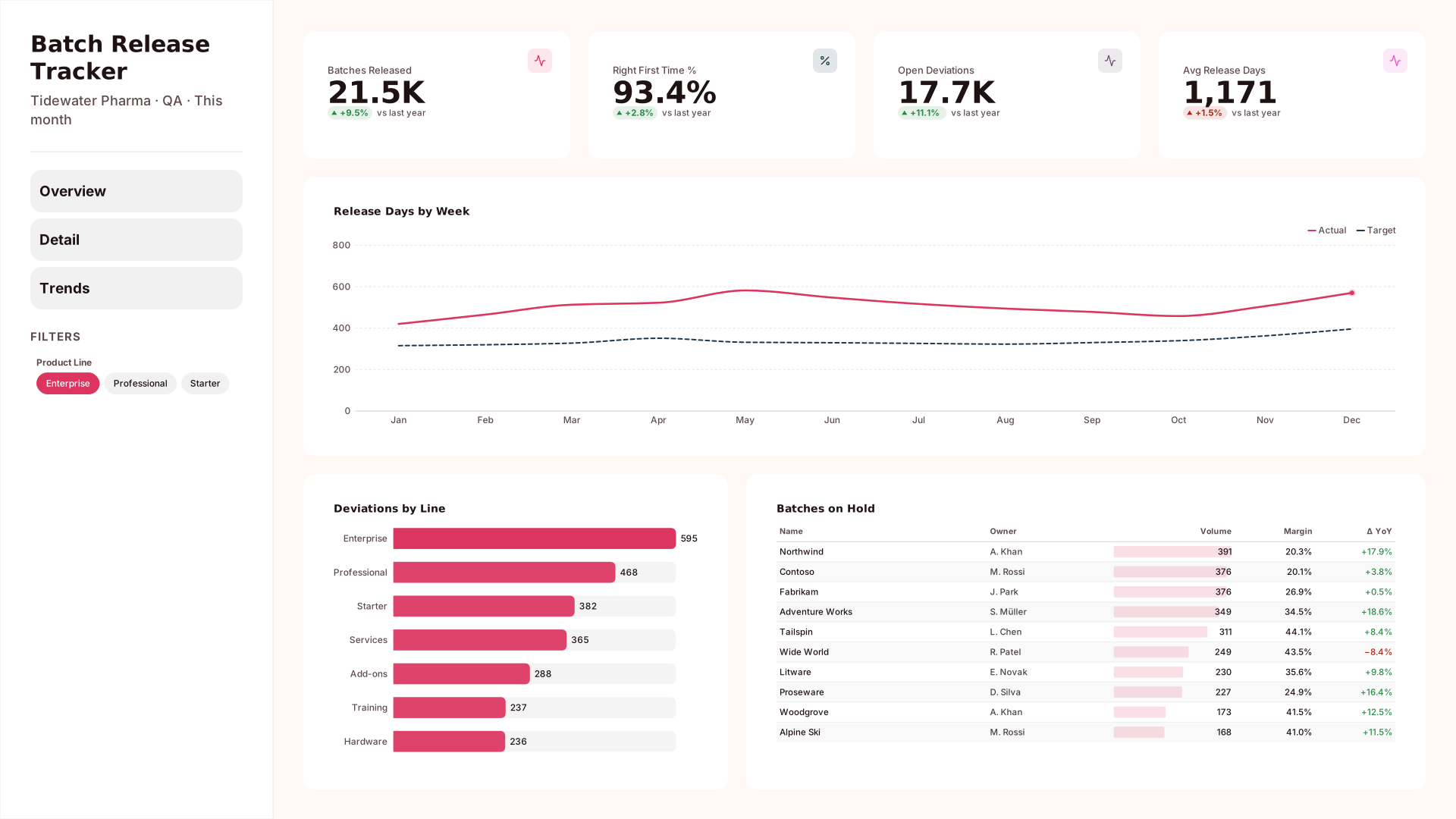 VizForge team · Staff pick
Batch Release Tracker — Wide sidebar
by VizForge team · 1920×1080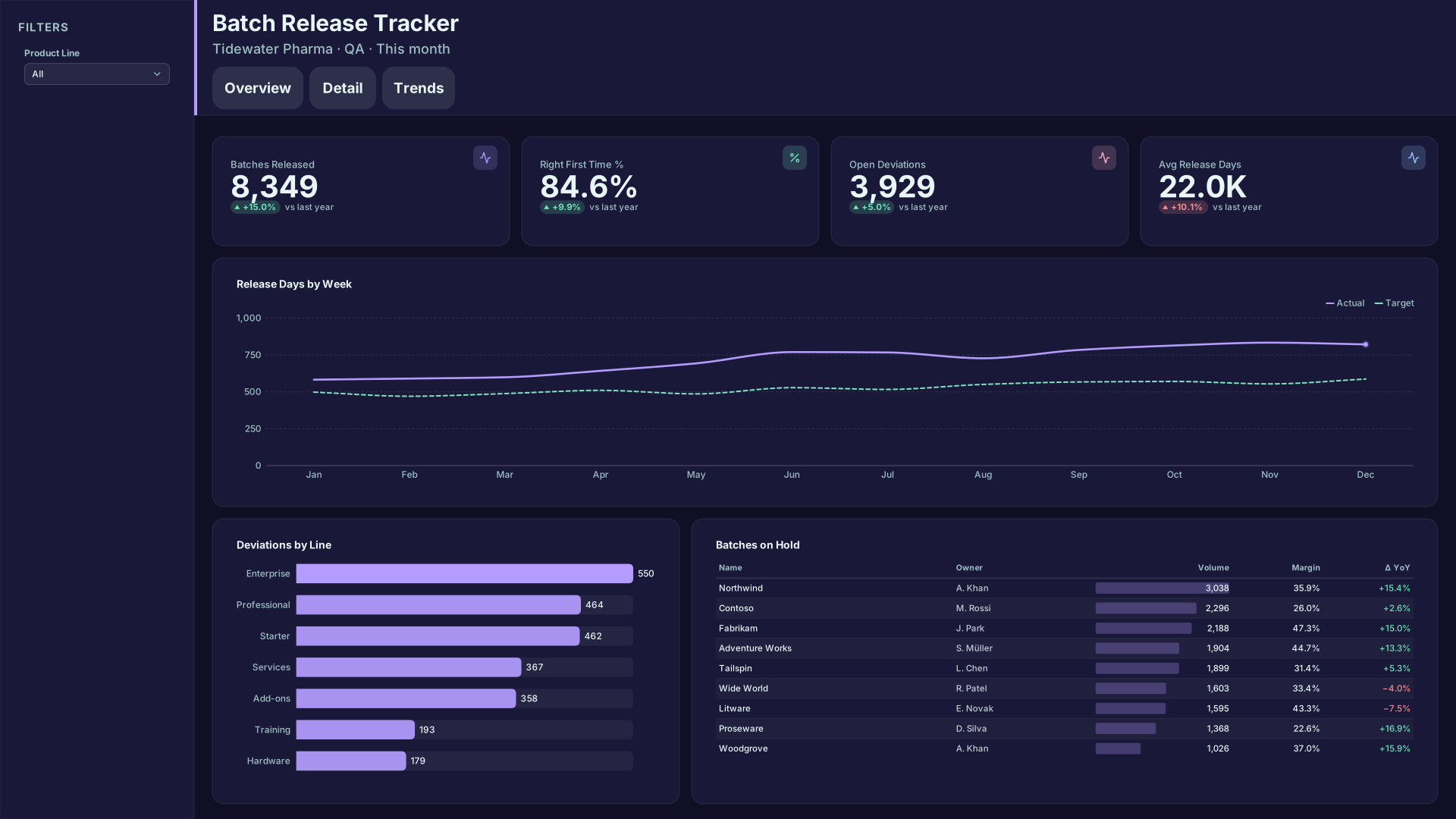 VizForge team · Staff pick
Batch Release Tracker — Compact nav
by VizForge team · 1920×1080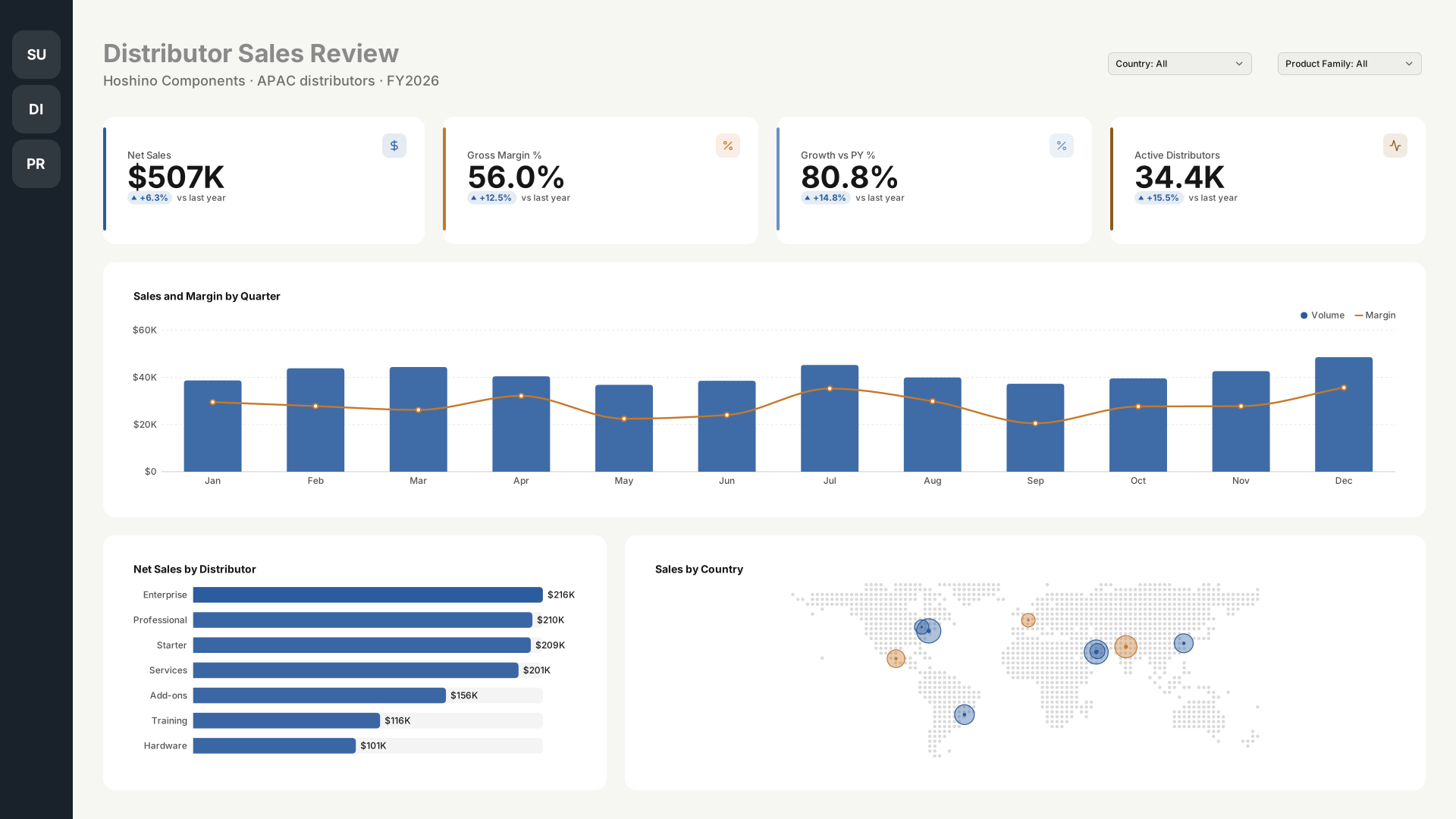 VizForge team · Staff pick
Distributor Sales Review — Icon rail
by VizForge team · 1920×1080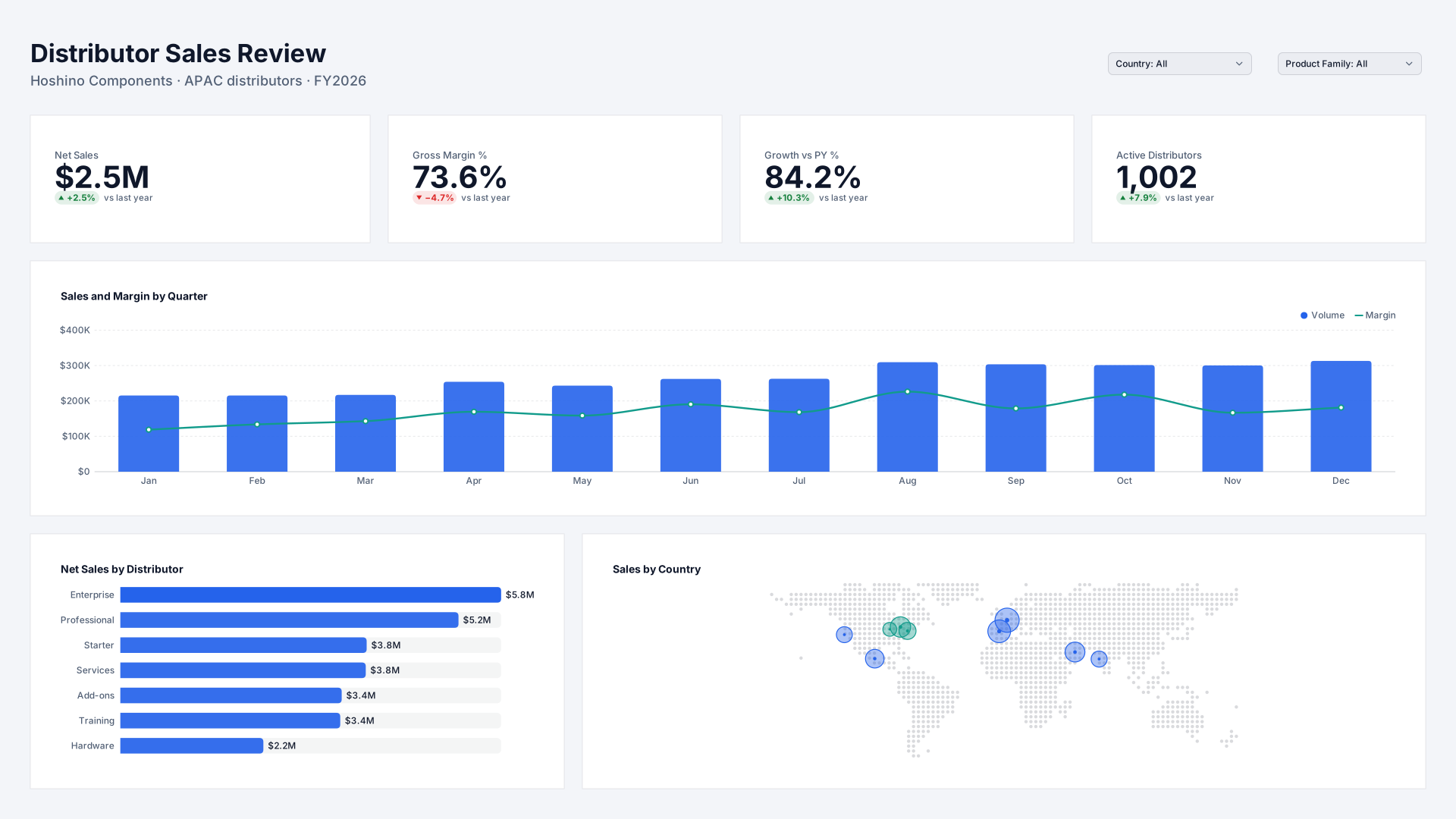 VizForge team · Staff pick
Distributor Sales Review — Flat minimal
by VizForge team · 1920×1080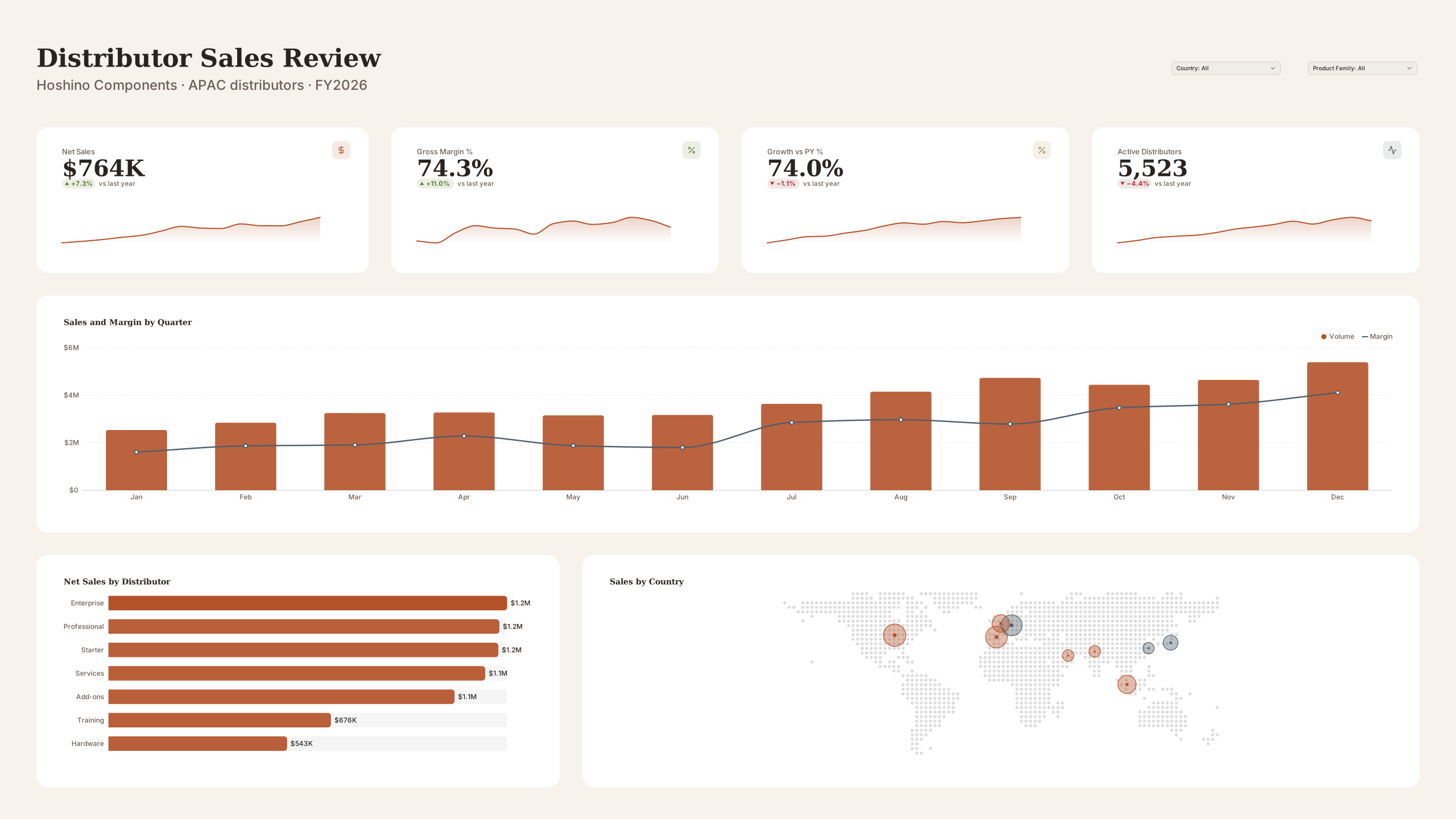 VizForge team · Staff pick
Distributor Sales Review — Wall screen
by VizForge team · 2560×1440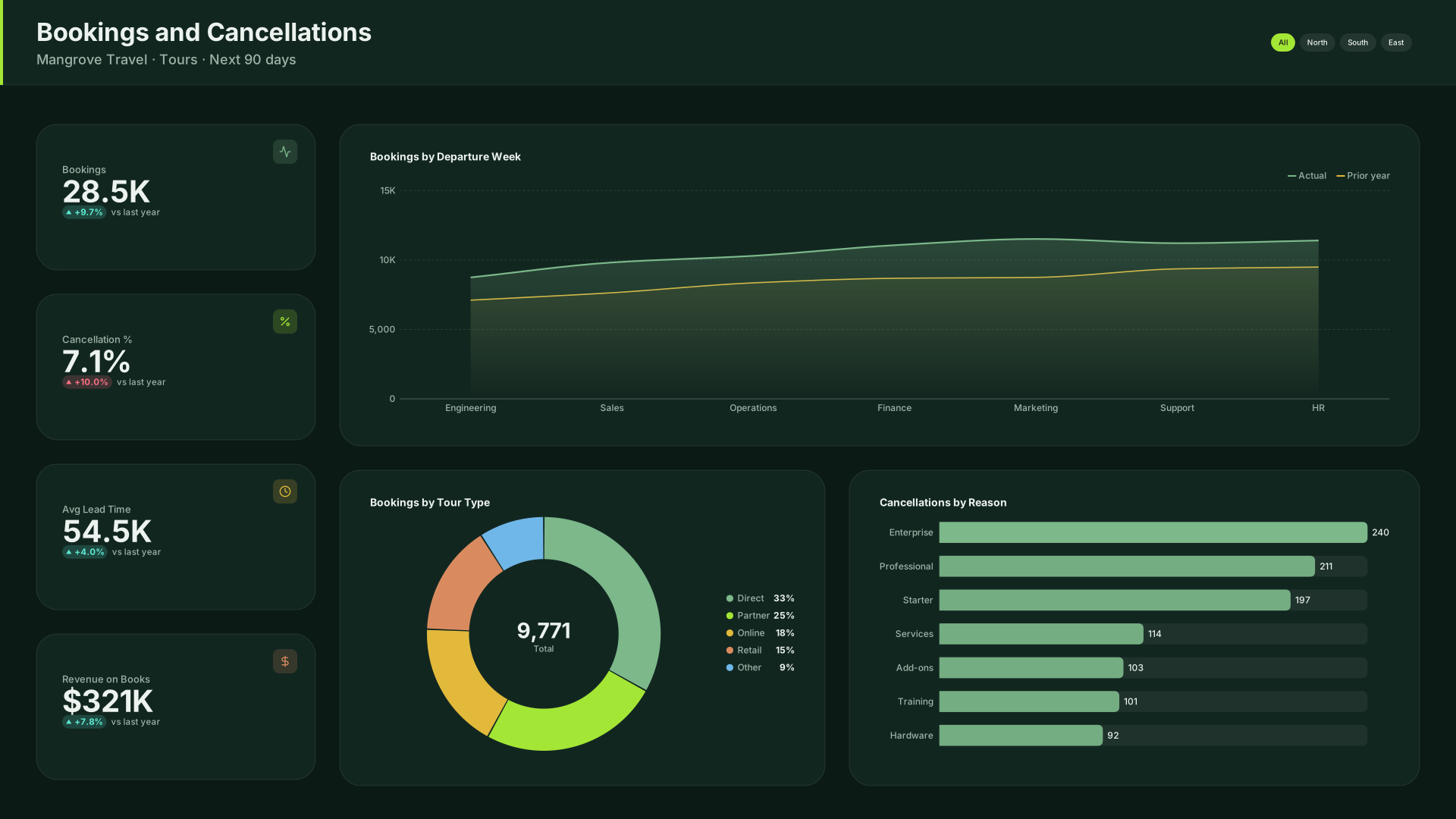 VizForge team · Staff pick
Bookings and Cancellations — KPI column
by VizForge team · 1920×1080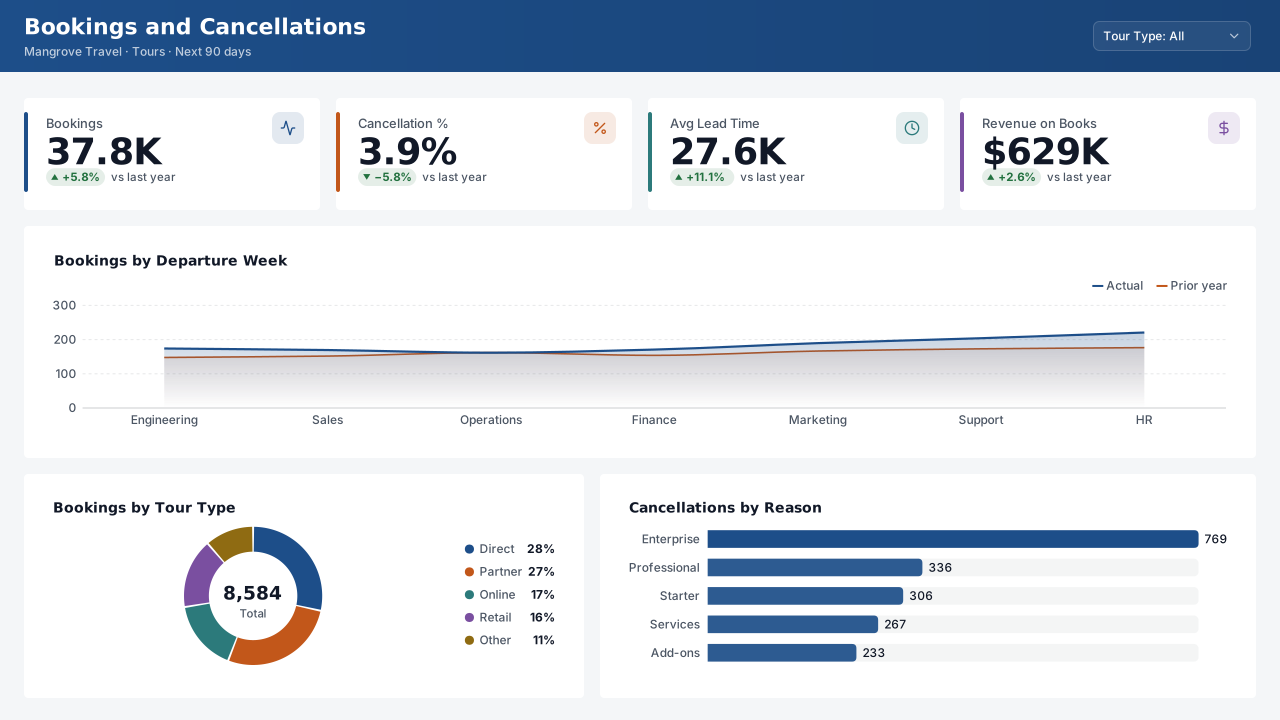 VizForge team · Staff pick
Bookings and Cancellations — Classic 1280
by VizForge team · 1280×720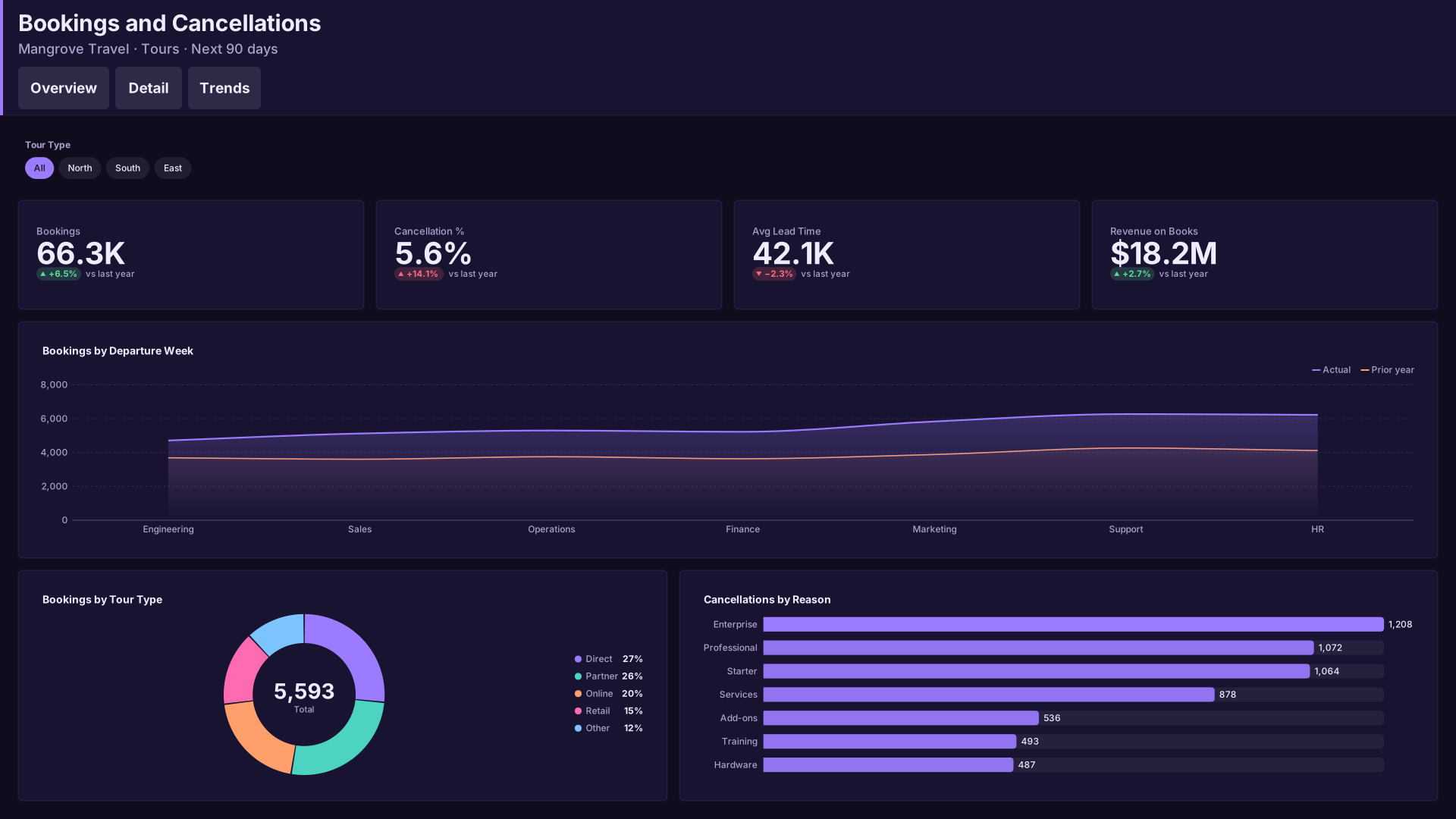 VizForge team · Staff pick
Bookings and Cancellations — Tabbed header
by VizForge team · 1920×1080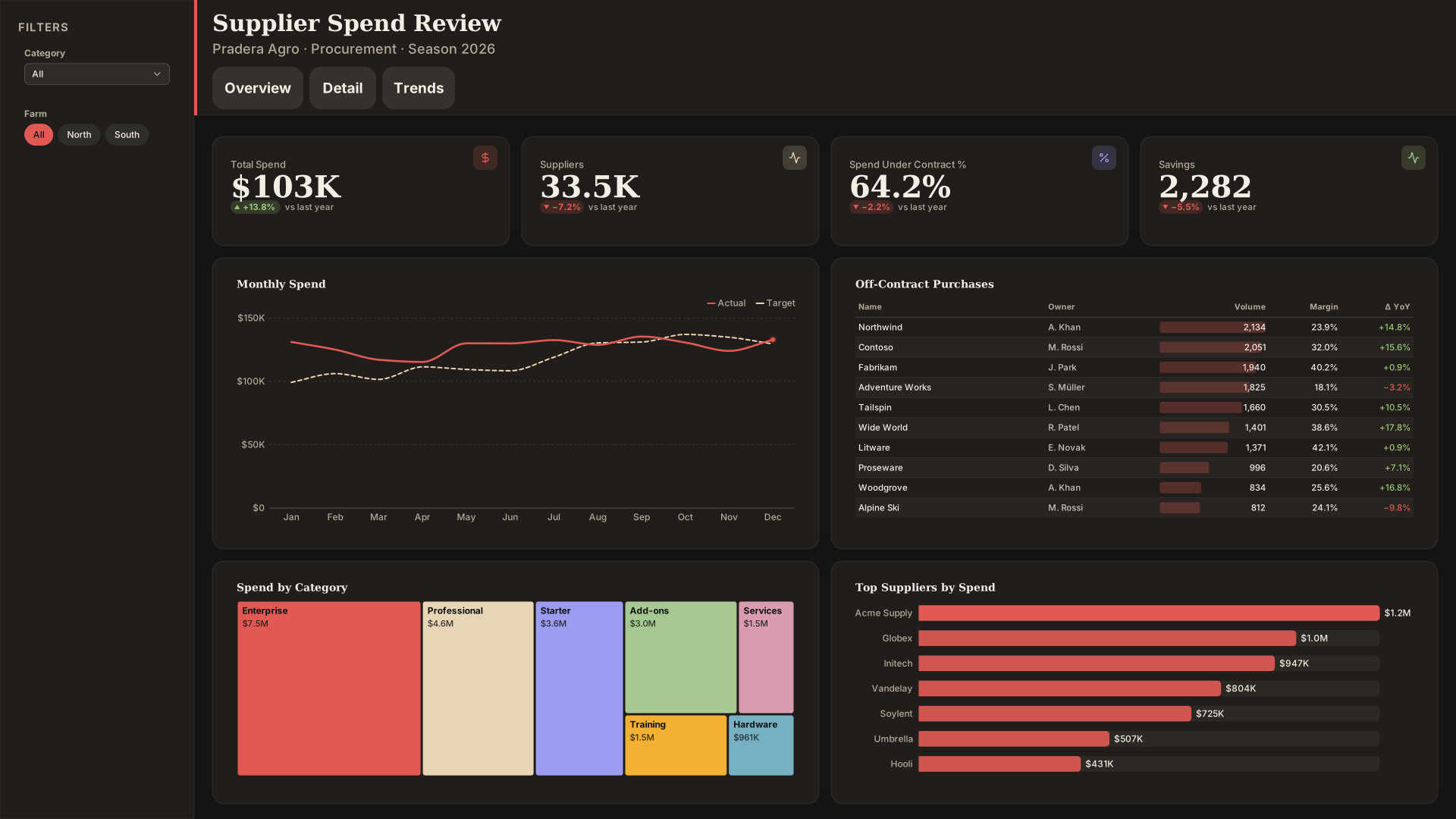 VizForge team · Staff pick
Supplier Spend Review — Compact nav
by VizForge team · 1920×1080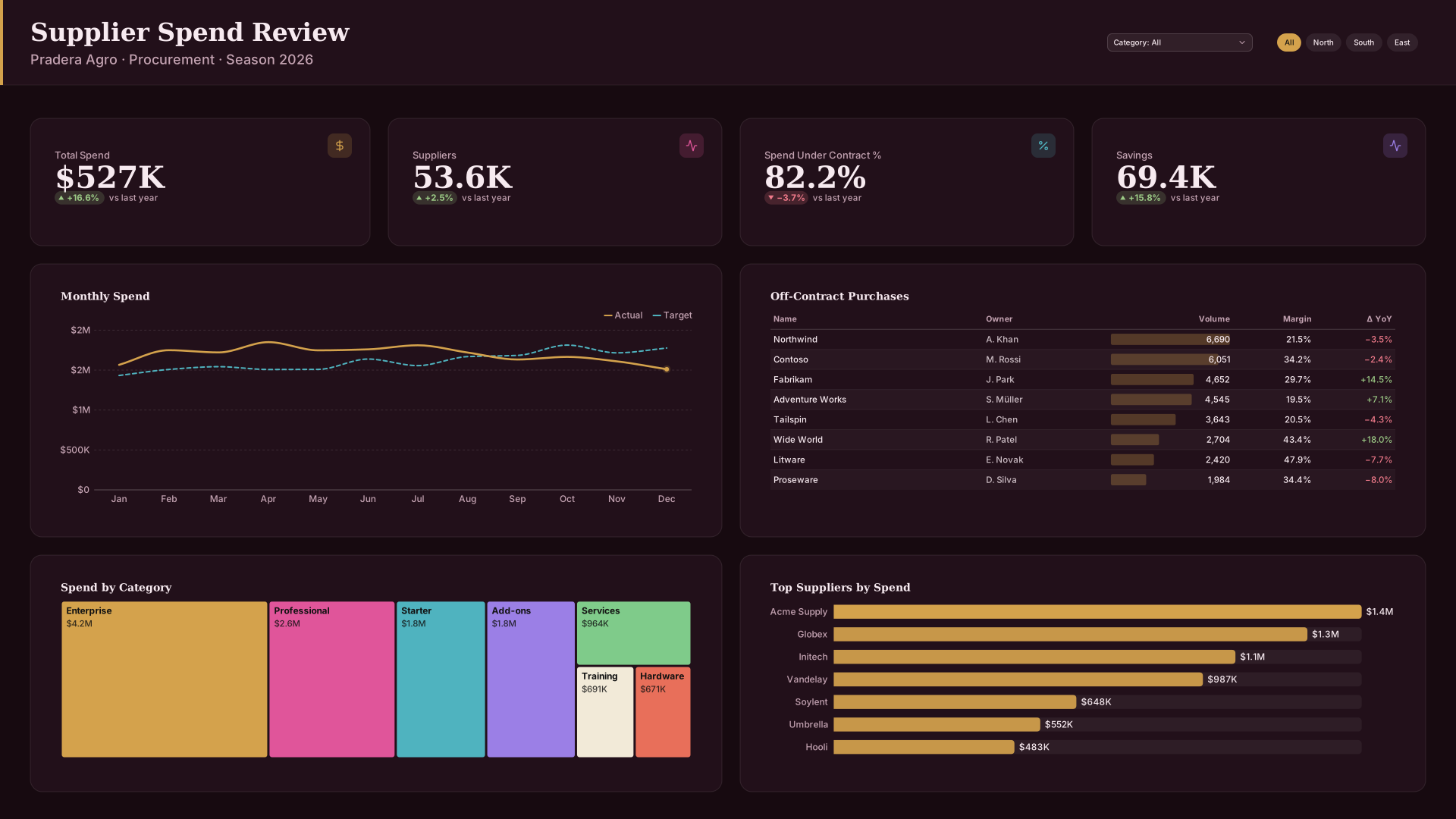 VizForge team · Staff pick
Supplier Spend Review — Header bar
by VizForge team · 1920×1080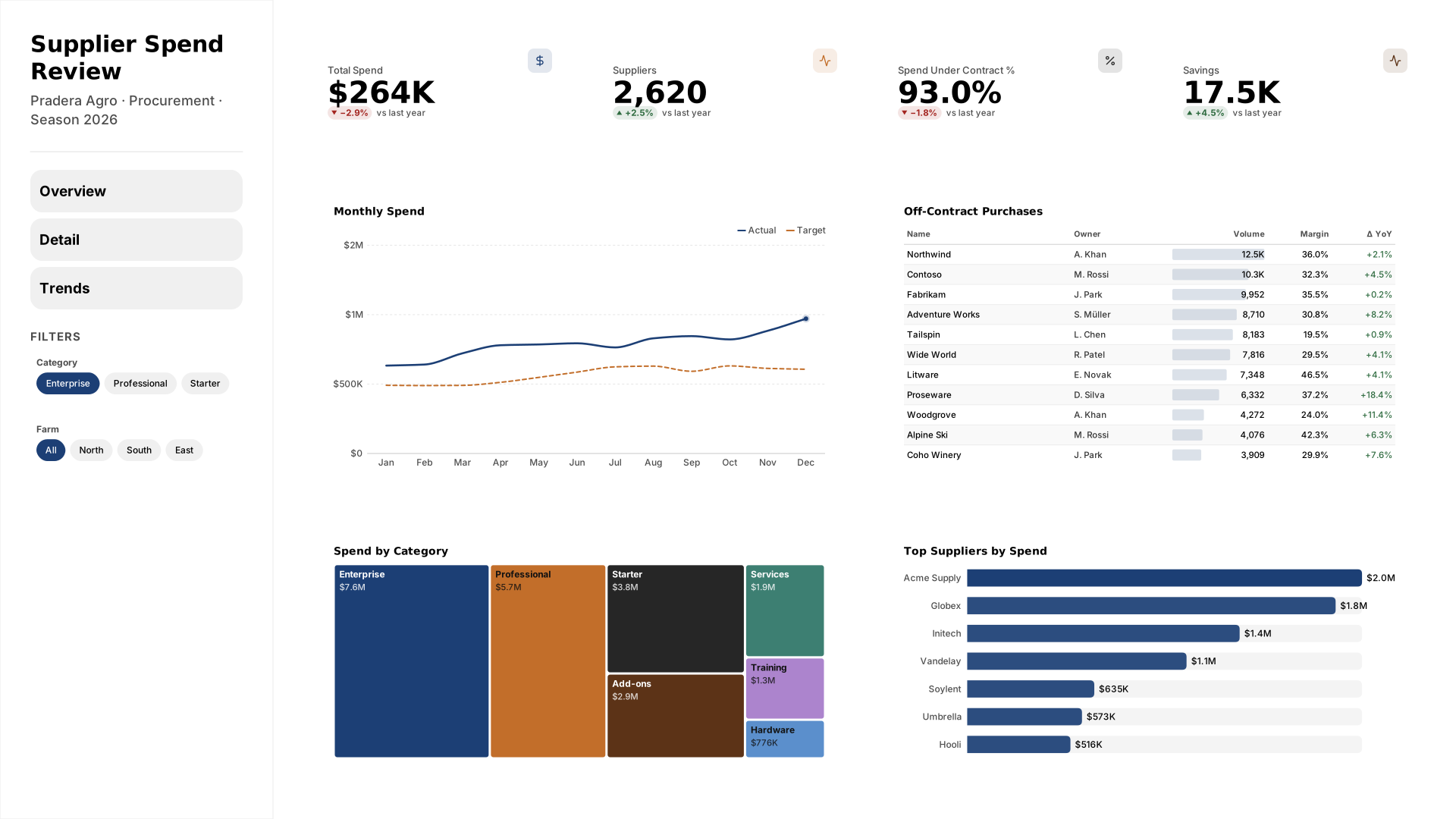 VizForge team · Staff pick
Supplier Spend Review — Wide sidebar
by VizForge team · 1920×1080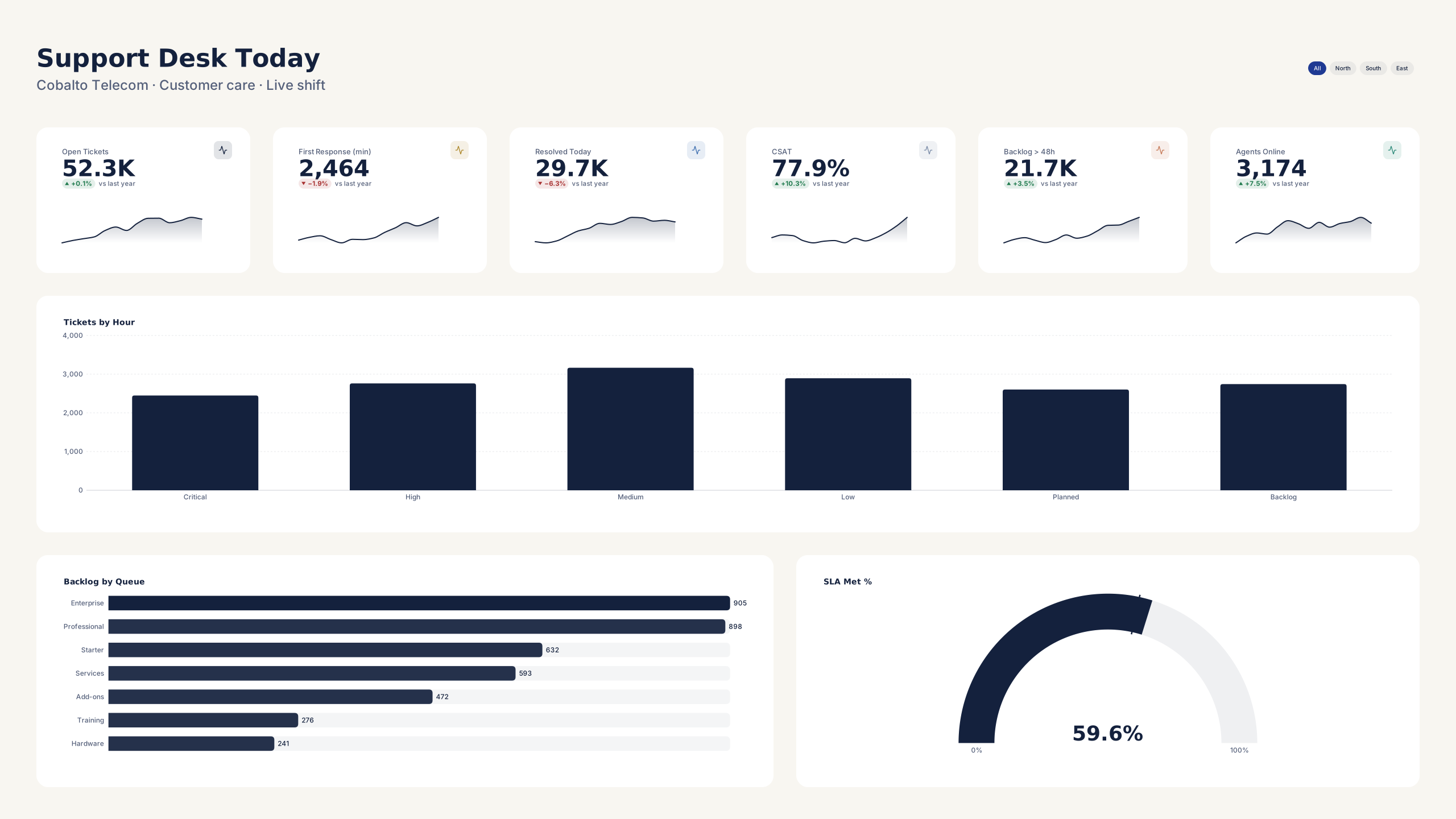 VizForge team · Staff pick
Support Desk Today — Wall screen
by VizForge team · 2560×1440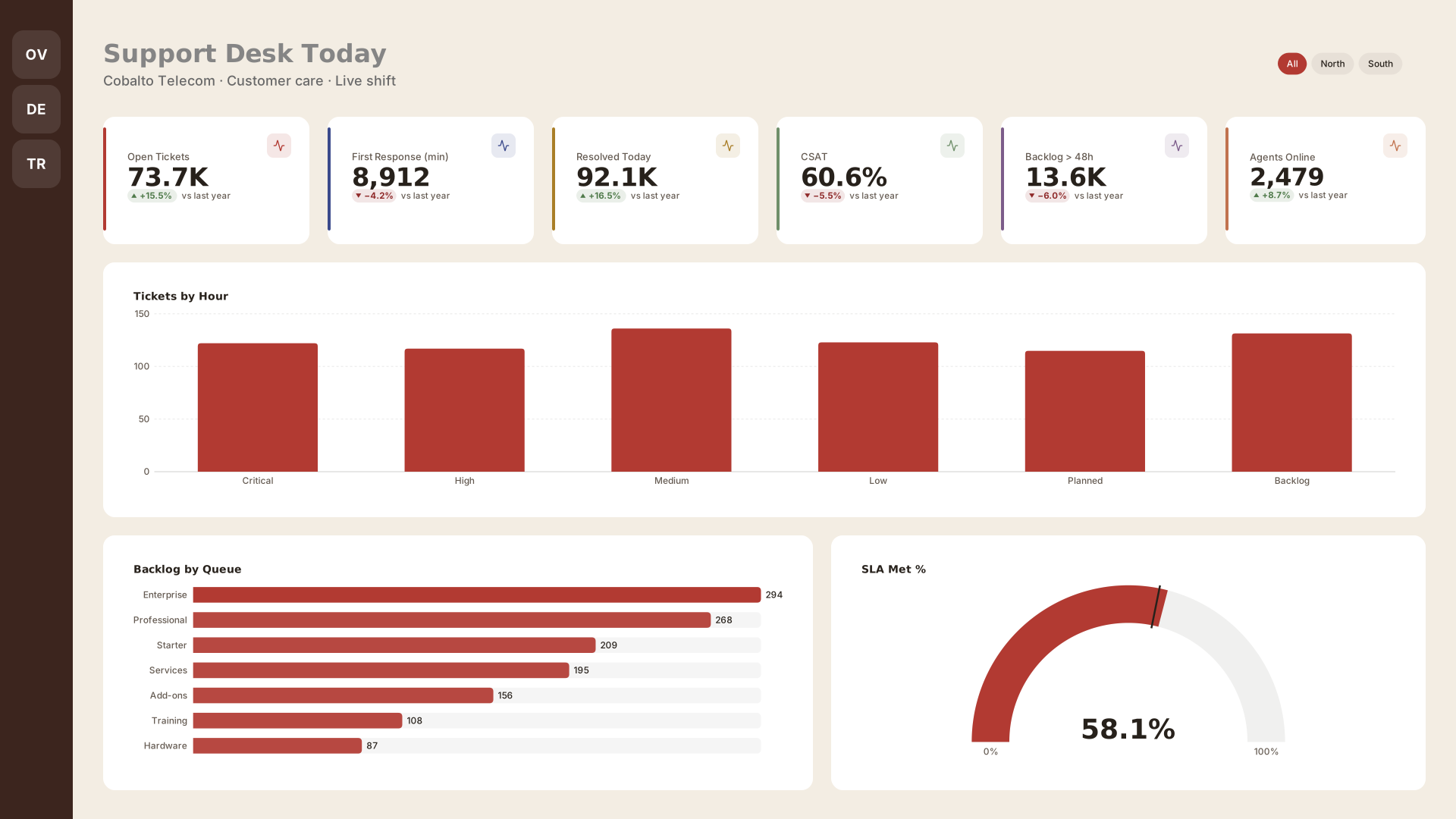 VizForge team · Staff pick
Support Desk Today — Icon rail
by VizForge team · 1920×1080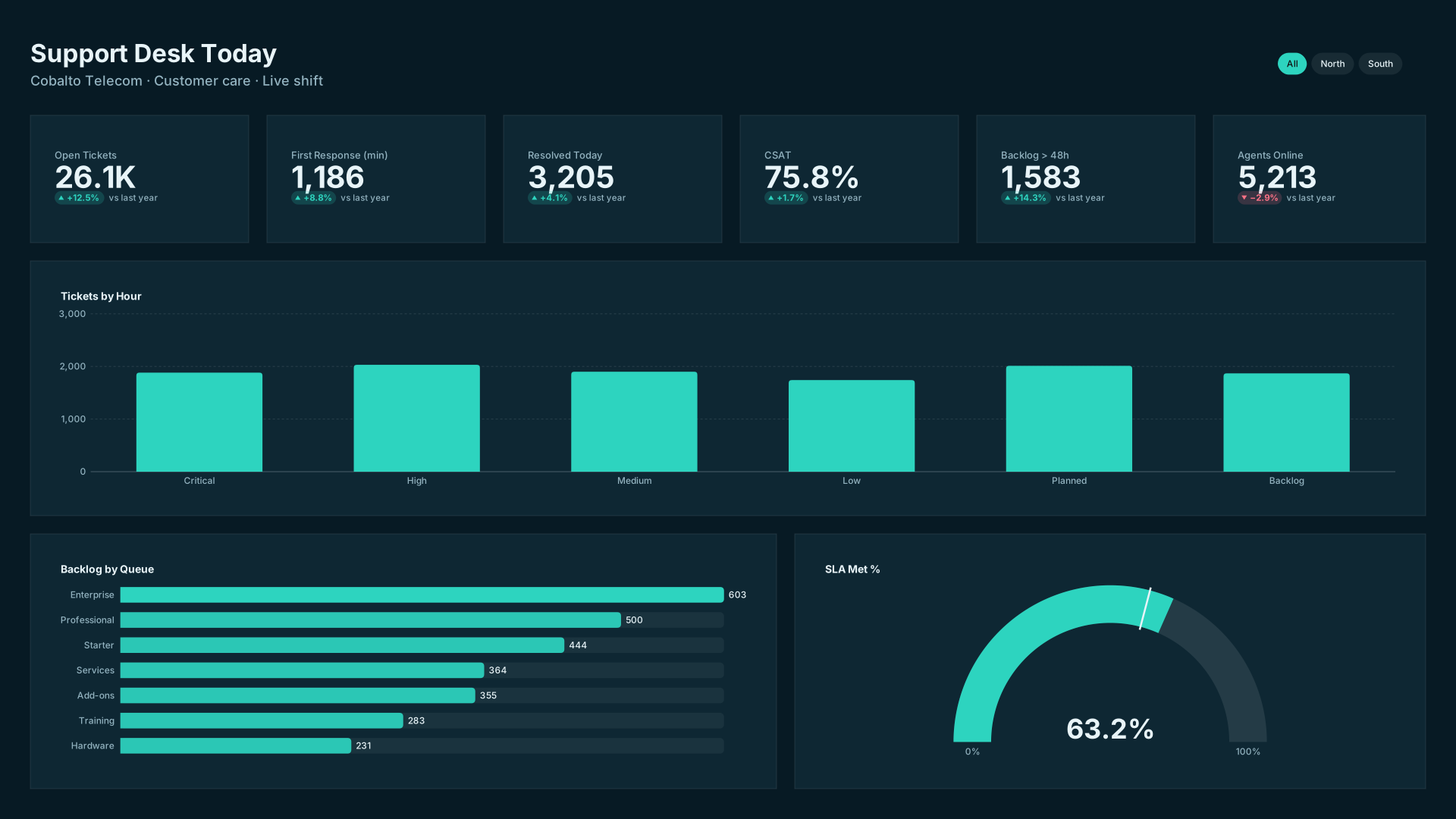 VizForge team · Staff pick
Support Desk Today — Flat minimal
by VizForge team · 1920×1080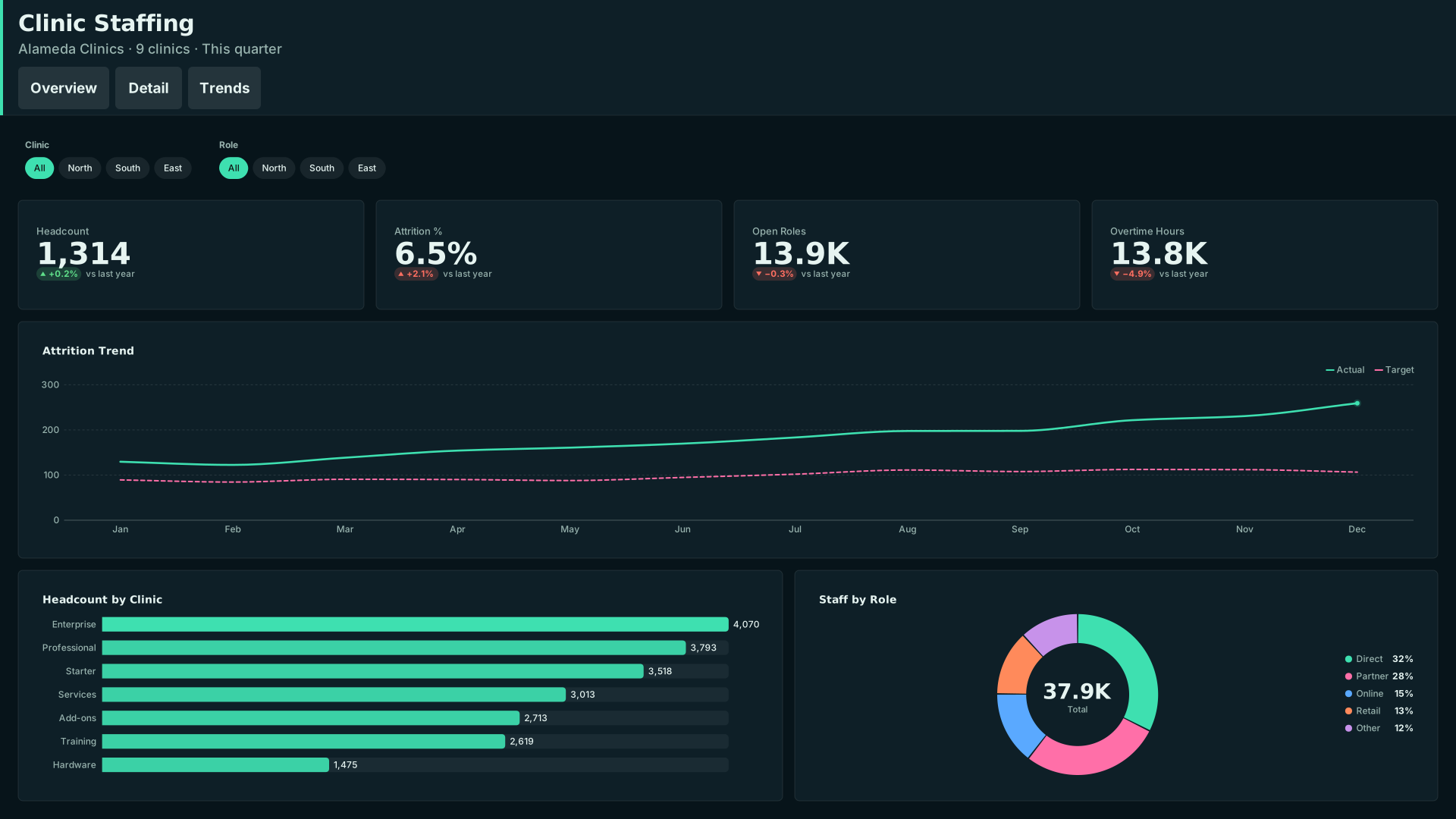 VizForge team · Staff pick
Clinic Staffing — Tabbed header
by VizForge team · 1920×1080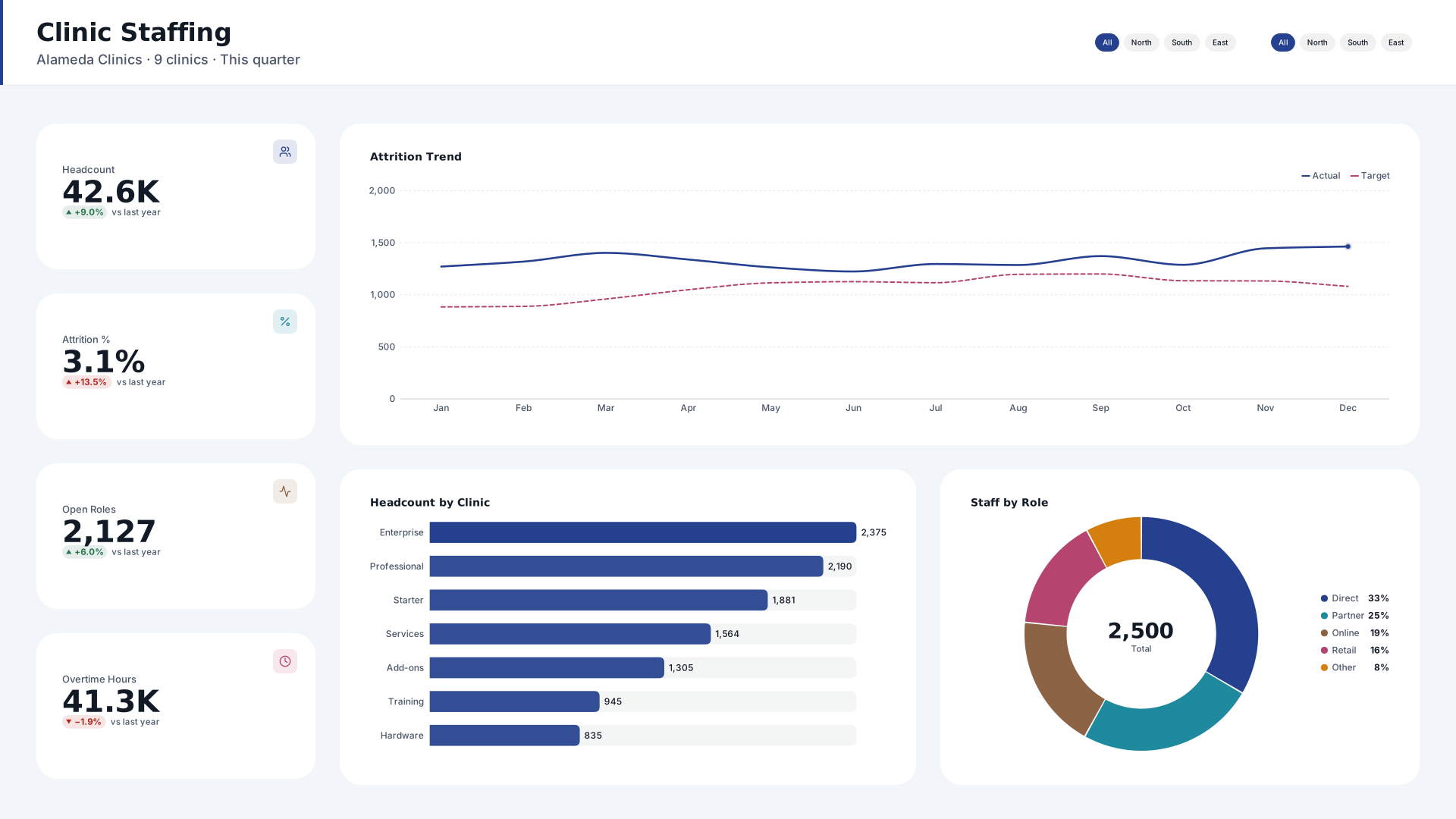 VizForge team · Staff pick
Clinic Staffing — KPI column
by VizForge team · 1920×1080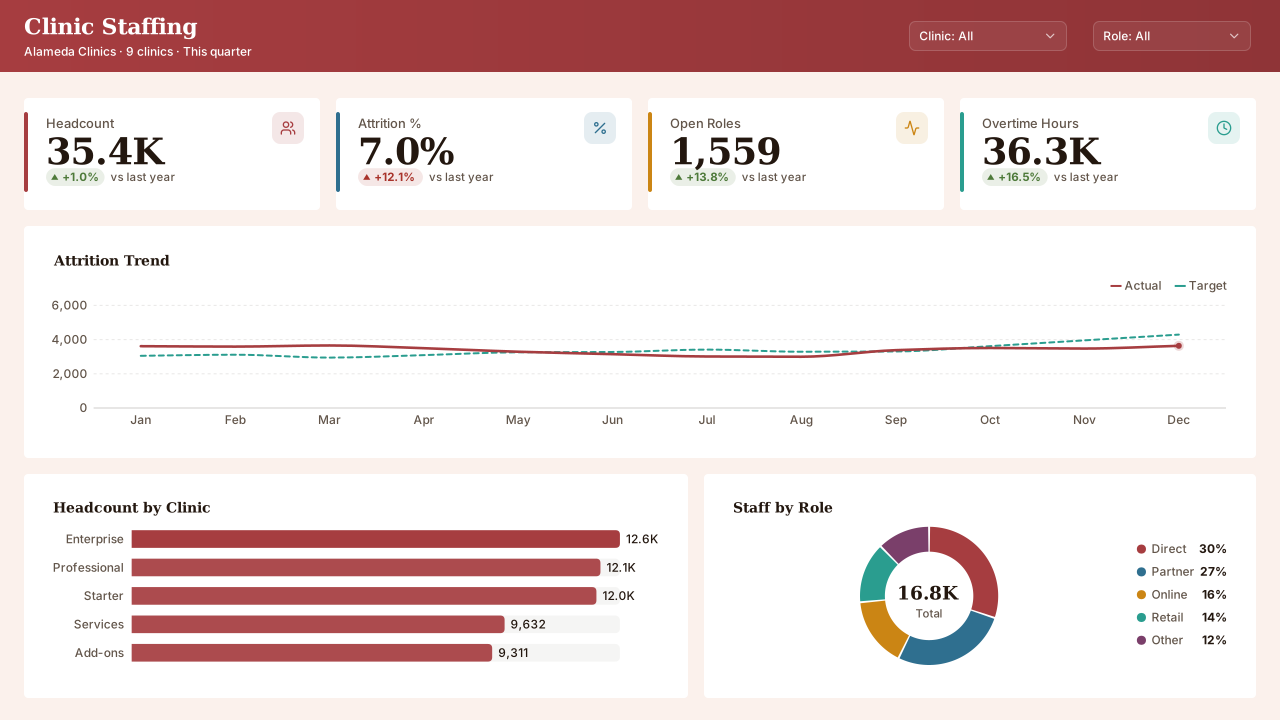 VizForge team · Staff pick
Clinic Staffing — Classic 1280
by VizForge team · 1280×720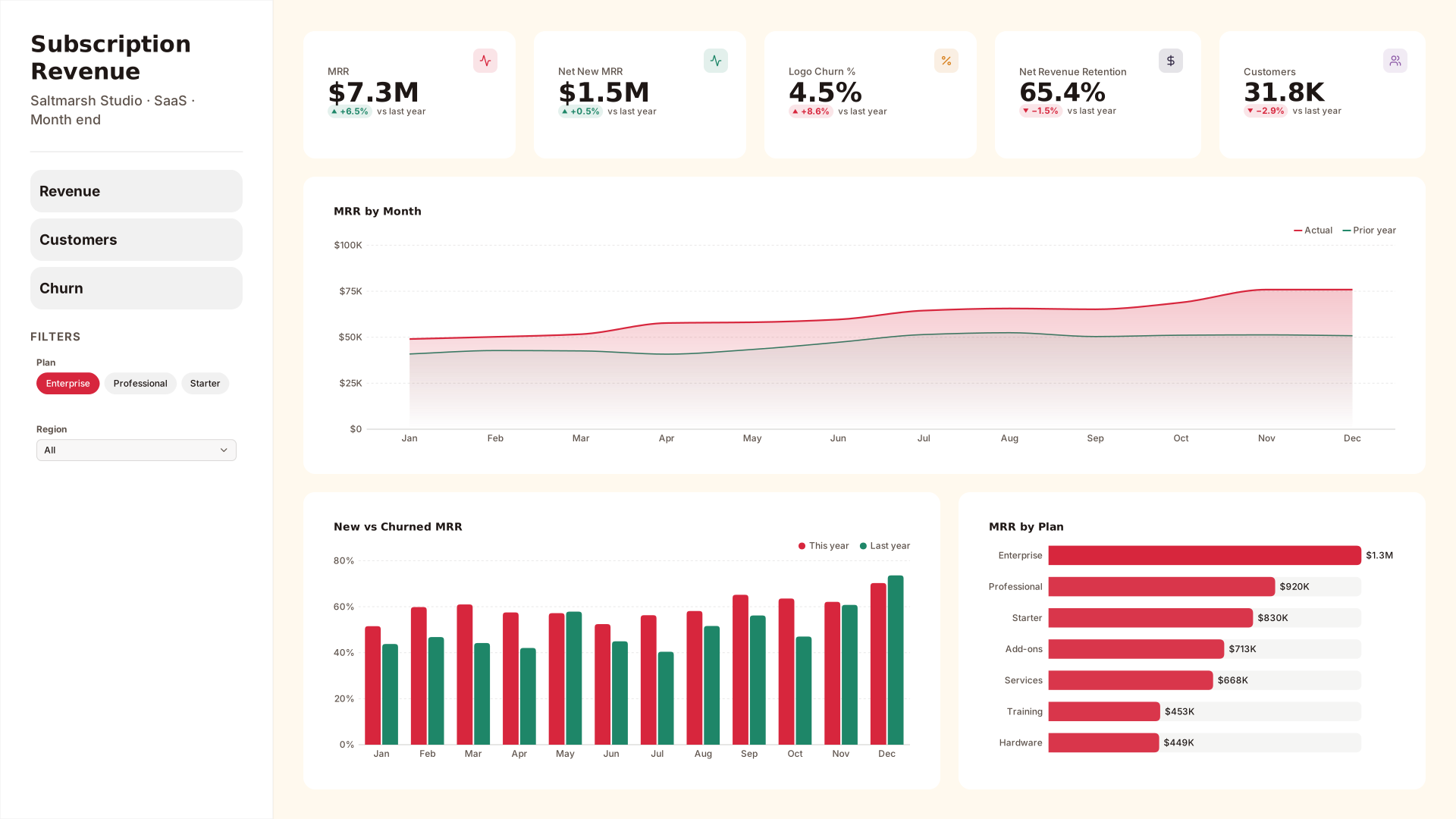 VizForge team · Staff pick
Subscription Revenue — Wide sidebar
by VizForge team · 1920×1080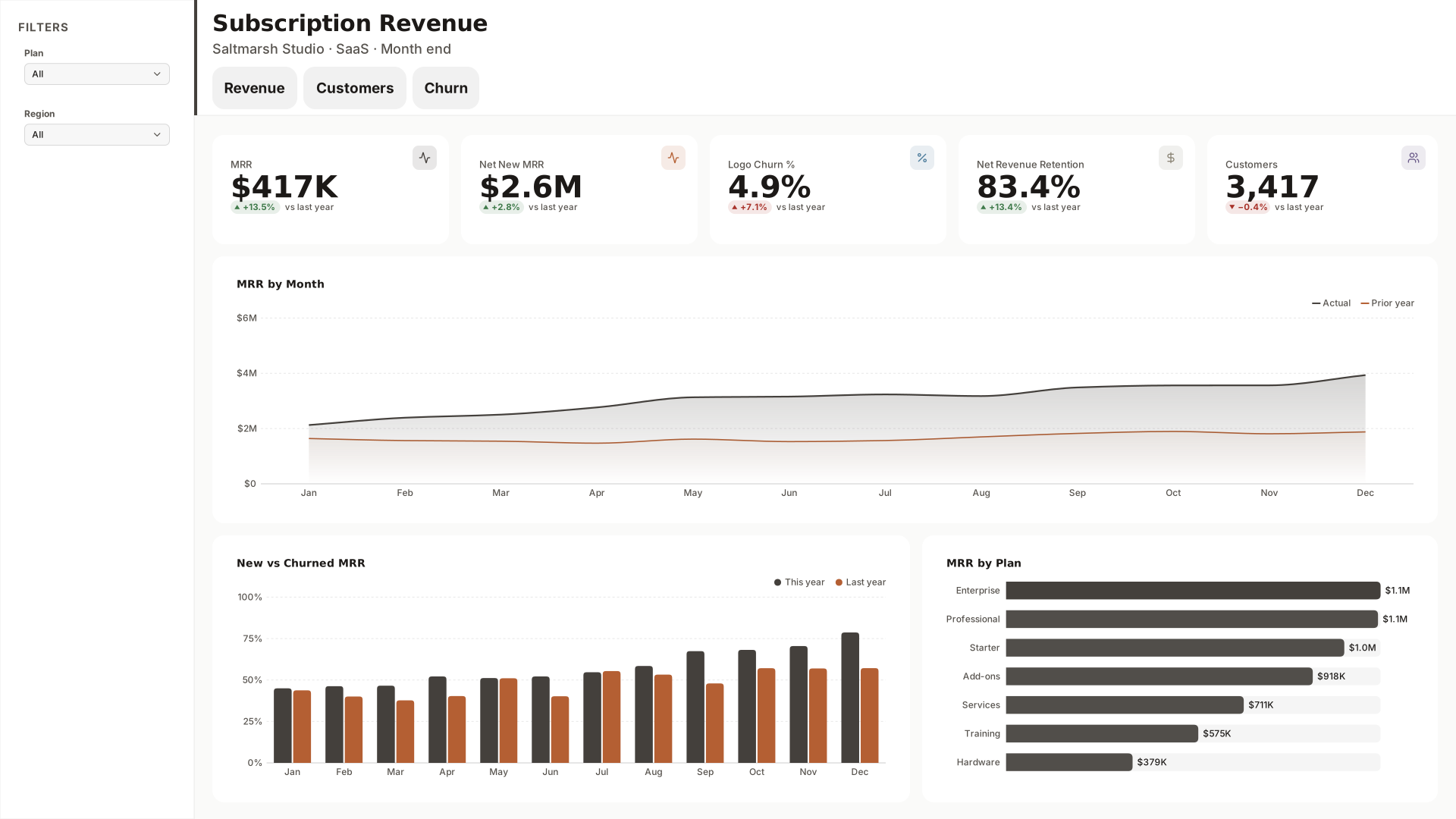 VizForge team · Staff pick
Subscription Revenue — Compact nav
by VizForge team · 1920×1080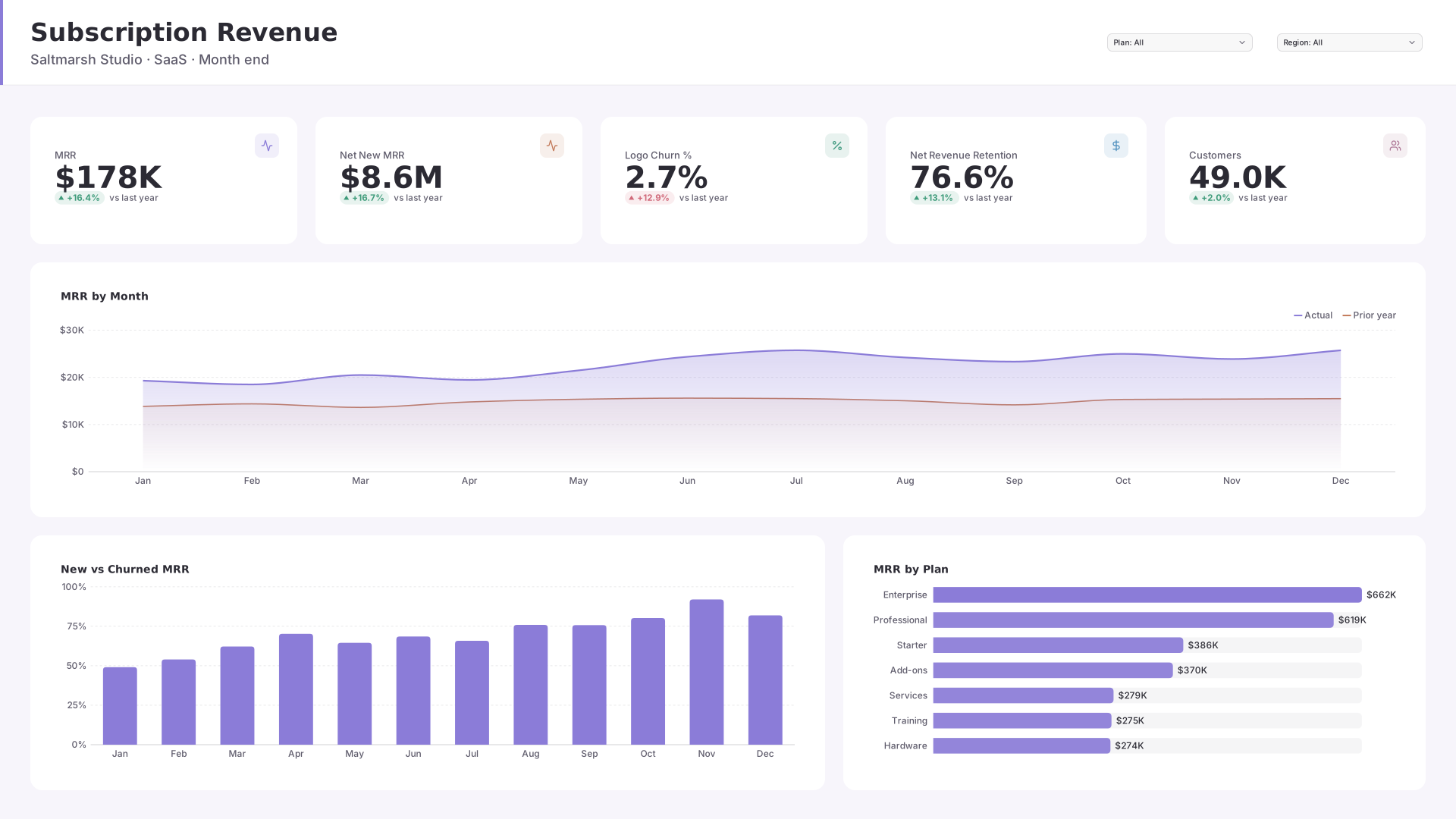 VizForge team · Staff pick
Subscription Revenue — Header bar
by VizForge team · 1920×1080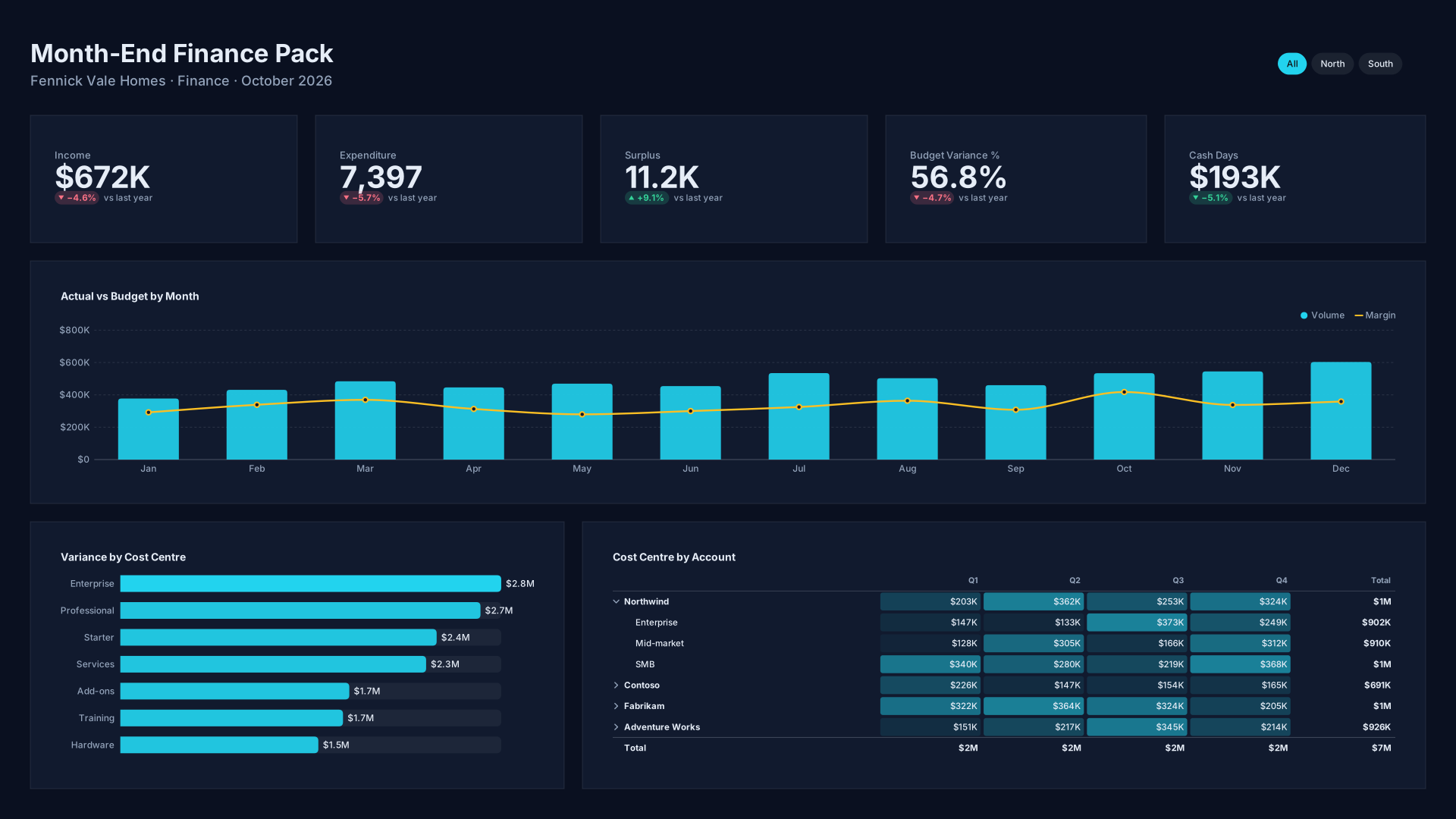 VizForge team · Staff pick
Month-End Finance Pack — Flat minimal
by VizForge team · 1920×1080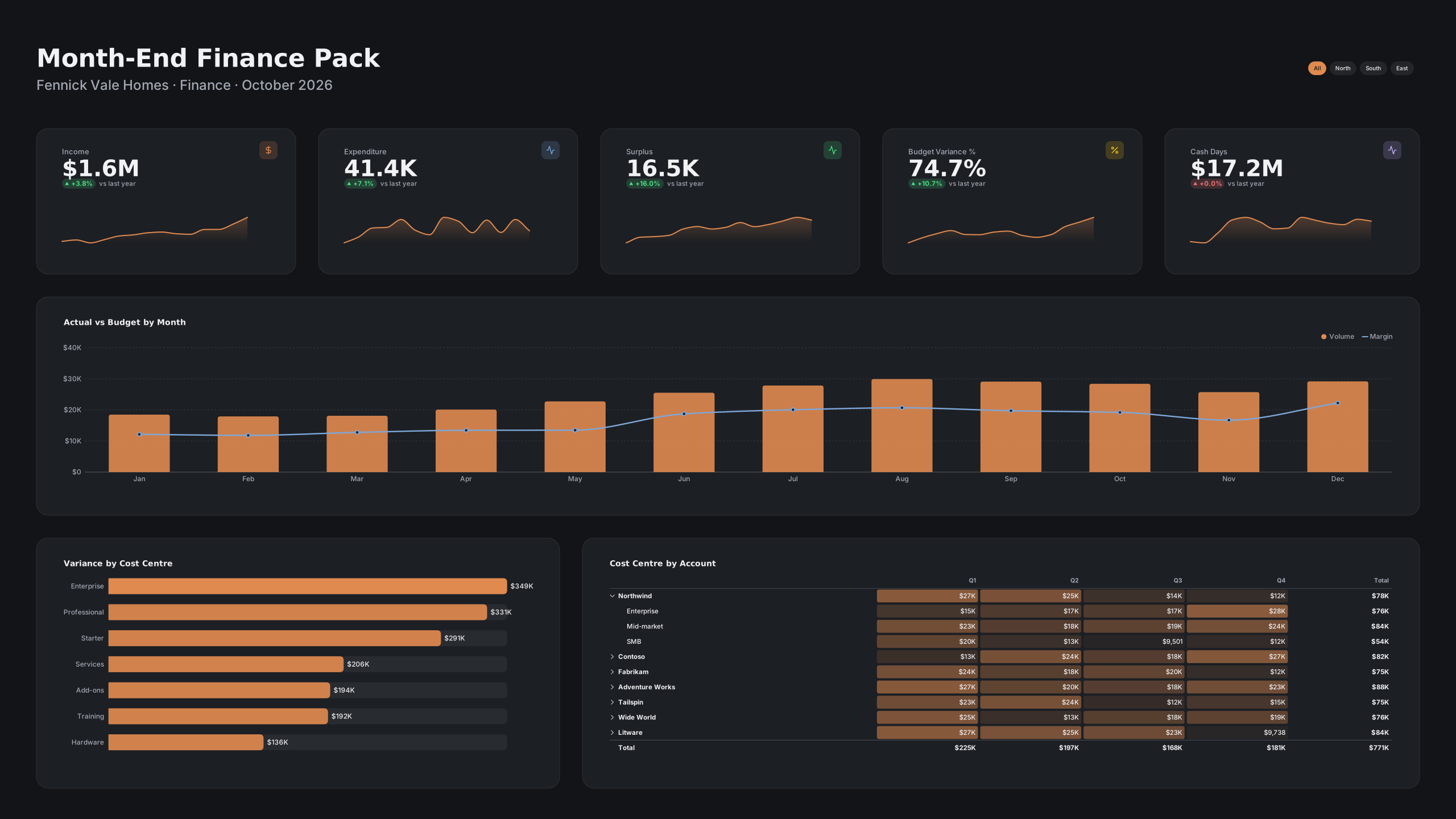 VizForge team · Staff pick
Month-End Finance Pack — Wall screen
by VizForge team · 2560×1440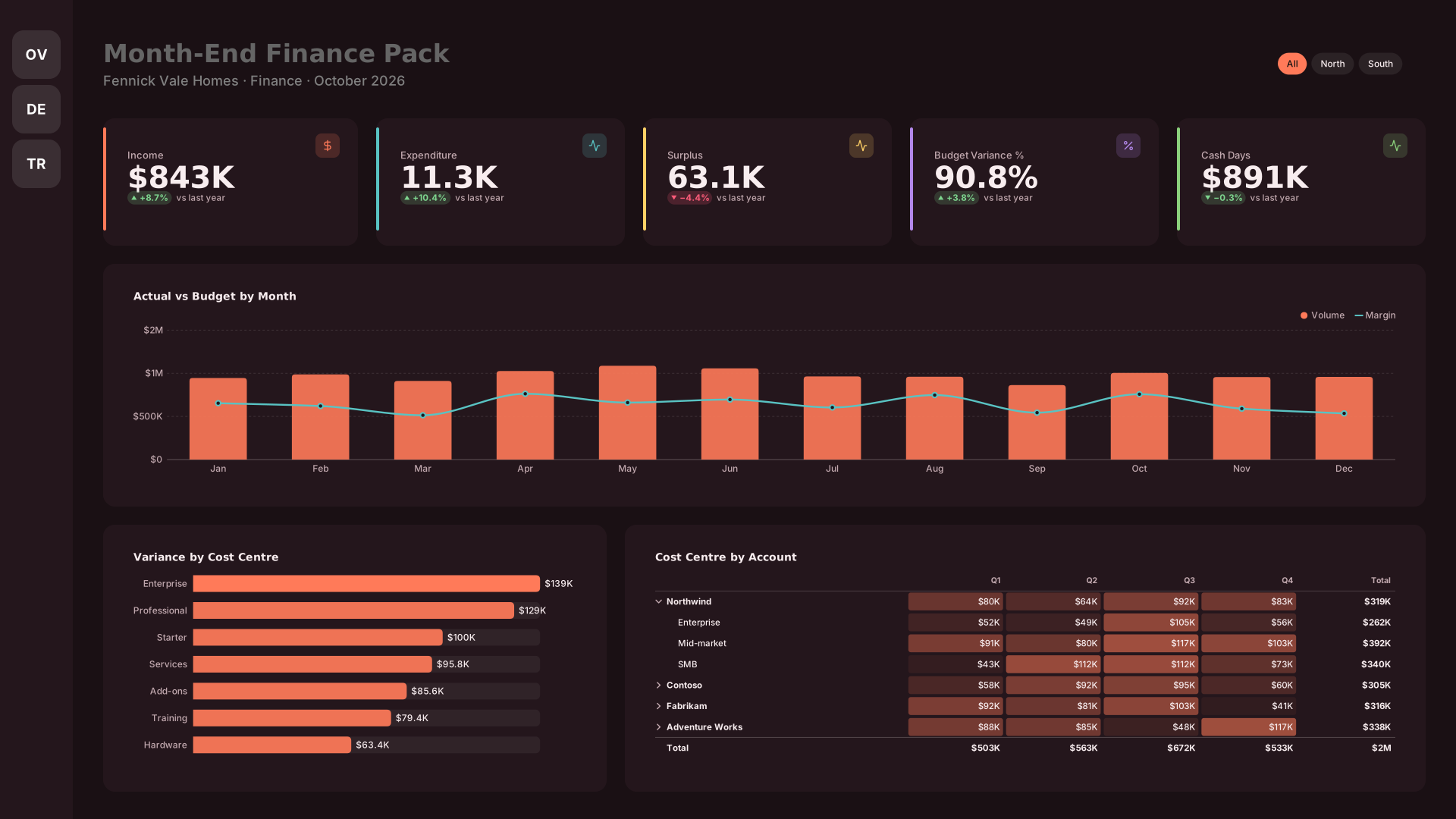 VizForge team · Staff pick
Month-End Finance Pack — Icon rail
by VizForge team · 1920×1080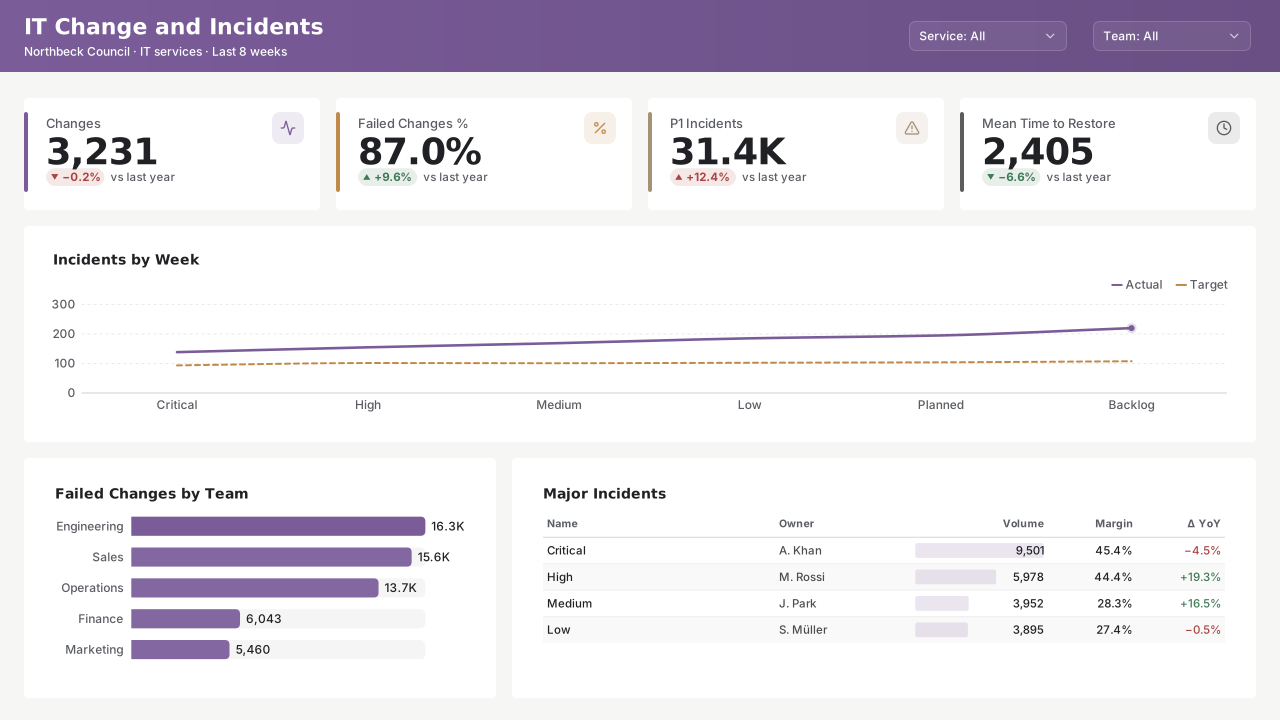 VizForge team · Staff pick
IT Change and Incidents — Classic 1280
by VizForge team · 1280×720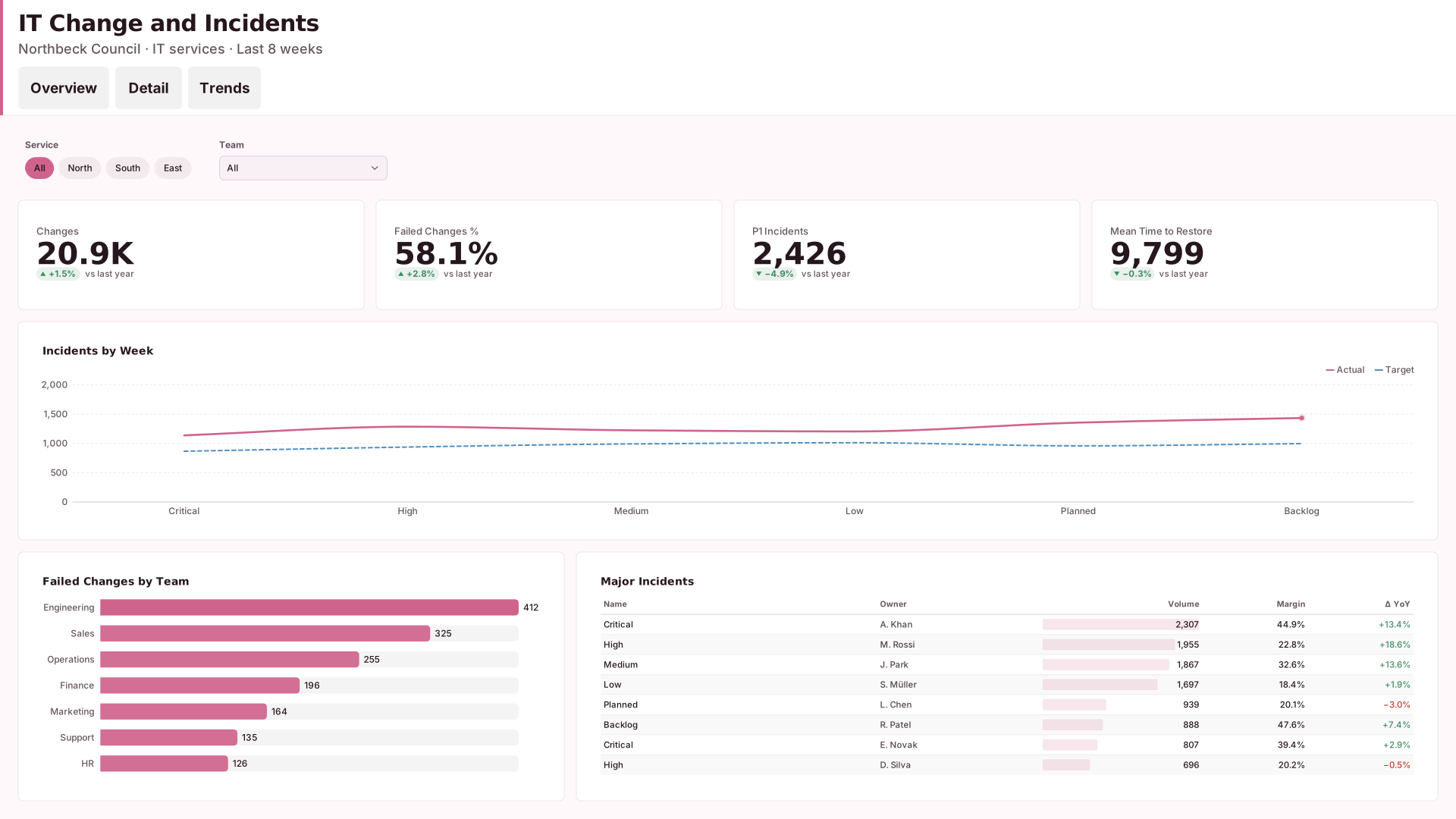 VizForge team · Staff pick
IT Change and Incidents — Tabbed header
by VizForge team · 1920×1080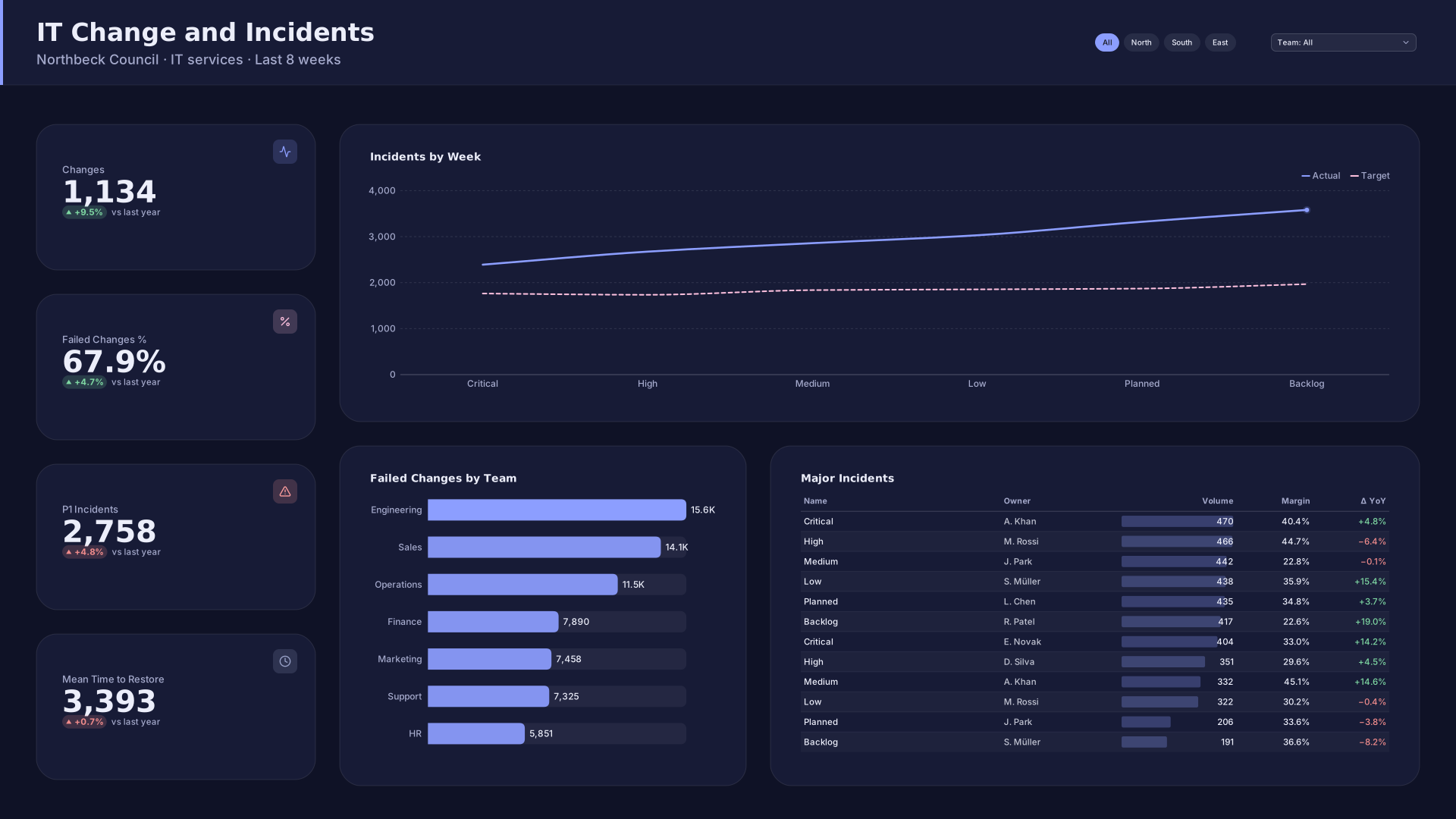 VizForge team · Staff pick
IT Change and Incidents — KPI column
by VizForge team · 1920×1080
How publishing works
- 1
Design a page
Build a report page in the Design Studio. It saves to My designs in your browser.
- 2
Publish from My designs
Open My designs, choose Publish on a design, sign in, pick a handle and confirm you own the rights to everything in it.
- 3
Moderator review
Every design waits in a review queue. A moderator approves or declines it; you see the result on your community profile page.
- 4
Listed, remixed, upvoted
Approved designs appear in the gallery and on your profile. Anyone can remix one in the studio; remixes link back to the original.
A design is listed after review. It is offered to search engines only when it also passes the quality gate (Design Check 85+ with every text box at WCAG AA contrast) and has been remixed at least once or picked by staff.
Design challenges
Questions
Who made the VizForge team designs?
The VizForge team generated them with the Design Studio's layout engine: each combines a fictional company's KPIs and charts with a different layout and a catalog theme, and each scores 85 or more in Design Check. The companies and their figures are invented.
What happens when I remix a design?
The design opens in the Design Studio as your own copy, saved in your browser. If you publish it, the community page links back to the design it came from, and the original lists your remix once it is approved.
What can I publish?
A report page from My designs with at least one visual slot, up to 512 KB including images. You must own the rights to everything in it (logos, images, text). Every design is reviewed before it is listed.
Do I need an account?
Browsing, remixing and downloading need no account. Publishing and upvoting need a free VizForge account and a community profile (a handle, a display name up to 60 characters and a bio up to 280). One upvote per account per design.
How do I report a design or request a takedown?
Use “Report this design” on its page, or email legal@vizforge.ai with the design's link and what is wrong. Rights holders: include your name and the work it copies.