Preset · Board / Storytelling
Board pack layout for Power BI reports
For: CFO offices and company secretaries preparing board packs.
A board page should say one thing. The Board preset gives each report page a title band (as tall as your PowerPoint template's title area when you use one), one to three hero KPIs with 48pt values, and room for up to four visuals with 64 px margins. Cards are flat with no shadows so the pages print cleanly.
Pages with more than one hero visual and two supporting ones get advice to split the message, not an automatic split. The Download step's “Print before/after” turns into a board pack: A4 landscape, one report page per sheet, the redesign first and large, the original and the main changes beneath it. The demo below links the pack printed from this run as a sample PDF.
By Nawaf Sharaf · Founder & Reliability Engineer · Updated
Demo: “Patient flow” in the Board / Storytelling preset
A fictional clinic report's patient flow page in the Board preset with a fictional kit. Report and brand are fictional; the run is real: the same engine the tool runs in your browser.
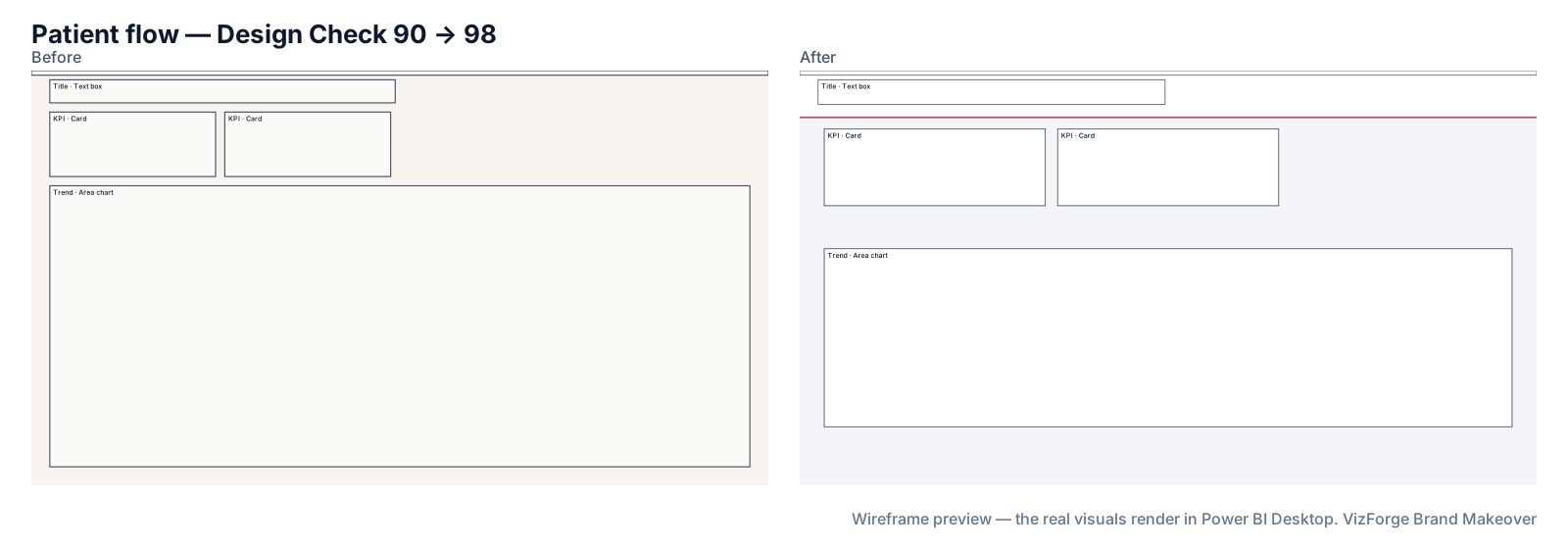
- Report
- Maple Row Clinics (F-PBIR-3), page “Patient flow”, 5 visuals
- Brand
- Quarry Ledger (fictional)
- Options
- defaults
- Page size
- 1280×720 → 1920×1080
- Layout
- brand grid, fits the preset
- Design Check
- 90 → 98 on this page (Design Check 100 → 100, Readability 80 → 95); 89 → 97 across the report
- Changes
- 94 in the change log: 39 backgrounds, 1 formatting, 11 layout moves, 6 page size, 1 report settings, 10 tab order, 16 theme, 10 z-order
- Integrity
- ✓ 27 protected files checked unchanged (queries, filters, bookmarks, model)
| Rule | Before | After |
|---|---|---|
| Data colour contrast | 1/2 pass | 6/6 pass |
| Title size | 0/3 pass | 3/3 pass |
| Canvas coverage | 0/1 pass | 1/1 pass |
Kit adjusted for the preset: data[2] #43A2A6 → #409B9F; data[4] #CA8707 → #C08007; data[4] #C08007 → #0A2421; data[5] #0A2421 → #C08007.
Download this demo's theme.json (a standard Power BI report theme you can import into any report).
Download the sample board pack (PDF) (5 A4 landscape sheets: a cover, then each page of this report with the redesign, the original and what changed, as the Download step prints it).
How to do it
- Use your board template. Drop the PowerPoint template your board papers use; the title band height and colours come from its master.
- Pick Board. Each page is laid out for one message; extra visuals are flagged.
- Print the pack. Download → Print before/after (PDF) gives landscape sheets, one page each, for the pre-read.
The Board numbers
12-column grid, 64 px margins, 32 px gutters; a title band (120 px unless your template says otherwise) with the logo on the right; 1–3 KPIs at 48pt in a 200 px band; at most four visuals; coverage up to 60%; titles 24pt, labels and floor 14pt; text contrast 7:1; visual header icons hidden; flat cards, no shadow.
What never changes
Queries, measures, filters, interactions, drill-through bindings, visual and page names, conditional formatting, custom visuals' own formatting, phone layouts and the semantic model. Each is hashed before and after; any difference stops the download. Your project never leaves the browser tab (the optional paid AI plan sends only a page outline, never data or files). Brand fonts show only where installed.
Questions
Can it write the narrative for each page?
No. The makeover changes layout and formatting and never writes text into your report; titles and commentary stay yours.
Will it use our catalog templates?
Board allows layouts with at most four visual slots, so pages are laid out on the brand grid.
Related
Preset · Executive
Restyle a Power BI report for executivesTurn an analyst's Power BI report into an executive page: 3–5 KPIs top-left, about six visuals, 18pt titles and 40pt KPI values, in your brand.
Use case · accessibility
Fix contrast, tab order and colour-only status in a Power BI reportCheck a Power BI report against contrast, colour-blind, tab-order and alt-text rules, then rebuild it with the Accessible preset. Free, in the browser.
Use case · brand refresh
Rebrand an existing Power BI reportNew brand, old reports? Apply your new colours, fonts, logo and page backgrounds to an existing Power BI project in the browser, with a change log.
Tool
PowerPoint template to Power BI themeOnly need the theme? theme.json and backgrounds from a .pptx or .potx.